ModsJava
Create Camber Mod (1.21.11, 1.21.1) – Master Tight Corners in Contraptions
Java mod listed for Minecraft 1.21. Download on the author's site.
⬇ Download


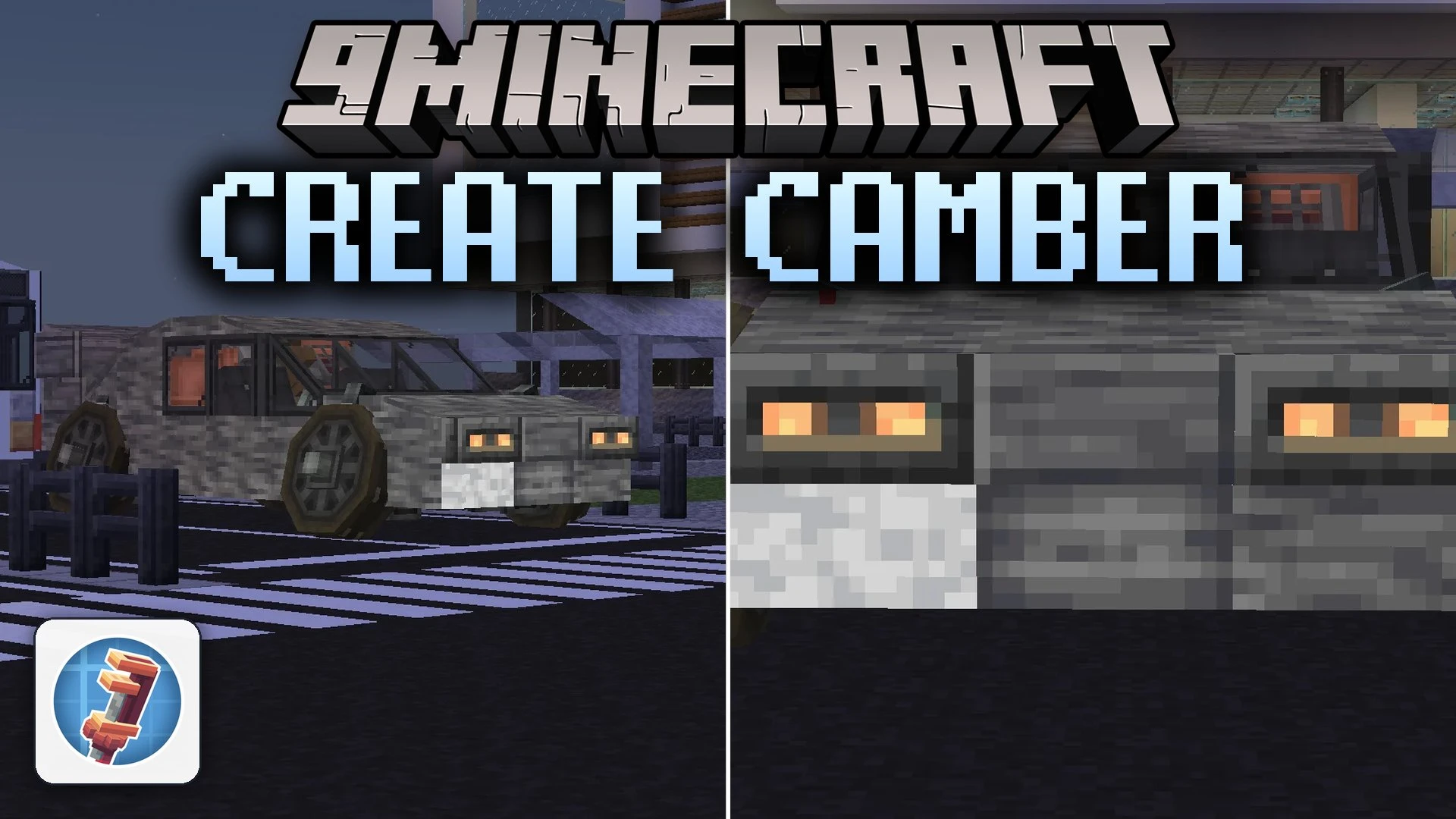
Create Camber Mod extends Create: Aeronautics with wheel tilt adjustments for offroad wheel mounts. The mod gives land vehicles custom stance by letting you change the angle of every wheel. It introduces real physics where angled wheels push your vehicle inward around tight turns. You can see every angle change directly on your machine in real time.
Features:
- Angle Tuning: Lets you adjust each wheel mount between -30 and +30 degrees in small steps.
- Live Visuals: Wheels tilt directly on the vehicle frame before they spin.
- Cornering Physics: Negative wheel angles pull the vehicle inward to help with sharp turns.
- Tool Controls: Adds a camber mode to the Suspension Key with action bar angle readouts.
- Built-in fallback renderer draws tilted wheels even when Tracks+ is not installed.
- Includes both English and Japanese text.
How to Use:
- Get a Suspension Key from Create: Tracks+.
- Right-click in the air to cycle through modes until the action bar shows CAMBER.
- Right-click a wheel mount to tilt the wheel outward.
- Hold Shift and Right-click the wheel mount to tilt the wheel inward.
- Watch the wheel mount lean into position immediately.
Screenshots:
Create Camber Mod Download Links
Quick facts
- Edition: Minecraft Java
- File type: .jar
- Minecraft versions listed: 1.21.11, 1.21.1
- How to install: Install the matching mod loader (Forge, Fabric or NeoForge) for your Minecraft version. → Download the .jar. → Put it in the .minecraft/mods folder and launch that loader profile.
- Where to get it: Opens on the file's original source — not every file is mirrored on our own servers.
Install steps are the general flow for this file type — How to install Minecraft Java mods & modpacks walks through it step by step.
Create Camber Mod (1.21.11, 1.21.1) – Master Tight Corners in Contraptions is a free Minecraft Java mod. Compatible with Minecraft 1.21.11, 1.21.1. Download it and open it directly in the game.