ModsJava
Selfie Cam Mod (1.19.2, 1.18.2) – Pose Naturally in Every Screenshot
Java mod listed for Minecraft 1.18–1.19. Downloads from the MC Java Mods app on Android.
⬇ Download


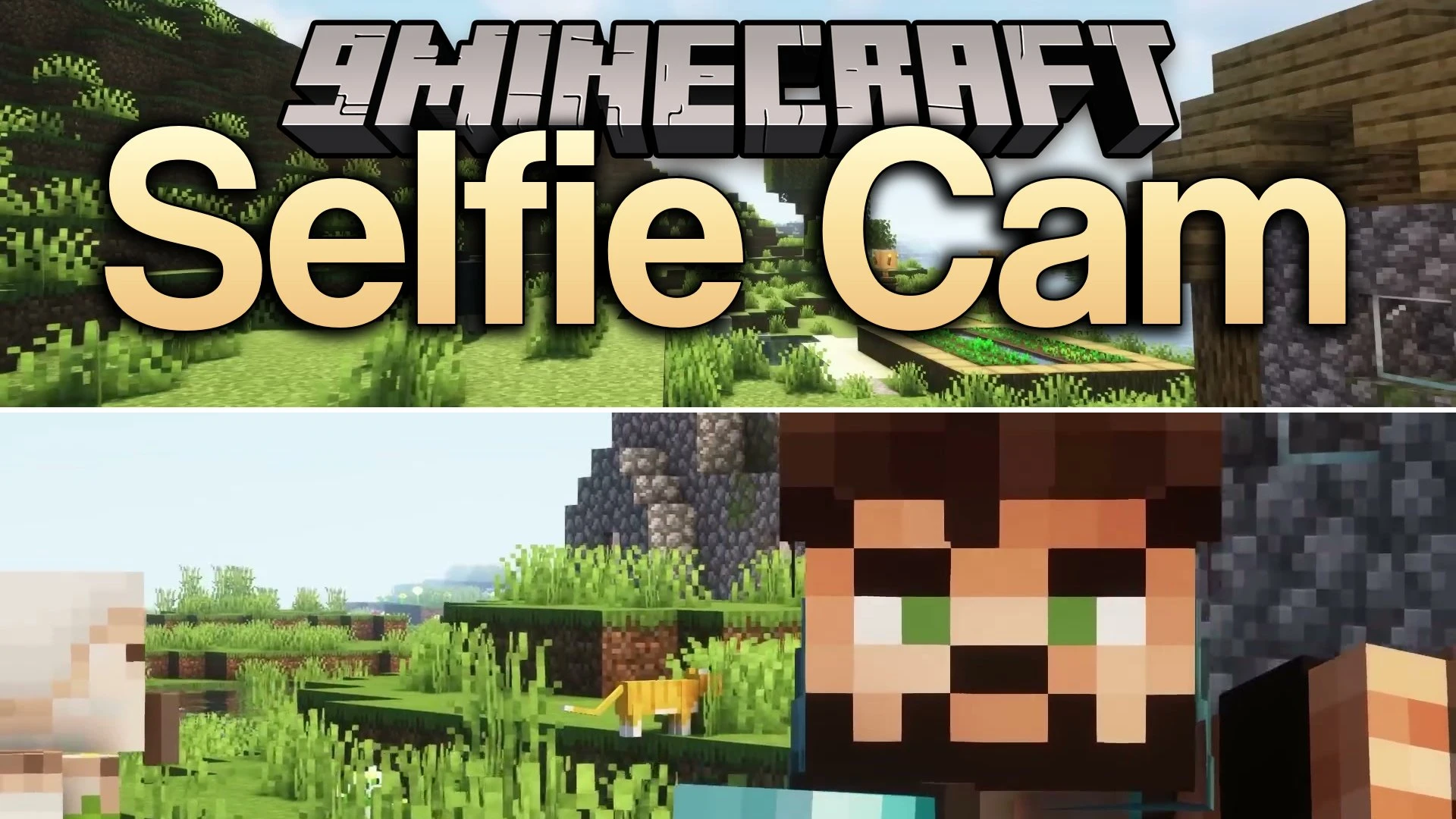
Selfie Cam Mod adds fresh third-person camera angles to help you capture memorable moments in your world. The mod gives you a dedicated selfie view and an extended selfie stick view so your character always stays front and center. You can switch between left-handed and right-handed perspectives to frame every picture just the way you want.
Features:
- Selfie Mode: Places the camera in front of your character for close-up portraits.
- Selfie Stick Mode: Moves the camera further back to capture more of your surroundings and nearby friends.
- Each camera angle includes both left-handed and right-handed perspectives.
- You can cycle through all perspective options quickly with a single key press.
- Works well in multiplayer worlds and custom modpacks alongside other mods.
How to Use:
- Press the F6 key while playing to switch to selfie mode.
- Press F6 again to cycle through left-handed and right-handed views.
- Continue pressing F6 to switch to the extended selfie stick mode.
- Line up your character with mobs or scenery to take your screenshot.
Screenshots:
Selfie Cam Mod Download Links
Quick facts
- Edition: Minecraft Java
- File type: .jar
- Minecraft versions listed: 1.19.2, 1.18.2
- How to install: Install the matching mod loader (Forge, Fabric or NeoForge) for your Minecraft version. → Download the .jar. → Put it in the .minecraft/mods folder and launch that loader profile.
- Where to get it: In MC Java Mods, or directly above on this page.
Install steps are the general flow for this file type — How to install Minecraft Java mods & modpacks walks through it step by step.
File checked by MCModsHub
- Downloads as 530297.mcaddon
- Download size: 15 KB
- Download link checked 21 Oct 2026 — working
- Mirrored on our own servers — the download does not depend on the original host
These come from our own check of the pack file, not from the source page.