ModsJava
Better Looting Mod (1.21.1, 1.20.1) – Filter Ground Drops Like Classic RPGs
Java mod listed for Minecraft 1.20–1.21. Downloads from the MC Java Mods app on Android.
⬇ Download


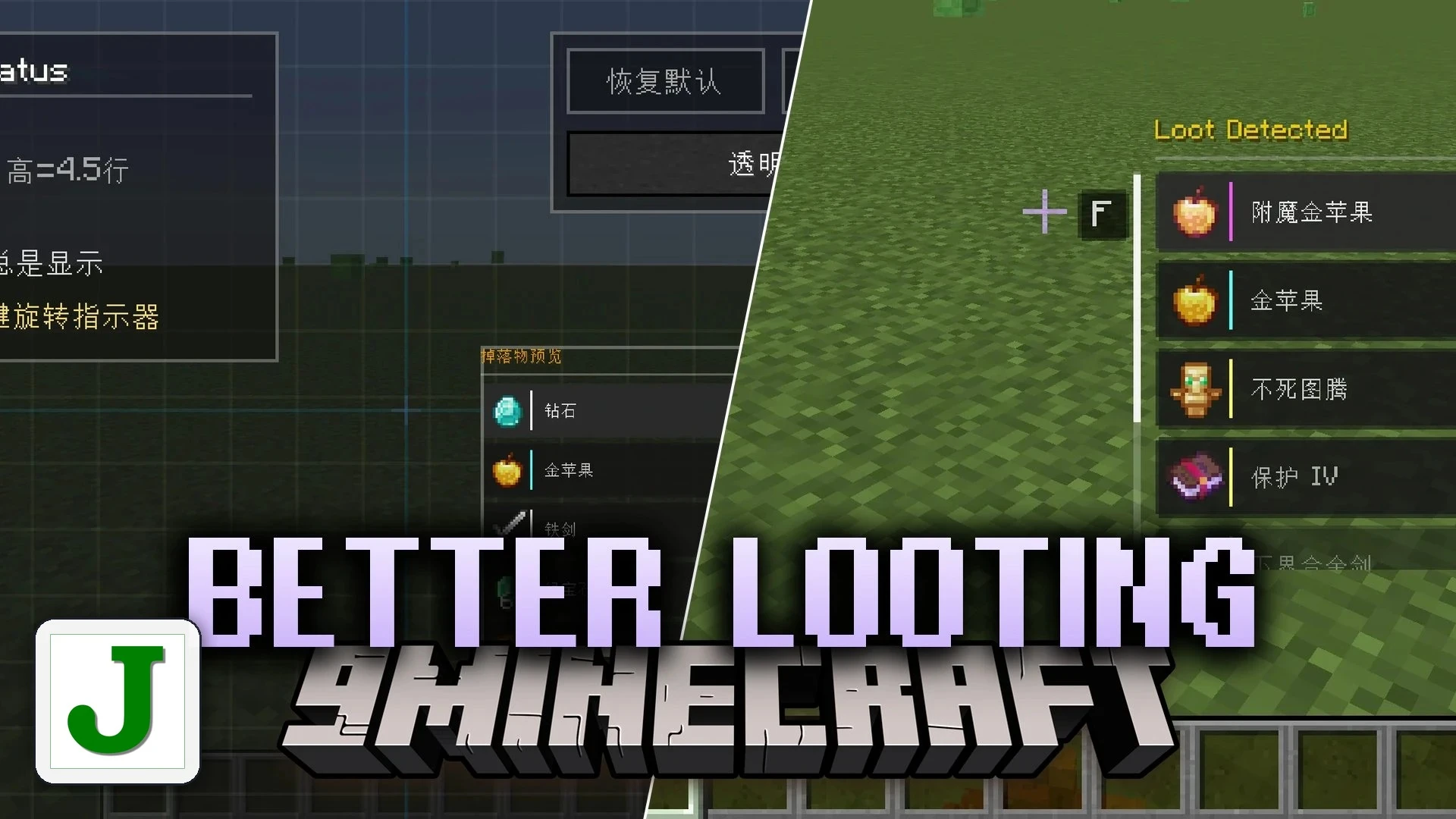
Better Looting Mod reworks item pickups by stopping your inventory from filling with unwanted junk blocks. When you walk near dropped items, a floating window pops up on your screen instead of pulling everything straight into your pockets. You pick and choose the exact loot you need using your mouse wheel and grab items with a key press. It brings classic RPG item selection into your daily mining and hunting trips.
Features:
- Smart Floating HUD: A clear item window appears whenever you step near dropped items in the world.
- Manual Item Selection: Scroll through the drop list with your Mouse wheel and press F to pick up the item you want.
- One-Click Collect: Hold down F to grab every nearby dropped item immediately when you need to move fast.
- Smart Filtering: Tap Left Alt to hide junk blocks like dirt or cobblestone while keeping valuable gear visible.
- Custom Whitelist and Blacklist: Set up custom lists inside the filter panel to choose exactly which items appear on your screen.
- Item Stacking Optimization: Compresses matching ground items into single entities beyond normal stack sizes to cut down on lag.
- Sorts valuable and rare gear to the top of the list automatically so you spot good loot instantly.
- Works directly with Just Enough Items so you can click items straight into your filter list.
- Skips ground item merging on transport blocks like belts and chutes from tech mods.
- Lets you change HUD position, size, and transparency inside a visual settings screen.
- Includes ready-to-use HUD visual themes styled after vanilla Minecraft, Stardew Valley, and Terraria.
- Places a loot list panel next to your open inventory for direct clicking and dragging into slots.
Display Options:
- Always Display keeps the ground item menu on your screen at all times.
- Look-Down Display brings up the list only when looking toward the ground.
- Stationary Display shows the menu only while standing still.
- Key-Controlled Display requires holding or tapping a button to view nearby items.
How to Use:
- Walk near any group of dropped items on the ground.
- Use your Mouse wheel to scroll up and down the list of items shown on your screen.
- Press F to pick up the single item you selected.
- Hold F to collect all items around you at once.
- Press Left Alt while moving around to turn filter mode on or off.
- Open your inventory and press Left Alt to manage your whitelist and blacklist.
- Press V to toggle back to standard auto-pickup mode whenever you prefer normal collection.
- Press K to open the in-game settings screen and adjust HUD skins, size, or display triggers.
Screenshots:
Better Looting Mod Download Links
Quick facts
- Edition: Minecraft Java
- File type: .jar
- Minecraft versions listed: 1.21.1, 1.20.1
- How to install: Install the matching mod loader (Forge, Fabric or NeoForge) for your Minecraft version. → Download the .jar. → Put it in the .minecraft/mods folder and launch that loader profile.
- Where to get it: In MC Java Mods, or directly above on this page.
Install steps are the general flow for this file type — How to install Minecraft Java mods & modpacks walks through it step by step.
File checked by MCModsHub
- Downloads as 530299.mcaddon
- Download size: 1.9 MB
- Download link checked 21 Oct 2026 — working
- Mirrored on our own servers — the download does not depend on the original host
These come from our own check of the pack file, not from the source page.