ModsJava
Key Map Viewer Mod (26.3, 1.20.1) – Track Active Keybinds on Screen
Java mod listed for Minecraft 1.20. Downloads from the MC Java Mods app on Android.
⬇ Download


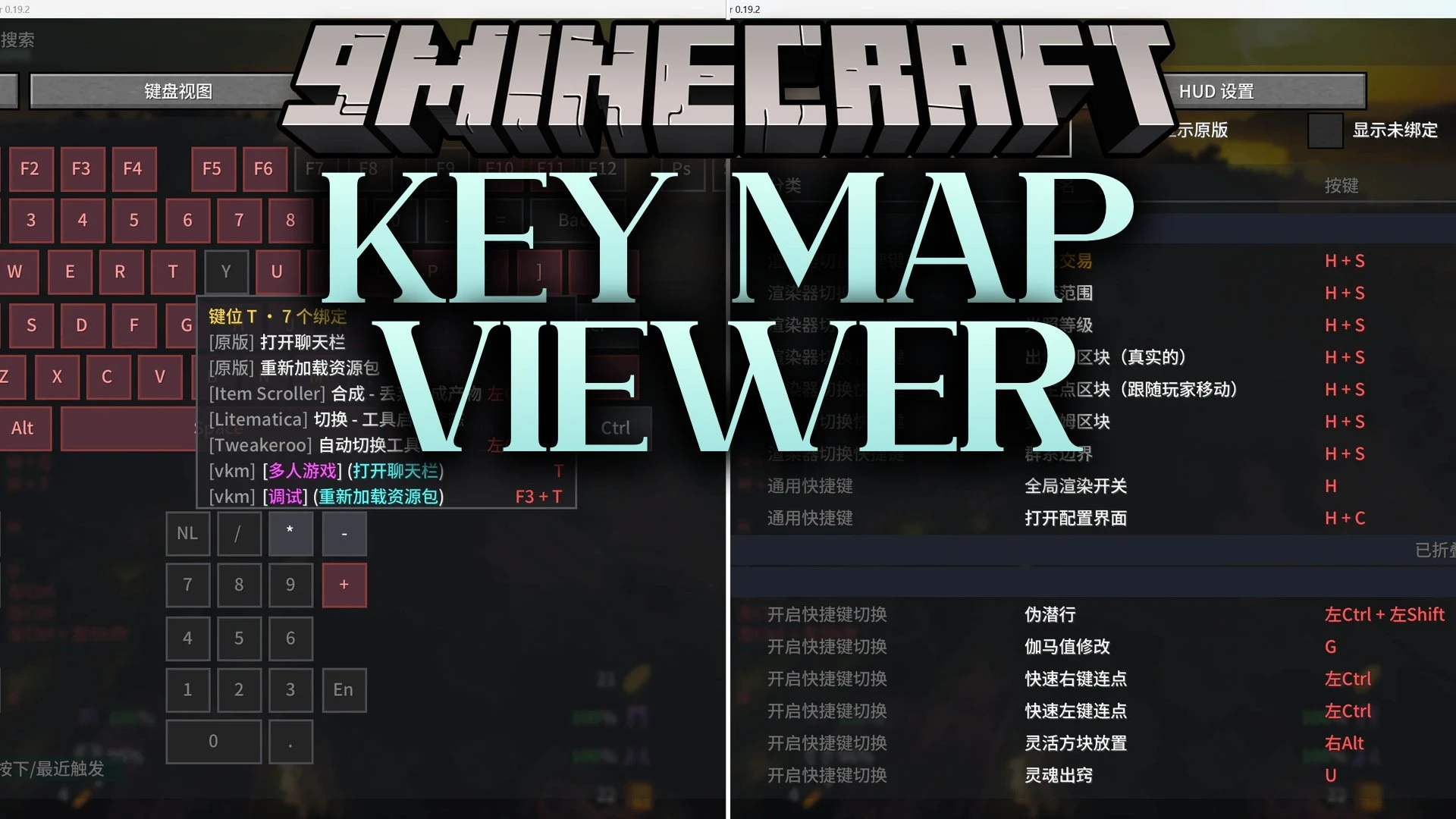
Key Map Viewer Mod puts a visual keyboard guide and control display directly onto your screen. It shows all your active Minecraft keybindings and hotkeys in real time so you never forget what buttons to press. The mod also works with popular tools like Litematica and Tweakeroo to keep every command organized.
Features:
- HUD Key Display: Shows your active keys and hotkeys directly on your screen in real time.
- Keyboard Layout Preview: Displays a full virtual keyboard to help you spot available and occupied buttons.
- Key Conflict Detection: Alerts you whenever two actions share the exact same button.
- MaLiLib Support: Reads shortcuts from companion mods like Litematica, MiniHUD, Tweakeroo, and Item Scroller.
- Supports standard vanilla Minecraft keybindings alongside custom controls.
- Lets you turn the overlay on and off whenever you need a clear view.
How to Use:
- Press K to open the main key map menu.
- Look over your keybindings on the virtual keyboard layout to check for conflicts.
- Press F12 during gameplay to show or hide the HUD display on your screen.
Screenshots:
Key Map Viewer Mod Download Links
Quick facts
- Edition: Minecraft Java
- File type: .jar
- Minecraft version listed: 1.20.1
- How to install: Install the matching mod loader (Forge, Fabric or NeoForge) for your Minecraft version. → Download the .jar. → Put it in the .minecraft/mods folder and launch that loader profile.
- Where to get it: In MC Java Mods, or directly above on this page.
Install steps are the general flow for this file type — How to install Minecraft Java mods & modpacks walks through it step by step.
File checked by MCModsHub
- Downloads as 530300.mcaddon
- Download size: 119 KB
- Download link checked 21 Oct 2026 — working
- Mirrored on our own servers — the download does not depend on the original host
These come from our own check of the pack file, not from the source page.