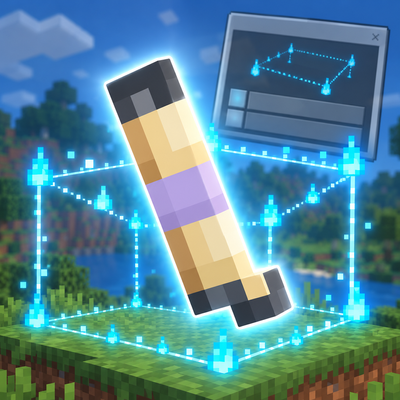
Builder Guide
Bedrock add-on listed for Minecraft 26.x. Download on the author's site.
A lightweight building assistant for Minecraft Bedrock that helps you measure areas, find centers, and visualize selections.
⬇ Download on CurseForge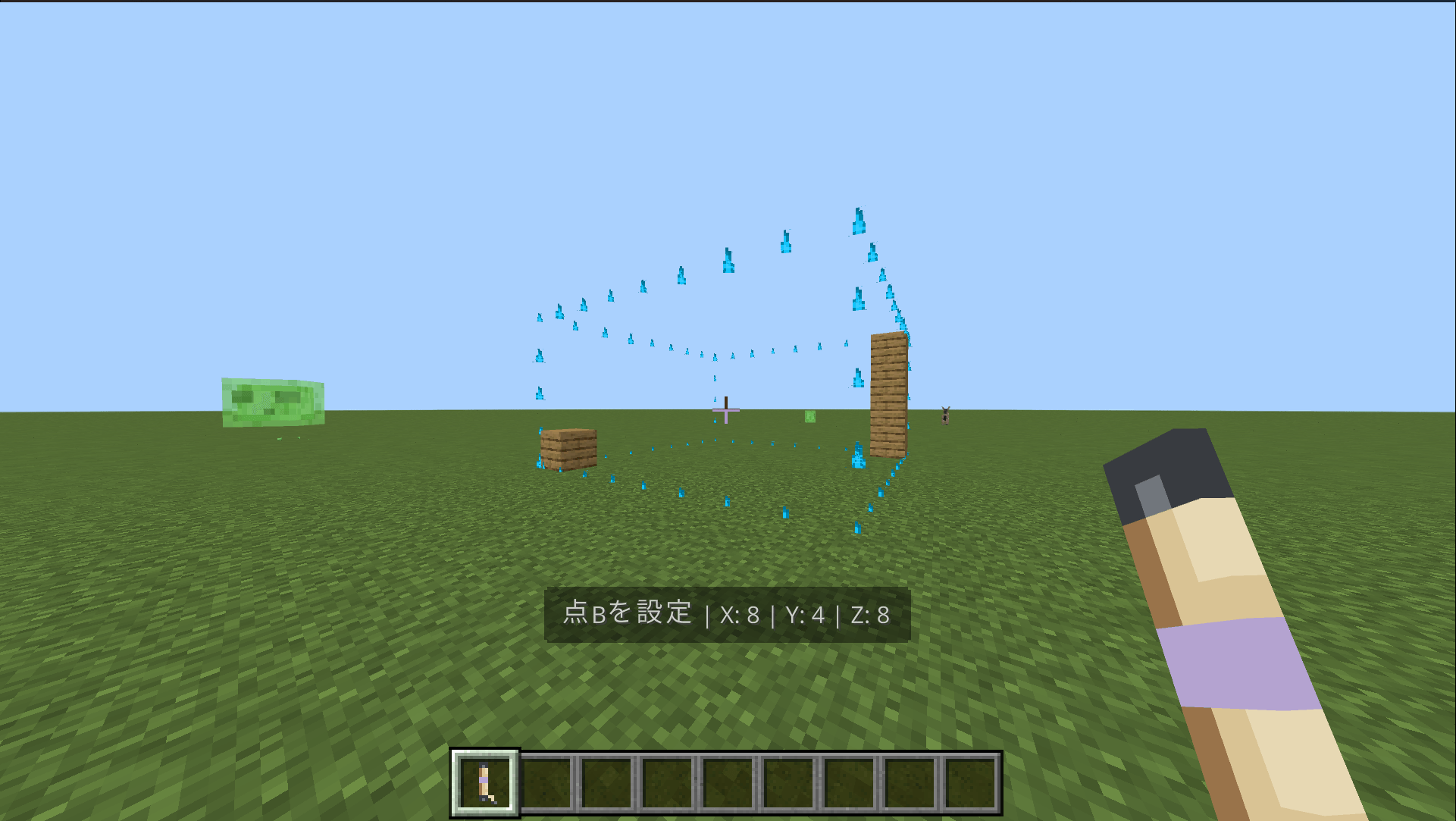
Builder Guide Add-on is a lightweight building support tool for Minecraft Bedrock.
Use the Measuring Tool to select two points and quickly check dimensions, find the center of a selection, and visualize the selected region with a temporary particle outline.
This add-on is designed to support planning and measuring builds without automatically placing blocks or editing large areas of the world.
Features
- Select Point A and Point B
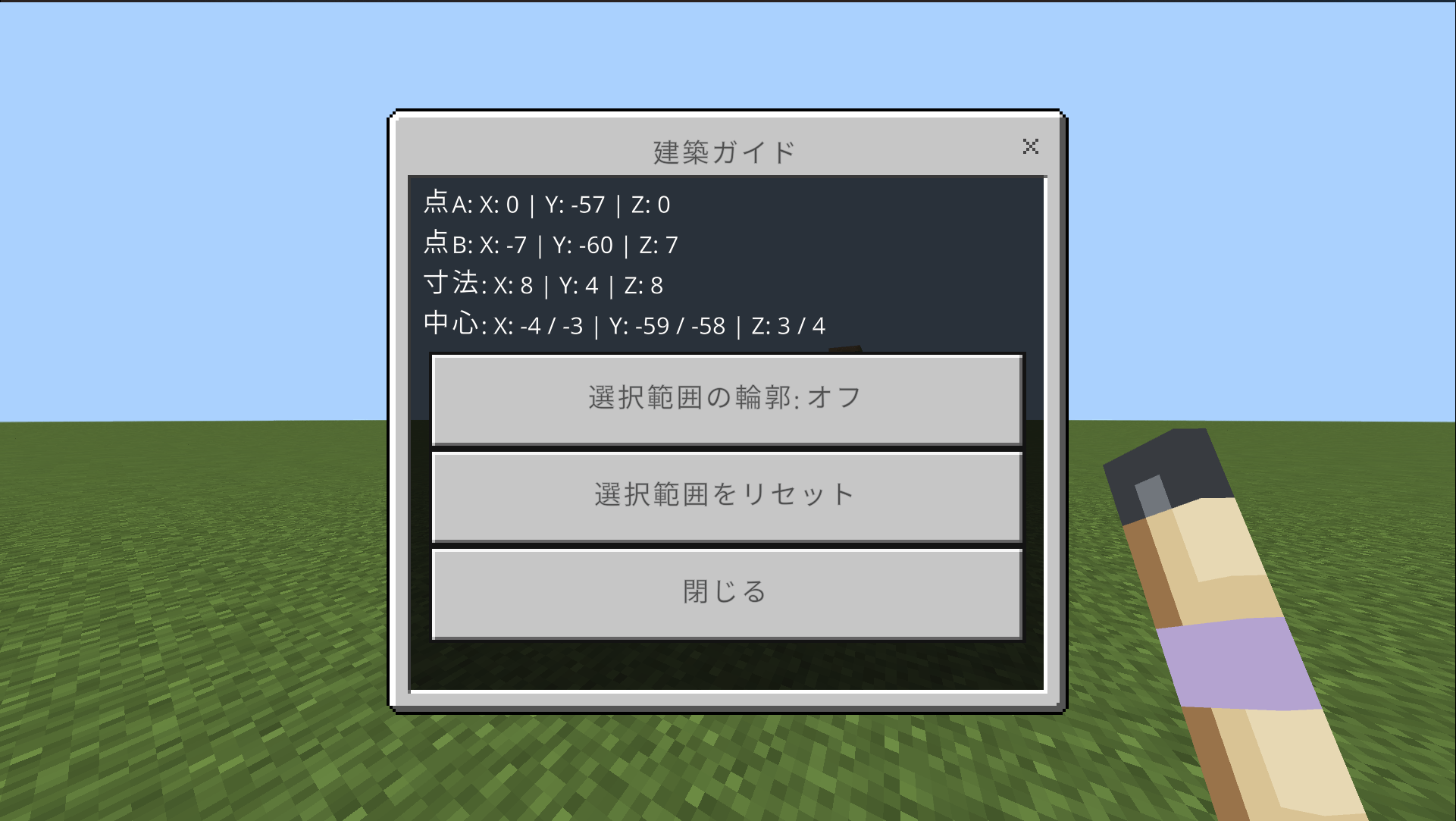
- Measure width, height, and depth
- Find the center of a selection
- Display a temporary selection outline
- Show measurement information in the Action Bar
- Simple form-based controls
- English and Japanese support
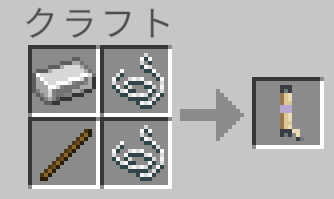
- Survival-friendly crafting recipe
How to Use
- Craft or obtain the Measuring Tool.
- Use it on blocks to set Point A and Point B.
- Use the tool in the air to open the control menu.
- Check dimensions, center positions, and outline settings from the menu.
Supported Version
- Minecraft Bedrock 1.26.10
License
Custom License v1.0 / All Rights Reserved.
Personal use, private modification, videos, and monetized videos are allowed.
Redistribution, re-uploading, resale, and distribution of modified versions are prohibited.
Use on personal Realms and small private servers is allowed.
Support
sakustudio.support@gmail.com
- Edition: Minecraft Bedrock
- File type: .mcpack or .mcaddon
- Minecraft version listed: 26.10
- How to install: Download the .mcpack or .mcaddon file. → Open it — Minecraft imports it. → In your world: Behavior Packs → Available → Activate, then the same under Resource Packs.
- Where to get it: Opens on CurseForge — not every file is mirrored on our own servers.
Install steps are the general flow for this file type — How to install Minecraft Bedrock addons & mods walks through it step by step.
Builder Guide is a free Minecraft Bedrock addon. Compatible with Minecraft 26.10. Downloaded 2 times (via CurseForge). Download it and open it directly in the game.