ModsJava
Orevolution Mod (1.21.1, 1.20.1) – Bridge Mining Tiers with Powerful New Alloys
Java mod listed for Minecraft 1.20–1.21. Downloads from the MC Java Mods app on Android.
⬇ Download

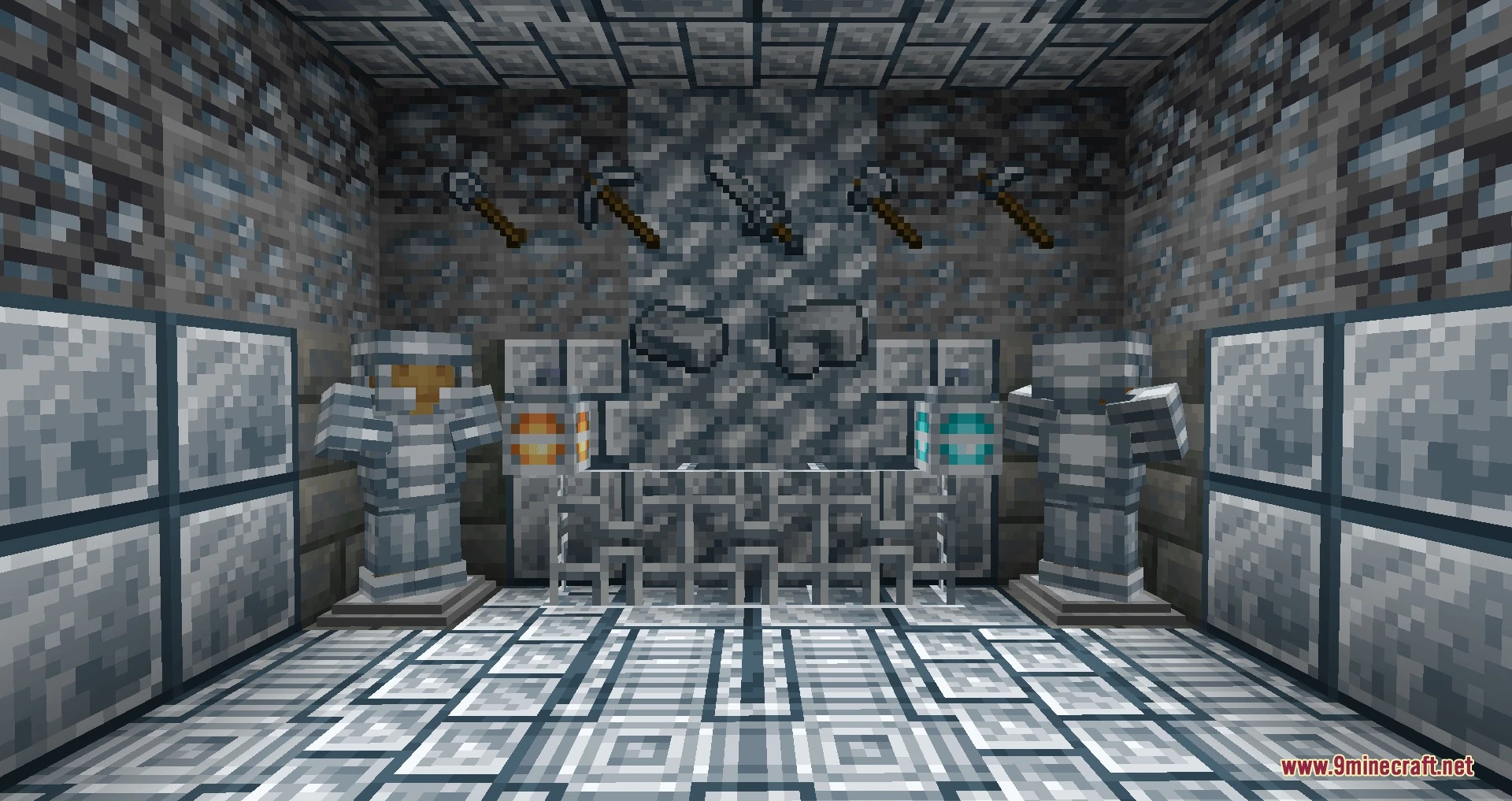
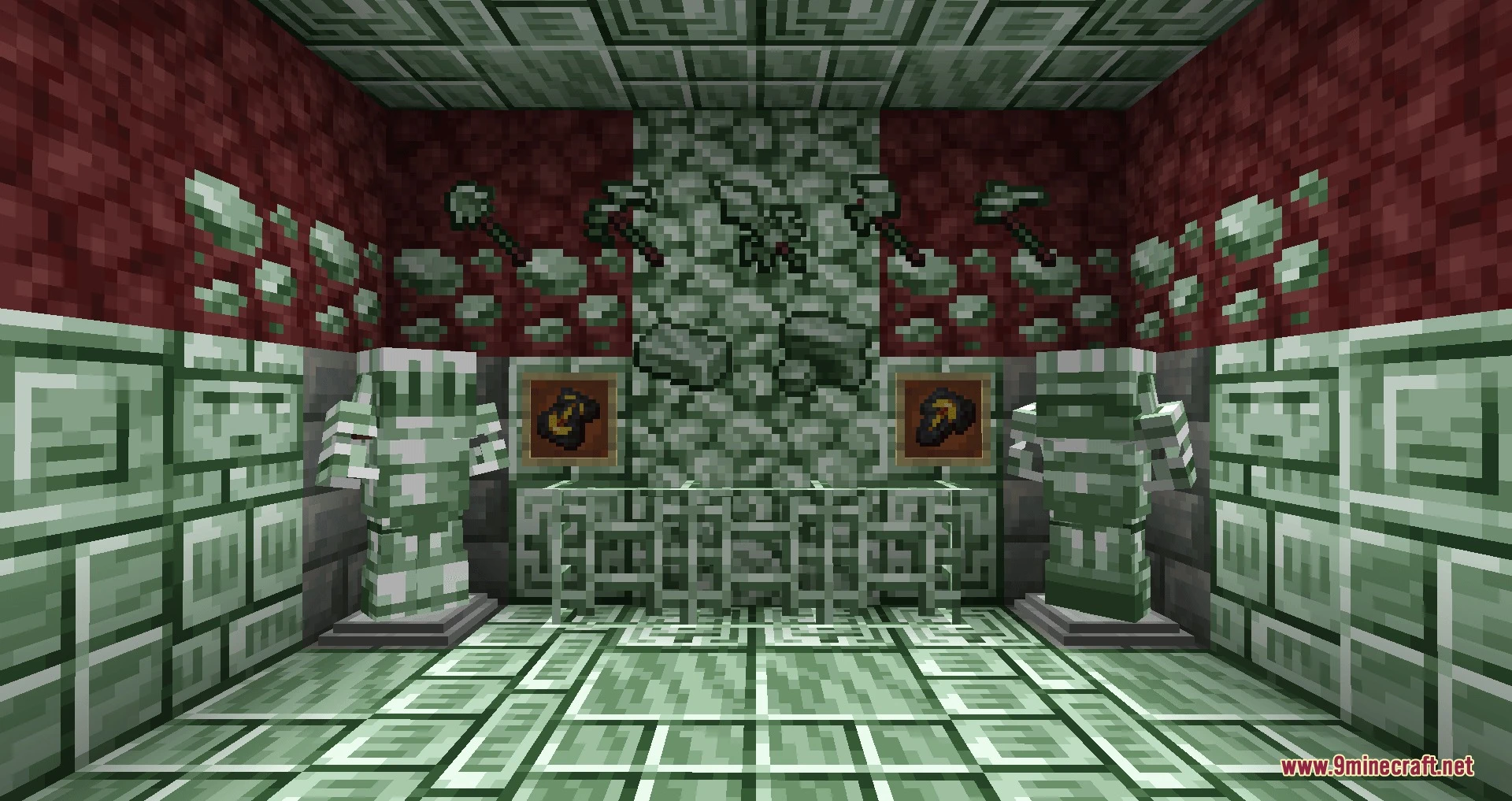


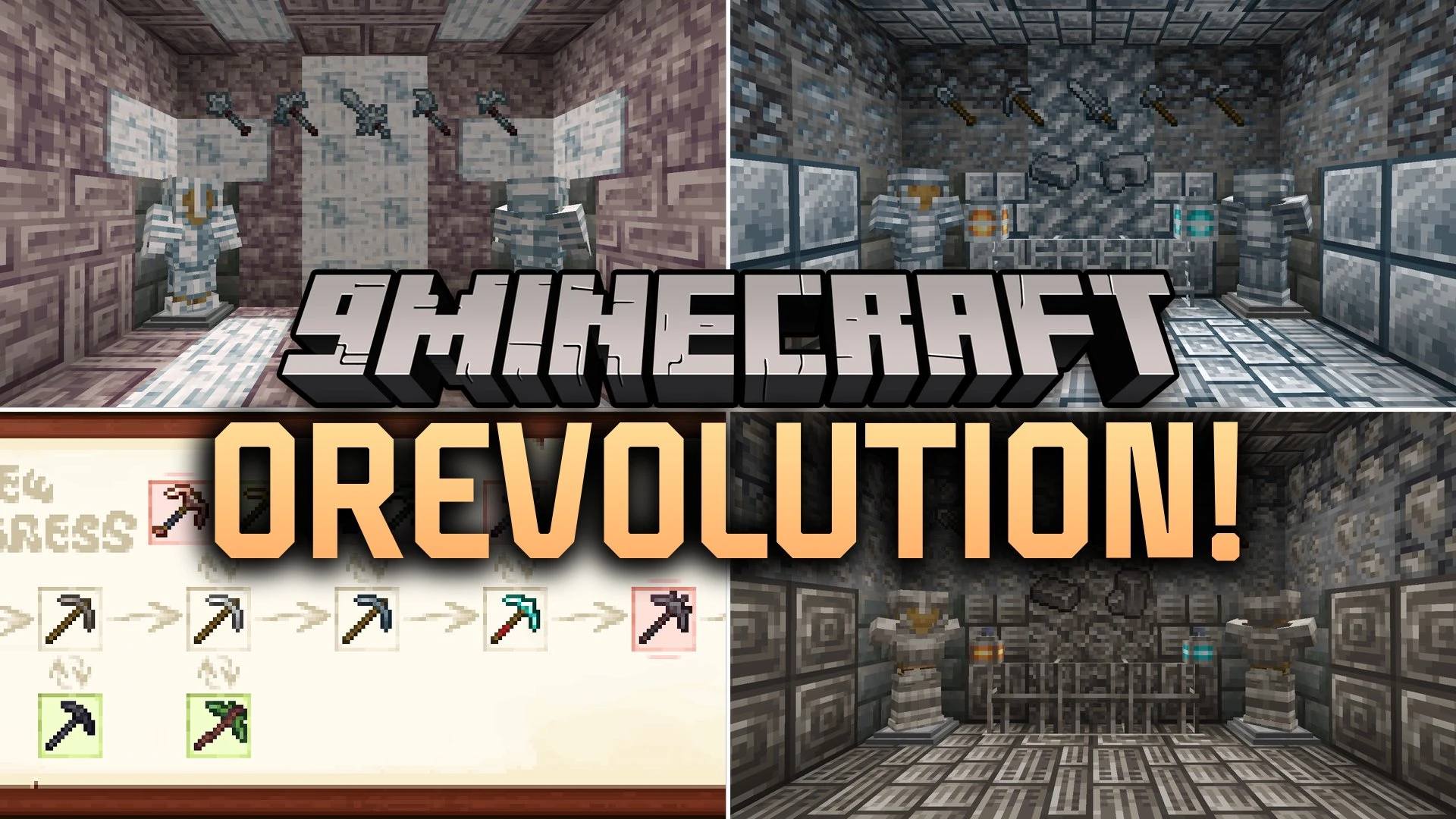
Orevolution Mod expands underground progression by adding fresh ores, alloys, and equipment with special powers. It fills the gaps between normal material tiers and brings helpful perks to your tools and weapons. Players can find new minerals across the Overworld, Nether, and End to forge specialized gear for combat and mining.
Features:
- Tin Ore: Generates near iron deposits and inside mountains, crafting starter tools that duplicate drops and poison enemies while protecting wearers from hunger and poison.
- Bronze Alloy: Combines tin and copper to make protective armor against negative status effects, specialized helmets for longer underwater breathing, and totems that extend positive buffs.
- Platinum Ore: Fills the tier gap between iron and diamond, giving tools that grant double XP while mining and armor that boosts strength upon taking damage.
- Steel Equipment: Crafts heavy-duty tools capable of clearing or tilling 3×3 areas at once, alongside an unbreakable Heavy Anvil with no level cap.
- Tungsten Upgrades: Lets players coat and reinforce items to boost attributes, preserve tool durability, and reduce armor-piercing damage.
- Aethersteel Gear: Grants all standard Netherite benefits while keeping items in your inventory after you die.
- Cassiterite generates around the Nether roof and Nether forests, upgrading tin tools with higher drop duplication chances and guaranteed poison strikes.
- Moonstone spawns inside Basalt Deltas, creating endgame tools with quadruple mining XP drops and weapons that inflict Weakness on hostile mobs.
- Tungsten weapons cause defeated enemies to drop eight extra XP points.
- Heavy Anvils use linear XP scaling instead of exponential costs so repairing never becomes too expensive.
Screenshots:
Orevolution Mod Download Links
Quick facts
- Edition: Minecraft Java
- File type: .jar
- Minecraft versions listed: 1.21.1, 1.20.1
- How to install: Install the matching mod loader (Forge, Fabric or NeoForge) for your Minecraft version. → Download the .jar. → Put it in the .minecraft/mods folder and launch that loader profile.
- Where to get it: In MC Java Mods, or directly above on this page.
Install steps are the general flow for this file type — How to install Minecraft Java mods & modpacks walks through it step by step.
File checked by MCModsHub
- Downloads as 530430.mcaddon
- Download size: 3.3 MB
- Download link checked 21 Oct 2026 — working
- Mirrored on our own servers — the download does not depend on the original host
These come from our own check of the pack file, not from the source page.