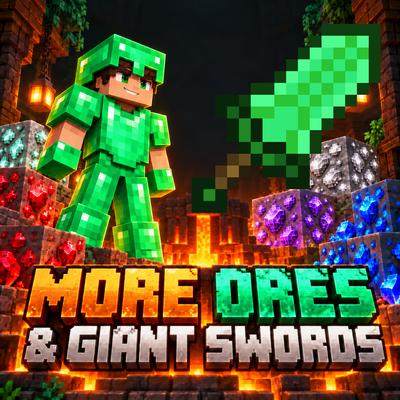
More Ores & Giant Swords
Bedrock add-on listed for Minecraft 26.x (behavior + resource pack). File opened and checked on 21 Oct 2026; installs from the MC Bedrock Mods app on Android.
Discover 5 new ores, forge powerful alloys, craft new tools and armor, and wield 6 Giant Swords with area attacks and frontal defense!
⬇ Download on CurseForge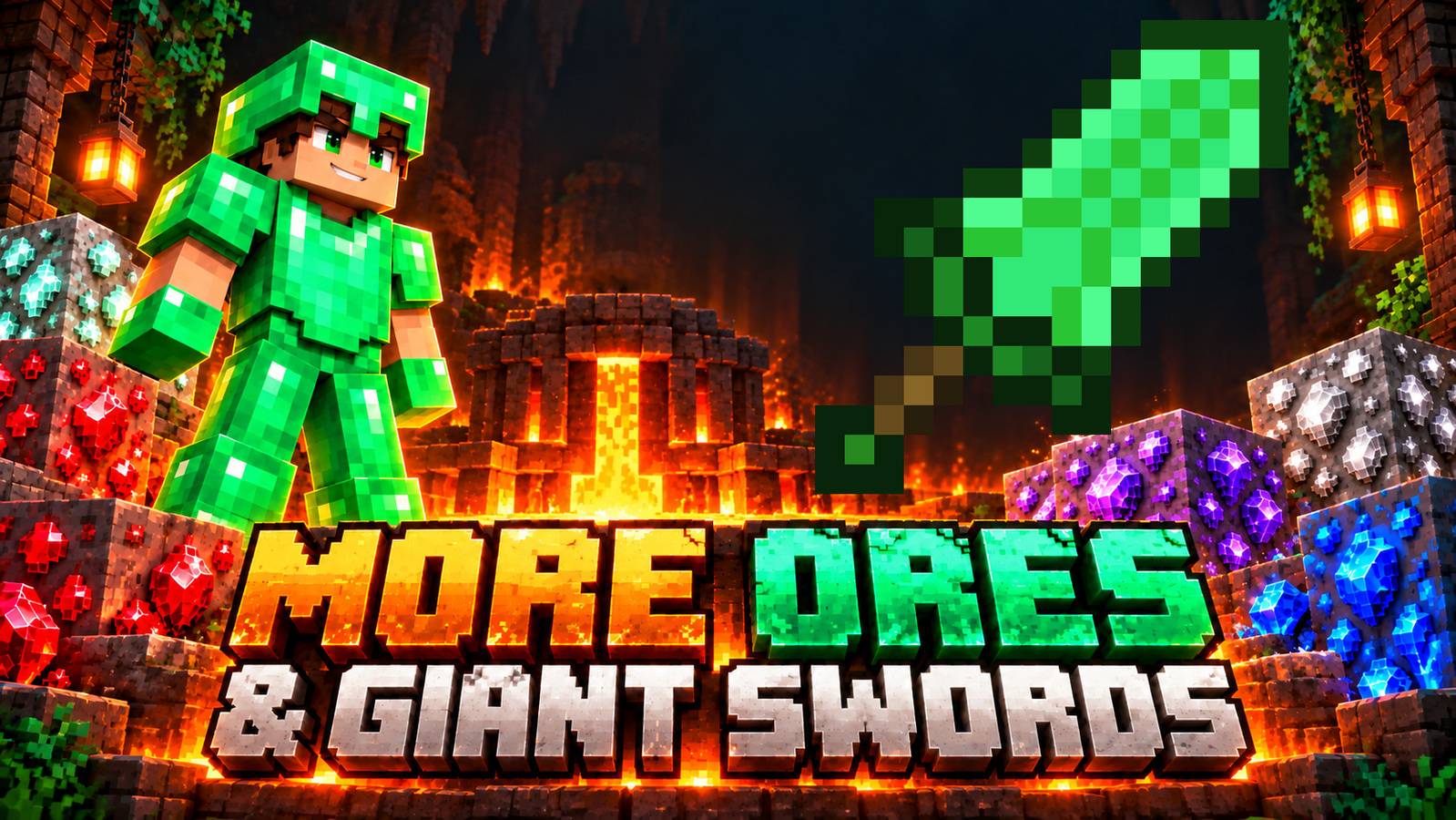
More Ores & Giant Swords
AI-GENERATED IMAGES — IMPORTANT DISCLOSURE
All promotional images displayed on this page were generated or edited using artificial intelligence (AI). They are illustrative promotional artwork, NOT actual in-game screenshots. Their lighting, scenery, models, textures, proportions, and visual effects may differ from the addon's actual appearance in Minecraft.
The banners illustrate the features described below; they do not demonstrate the exact in-game graphics. Original Giant Sword sprites were composited into some AI-generated artwork.
Mine deeper. Forge new materials. Gear up for your next adventure.
Expand your Minecraft Bedrock survival world with five naturally generating ores, new alloys, colorful equipment sets, a dedicated Mineral Forge, and six Giant Swords with charged attacks, area damage, and defensive abilities.
Created by CROMOS.GG, with vanilla-inspired textures that fit naturally into Minecraft.
💎 Discover 5 New Ores
Explore the Overworld for Tin, Silver, Ruby, Sapphire, and Titanium. Each ore has stone and deepslate variants and its own generation range.
AI-GENERATED PROMOTIONAL ART — NOT AN IN-GAME SCREENSHOT.

- Tin: Y -16 to 96. Refine it into ingots and combine it with copper to make bronze.
- Silver: Y -40 to 48. A new material for tools and armor.
- Ruby: Y -60 to 16. A gem equipment option with a focus on weapon damage.
- Sapphire: Y -60 to 16. An alternative to ruby with greater tool durability.
- Titanium: Y -60 to -16. A rare material for advanced equipment and reinforced titanium.
Playing in an existing world? Explore previously ungenerated chunks to find the new ores.
🔥 Meet the Mineral Forge
Turn raw resources into usable materials and create alloys with the Mineral Forge. Interact with it, choose a recipe, and supply the required ingredients from your inventory.
AI-GENERATED PROMOTIONAL ART — NOT AN IN-GAME SCREENSHOT.

- Fuel: coal or charcoal.
- Processing: 8 seconds per recipe.
- Batch sizes: process once or eight times, consuming one fuel per batch.
- Bronze: 3 copper ingots + 1 tin ingot → 4 bronze ingots.
- Reinforced Titanium: 4 titanium ingots + 1 netherite ingot → 4 reinforced titanium ingots.
Craft the forge: place 3 copper ingots across the top row, a furnace in the center, and 5 deepslate bricks in the remaining slots.
Return when processing is complete to collect your output. Breaking a working forge returns the consumed inputs; a completed job drops its output instead.
🛠️ New Tools & Armor
Craft equipment in Bronze, Silver, Ruby, Sapphire, Titanium, and Reinforced Titanium. Each material includes a regular sword, pickaxe, axe, shovel, hoe, and a complete armor set.
AI-GENERATED PROMOTIONAL ART — NOT AN IN-GAME SCREENSHOT.

There is also a complete Emerald Armor set! Craft and repair its helmet, chestplate, leggings, and boots using vanilla emeralds.
Equipment recipes follow familiar vanilla patterns. Storage blocks use 9 units of their material and can be crafted back into those materials.
⚔️ Giant Swords: Attack & Defend
Choose from six Giant Swords: Wood, Stone, Iron, Diamond, Emerald, and Netherite. Their distinctive original pixel textures give each material its own look.
AI-GENERATED PROMOTIONAL ART — NOT AN IN-GAME SCREENSHOT.

- Area attack: a sufficiently charged hit triggers a frontal sweep against nearby mobs within 3 blocks.
- Defend: hold right-click to reduce incoming frontal melee and projectile damage by 50%.
- Charged combat: wait for the recharge indicator to fill. Attacking early deals less damage.
- Protected targets: secondary sweep damage excludes players and tamed animals.
Crafting: Wood, Stone, Iron, Diamond, and Emerald Giant Swords use 4 matching materials and 1 stick. Place two materials in the center and right slots of both upper rows, then the stick in the bottom-center slot. The wooden version uses oak planks; the stone version uses cobblestone.
Netherite upgrade: combine a Diamond Giant Sword, a Netherite Upgrade Smithing Template, and a netherite ingot at a smithing table.
🌍 Start Your Survival Journey
- Import the addon and activate both its Behavior Pack and Resource Pack.
- Explore new terrain and collect the resources for your first Mineral Forge.
- Refine your ores, produce alloys, and craft your equipment.
- Choose a Giant Sword and master charged attacks and frontal defense.
Languages: English, Brazilian Portuguese, and Spanish item names.
Release status: Alpha. File validation and local logic simulations have been performed; gameplay and compatibility with your Minecraft version still require in-game testing.
Image disclosure reminder: All showcase banners above contain AI-generated or AI-edited artwork and are not gameplay screenshots.
Created by CROMOS.GG. Thanks for playing and supporting the project!
- Edition: Minecraft Bedrock
- File type: .mcpack or .mcaddon
- Minecraft versions listed: 26.0.02, 26.0, 26.3
- How to install: Download the .mcpack or .mcaddon file. → Open it — Minecraft imports it. → In your world: Behavior Packs → Available → Activate, then the same under Resource Packs.
- Where to get it: Opens on CurseForge — not every file is mirrored on our own servers.
Install steps are the general flow for this file type — How to install Minecraft Bedrock addons & mods walks through it step by step.
- Pack type: .mcaddon — behaviour and resource pack in one file
- Manifest requires Minecraft 1.26.30 or newer
- Complete pack — everything it depends on is inside the file
- Download size: 417 KB
- Download link checked 21 Oct 2026 — working
These come from our own check of the pack file, not from the source page.