Slash VFX
Bedrock add-on listed for Minecraft 26.x (behavior + resource pack). File opened and checked on 21 Oct 2026; installs from the MC Bedrock Mods app on Android.
Enhance Minecraft Bedrock combat with sword slash effects, bow and crossbow particles, custom sounds, and sweeping attacks.
⬇ Download on CurseForge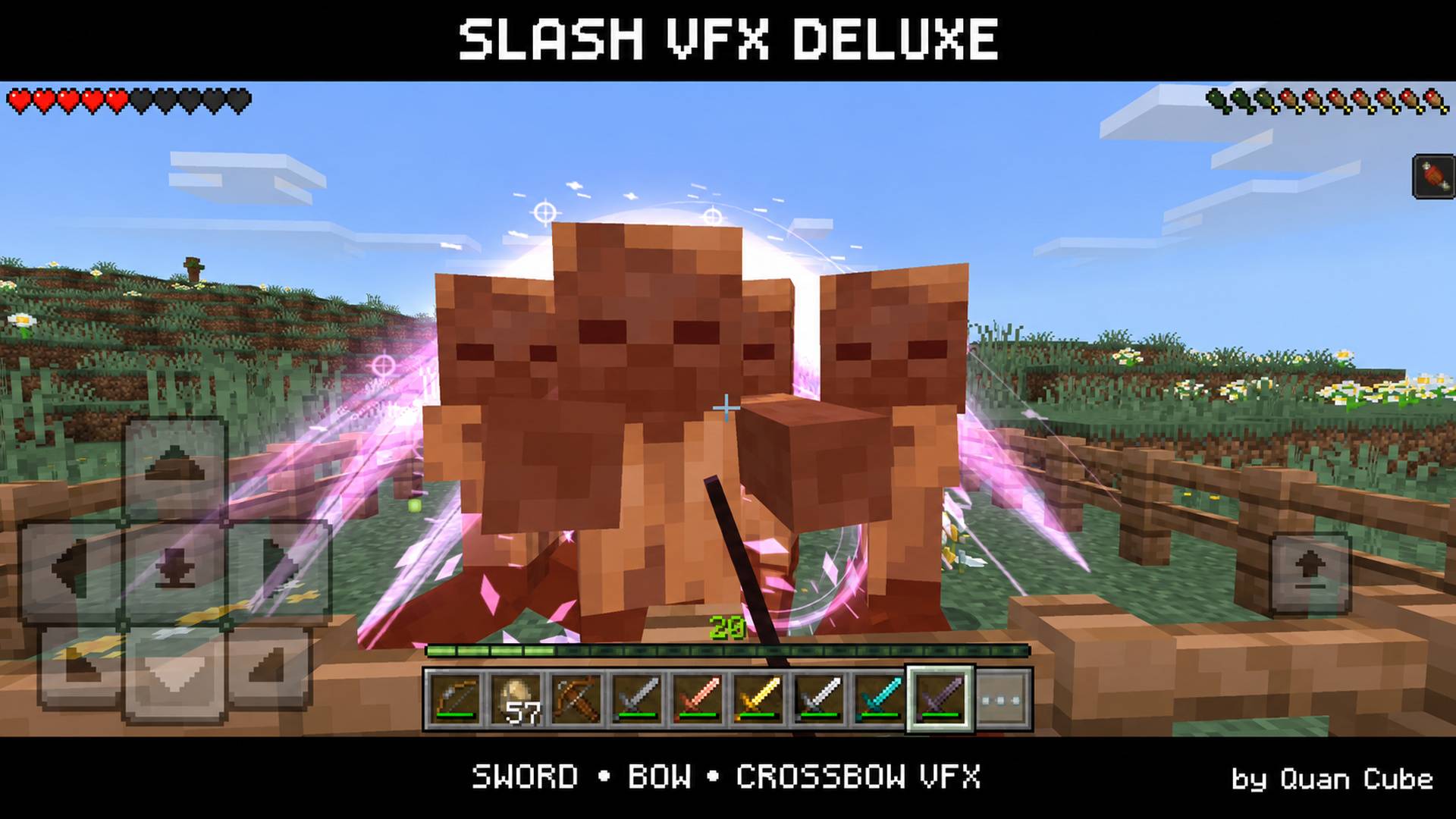
Slash VFX
Bring more impact to your battles in Minecraft Bedrock Edition with weapon-based slash effects, glowing arrow particles, custom combat sounds, and sword sweeping attacks.
Slash VFX Deluxe adds visual and audio effects to swords, bows, and crossbows while keeping the familiar appearance of your weapons.
Features
Sword Effects
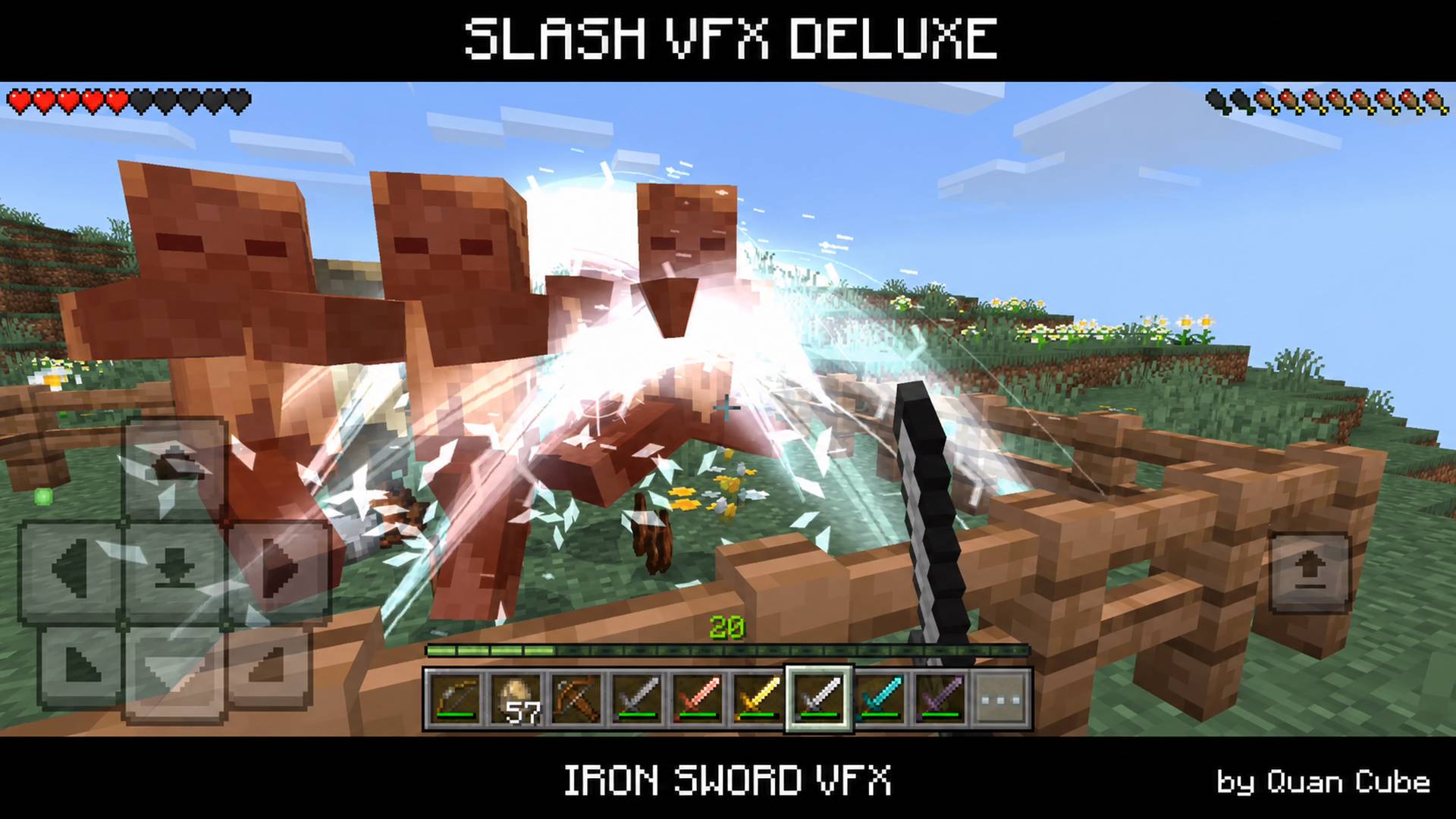
- Slash particles with colors and styles based on the detected weapon.
- Impact bursts, sparks, and additional effects when hitting mobs.
- Finisher effects during repeated combat.
- Sweeping attacks that can damage nearby mobs around the main target.
- Styles for wooden, stone, copper, gold, iron, diamond, and Netherite swords.
- Additional Frost, Inferno, Thunder, and Void styles for appropriately configured or detected custom weapons.
Bow and Crossbow Effects
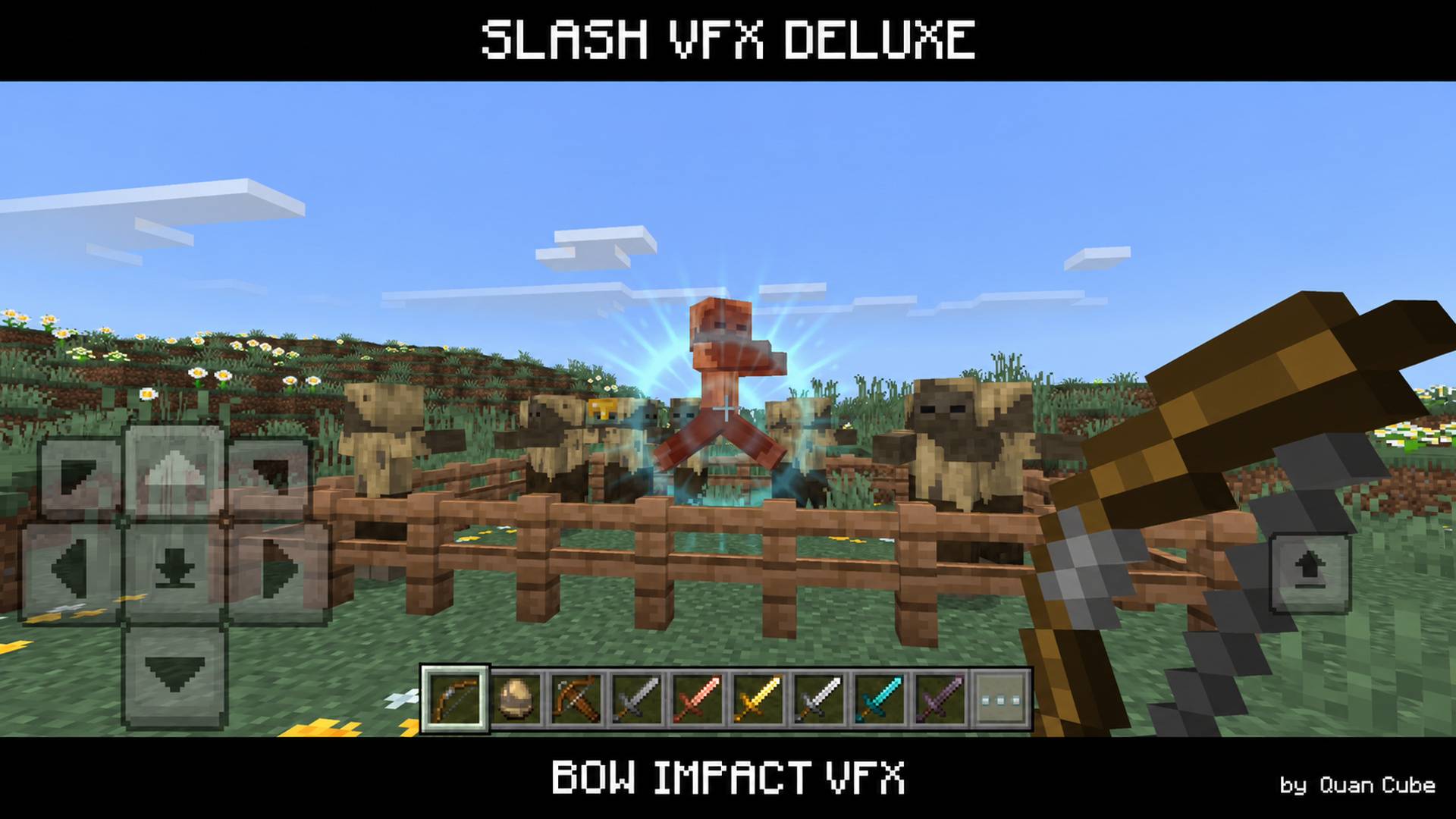
- Particle effects while charging.
- Release effects when firing.
- Arrow trails and glowing arrowhead effects.
- Impact particles when arrows hit blocks or entities.
- Arcane, Astral, Ember, Storm, Frost, and Void visual profiles, depending on the detected weapon and enchantments.
Bow and crossbow effects are cosmetic. They do not change projectile damage or physics. Sword sweeping attacks can damage nearby mobs.
Custom Combat Sounds
Sword swings, hits, finishers, bow charging, firing, and impacts feature additional sounds to accompany the effects.
Configuration
The included configuration files allow you to adjust:
- EPIC or LITE effect quality.
- Sound volume and sword sound modes.
- Sword finisher and sweeping attack settings.
- Bow charging, arrow trail, and impact effects.
- Profiles for compatible custom weapons.
Configuration requires editing the included script files. There is no in-game settings menu.
Automatic detection is available for some custom swords, bows, and crossbows. Compatibility depends on how those weapons are implemented; support for every third-party addon is not guaranteed.
Requirements and Compatibility
- Edition: Minecraft Bedrock Edition.
- Minimum version required by the pack: 26.0.
- Gameplay demonstrated on: Android Beta 26.60.28.
- Both the Behavior Pack and Resource Pack must be active.
- Minecraft Java Edition and Bedrock 1.21.x or earlier are not supported by this package.
Other Bedrock 26.x builds have not all been individually tested.
Installation
- Download the
.mcaddonfile. - Open it with Minecraft and wait for the packs to finish importing.
- Open your world settings.
- Activate Slash VFX Deluxe BP under Behavior Packs.
- Make sure Slash VFX Deluxe RP is active under Resource Packs.
- Enter your world and try a sword, bow, or crossbow.
Feedback and Bug Reports
If you encounter a problem, please include:
- Your exact Minecraft version and whether it is a release or Beta/Preview build.
- Your device or platform.
- Any other active addons or resource packs.
- The weapon you were using and what happened.
Created by Quan Cube.
- Edition: Minecraft Bedrock
- File type: .mcpack or .mcaddon
- Minecraft versions listed: 26.0.02, 26.0, 26.3
- How to install: Download the .mcpack or .mcaddon file. → Open it — Minecraft imports it. → In your world: Behavior Packs → Available → Activate, then the same under Resource Packs.
- Where to get it: Opens on CurseForge — not every file is mirrored on our own servers.
Install steps are the general flow for this file type — How to install Minecraft Bedrock addons & mods walks through it step by step.
- Pack type: .mcaddon — behaviour and resource pack in one file
- Manifest requires Minecraft 1.26.0 or newer
- Complete pack — everything it depends on is inside the file
- Download size: 7.3 MB
- Download link checked 21 Oct 2026 — working
These come from our own check of the pack file, not from the source page.