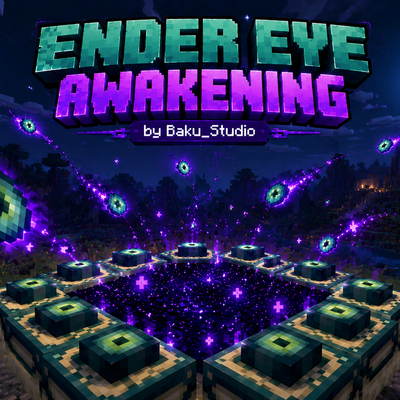
Ender Eye Awakening
Bedrock add-on listed for Minecraft 1.21–26.x. File opened and checked on 21 Oct 2026; installs from the MC Bedrock Mods app on Android.
A cinematic, lightweight cosmetic add-on for the vanilla End Portal. Features a 12-Eye arrival sequence, an additive glowing activation burst, and a…
⬇ Download on CurseForge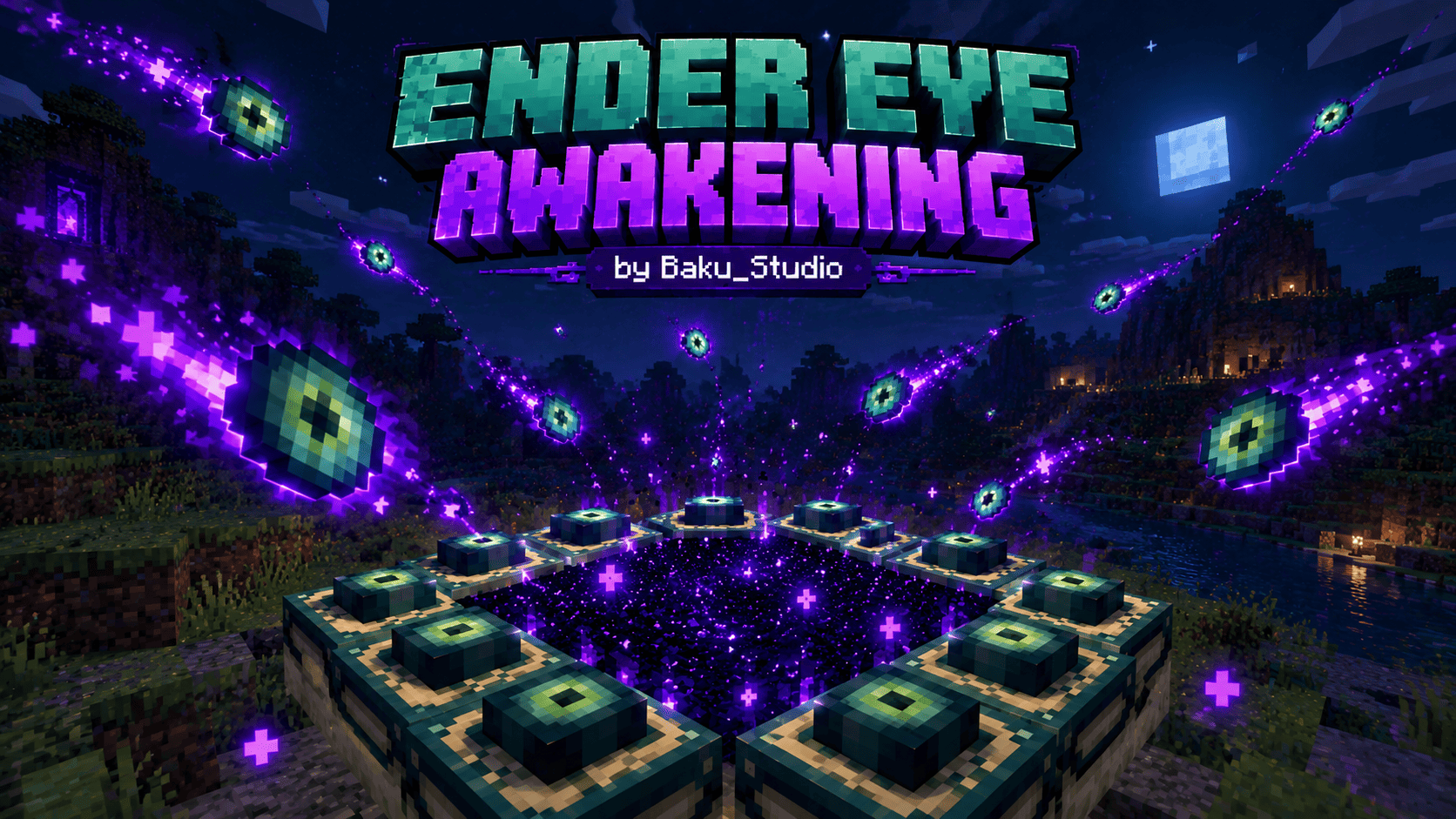
Created by Baku_Studio
Target Platform: Minecraft Bedrock Edition (v1.21.80+)
Package Format: .mcaddon (Includes both Behavior & Resource Packs)
Overview
Ender Eye Awakening is an original cosmetic enhancement designed to make opening the vanilla End Portal feel like a true dimensional breakthrough.
When you place the final missing Eye of Ender into a valid 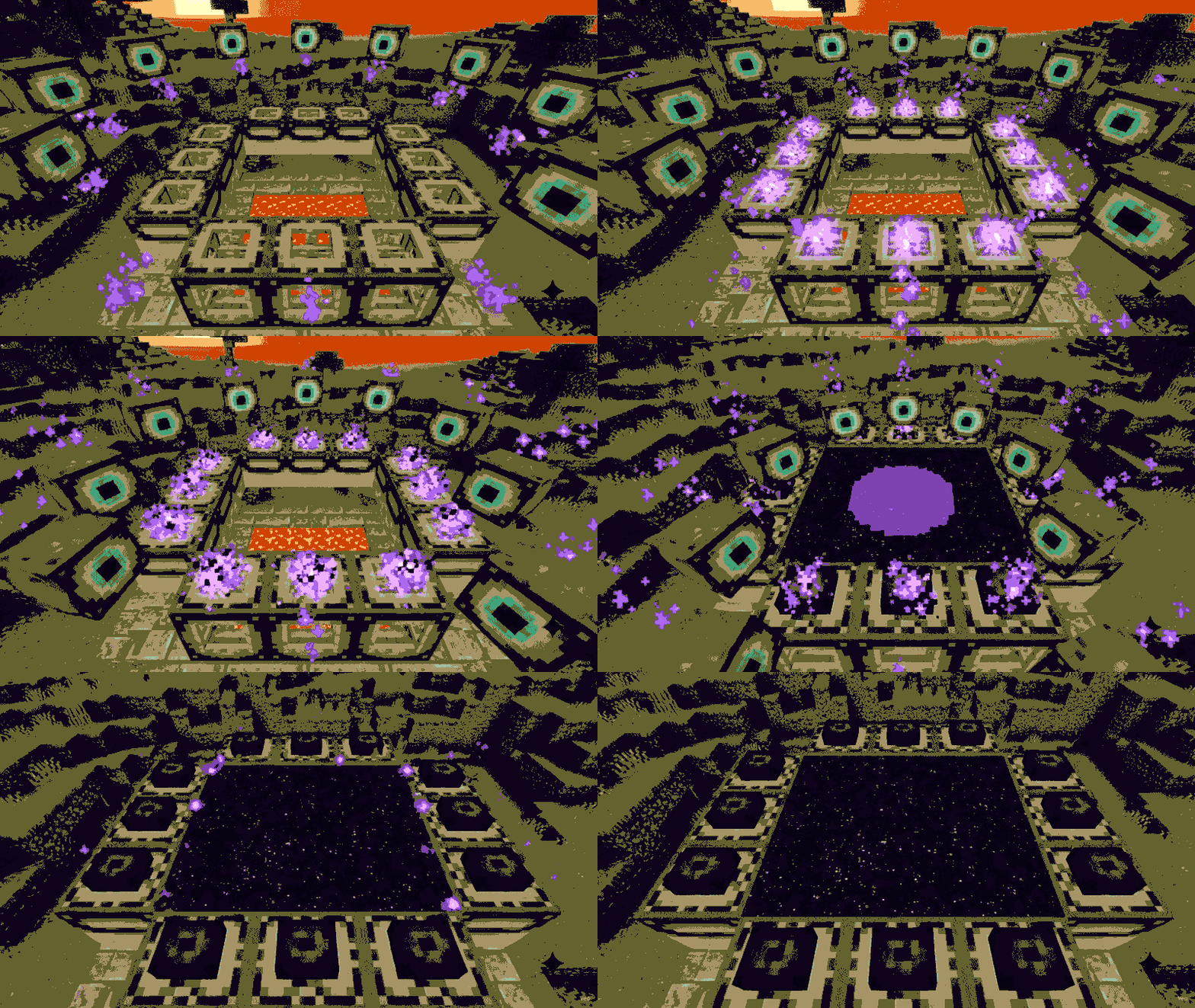 End Portal Frame, the add-on observes the activation and triggers a synchronized cinematic sequence: twelve visual Eyes approach their frame sockets along distinct curved paths, trailing sparks, flashing upon landing, and releasing an energetic burst of violet light that transitions into a steady, downward-drifting flow of dark End fragments.
Key Features
- Cinematic 12-Eye Arrival:
Visual representations of the Eyes fly in toward their corresponding frames from multiple angles and elevated approach points. Each Eye produces a glowing in-flight trail and an impact flash as it docks into place. - Synchronized Activation Pulse:
Once all 12 Eyes arrive and the vanilla portal forms, a localized radial energy burst and purple halo radiate across the portal's surface. - Downward-Falling End Ambience:
Unlike rising smoke, ambient particles appear above the active portal surface and gently descend with gravity and outward drift—resembling fragments of mysterious void energy leaking through an unstable gateway. - Pixel-Art Aesthetic & Balanced Glow:
Features 5 original, hand-crafted textures (no blurry generic smoke or photo textures). Utilizes supported Bedrock additive (particles_add) and translucent (particles_blend) materials to achieve a supernatural luminous look while preserving Minecraft's classic blocky art style. - Zero Gameplay Disruption:
- Does not replace the End Portal or alter vanilla portal mechanics.
- Does not consume extra Eyes, damage frame blocks, or drop collectible items.
- Does not interfere with player teleportation into the End dimension.
- Performance Conscious:
- No continuous full-world ticking or scanning.
- Automatically deschedules ambient effects if the portal is destroyed or unloaded.
- Capped to a maximum of 4 active portals by default to ensure smooth gameplay on mobile and console devices.
How It Works & Detection Logic
Because Minecraft Bedrock Edition does not provide a direct "onEndPortalActivated" scripting event, this add-on uses a safe, non-intrusive detection strategy:
- It observes when a player interacts with an unfilled
minecraft:end_portal_framewhile holding an Eye of Ender. - It verifies that the other 11 frames are already filled and snapshots the interior 3×3 blocks.
- The visual sequence initiates only after vanilla completes the transition and produces nine valid
minecraft:end_portalblocks.
If the activation does not complete or a block read is unavailable, the add-on safely does nothing and leaves your world untouched.
Installation Guide
- Download
Ender_Eye_Awakening.mcaddon. - Open the file on your device (Windows, Android, iOS, or console) to automatically import both packs into Minecraft.
- In your world settings, go to Behavior Packs and activate Ender Eye Awakening.
(The matching Resource Pack will automatically activate; verify it under Resource Packs). - Enter your world, locate or build an End Portal, and place the 12th Eye of Ender to witness the awakening!
Standalone .mcpack files (BP & RP) and editable source code are also available in the release files if you prefer manual installation.
Compatibility & Technical Notes
- Minimum Engine Version: Minecraft Bedrock 1.21.80 (uses stable
@minecraft/server1.19.0 API). - Lighting Notice: Bedrock particle materials do not emit dynamic world block light. The glow is created using native additive blending (
particles_add), giving particles a bright, self-illuminating look against both dark and daylight surroundings without relying on external shaders or RTX. - In-Game Settings: There is no in-game configuration menu. Advanced users can adjust particle density, glow scale, or toggles by editing
Behavior_Pack/scripts/config.jsin the source files before packaging. - Testing Disclosure: Pack structure, particle schemas, math trajectories, and asset integrity have passed comprehensive static validation. However, timing and visual performance may vary across different mobile and console hardware. Please report any issues!
Credits & Copyright
- Add-on Creator & Developer: Baku_Studio
- Original Textures & Particle Design: Baku_Studio
- Procedural Sound Design: Baku_Studio (Original portal chime, included in files)
- Scripting & Trajectory Math: Baku_Studio
Licensing & Originality Declaration:
All code, custom particle definitions, JSON configurations, and pixel-art textures (eye_flight, dark_fragment, void_mote, violet_glint, energy_halo) are 100% original assets created by Baku_Studio specifically for this project. No assets have been extracted from vanilla game files, paid Marketplace content, or third-party add-ons.
Disclaimer:
This is an independent community project by Baku_Studio. It is not an official Minecraft product and is not approved by, associated with, or endorsed by Mojang Studios or Microsoft.
- Edition: Minecraft Bedrock
- File type: .mcpack or .mcaddon
- Minecraft versions listed: 1.21.100, 1.21.80, 1.21.130
- How to install: Download the .mcpack or .mcaddon file. → Open it — Minecraft imports it. → In your world: Behavior Packs → Available → Activate, then the same under Resource Packs.
- Where to get it: Opens on CurseForge — not every file is mirrored on our own servers.
Install steps are the general flow for this file type — How to install Minecraft Bedrock addons & mods walks through it step by step.
- Pack type: .mcaddon — behaviour and resource pack in one file
- Download size: 48 KB
- Download link checked 21 Oct 2026 — working
These come from our own check of the pack file, not from the source page.