SMP System by AgentSteeve
Bedrock add-on listed for Minecraft 26.x. Download on the author's site.
An all-in-one, fully customizable SMP add-on for Minecraft Bedrock featuring teleportation, homes, kits, shops, auctions, lifesteal, moderation tools…
⬇ Download on CurseForge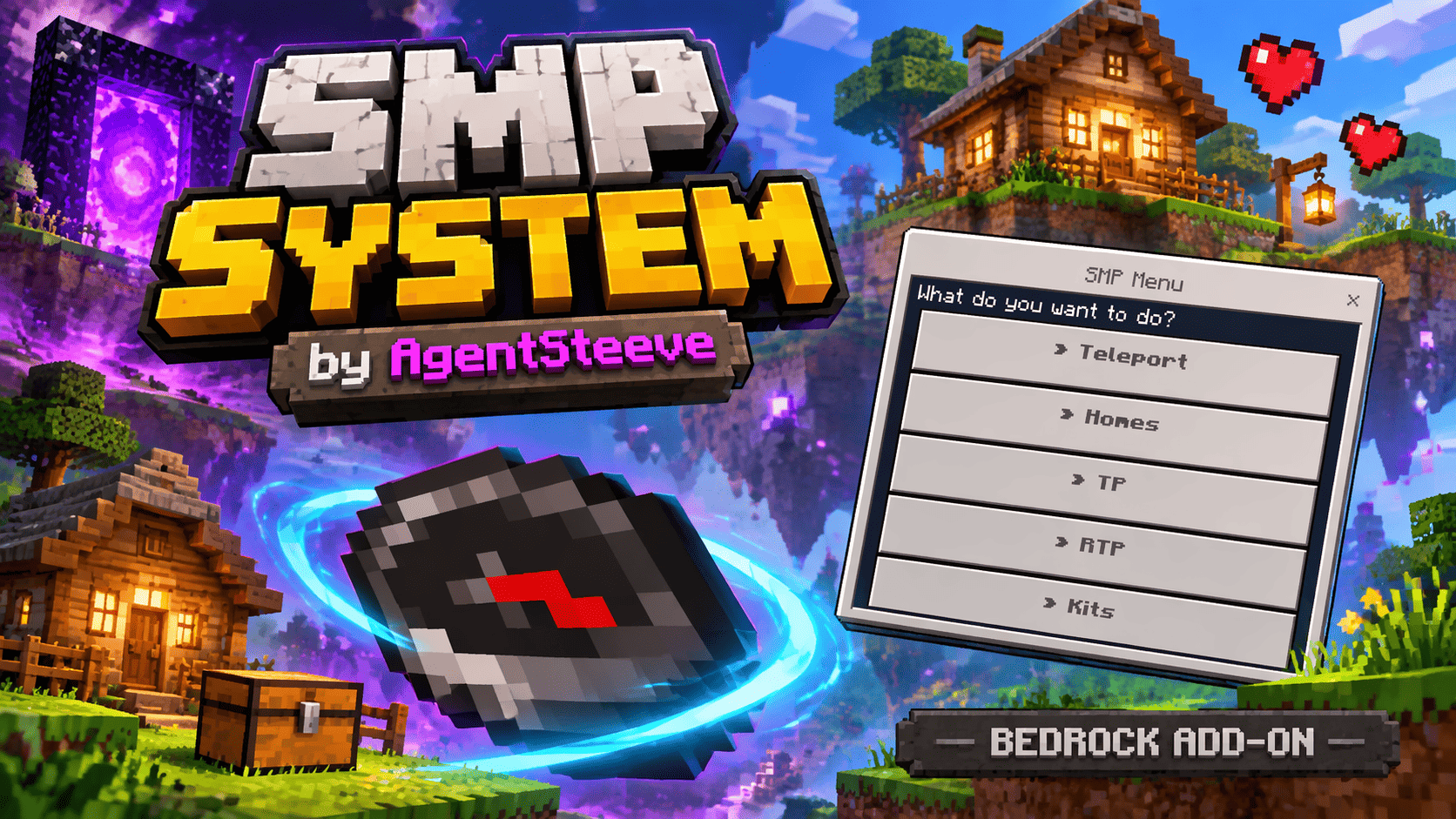
SMP System — by AgentSteeve
Your SMP. Your rules.
SMP System is an all-in-one, fully customizable add-on for Minecraft Bedrock Edition, designed to bring essential SMP features together in one convenient in-game menu.
From teleportation and player homes to shops, auctions, lifesteal, moderation tools, and floating displays, build the multiplayer experience you want without managing a collection of separate add-ons.
Designed with mobile gameplay in mind, with accessible in-game menus for players and staff.
🧭 One Menu, Many Possibilities
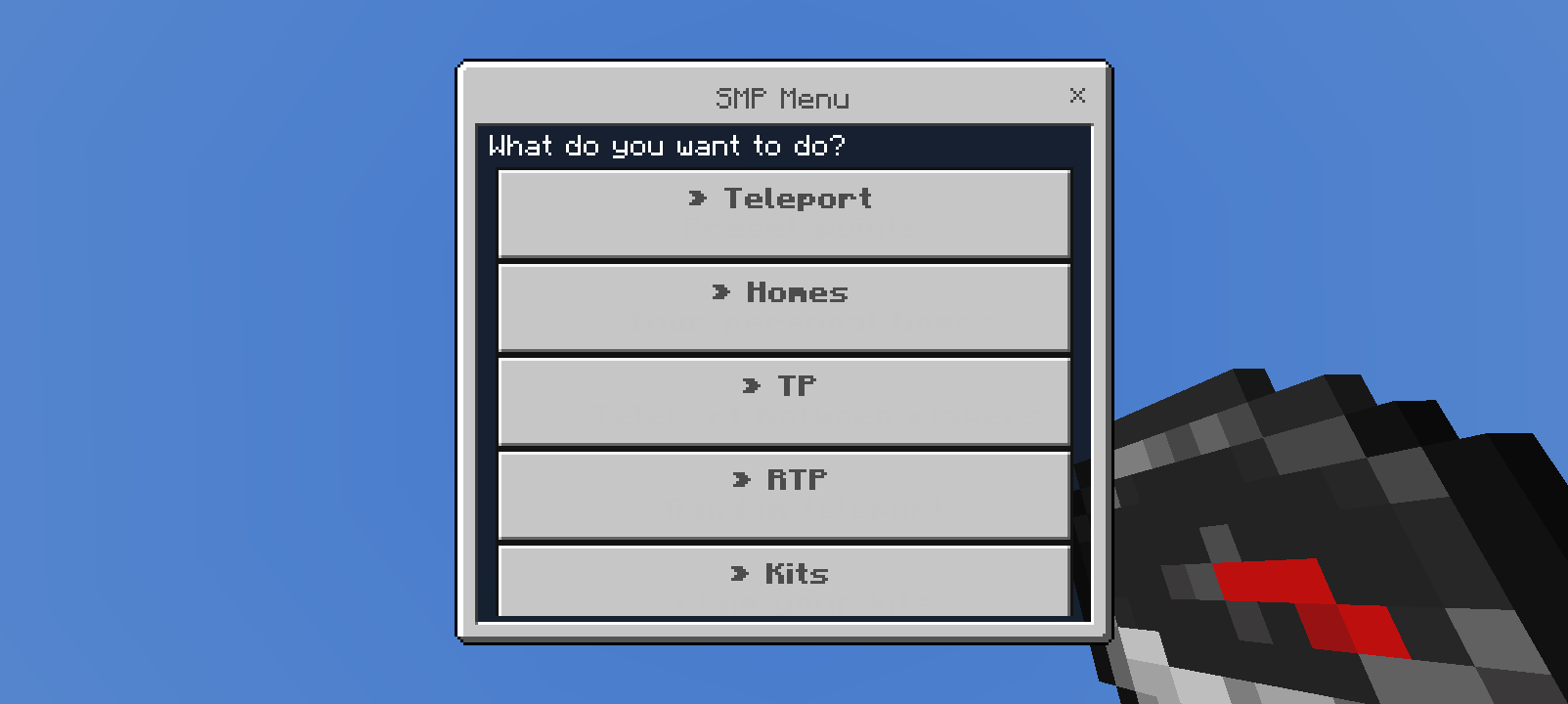
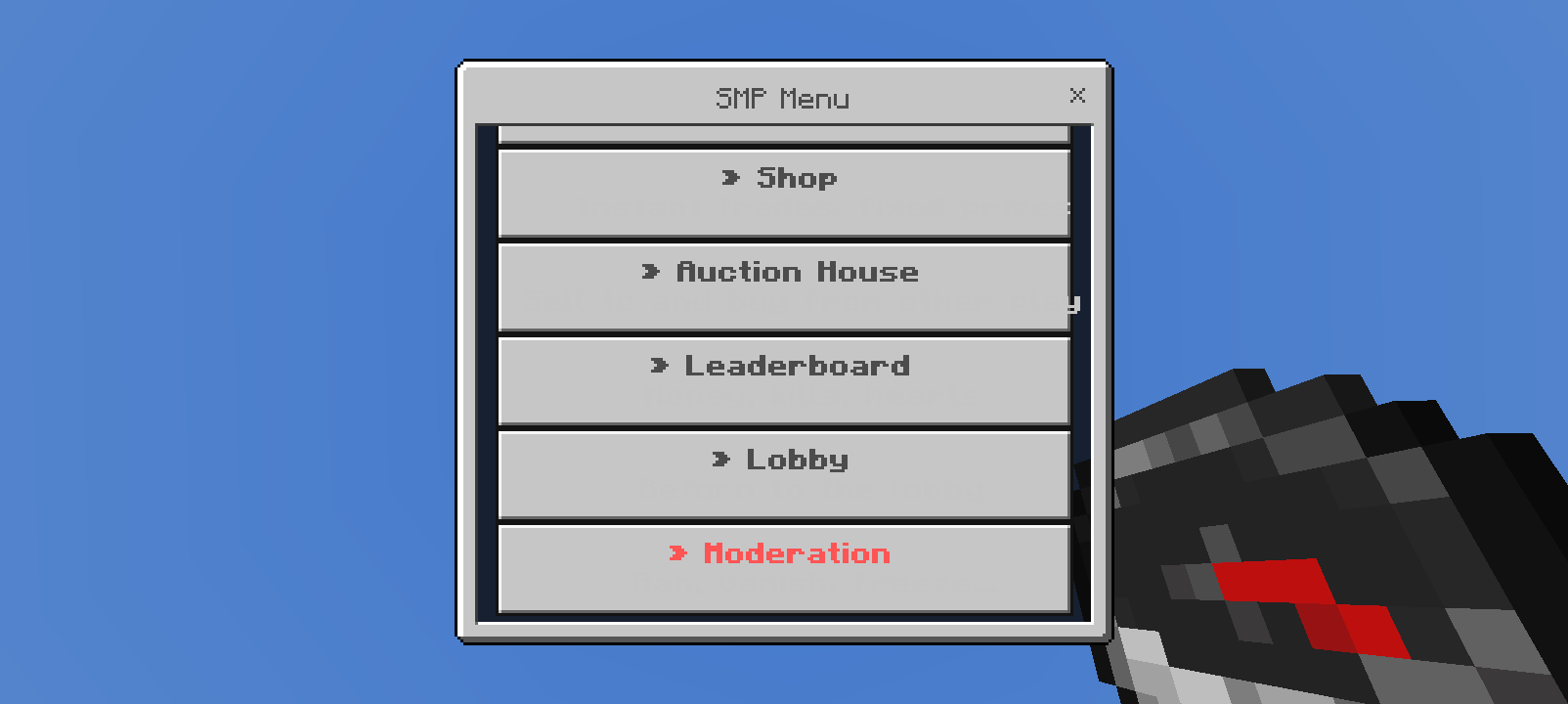
Use the compass to access your SMP menu and its available features.
Players can access teleportation, homes, random teleportation, kits, shops, auctions, leaderboards, and the lobby. Staff members can access additional menus depending on their assigned role.
Customize the available menu options to suit your world.
🌍 Teleportation & Exploration
Make travelling around your SMP more convenient.
- Teleport points.
- Player teleport requests with TPA and TPA Here options.
- Random teleportation (RTP).
- Dimension selection for RTP: Overworld, Nether, and End.
- Lobby teleportation.
- On-screen teleport countdowns.
- Configurable teleport warmup delays.
- Configurable RTP radius and cooldowns.
🏠 Player Homes
Let players save locations and return to their favourite places.
- Create and manage homes through an in-game menu.
- Configure the maximum number of homes.
- Set separate home limits for normal and premium players.
🎁 Custom Kits
Create kits that fit your SMP.
- Manage kits through the server settings.
- Create your own kits.
- Provide options such as Starter, Daily, Weekly, and VIP kits.
- Give players an easy-to-use kit selection menu.
Kit availability depends on your server configuration.
💰 Shops & Auction House
Bring trading to your multiplayer world.
- Shop menu for buying and selling items.
- Configurable prices for items sold to the server.
- Configurable items available for players to buy.
- Auction House for trading between players.
- Auction House settings accessible from the server configuration.
❤️ Lifesteal & PvP
Add another layer to your SMP experience.
- Lifesteal heart system.
- Configurable lifesteal settings.
- PvP and combat-log settings.
Customize these systems to match the experience you want for your players.
🏆 Leaderboards & Scoreboard
Give your players something to compete for.
Available leaderboard categories include:
- Richest players.
- Most kills.
- Most hearts.
- Most deaths.
Place floating leaderboards in your world to showcase rankings at your spawn, hub, or other locations.
You can also customize the on-screen scoreboard, including its title and displayed information.
✨ Custom Floating Text
Your displays are not limited to leaderboards!
Use custom floating text to personalize your world with messages such as:
- Welcome messages.
- Server information.
- Rules and reminders.
- Location labels.
- Messages for your community.
Bring your spawn to life with Minecraft-style floating text.
🛡️ Moderation Tools
Give your staff access to practical tools directly in game.
- View a player's inventory.
- Ban and unban players.
- Toggle vanish.
- Freeze and unfreeze players.
- Teleport to a player.
- Change your game mode.
- Give items.
- Place a chest and a shulker box beneath your feet.
⚙️ 100% Customizable
Make SMP System your own through its in-game configuration menus.
Customize features such as:
- Server name and welcome message.
- Scoreboard title and content.
- Compass settings.
- Main menu options: enable and rename entries.
- Teleport points.
- Lobby dimension.
- Home limits.
- RTP radius and cooldowns.
- Teleport warmup delays.
- Kits.
- Shop items and prices.
- Auction House settings.
- PvP and combat-log settings.
- Teleport request options.
- Lifesteal.
- Floating text and leaderboards.
Changes made through the server settings are saved automatically.
🔑 Staff Setup & Commands
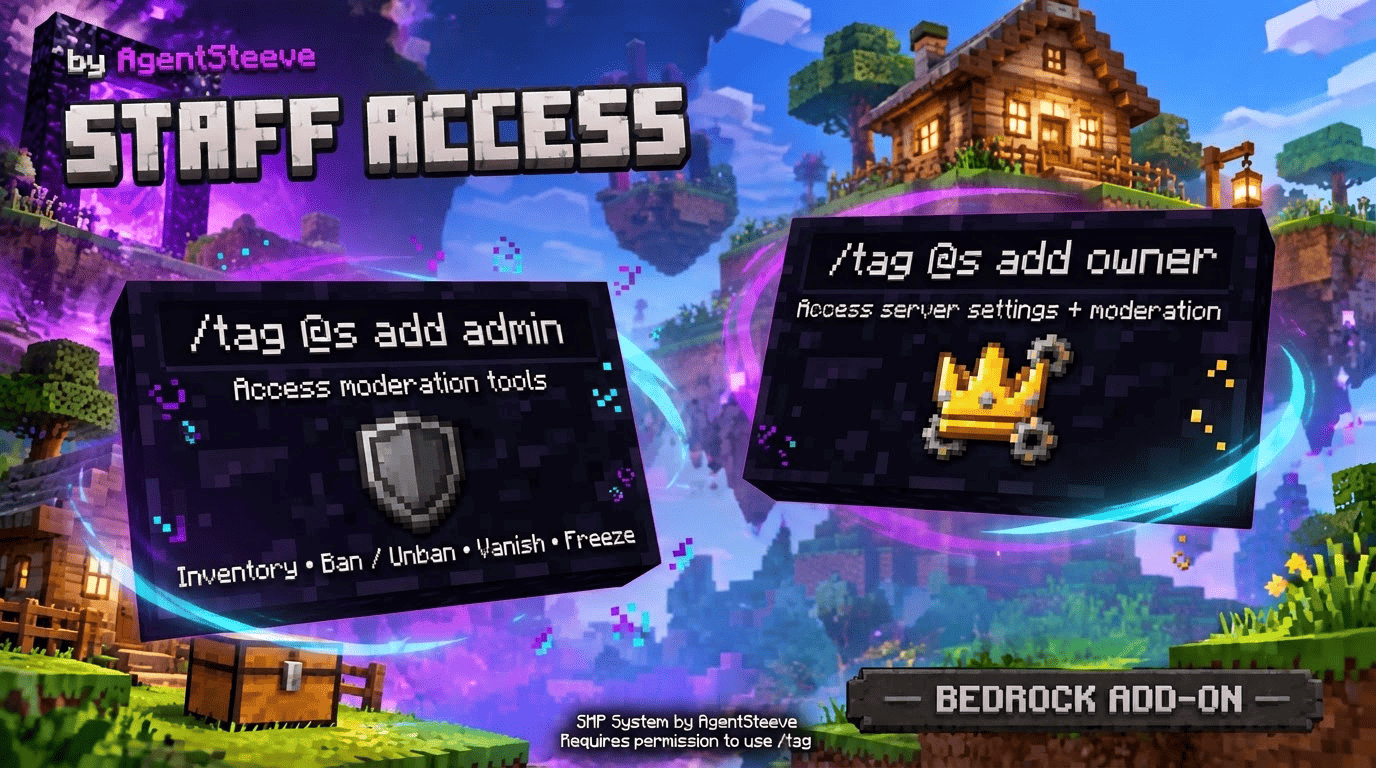
You need permission to run Minecraft's /tag command to assign these roles.
Admin Access
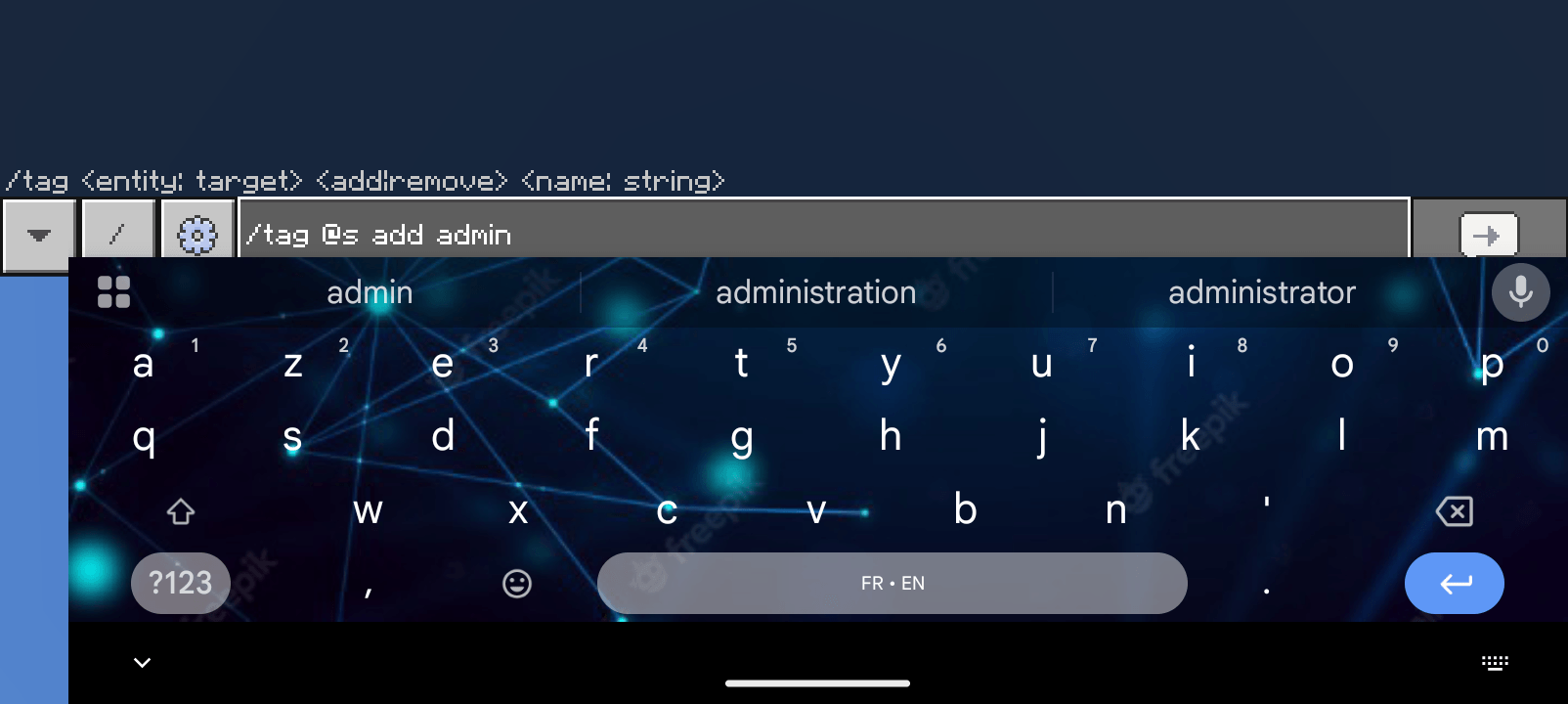
Run this command in chat to give yourself the admin tag:
/tag @s add admin
This unlocks access to the Moderation menu.
Owner Access
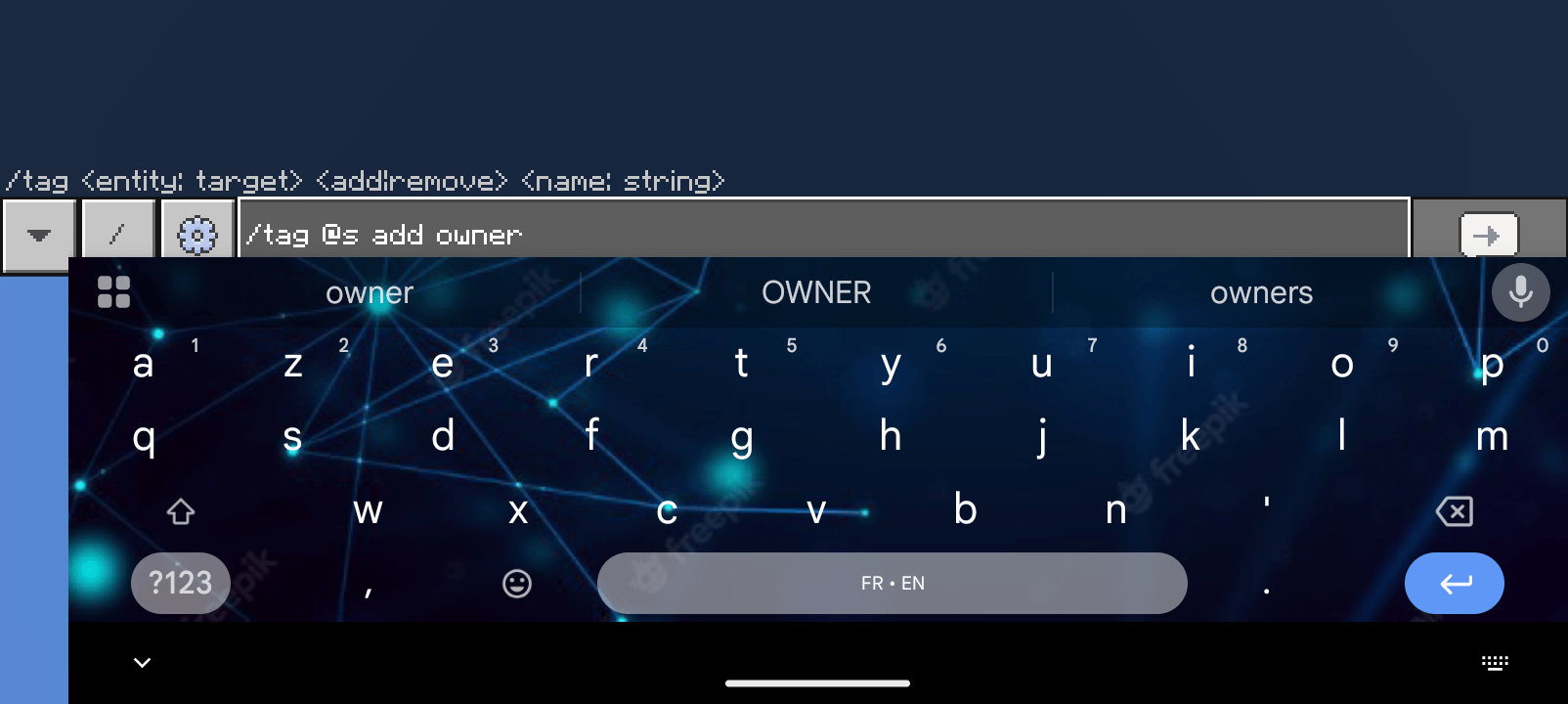
Run this command in chat to give yourself the owner tag:
/tag @s add owner
This unlocks access to Server Settings and Moderation.
Assign a Role to Another Player
Replace PlayerName with the player's exact name:
/tag "PlayerName" add admin
/tag "PlayerName" add owner
Remove a Role
To remove a role from yourself:
/tag @s remove admin
/tag @s remove owner
To remove a role from another player:
/tag "PlayerName" remove admin
/tag "PlayerName" remove owner
Important: @s means the player running the command. Run these commands yourself in chat when assigning your own role.
Only give admin and owner tags to players you trust. If a player has both tags, remove both to revoke both roles.
🚀 Getting Started
- Import the add-on into Minecraft Bedrock Edition.
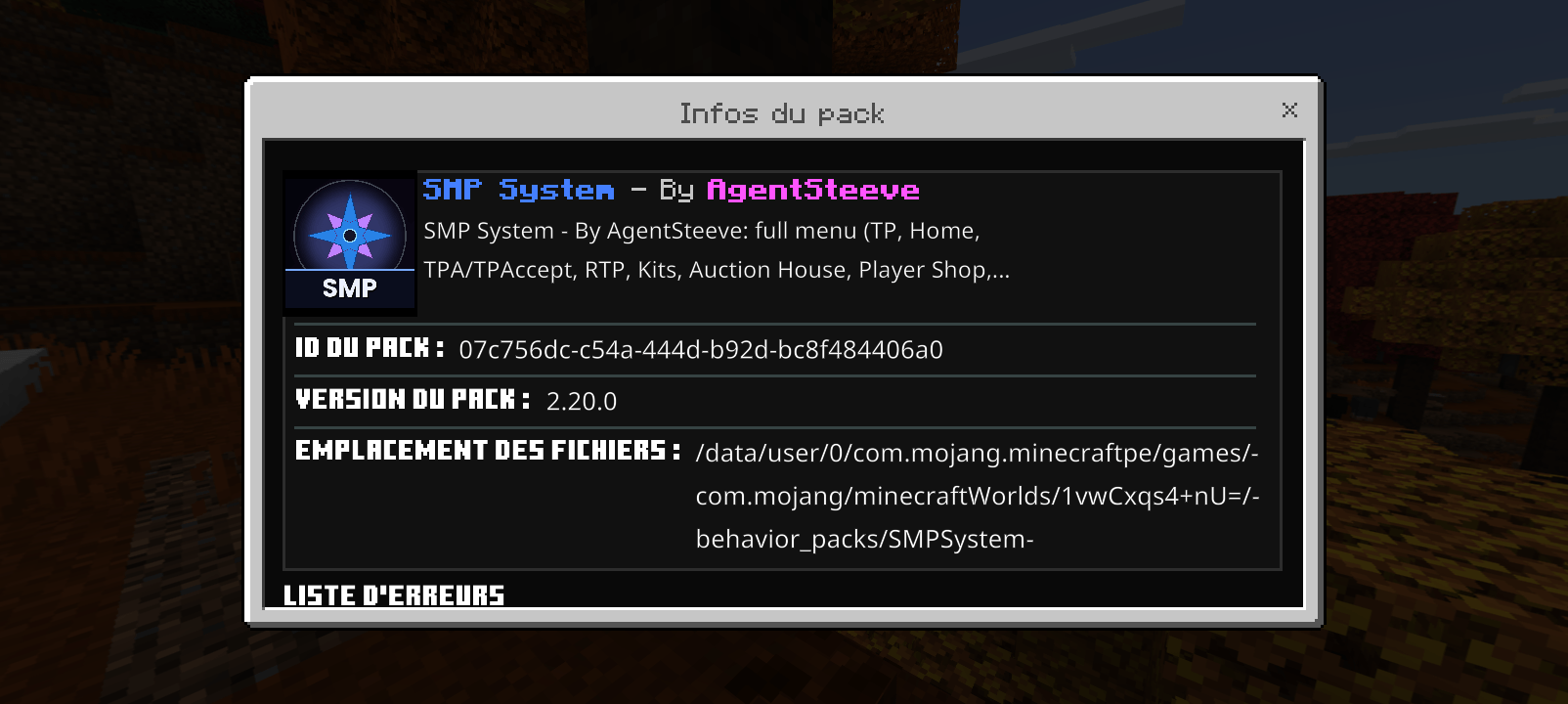
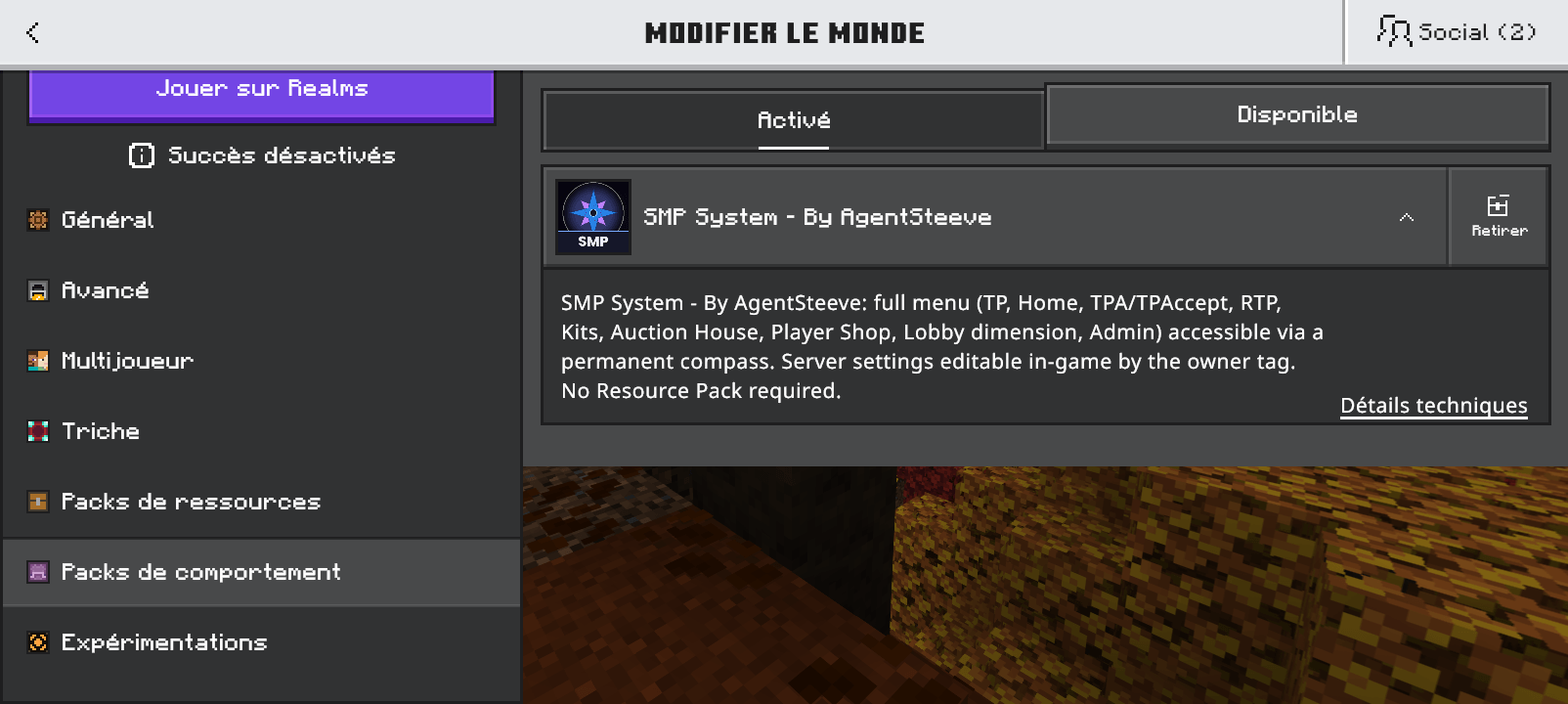
- Activate it in your world's Behavior Packs.
- Enter your world.
- Assign yourself the owner tag using
/tag @s add owner. - Use the compass to open the SMP menu.
- Open Server Settings and configure your SMP.
Build your community. Customize your world. Make it your SMP.
Created by AgentSteeve.
This is an unofficial Minecraft add-on. It is not affiliated with or endorsed by Mojang or Microsoft.
- Edition: Minecraft Bedrock
- File type: .mcpack or .mcaddon
- Minecraft version listed: 26.50
- How to install: Download the .mcpack or .mcaddon file. → Open it — Minecraft imports it. → In your world: Behavior Packs → Available → Activate, then the same under Resource Packs.
- Where to get it: Opens on CurseForge — not every file is mirrored on our own servers.
Install steps are the general flow for this file type — How to install Minecraft Bedrock addons & mods walks through it step by step.
SMP System by AgentSteeve is a free Minecraft Bedrock addon. Compatible with Minecraft 26.50. Downloaded 62 times (via CurseForge). Download it and open it directly in the game.