
Echo Lens Hostile Mob Pulse || Achievements Friendly
Bedrock add-on listed for Minecraft 1.21–26.x (behavior pack only). File opened and checked on 21 Oct 2026; installs from the MC Bedrock Mods app on Android.
Detect hidden hostile mobs with your spyglass! Scan nearby threats, check distances and directions, and explore safely. Achievements Friendly for MCPE…
⬇ Download on CurseForge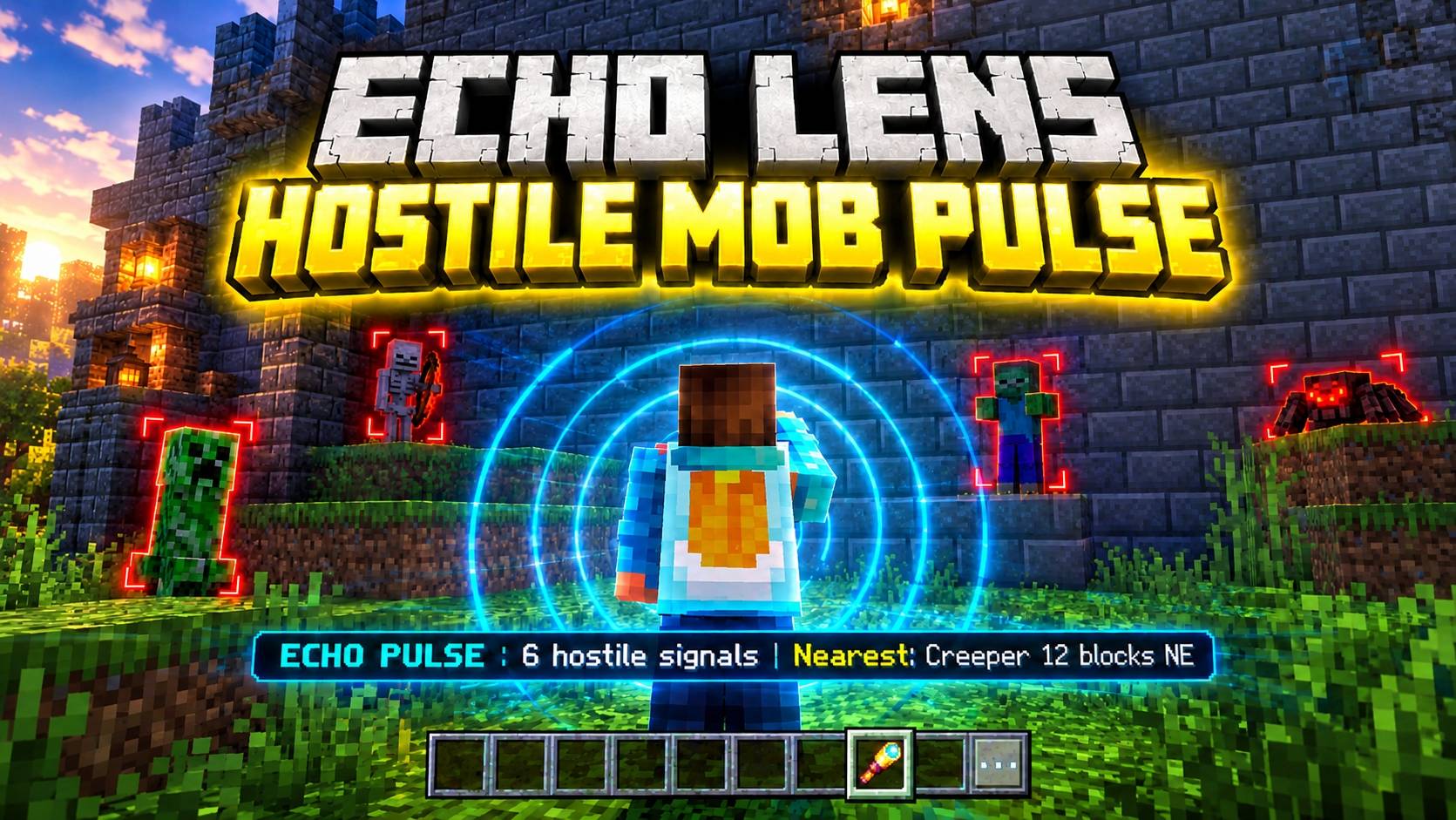
🔍 Echo Lens – Hostile Mob Pulse
See beyond the shadows and detect nearby dangers!
Echo Lens – Hostile Mob Pulse is a lightweight utility addon for Minecraft Bedrock Edition that helps players detect nearby hostile mobs using a vanilla spyglass. Activate its echo scan while crouching to discover hidden threats, estimate their distance, and prepare for danger before entering risky areas.
Designed for survival explorers, cave adventurers, and players who want a smarter way to stay alert!
✨ Features
- 🔭 Spyglass-Powered Scanning: Use your vanilla spyglass to activate the Echo Lens scan.
- 👾 Hostile Mob Detection: Detect nearby hostile mobs, even when they are hidden behind walls.
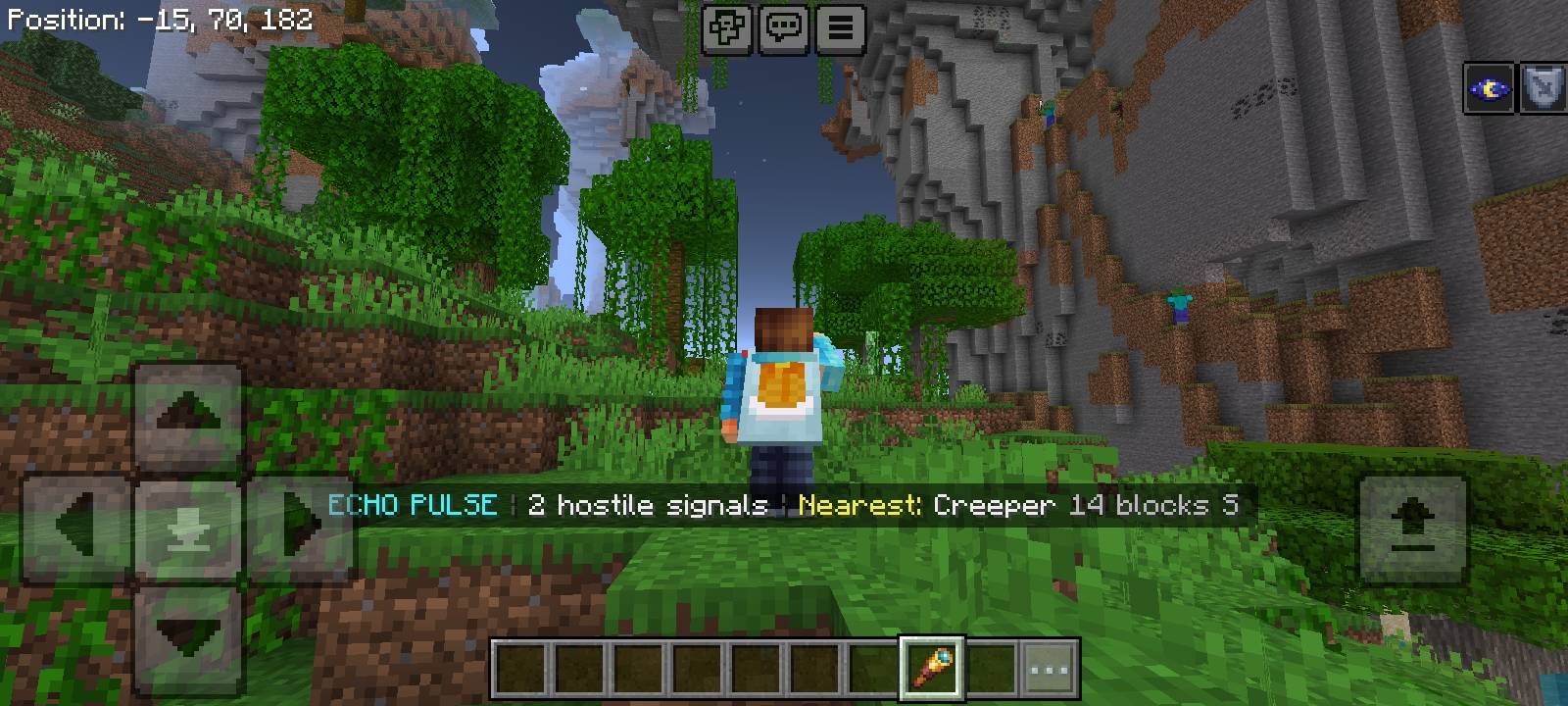
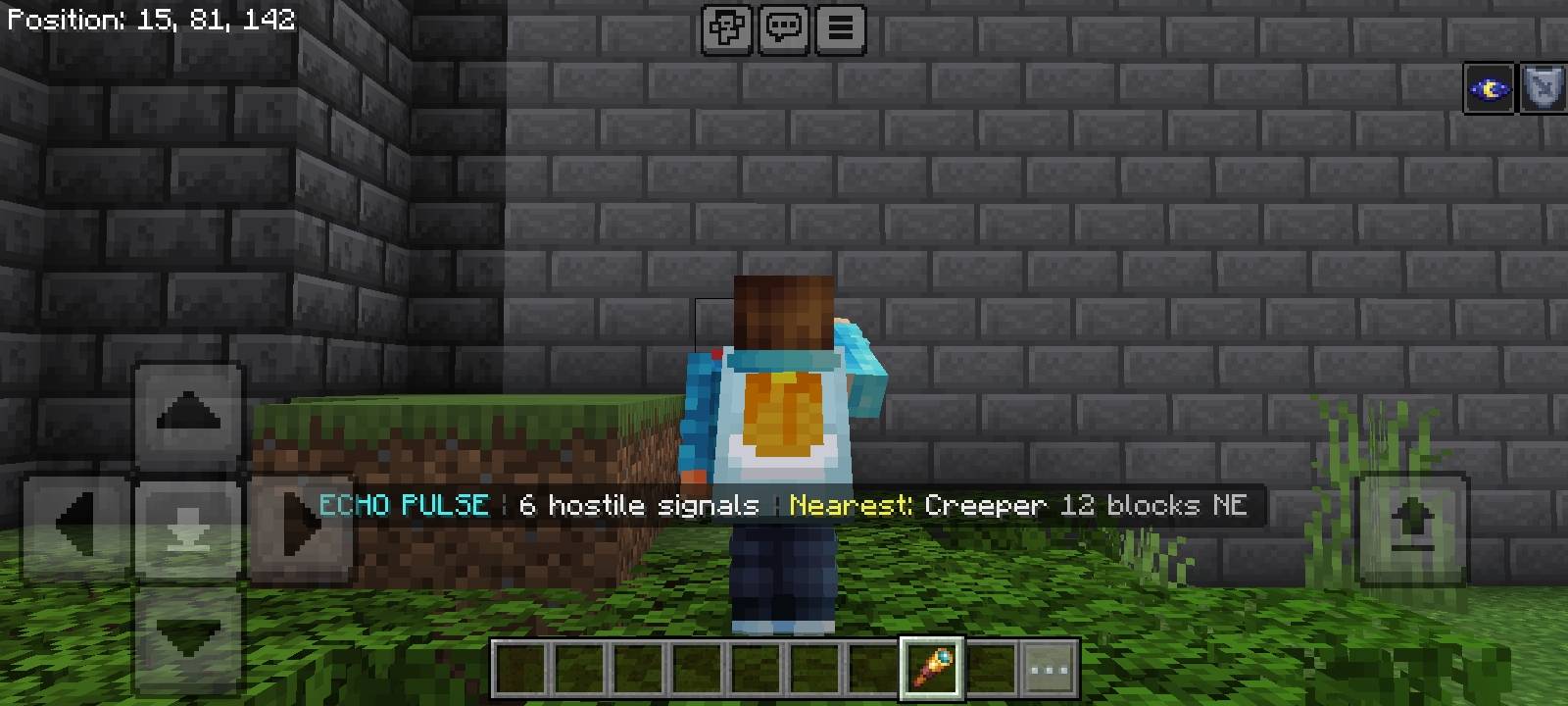
- 📡 Echo Reports: View the number of detected hostile mobs and information about the nearest threat.
- 📏 Distance Estimation: Check the approximate distance to the nearest detected hostile mob in blocks.
- 🧭 Direction Indicator: Get a directional hint to help locate nearby danger.
- ⚙️ Lightweight Gameplay: Adds a useful survival mechanic without introducing unnecessary items or complicated systems.
- 🏆 Achievements Friendly: Designed to work without requiring cheats or experimental gameplay features.
🎮 How to Use
- Download and import the addon into Minecraft Bedrock Edition.
- Activate Echo Lens – Hostile Mob Pulse in your world's Behavior Packs settings.
- Enter your world and obtain a normal Minecraft spyglass.
- Hold the spyglass, crouch, and use it to activate the echo scan.
- Read the on-screen report to learn about nearby hostile mobs and their approximate locations.
Tip: Scan before entering caves, abandoned structures, or other dangerous locations to help prepare for unexpected encounters.
⚙️ Compatibility
- Game: Minecraft Bedrock Edition (MCPE)
- Target Version: 1.21+
- Pack Type: Behavior Pack
- Custom Items Required: None
- Commands Required: None
- Cheats Required: No
- Experimental Features Required: No
- Achievements Friendly: Yes, designed to preserve achievement eligibility when used without other settings or packs that disable achievements.
Note: Actual compatibility can depend on the Minecraft version and the other packs or world settings in use.
👨💻 Creator
Neq Gamerz
Made for Minecraft players who want a more tactical and enjoyable survival experience.
📜 Redistribution Policy
You are welcome to use this addon in your personal Minecraft worlds and showcase it in videos, streams, or gameplay content with appropriate credit to Neq Gamerz.
- Do not re-upload, redistribute, or mirror the original addon files without permission from the creator.
- Do not claim this addon or its contents as your own work.
- Do not modify and redistribute the addon without the creator's permission.
- If you feature this addon in public content, credit Neq Gamerz and link to the original download page whenever possible.
Please respect the creator's work and support the original release.
Explore smarter. Detect danger. Survive longer.
Echo Lens – Hostile Mob Pulse | By Neq Gamerz
- Edition: Minecraft Bedrock
- File type: .mcpack or .mcaddon
- Minecraft versions listed: 1.21.131, 1.21.132, 26.0.02
- How to install: Download the .mcpack or .mcaddon file. → Open it — Minecraft imports it. → In your world: Behavior Packs → Available → Activate, then the same under Resource Packs.
- Where to get it: Opens on CurseForge — not every file is mirrored on our own servers.
Install steps are the general flow for this file type — How to install Minecraft Bedrock addons & mods walks through it step by step.
- Pack type: .mcpack — a single pack
- Manifest requires Minecraft 1.21.80 or newer
- Complete pack — everything it depends on is inside the file
- Download size: 1.2 MB
- Download link checked 21 Oct 2026 — working
These come from our own check of the pack file, not from the source page.