ResourcepacksJava
No Dark Inventory Overlay Resource Pack (1.21.11, 1.20.1)
Java resource pack listed for Minecraft 1.20–1.21. Downloads from the MC Java Mods app on Android.
⬇ Download


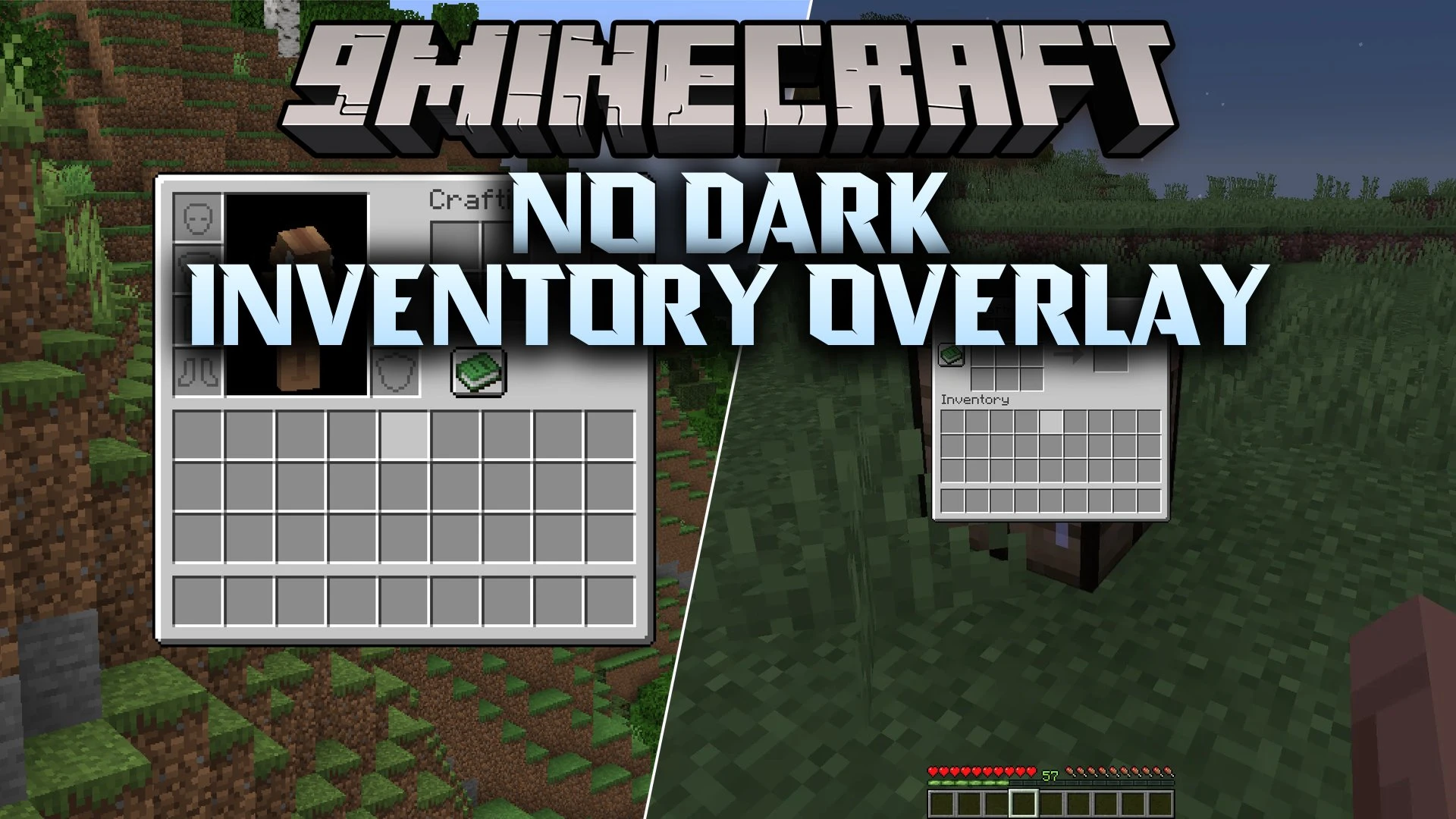
No Dark Inventory Overlay Resource Pack removes the dark shading behind menus and storage screens. This pack lets you see the surrounding world clearly whenever you open your inventory, chests, or crafting tables. It works directly in vanilla game files without any extra mods installed. You can also view items in the pause menu without dimming your surroundings. Everything stays bright and visible while you sort your loot.
Features:
- Removes the dim dark shading behind all inventory screens and open containers.
- Clears the background behind the pause menu on versions where menu blur is off.
- Works smoothly alongside both OptiFine and Sodium display mods.
- Runs purely as a resource pack without needing code mods.
- Lets players edit shader files to pick custom overlay colors or opacity levels.
- Helps you keep an eye on nearby surroundings while sorting items.
Custom Shading Options:
- Open the shader file inside the pack to change opacity or set custom background tints.
- Set the transparency value to zero for total clarity or raise it for slight shading.
- Replace color values with custom color numbers to match your favorite screen style.
Screenshots:
No Dark Inventory Overlay Resource Pack Download Links
Quick facts
- Edition: Minecraft Java
- File type: .zip (resource pack)
- Minecraft versions listed: 1.21.11, 1.20.1
- How to install: Download the .zip resource pack — do not unzip it. → Put it in .minecraft/resourcepacks. → Enable it in Options → Resource Packs.
- Where to get it: In MC Java Mods, or directly above on this page.
Install steps are the general flow for this file type — How to install Minecraft Java resource packs walks through it step by step.
File checked by MCModsHub
- Downloads as 530902.mcpack
- Download size: 808 KB
- Download link checked 22 Oct 2026 — working
- Mirrored on our own servers — the download does not depend on the original host
These come from our own check of the pack file, not from the source page.