ModsJava
Diorama Mod (26.3, 1.21.1) – Track Your Journey Across a 3D Miniature Tabletop
Java mod listed for Minecraft 1.21. Downloads from the MC Java Mods app on Android.
⬇ Download


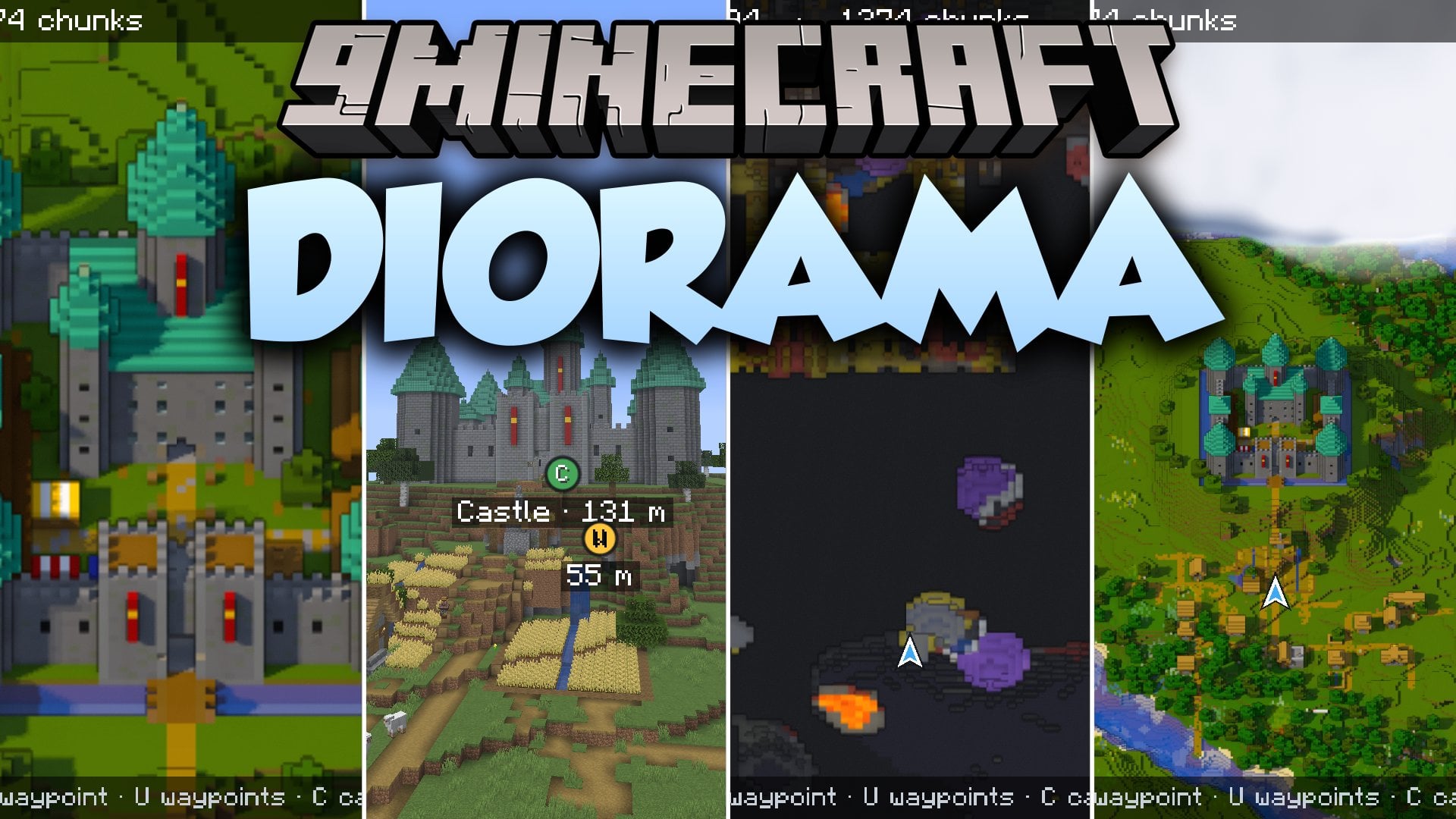
Diorama Mod renders your in-game map at a tilted angle like a physical miniature model on a table. Cliffs display steep drop-offs, tall towers stand out, and trees cast shadows across the ground. You get both a clean corner minimap and an interactive fullscreen view that you can pan or zoom freely. The mod tracks every block your game loads so you never lose sight of your past travels.
Features:
- Angled 3D Projection: Shows the world from an overhead fifty-degree angle so cliffs, towers, and roofs stand out clearly.
- Accurate Shading: Casts sunlight shadows under trees and uses block light underground to give depth to the terrain.
- Underground Slice View: Cuts through stone to expose caves, lava lakes, and mineshafts right around your character.
- Mob and Player Radar: Tracks nearby creatures with colored head icons that show whether they are friendly or hostile.
- Custom Waypoint System: Marks death spots and custom locations both on the map screen and in your world view.
- Xaero Compatibility: Imports saved waypoints from Xaero’s Minimap and shares coordinates cleanly in game chat.
- Water gets darker as depth increases to show how deep rivers and oceans run.
- Fog covers unexplored territory until you walk close enough to load the blocks.
- Zoom levels range from individual blocks up to ten thousand blocks across.
- Singleplayer overlays display chunk borders, mob spawning spots, and slime chunks.
- This mod runs purely on your client side so servers do not need to install it.
How to Use:
- Press M to open the fullscreen map, drag to pan around, and scroll to zoom in or out.
- Press B to mark a new waypoint right where your character stands.
- Press U to open the waypoint list and manage your saved places.
- Press C while viewing the fullscreen map to switch into cave slicing mode.
- Use Page Up or Page Down to move the underground slice layer up and down.
- Press Space at any moment to center the map display back on your character.
- Use the = and – keys to quickly change the zoom level of the corner minimap.
Screenshots:
Diorama Mod Download Links
Quick facts
- Edition: Minecraft Java
- File type: .jar
- Minecraft version listed: 1.21.1
- How to install: Install the matching mod loader (Forge, Fabric or NeoForge) for your Minecraft version. → Download the .jar. → Put it in the .minecraft/mods folder and launch that loader profile.
- Where to get it: In MC Java Mods, or directly above on this page.
Install steps are the general flow for this file type — How to install Minecraft Java mods & modpacks walks through it step by step.
File checked by MCModsHub
- Downloads as 530924.mcaddon
- Download size: 291 KB
- Download link checked 22 Oct 2026 — working
- Mirrored on our own servers — the download does not depend on the original host
These come from our own check of the pack file, not from the source page.