ModsJava
Magic Client Mod (1.21.4) – Automate Tedious Mining and Long Travel
Java mod listed for Minecraft 1.21. Downloads from the MC Java Mods app on Android.
⬇ Download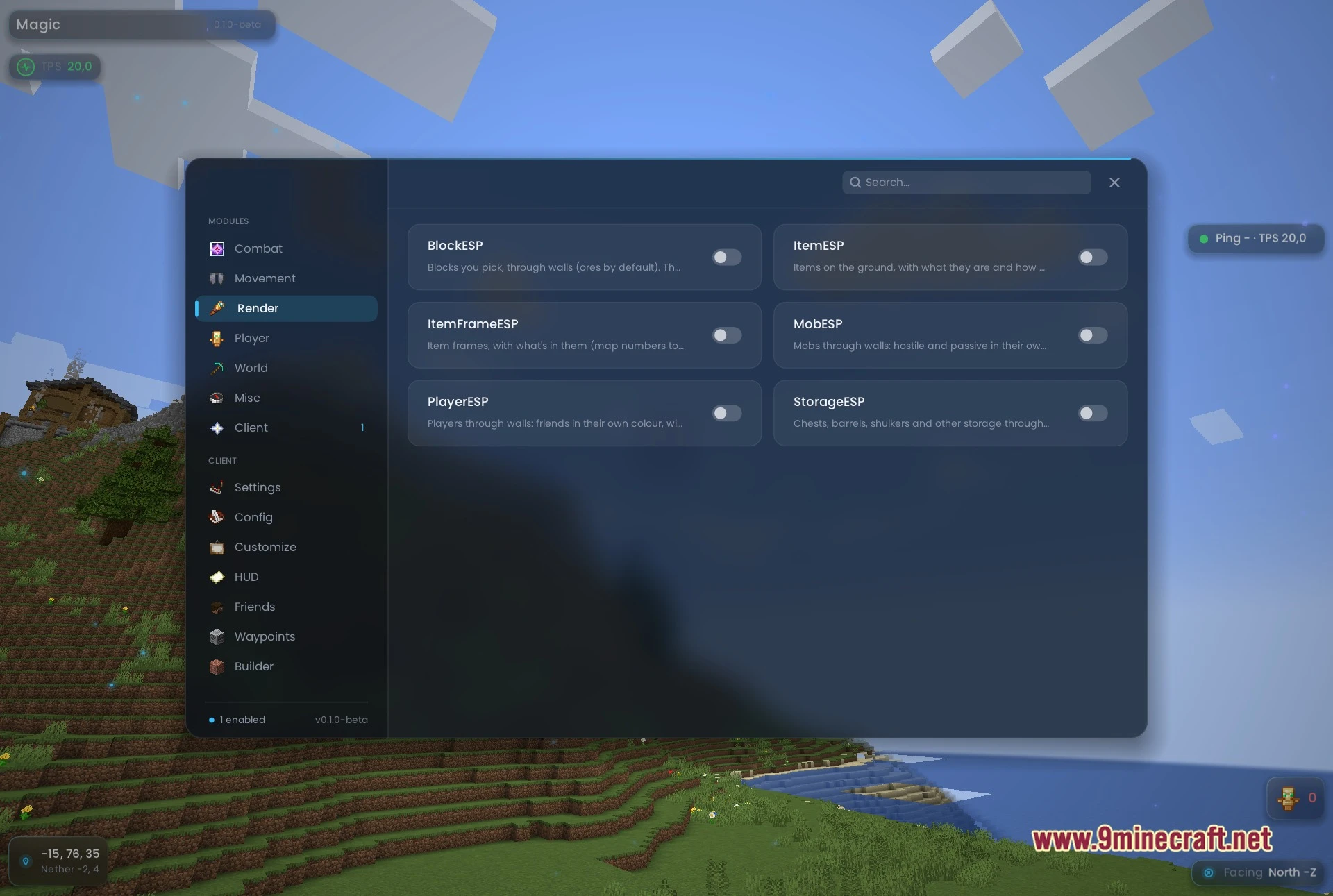

Magic Client Mod simplifies daily survival tasks with nineteen helpful tools. The menu opens as a single dark rounded panel with a search box and clean sidebar tabs. You can automate mining, manage hunger without opening menus, and track world targets through solid blocks. This mod keeps visual clutter low so your game runs smoothly on any system.
Features:
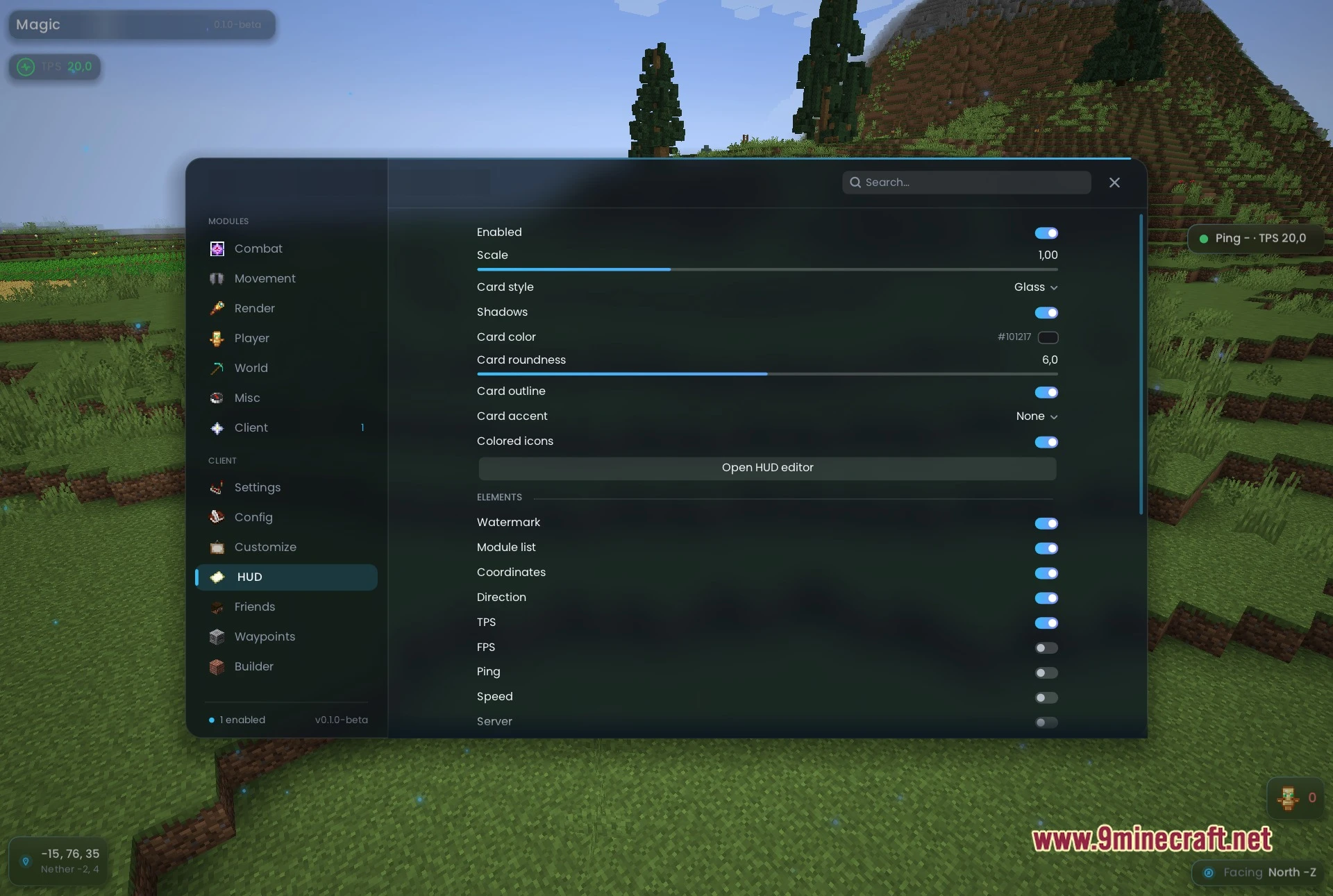
- Clean Menu: Displays all nineteen modules across seven categories inside a dark rounded panel with an instant search box.
- Visual ESP Overlays: Highlights blocks, ground items, item frames with map numbers, mobs, players, and storage containers through solid walls.
- Automated Pathfinding: Guides your character to target coordinates on foot or through the air using rockets and elytra.
- Four player modules handle hunger, weapon swapping, instant respawning, and small actions to prevent server kicks.
- Miner module digs branch tunnels automatically toward specific ores you select in chat.
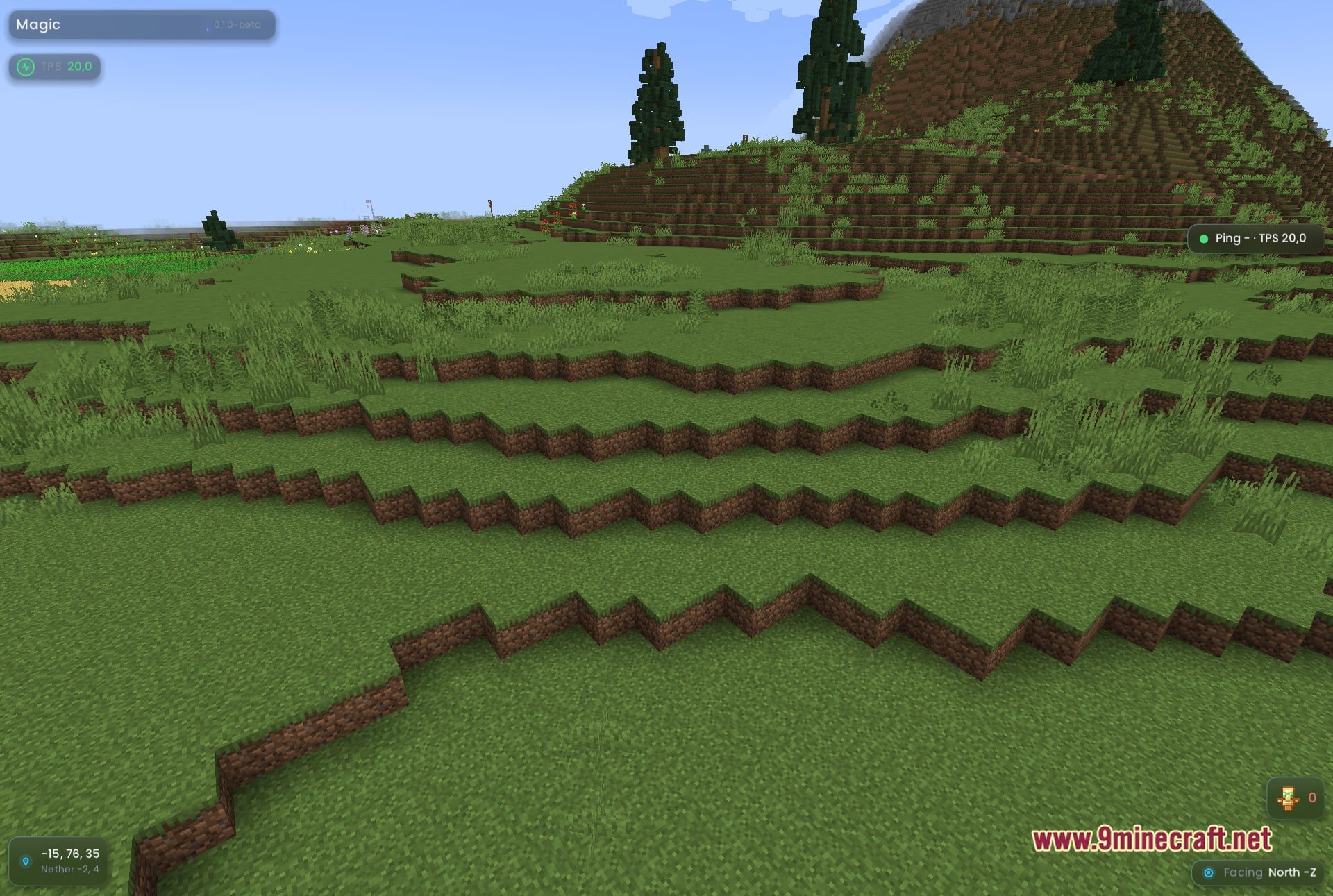
- HUD settings include card styling, glass effects, custom colors, and an on-screen editor to position your gauges.
- Performance mode swaps in lighter visuals across the interface to help slower computers run better.
- Dedicated panels let you manage custom waypoints, friend lists, builder settings, and overall client options.
Best Used For:
- Long mining trips where the client handles chores.
- Travelling to far coordinates without watching the screen.
- Spotting ores, chests, and mobs through walls.
- Building a HUD that shows exactly what you want.
- Running a light client on a slower computer.
Commands:
;goto: walks your character to the chosen horizontal coordinates.;goto: walks your character to the exact coordinates including height.;mine: starts branch-mining for a chosen ore.
How to Use:
- Press RSHIFT to open the Magic Client Mod menu on your screen.
- Click the toggle switch on any module card to turn it on or off.
- Type commands directly into in-game chat to begin automatic walking or mining.
- Open the HUD editor from the client panel to drag your on-screen gauges to preferred spots.
Screenshots:
Magic Client Mod Download Links
Quick facts
- Edition: Minecraft Java
- File type: .jar
- Minecraft version listed: 1.21.4
- How to install: Install the matching mod loader (Forge, Fabric or NeoForge) for your Minecraft version. → Download the .jar. → Put it in the .minecraft/mods folder and launch that loader profile.
- Where to get it: In MC Java Mods, or directly above on this page.
Install steps are the general flow for this file type — How to install Minecraft Java mods & modpacks walks through it step by step.
File checked by MCModsHub
- Downloads as 530944.mcaddon
- Download size: 3.4 MB
- Download link checked 22 Oct 2026 — working
- Mirrored on our own servers — the download does not depend on the original host
These come from our own check of the pack file, not from the source page.