ModsJava
Anubis Client Mod (1.21.11) – Dominate Crystal PvP and Anarchy Servers
Java mod listed for Minecraft 1.21. Downloads from the MC Java Mods app on Android.
⬇ Download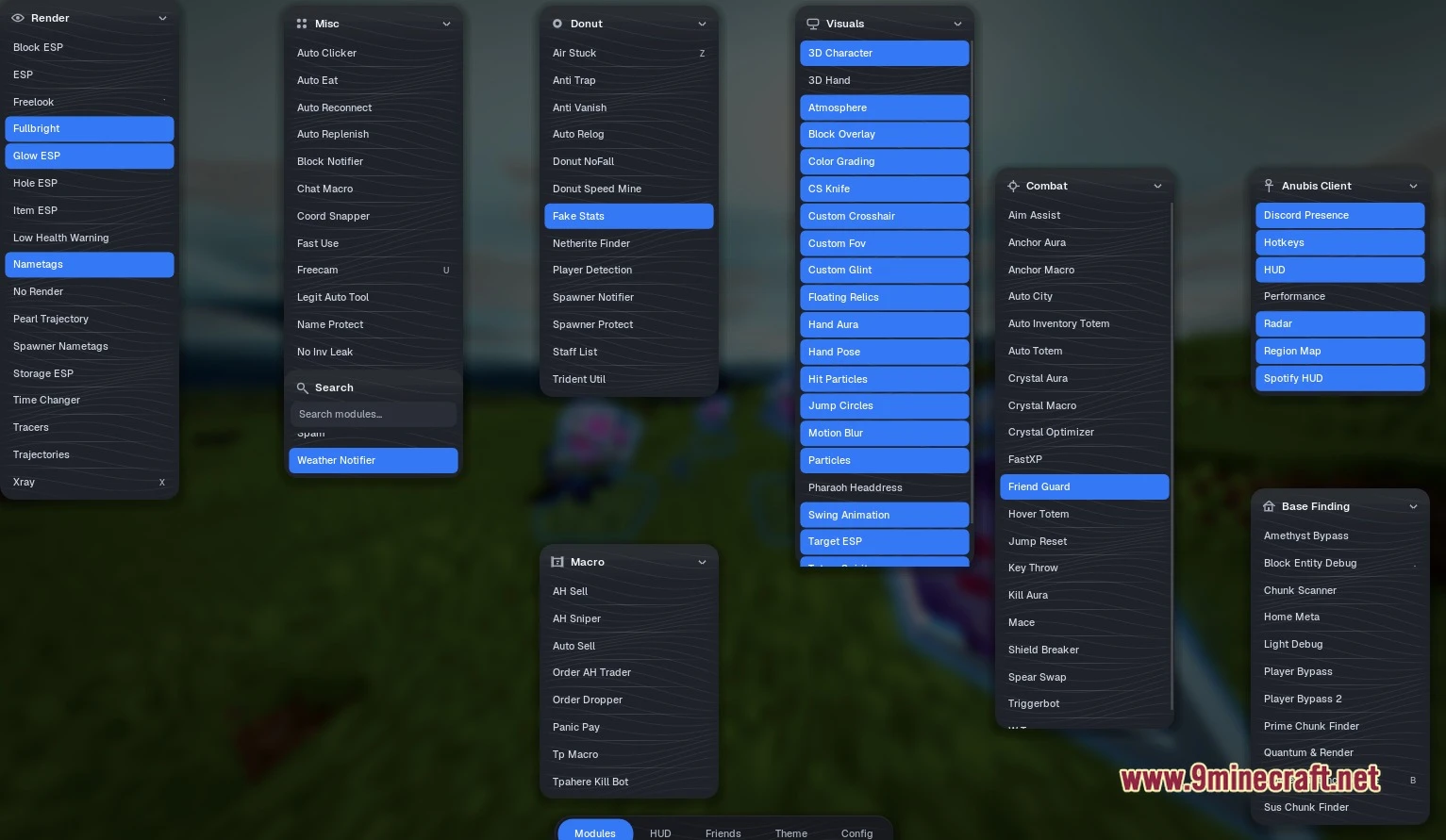
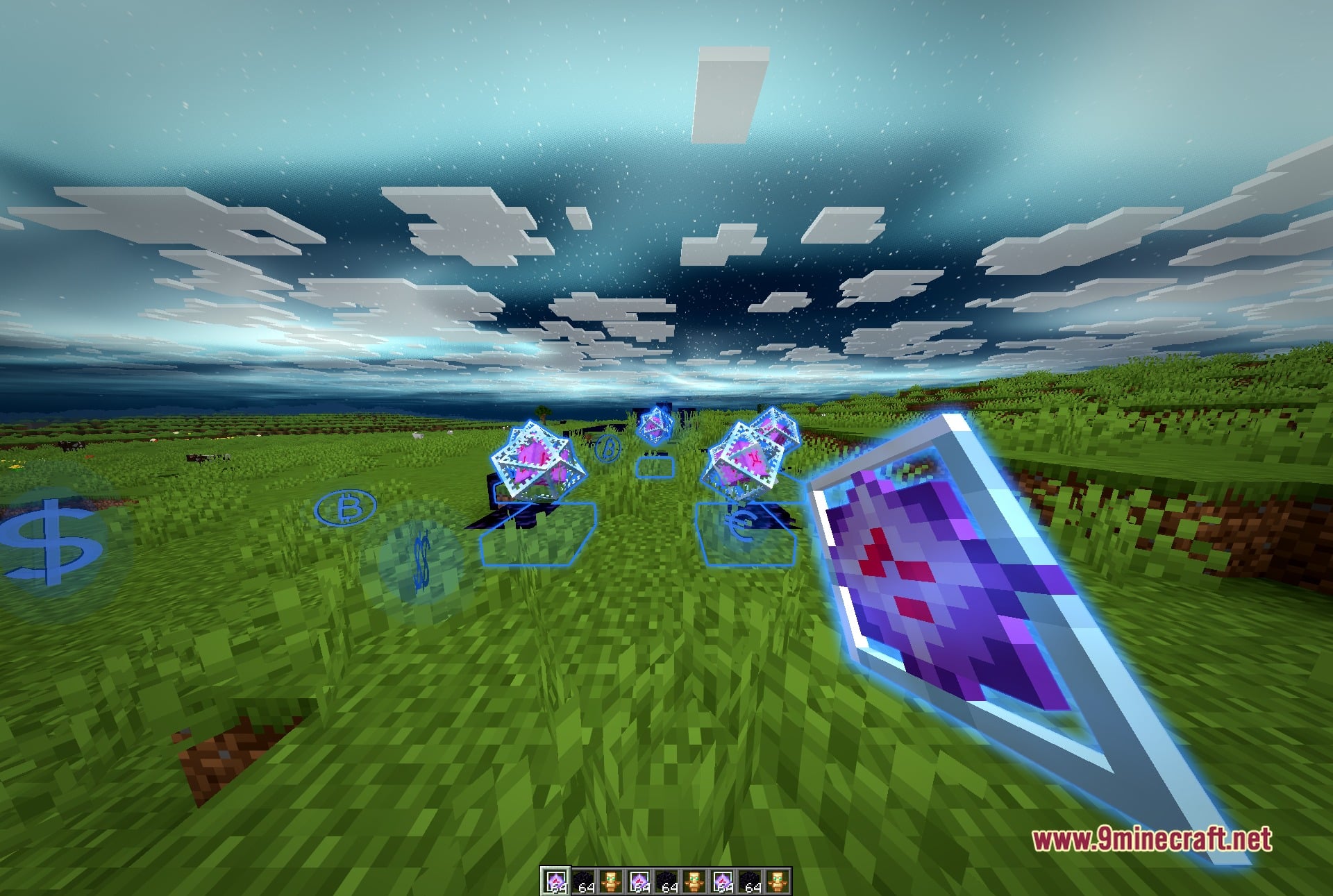
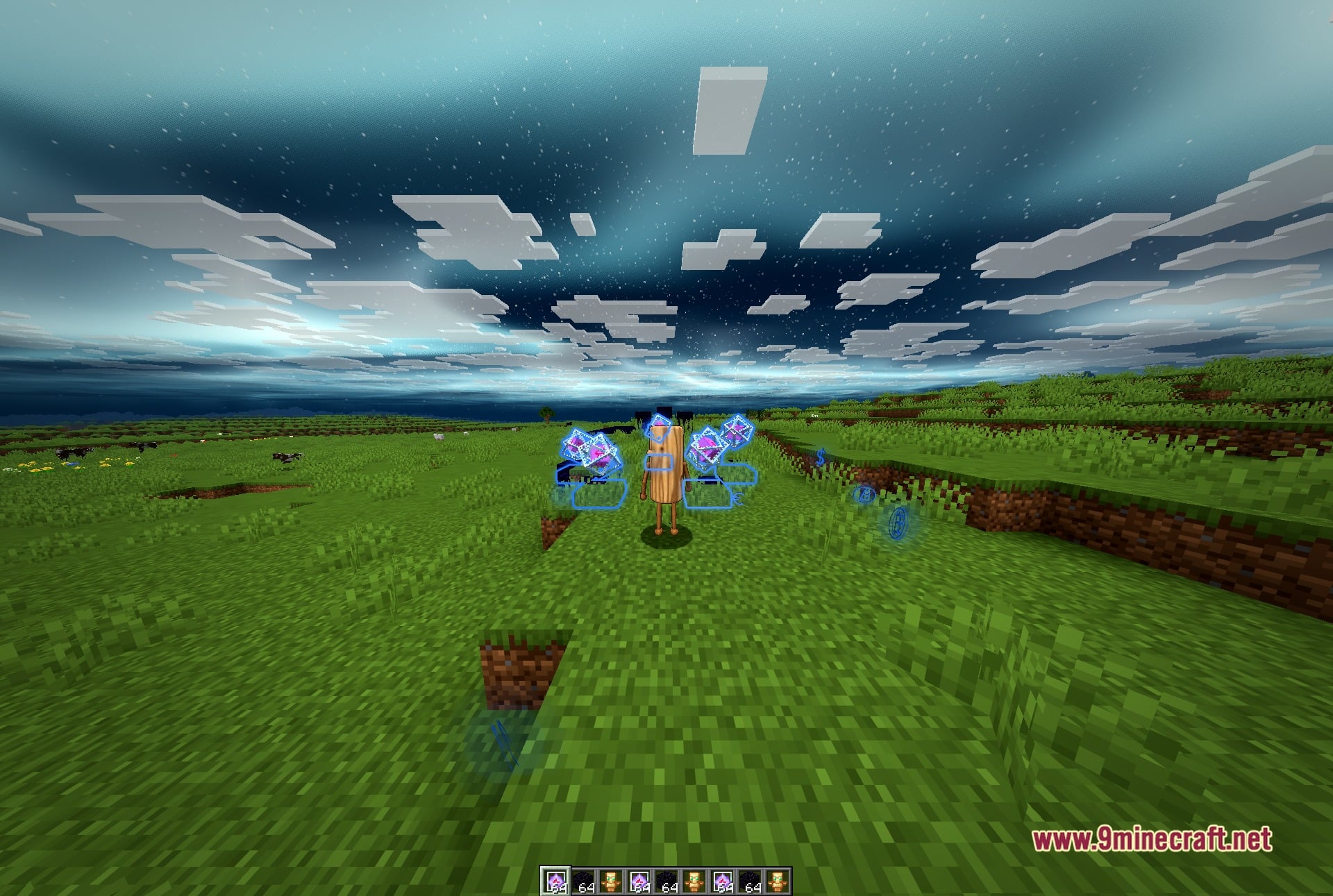
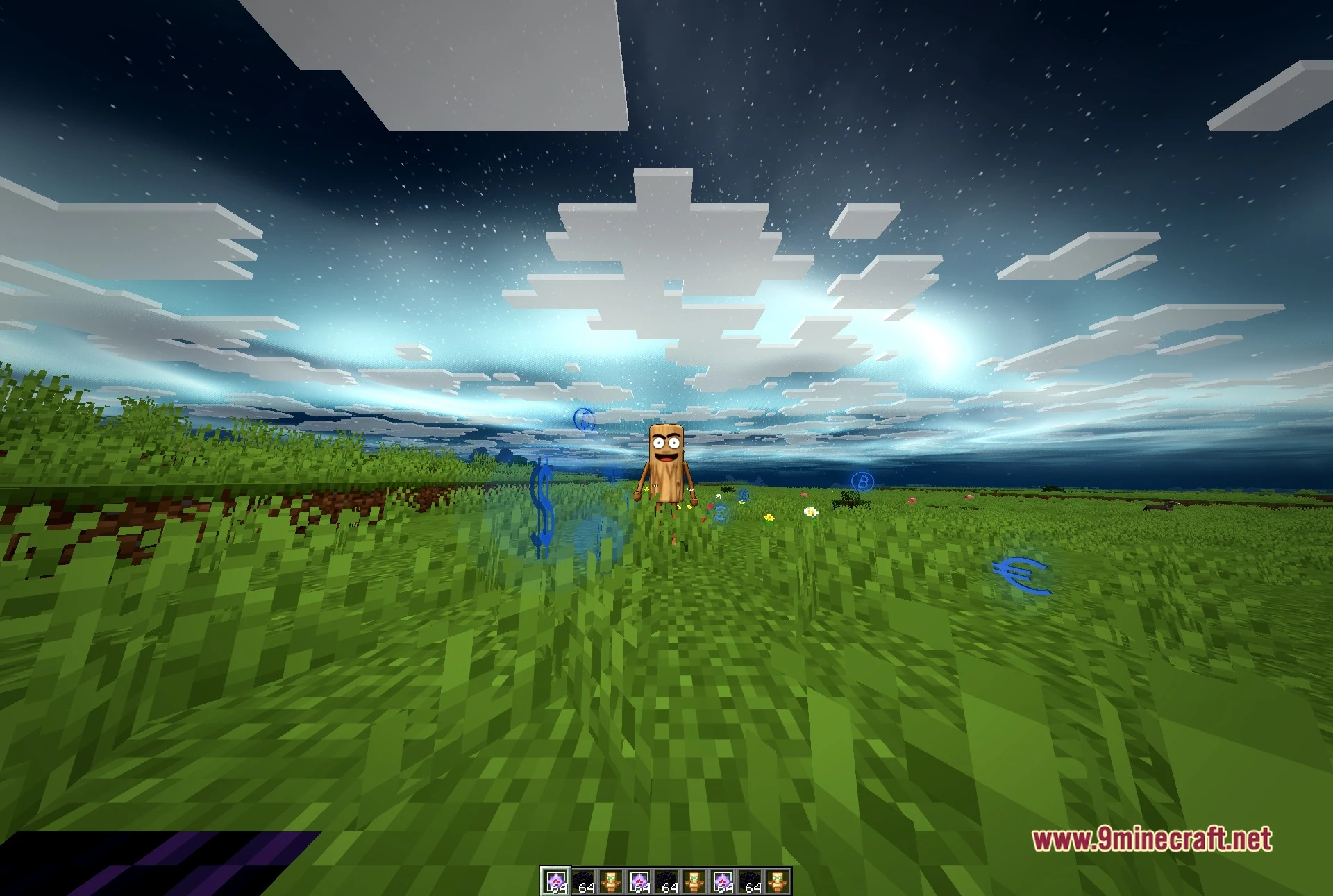
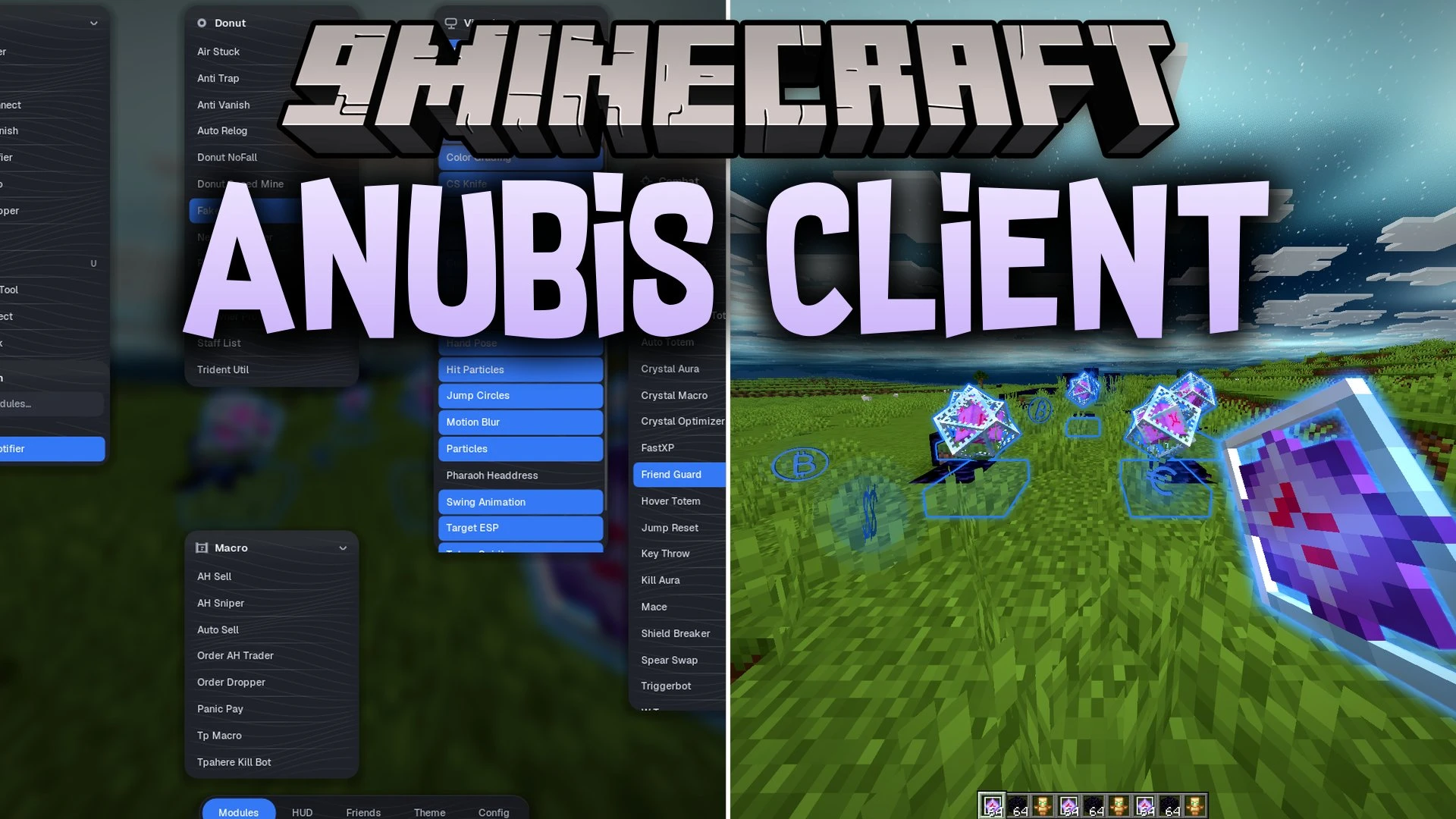
Anubis Client Mod equips you with over one hundred built-in utility modules for survival and combat. The interface uses draggable floating panels that keep every tool within easy reach. Active modules turn bright blue on your screen so you always know what is running. This mod helps you locate hidden stashes, speed up inventory tasks, and track nearby targets.
Features:
- Floating Panel Interface: Organizes 130 tools into movable panels with a real-time search box to quickly filter what you need.
- Combat Tools: Gives you quick actions for crystal fights and totems, including Auto Totem, Crystal Aura, and Anchor Macro.
- Render and ESP: Displays bright markers through walls for storage, items, mob spawners, holes, and player paths.
- Helps you spot hidden builds across the world using chunk scanners and light debug tools.
- Automates repetitive market trading and inventory drops with built-in macro helpers.
- Displays custom on-screen widgets like radar, Spotify playback, and region maps.
- Bottom menu tabs let you switch between friends, visual themes, HUD setups, and client settings.
- Shows custom key binds right next to module names for quick keyboard controls.
Best Used For:
- Surviving on tough anarchy servers where extra awareness keeps you safe.
- Winning fast-paced crystal and anchor battles during PvP.
- Finding underground bases, chests, and player stashes.
- Automating repetitive market trading, dropping items, and quick payments.
- Customizing your screen with unique HUD layouts, visual auras, and custom crosshairs.
Screenshots:
Anubis Client Mod Download Links
Quick facts
- Edition: Minecraft Java
- File type: .jar
- Minecraft version listed: 1.21.11
- How to install: Install the matching mod loader (Forge, Fabric or NeoForge) for your Minecraft version. → Download the .jar. → Put it in the .minecraft/mods folder and launch that loader profile.
- Where to get it: In MC Java Mods, or directly above on this page.
Install steps are the general flow for this file type — How to install Minecraft Java mods & modpacks walks through it step by step.
File checked by MCModsHub
- Downloads as 530946.mcaddon
- Download size: 17.9 MB
- Download link checked 22 Oct 2026 — working
- Mirrored on our own servers — the download does not depend on the original host
These come from our own check of the pack file, not from the source page.