
ModsJava
Spooky Client Mod (1.21.11) – Spot Buried Loot and Lurking Mobs
Java mod listed for Minecraft 1.21. Downloads from the MC Java Mods app on Android.
⬇ Download
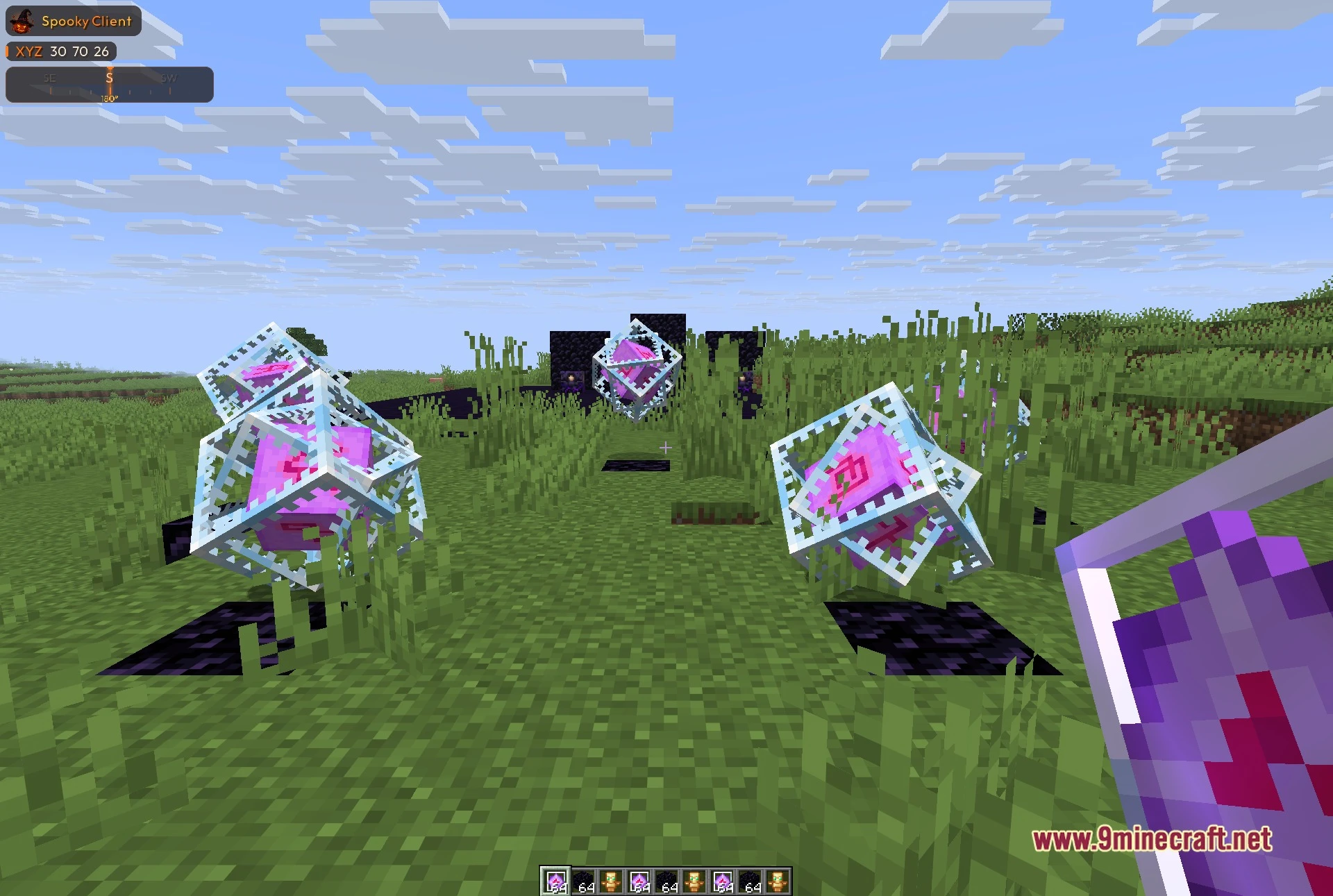
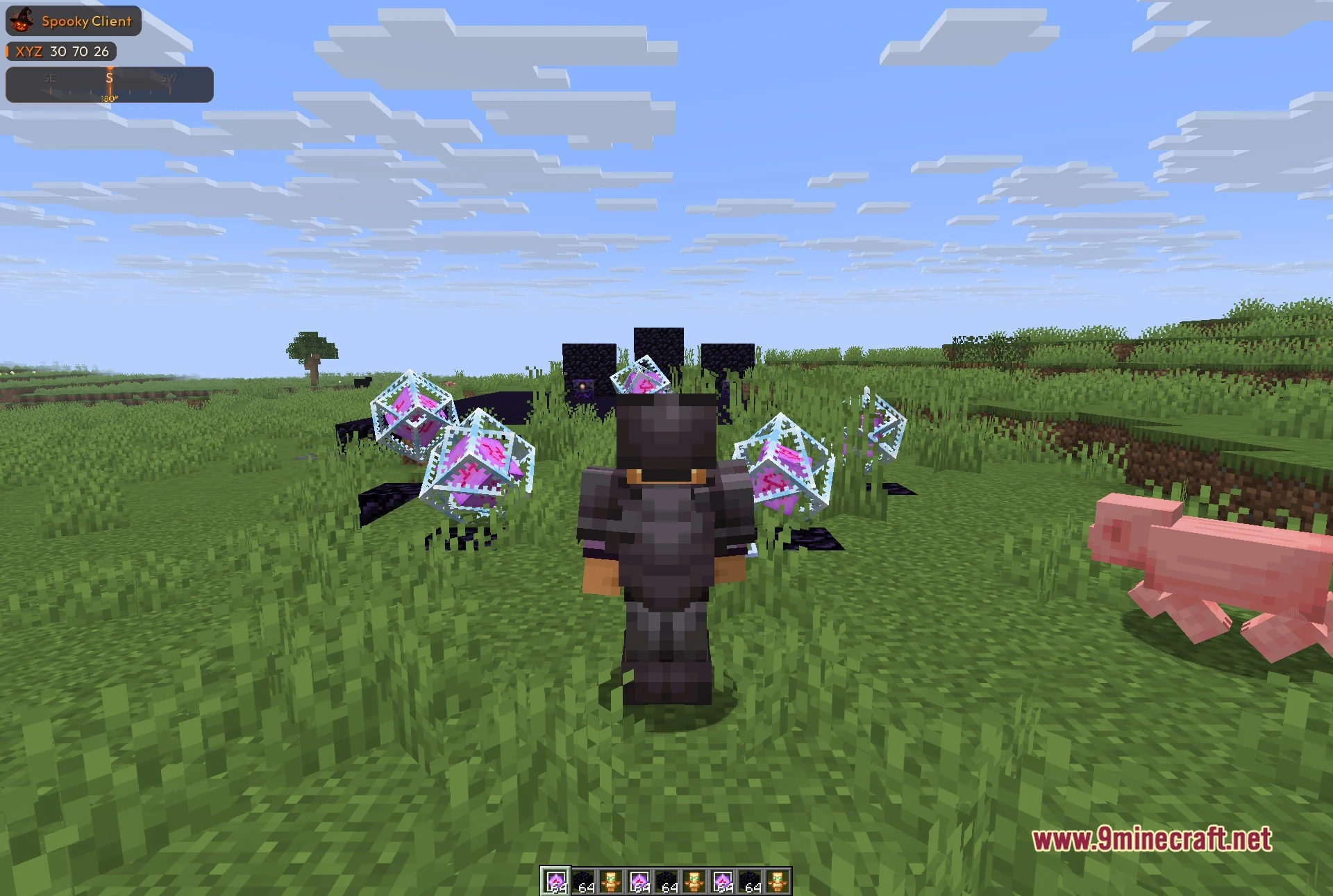
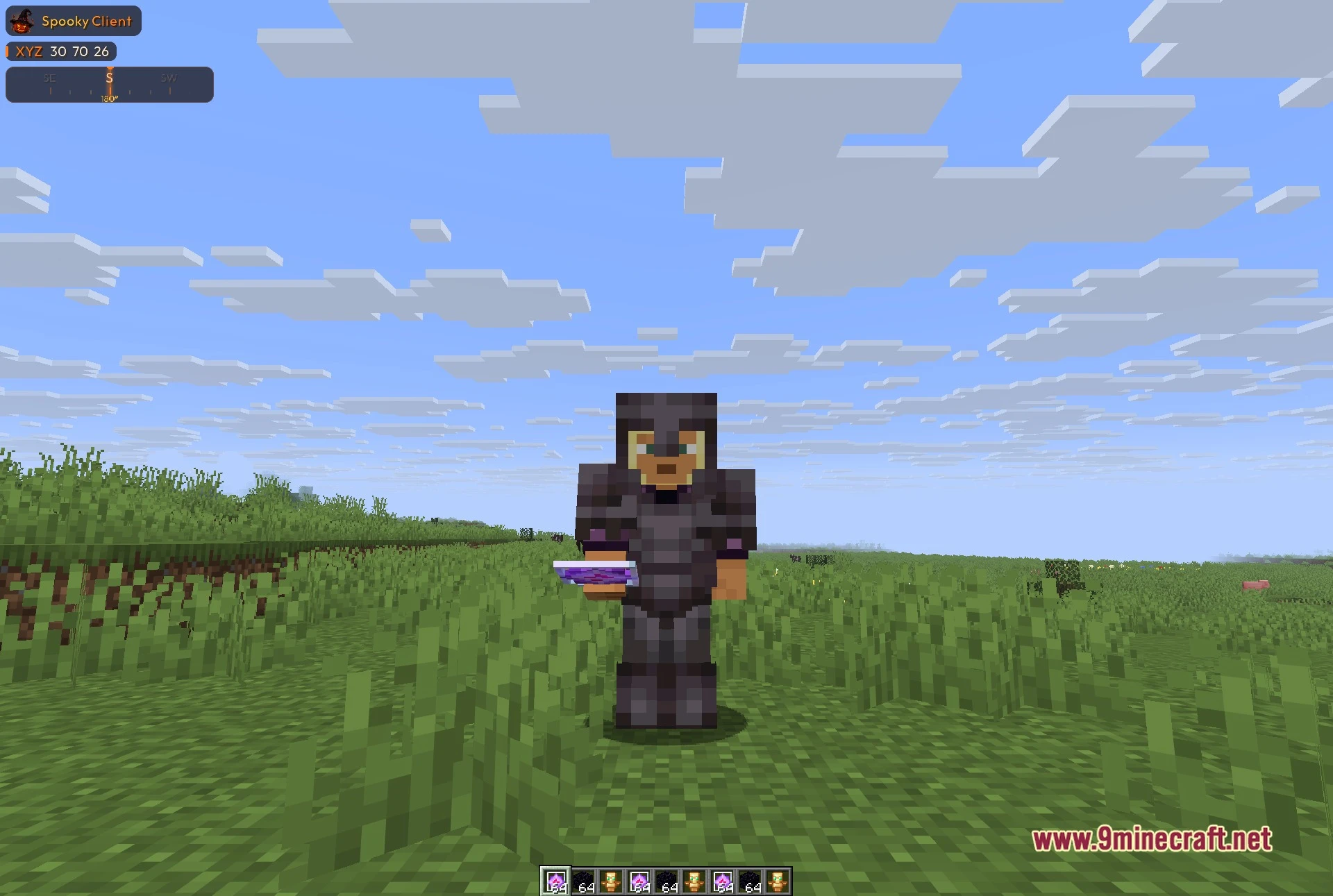
Spooky Client Mod equips you with a Halloween-themed utility menu packed with handy gameplay tools. The interface looks like an eerie graveyard where you wake up different modules to help you explore. You can inspect blocks, track nearby mobs, and tweak your visuals with dozens of built-in settings. A small on-screen display keeps your coordinates and compass right in view while you wander.
Features:
- Graveyard Menu: Displays categories as headstones at rest until opened, complete with a counter showing awake modules.
- Render Tools: Includes visual helpers like Block ESP, Storage ESP, Mob ESP, fullbright, custom crosshairs, and pearl trajectories.
- Helpful In-Game HUD: Shows your exact XYZ coordinates, compass heading, and client details in the top-left corner.
- Gives you combat and world options to assist during everyday gameplay.
- Offers privacy choices like skin protection alongside perks such as a Spotify overlay.
- Middle-click any module to set custom keybinds or right-click to open its settings window.
- Includes a setup manager so you can save and load different profiles whenever you want.
Best Used For:
- Playing on your own singleplayer worlds or private servers.
- Spotting valuable ores and buried storage blocks through terrain.
- Tracking hostile mobs and other players around your base.
- Customizing your screen with cleaner visuals and extra information.
- Saving separate setups for exploration and daily building tasks.
How to Use:
- Press Right Shift to open the graveyard menu.
- Click a module on any headstone to toggle it on or off.
- Right-click a module to open its extra settings panel.
- Middle-click a module to assign a custom hotkey to it.
- Use the arrow keys or click the headstones to switch between different categories.
Screenshots:
Spooky Client Mod Download Links
Quick facts
- Edition: Minecraft Java
- File type: .jar
- Minecraft version listed: 1.21.11
- How to install: Install the matching mod loader (Forge, Fabric or NeoForge) for your Minecraft version. → Download the .jar. → Put it in the .minecraft/mods folder and launch that loader profile.
- Where to get it: In MC Java Mods, or directly above on this page.
Install steps are the general flow for this file type — How to install Minecraft Java mods & modpacks walks through it step by step.
File checked by MCModsHub
- Downloads as 530949.mcaddon
- Download size: 4.2 MB
- Download link checked 22 Oct 2026 — working
- Mirrored on our own servers — the download does not depend on the original host
These come from our own check of the pack file, not from the source page.