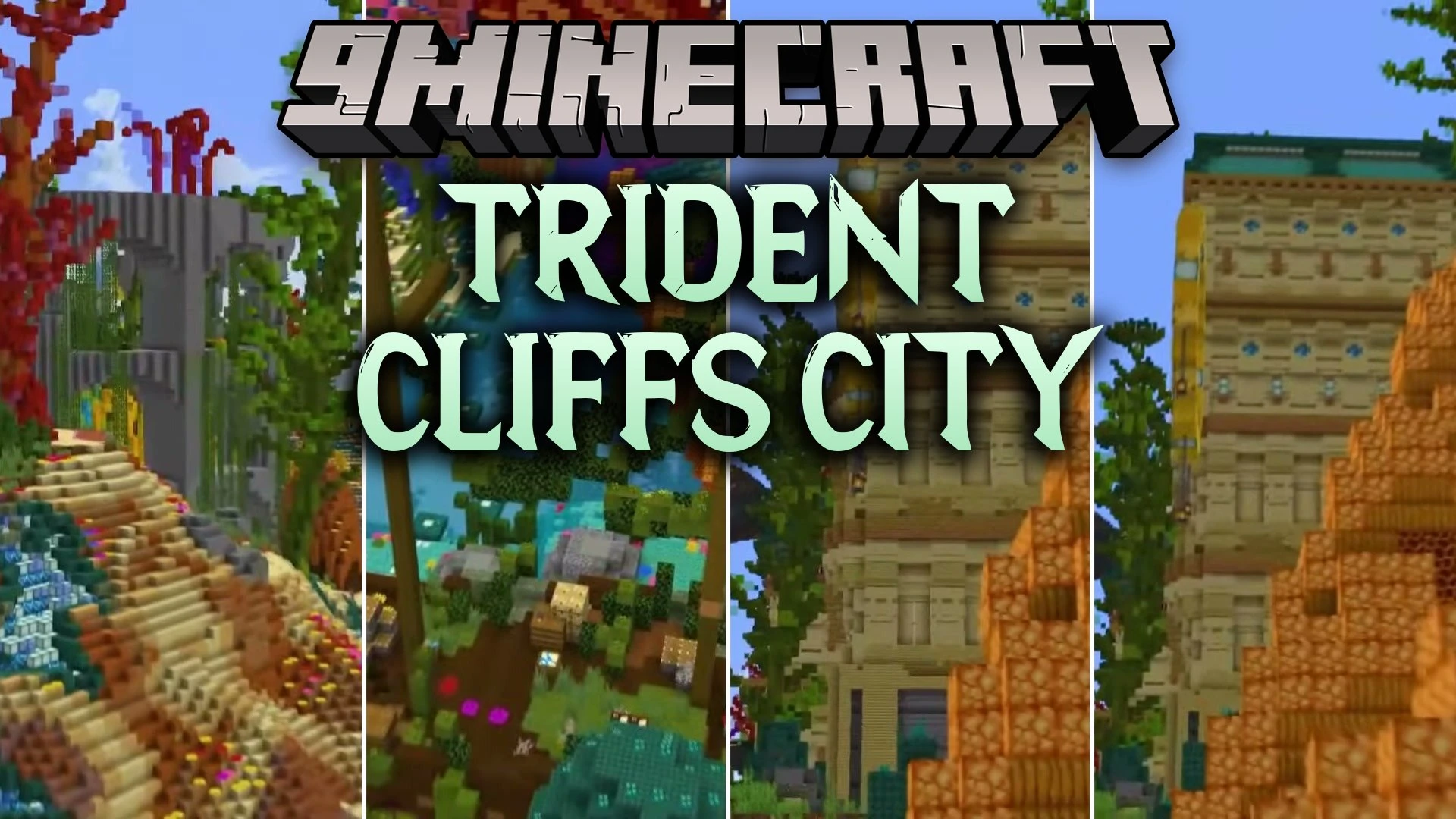
Trident Cliffs City Map (26.3, 1.20.1) – Cozy Seaside Life with Friends
Java map listed for Minecraft 1.20. Download on the author's site.
⬇ Download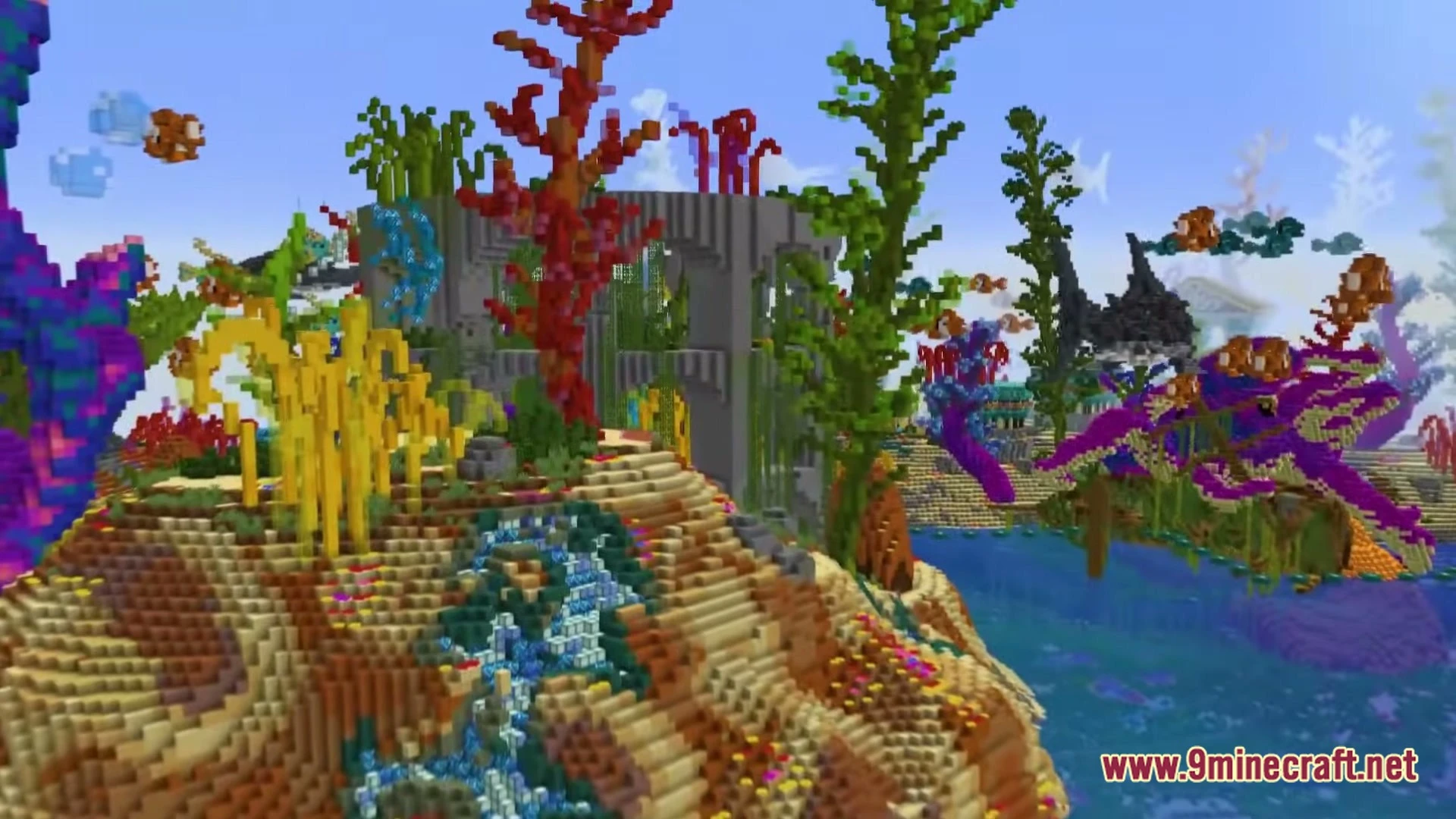
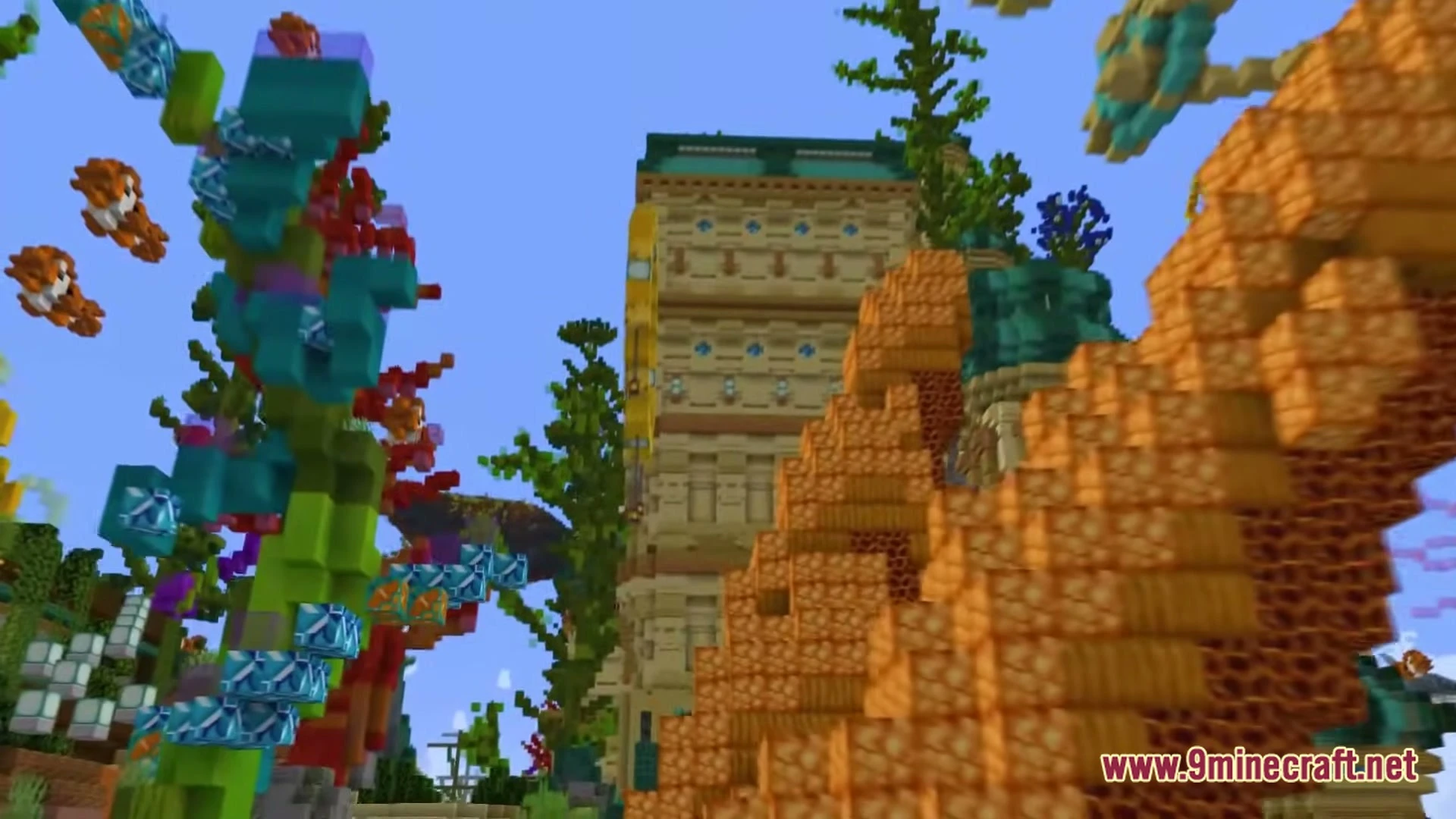
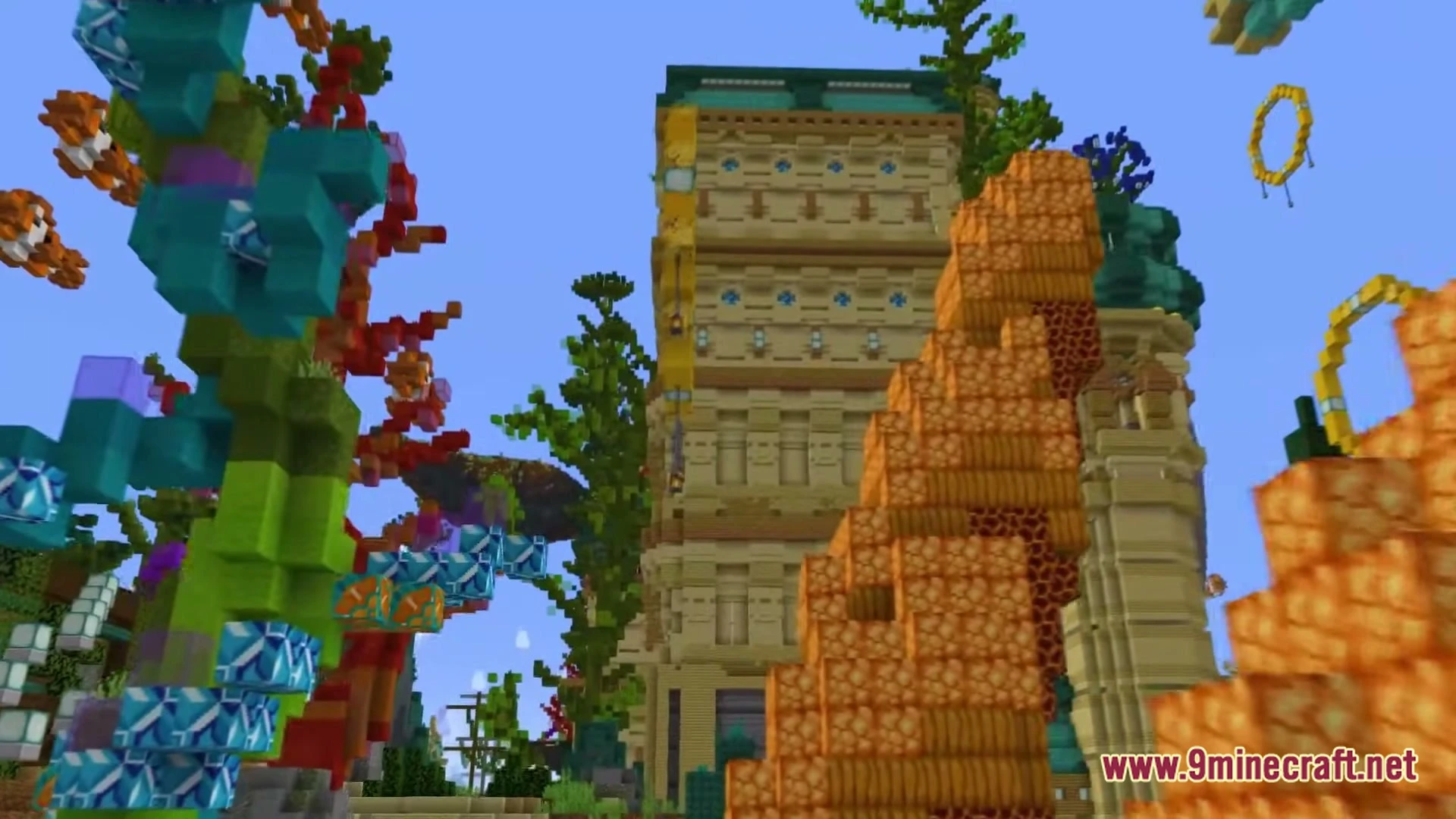
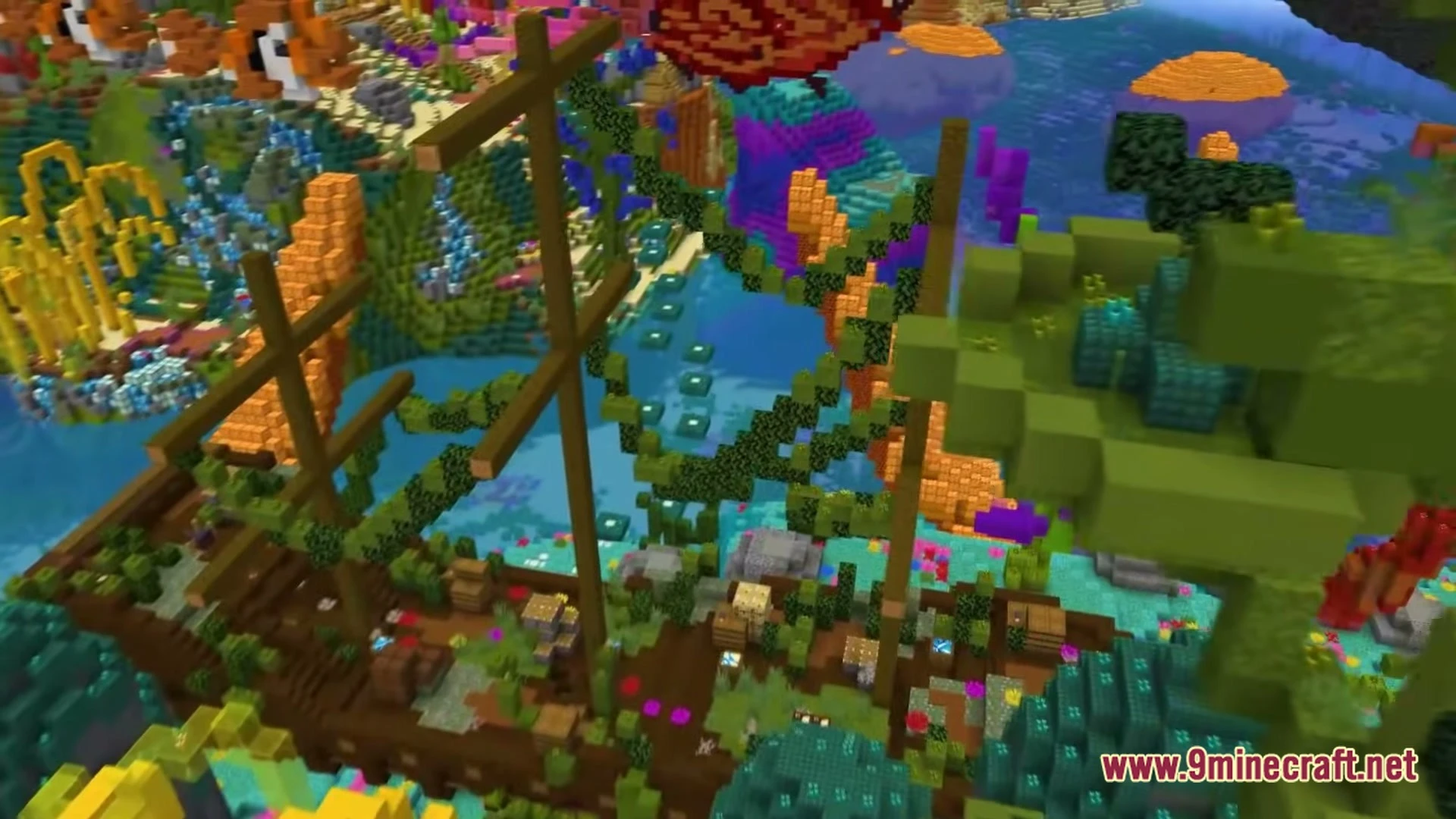

Trident Cliffs City Map invites you to a bright island town filled with open roads and tall buildings. You can walk through pretty districts right next to the ocean. Every neighborhood has cozy spots to explore at your own pace. The colorful streets make the settlement feel friendly and lively. You can enjoy the sights, check inside different structures, or roleplay with friends in this seaside town.
Features:
- Island Setting: Rests on an ocean island surrounded by water and cliffs.
- Colorful Districts: Offers distinct city zones with their own building styles.
- Detailed Buildings: Features fully built houses and towers ready for players to inspect.
- Walkable Streets: Connects every part of town with clean roads and pathways.
- Gives you plenty of open areas to hang out and roleplay with friends.
How to Play:
- Spawn into the center of town and look around at the nearby buildings.
- Follow the main roads to visit each scenic district on the island.
- Walk inside the houses and shops to see how they look.
- Pick your favorite house to live in or invite friends for town roleplay.
Screenshots:
Trident Cliffs City Map Download Links
- Edition: Minecraft Java
- File type: .zip (world save)
- Minecraft version listed: 1.20.1
- How to install: Download the .zip world. → Unzip it. → Move the folder into .minecraft/saves.
- Where to get it: Opens on the file's original source — not every file is mirrored on our own servers.
Install steps are the general flow for this file type — How to install Minecraft Java maps & worlds walks through it step by step.
Trident Cliffs City Map (26.3, 1.20.1) – Cozy Seaside Life with Friends is a free Minecraft Java map. Compatible with Minecraft 1.20.1. Download it and open it directly in the game.