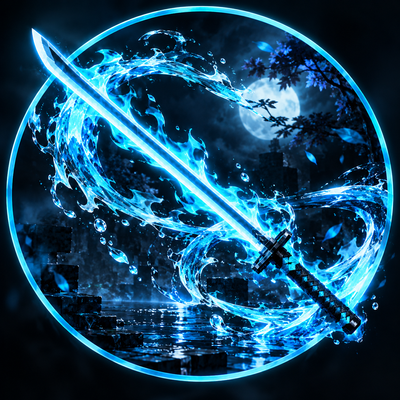
AZURAKEN: Breathing Arts
Bedrock add-on listed for Minecraft 1.21–26.x (behavior + resource pack). File opened and checked on 22 Oct 2026; installs from the MC Bedrock Mods app on Android.
Unleash the power of AZURAKEN, a mystical sword featuring stunning cyan energy, anime-inspired Water and Thunder Breathing attacks, and powerful combat…
I don't know my version
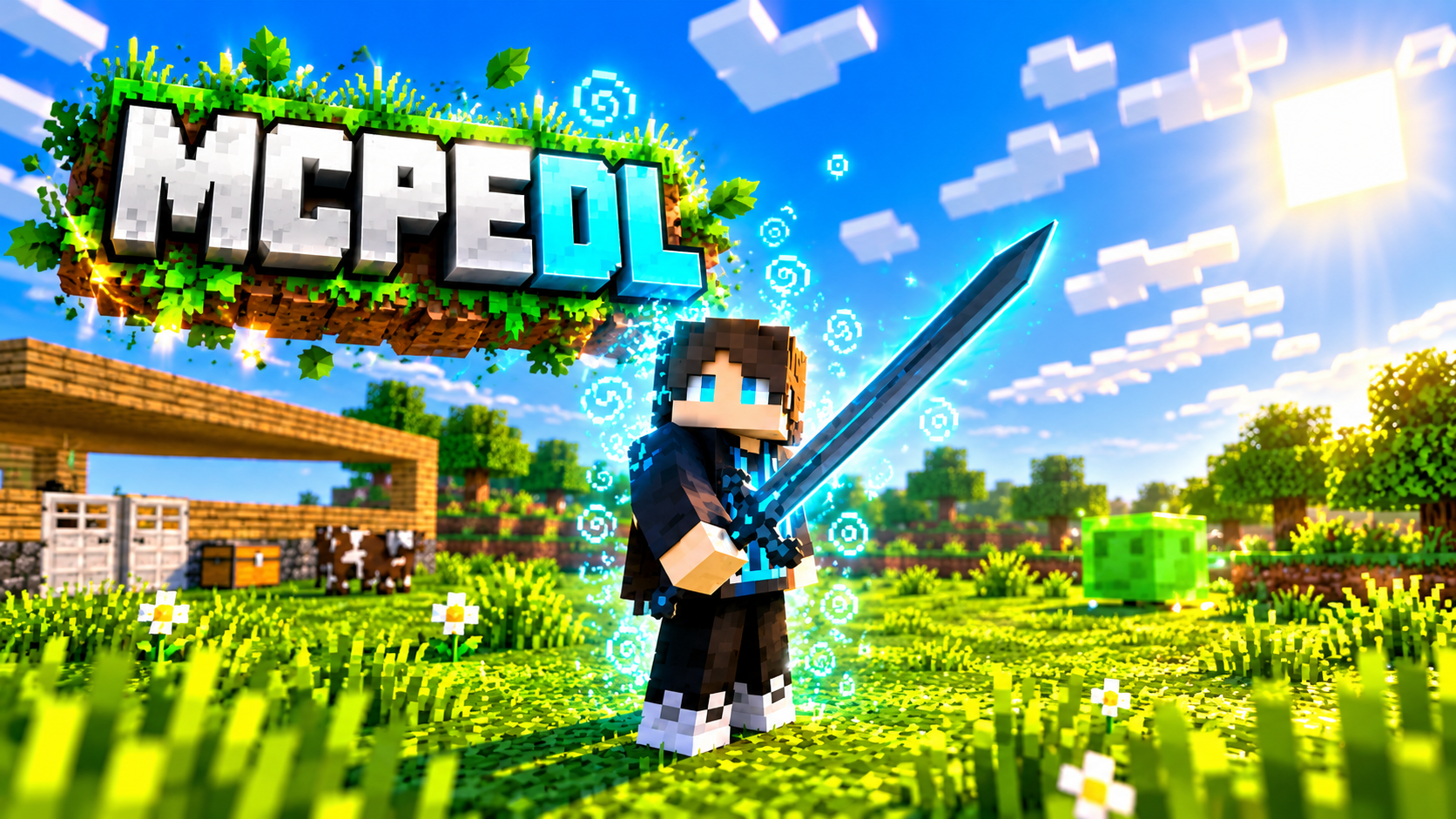
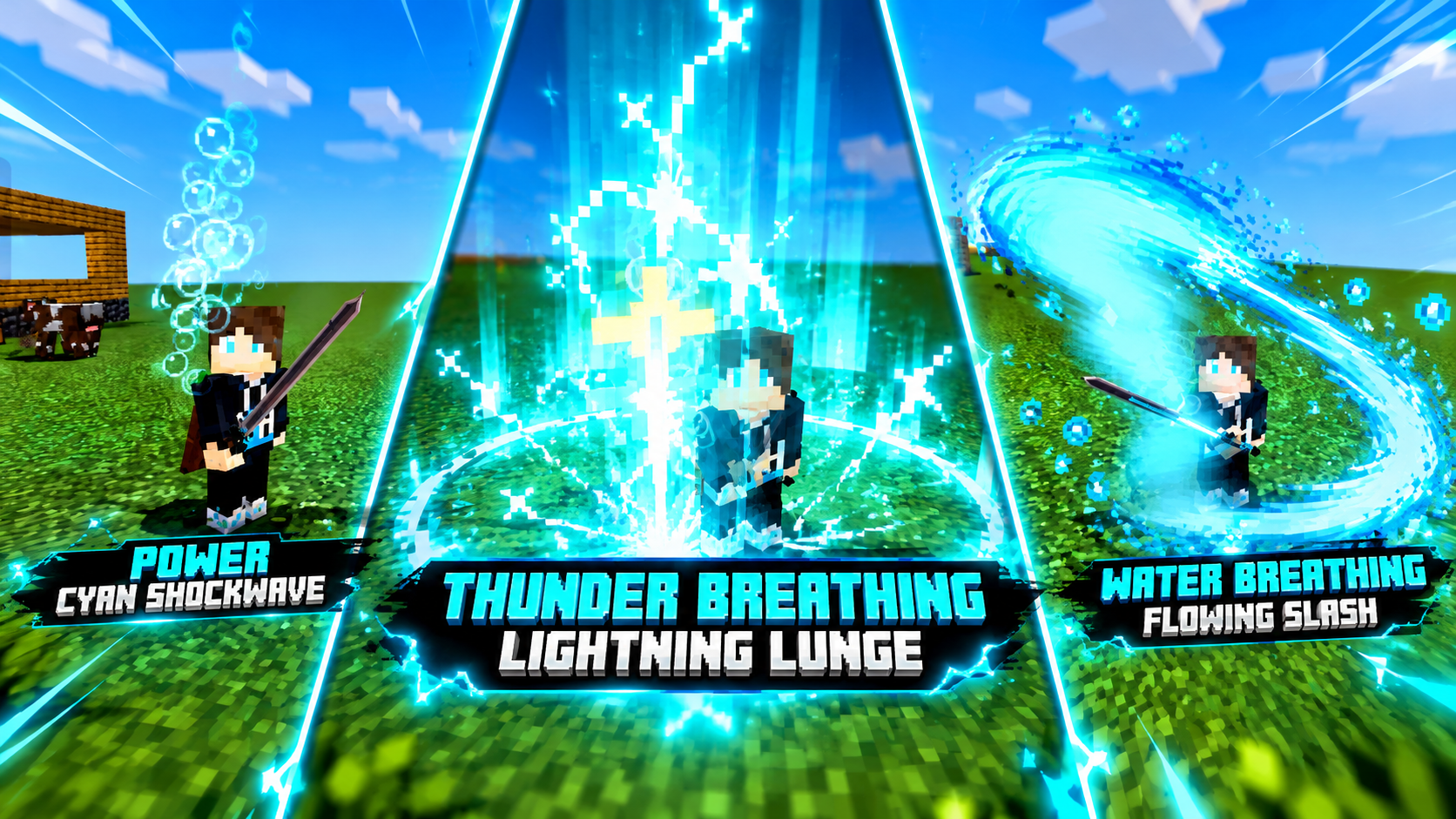
AZURAKEN: Breathing Arts
AZURAKEN is a Minecraft Bedrock Edition add-on featuring a powerful mystical sword with unique combat abilities and anime-inspired breathing techniques.
Features
- Unique Sword: A distinctive cyan energy blade with a glowing appearance.
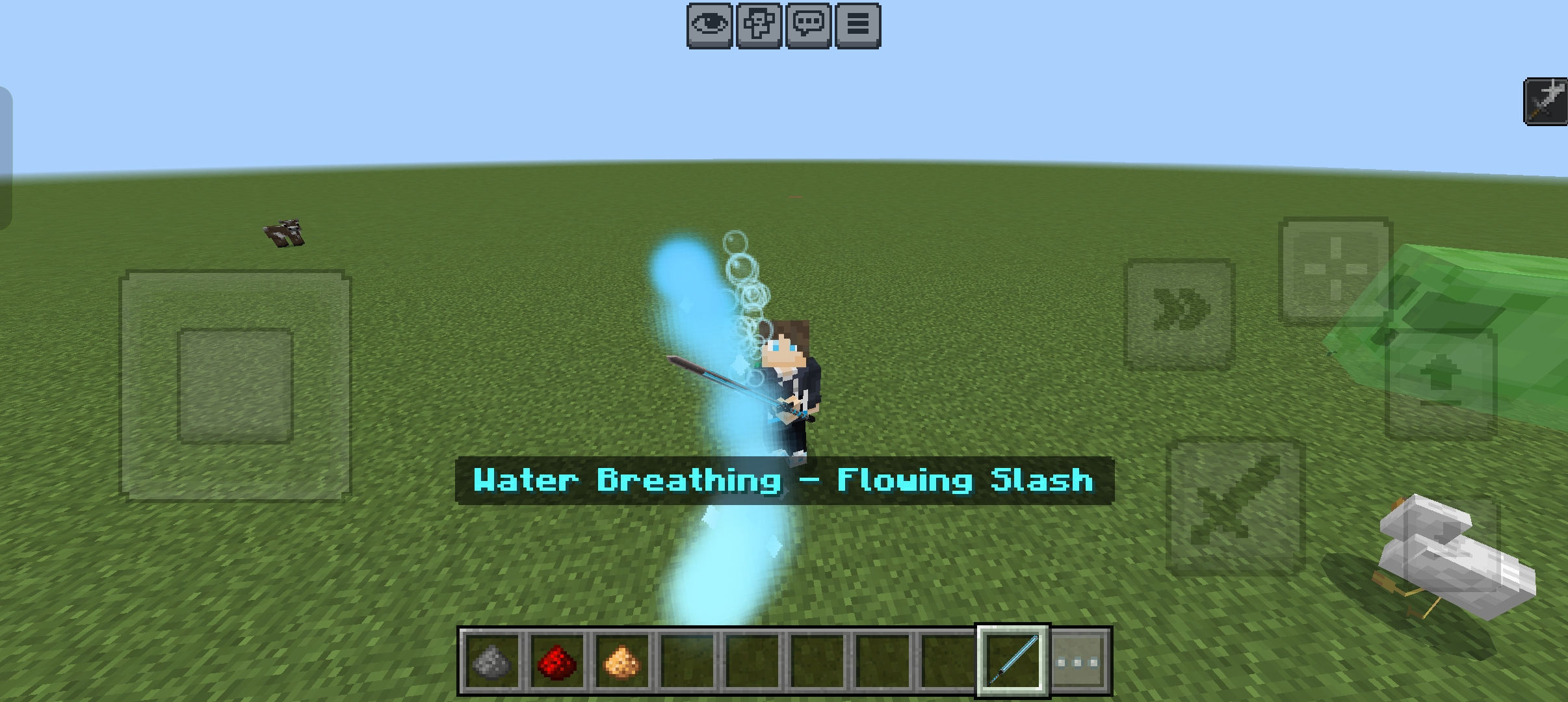
- Water Breathing: Fluid water-inspired slash effects and flowing energy attacks.
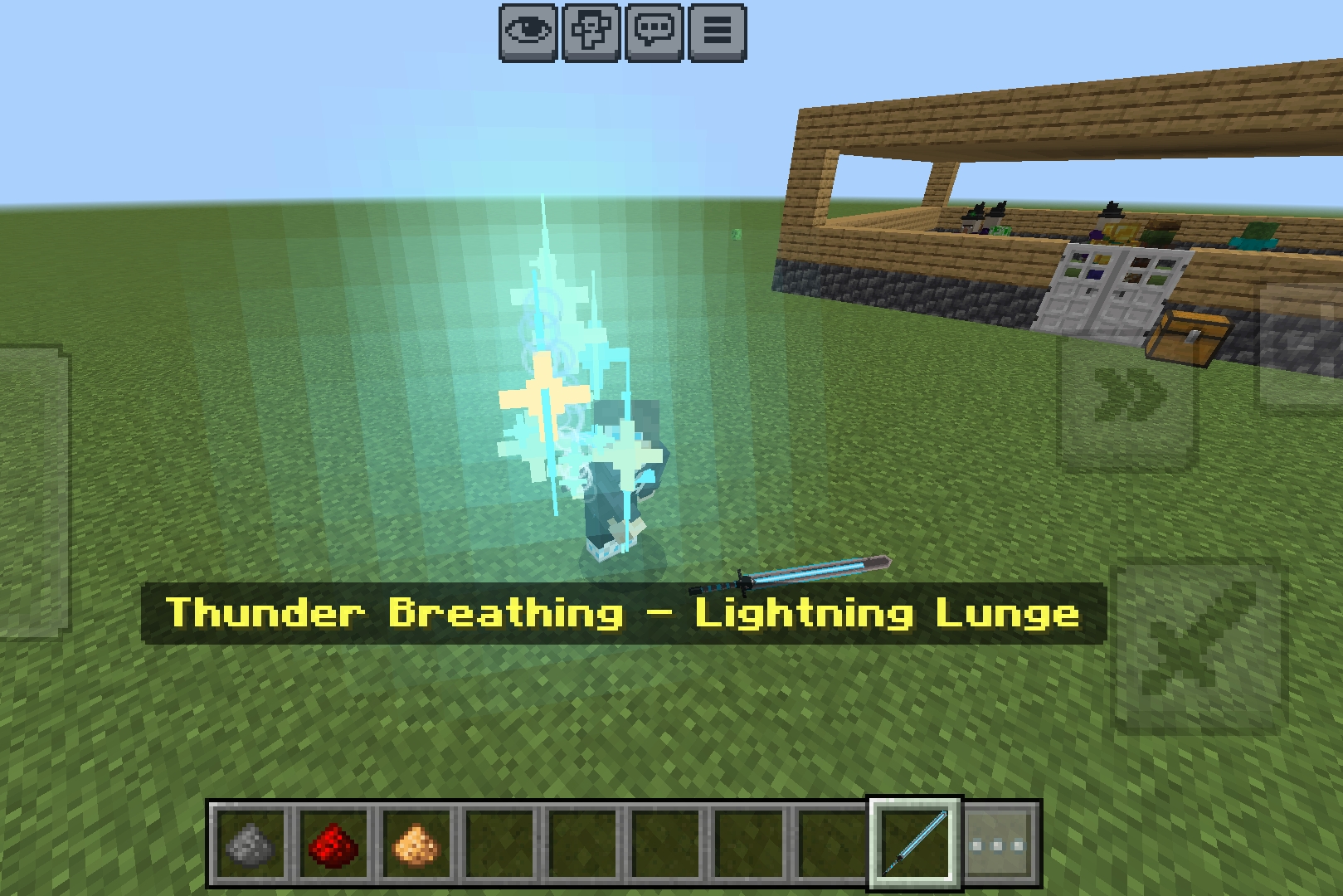
- Thunder Breathing: Fast lightning-inspired strikes with powerful visual effects.
- Special Abilities: Multiple combat skills designed to make battles more dynamic.
- Custom Animations: Special attack animations and energy effects for an immersive combat experience.
Watch video
Compatibility
Created for Minecraft Bedrock Edition. Compatibility may vary depending on the game version.
Installation
1. Download the add-on file.
2. Open the ".mcaddon" file with Minecraft.
3. Activate the required Behavior Pack and Resource Pack in your world settings.
4. Enable any experimental features required by the add-on.
Credits and Permissions
Please do not redistribute or re-upload this project without permission from the creator.
Created by Ashbuilder.
- Edition: Minecraft Bedrock
- File type: .mcpack or .mcaddon
- Minecraft versions listed: 26.0.02, 26.3, 26.10
- How to install: Download the .mcpack or .mcaddon file. → Open it — Minecraft imports it. → In your world: Behavior Packs → Available → Activate, then the same under Resource Packs.
- Where to get it: Opens on CurseForge — not every file is mirrored on our own servers.
Install steps are the general flow for this file type — How to install Minecraft Bedrock addons & mods walks through it step by step.
- Pack type: .mcaddon — behaviour and resource pack in one file
- Manifest requires Minecraft 1.21.100 or newer
- Complete pack — everything it depends on is inside the file
- Download size: 303 KB
- Download link checked 22 Oct 2026 — working
These come from our own check of the pack file, not from the source page.