VAULTWIRE
Bedrock add-on listed for Minecraft 26.x (behavior + resource pack). File opened and checked on 22 Oct 2026; installs from the MC Bedrock Mods app on Android.
Vaultwire is a Minecraft Bedrock storage addon that introduces new ways to store, organize, and manage your items. Keep your resources organized and make…
⬇ Download on CurseForge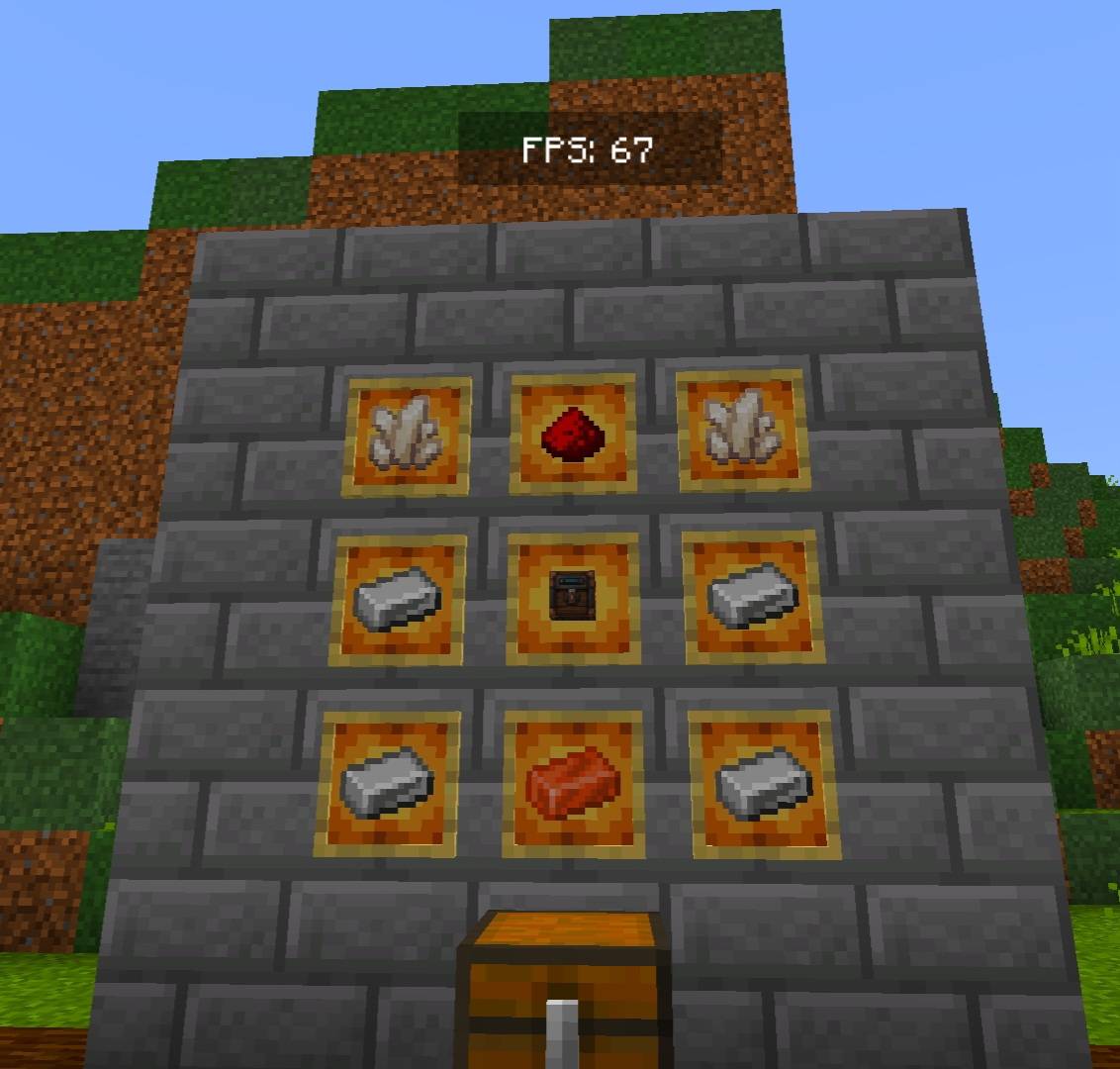
Vaultwire — Advanced Storage System
📦 About Vaultwire
Vaultwire is a Minecraft Bedrock addon that introduces a connected storage system, allowing you to access, search, and manage items stored in connected containers through a custom terminal interface.
Connect your storage network with wires, link storage workbenches, and use specialized terminals to make item management easier and more efficient.
✨ Features
- Storage Wires: Connect your storage network using specially crafted wires.
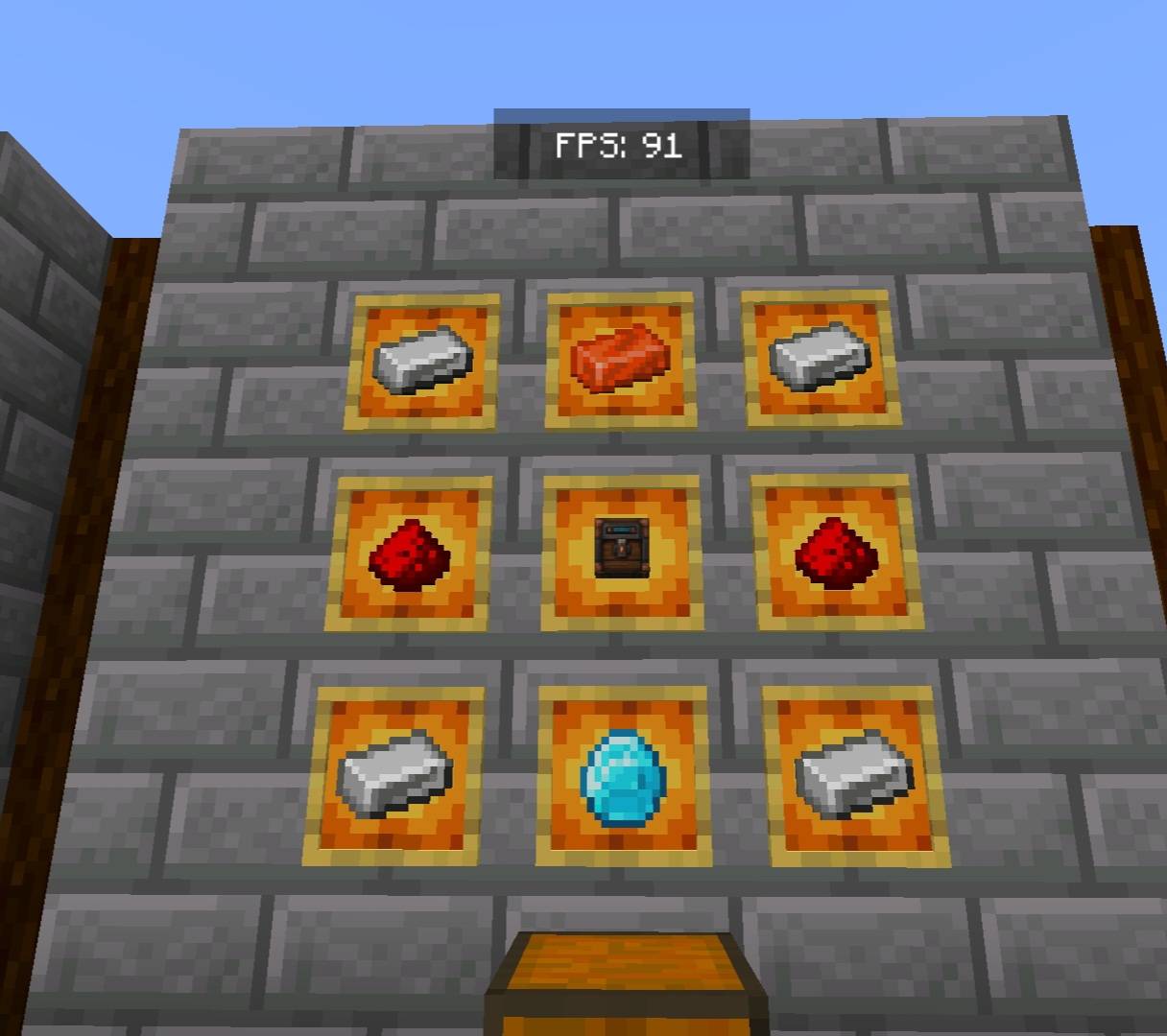
- Storage Workbench: The central component used to build and connect your storage system.
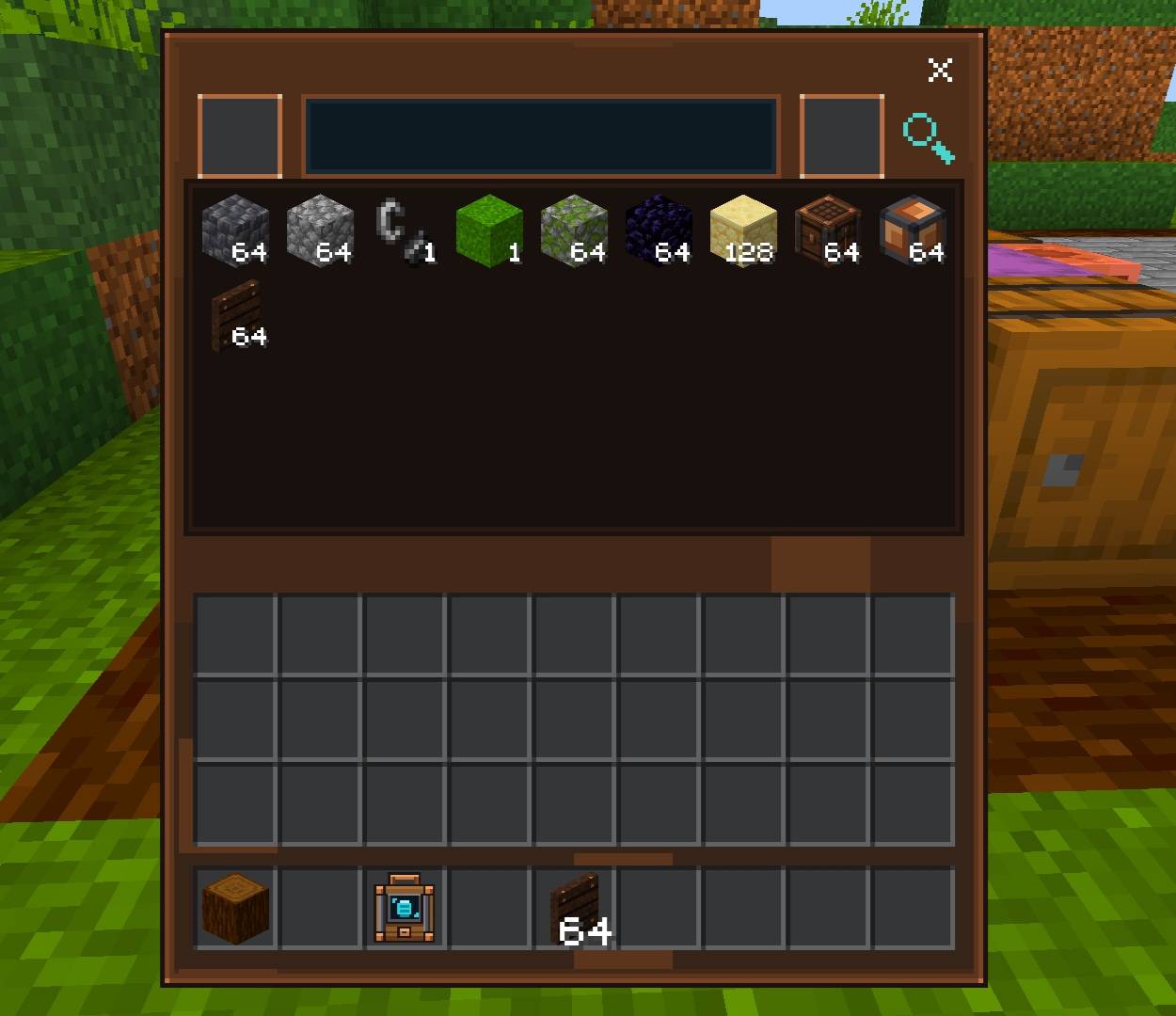
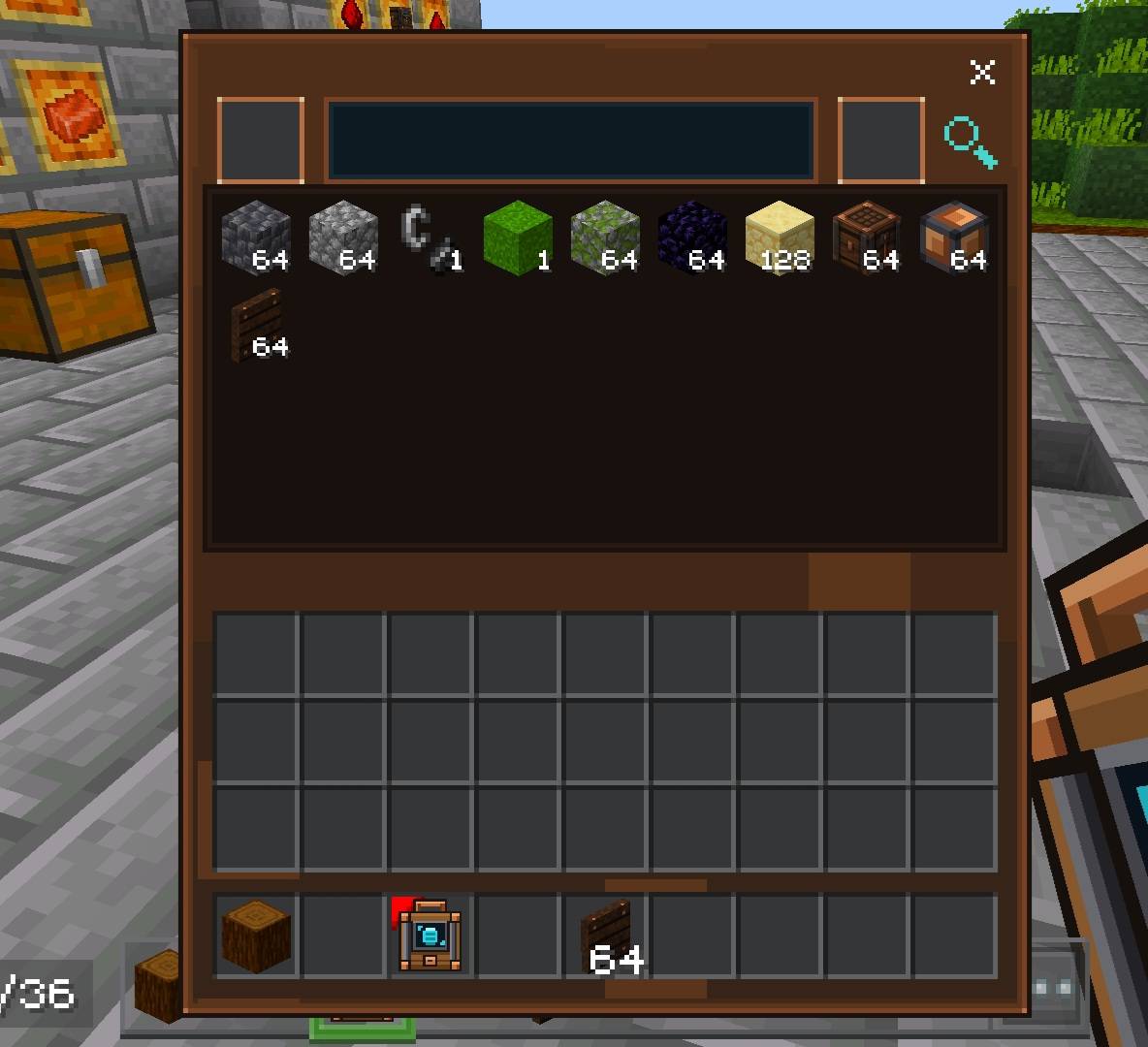
- Storage Terminal: Access your connected storage network through an interface with an item search feature.
- Portable Terminal: Access your storage network using a handheld terminal, with support for linking up to 16 storage workbenches.
- Access Block: A placeable block that provides access to your storage system.
- Connected Containers: Work with supported containers, including chests, barrels, shulker boxes, droppers, and dispensers.
- Item Management: Search for items, view available quantities, and import or retrieve items through the storage interface.
🔧 How It Works
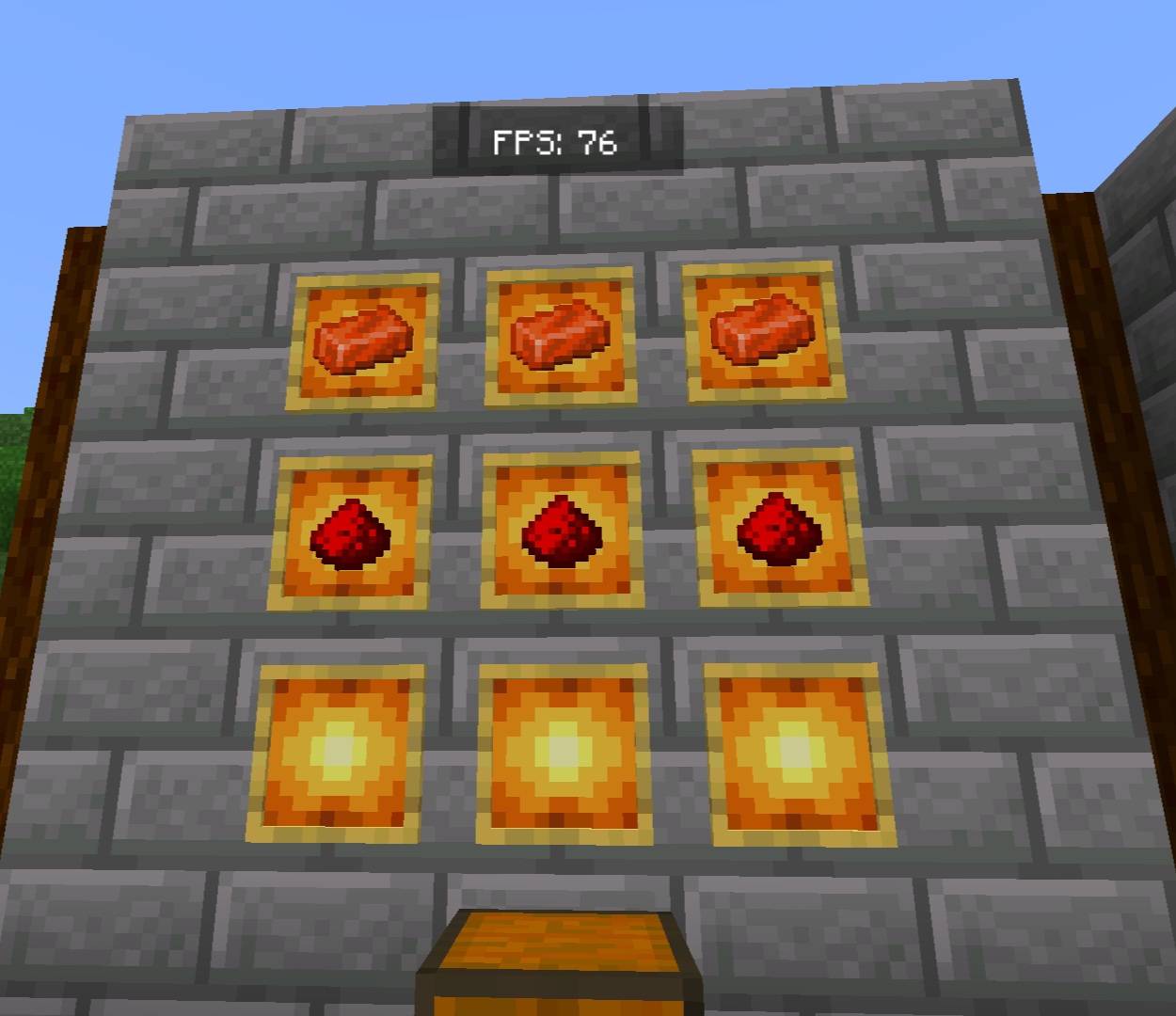
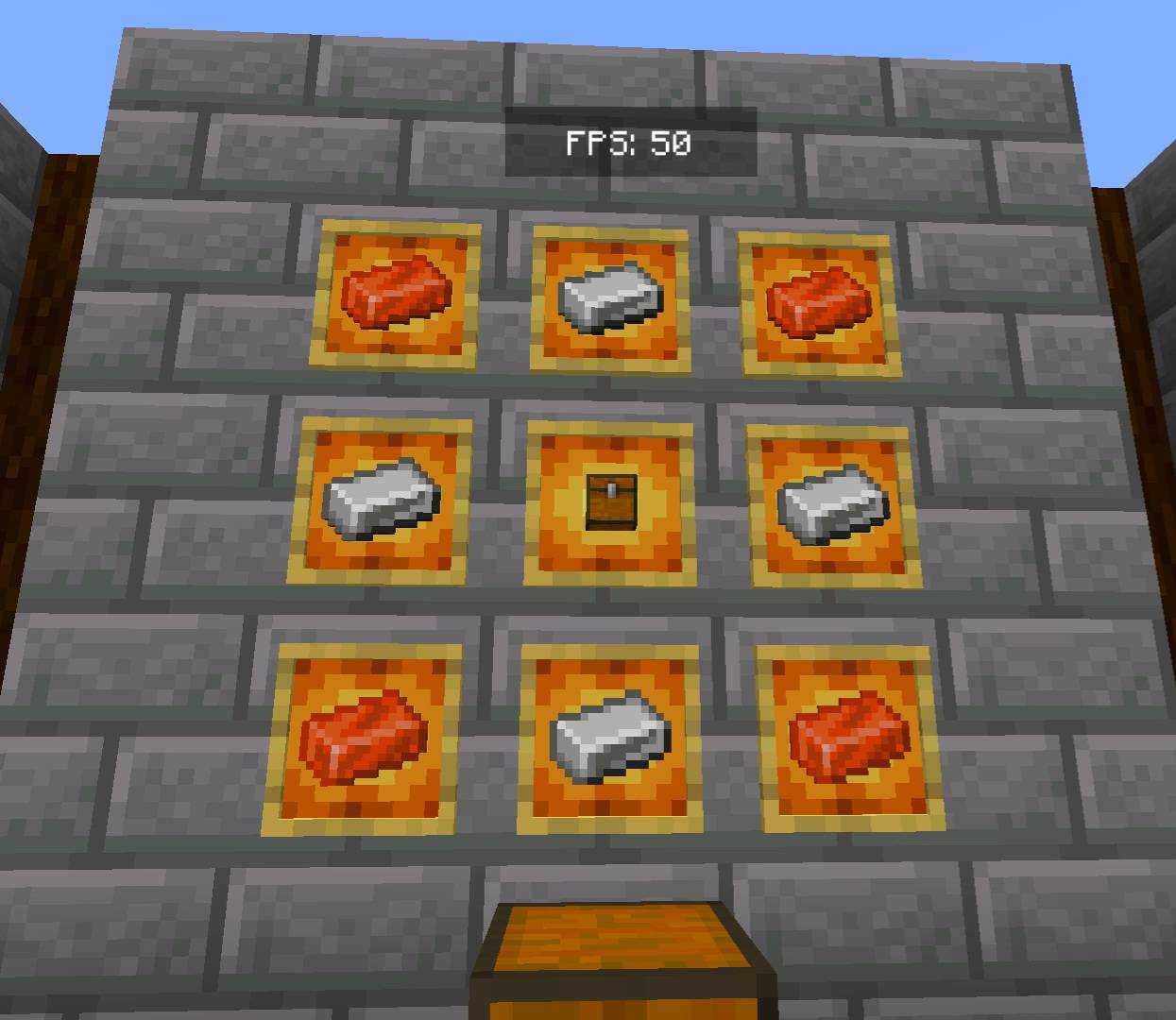
1. Craft the Storage Workbench and Storage Wires.
2. Connect your supported storage containers to the network.
3. Use a Storage Terminal or Portable Terminal to access your connected items.
4. Search for the resources you need and manage your inventory more conveniently.
🎮 Compatibility
Designed for Minecraft Bedrock Edition.
💡 Inspired By
Vaultwire is inspired by the concept of connected storage systems, bringing a network-based storage experience to Minecraft Bedrock.
Organize smarter. Connect your storage. Explore with Vaultwire!
- Edition: Minecraft Bedrock
- File type: .mcpack or .mcaddon
- Minecraft versions listed: 26.20, 26.30, 26.40
- How to install: Download the .mcpack or .mcaddon file. → Open it — Minecraft imports it. → In your world: Behavior Packs → Available → Activate, then the same under Resource Packs.
- Where to get it: Opens on CurseForge — not every file is mirrored on our own servers.
Install steps are the general flow for this file type — How to install Minecraft Bedrock addons & mods walks through it step by step.
- Pack type: .mcaddon — behaviour and resource pack in one file
- Manifest requires Minecraft 1.26.20 or newer
- Complete pack — everything it depends on is inside the file
- Download size: 74 KB
- Download link checked 22 Oct 2026 — working
These come from our own check of the pack file, not from the source page.