
ModsJava
MonsterGuard
Java mod listed for Minecraft 26.x. Downloads from the MC Java Mods app on Android.
⬇ Download on Hangar# ***MonsterGuard – Guards with custom patrol routes***
A zombie at the gate, a skeleton on patrol: with MonsterGuard, you can create guards for your Minecraft server using both types of monster. You can manage their equipment, patrols and combat behaviour directly in the game via menus – in German or English.

- Create zombie and skeleton guards and equip them individually.
- Assign armour, a melee weapon, a shield and, in the case of skeletons, a bow as templates without using up the original items from your inventory.
- Set up to 32 waypoints per guard; visible markers help you when editing.
- Open routes with out-and-back paths via the set waypoints.
- Configure attacks on monsters and players separately.
- Melee and ranged combat for skeletons, including weapon switching and bow-drawing animations.
- Return to the starting point after a fight and then continue an activated patrol.
- Configure gaze behaviour, dialogue upon approach and name display.
- German and English menus; German is the default, and the language selection is saved per player.
- Guards, equipment and waypoints are saved.

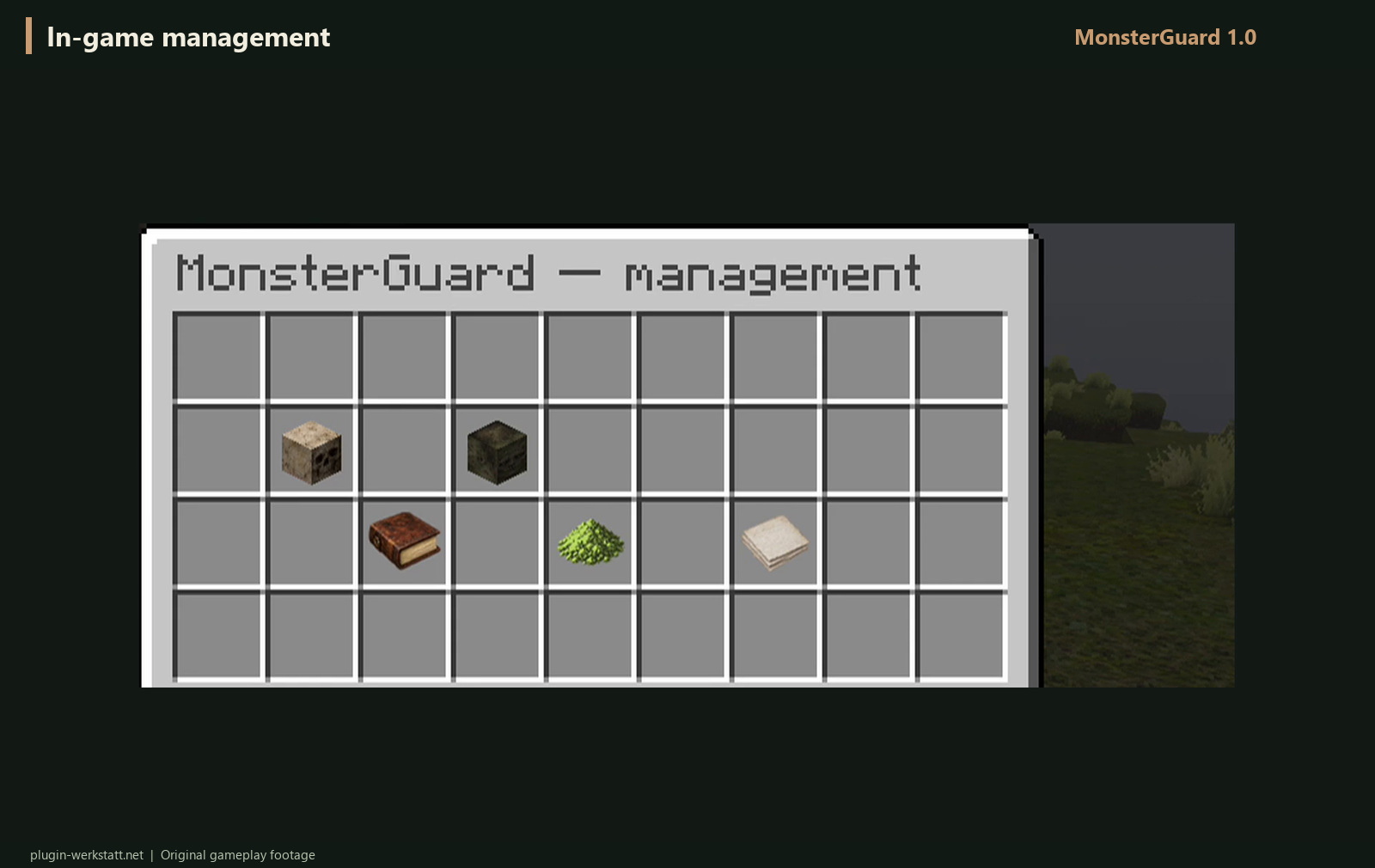
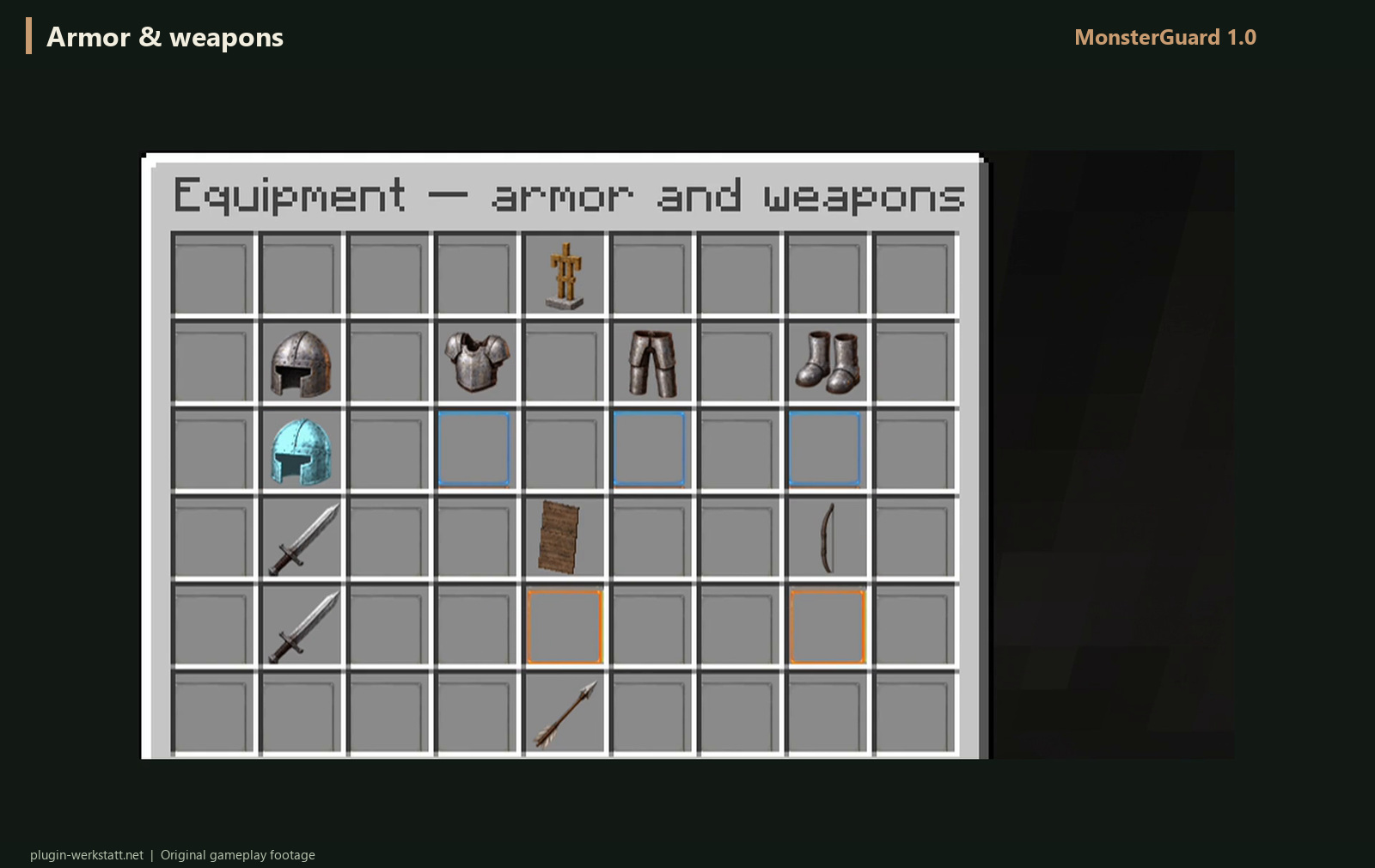
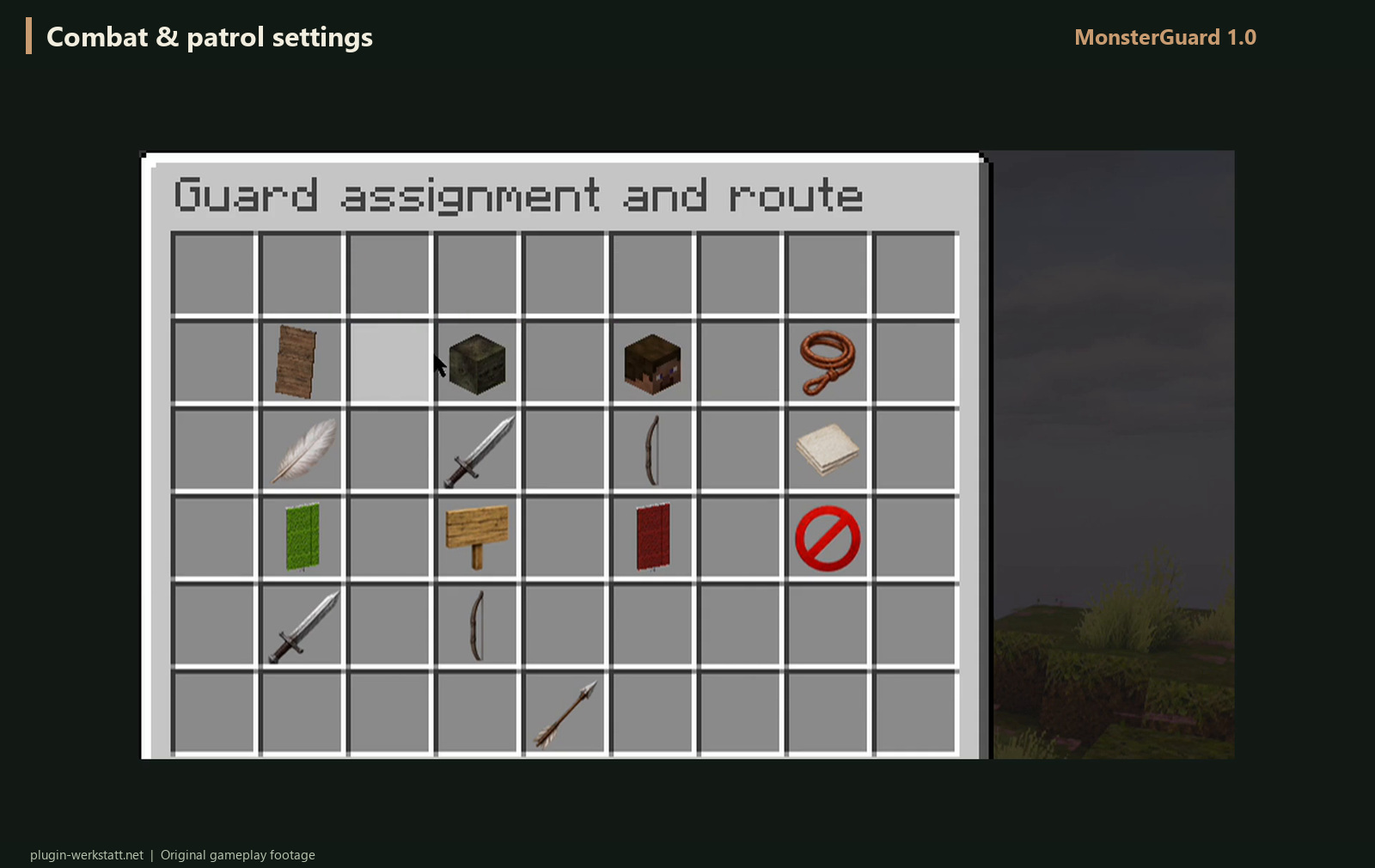

## Quick Start
1. Stop the server and copy the MonsterGuard JAR file into the ‘plugins’ folder.
2. Start the server and open /mg gui as an administrator.
3. Create a zombie or skeleton guard, set their equipment and, if required, create a route.
4. Activate the patrol and check your settings in-game.
When updating, back up and retain the ‘plugins/MonsterGuard’ folder, replace the existing JAR file and restart the server. Ensure only one MonsterGuard JAR file remains in the ‘plugins’ folder.

* Menu: /mg gui
* German: /mg lang de
* English: /mg lang en

Administrative permission:
* monsterguard.admin (OP by default).

## Prerequisites
- Spigot or Paper for Minecraft 26.3.
- Java 25.
- MonsterGuard 1.0.0-26.3.
## Without additional package libraries
MonsterGuard requires neither ProtocolLib nor PacketEvents. The necessary text libraries are included in the plugin; no additional installation is required.
Other versions of Minecraft are not currently supported. Resource packs and shaders shown in the videos alter the game’s appearance and are not part of the plugin.

* [Website & downloads](https://plugin-werkstatt.net/)
* [Report a bug](https://plugin-werkstatt.net/index.php?page=bugs)
* [Contact & support](https://plugin-werkstatt.net/index.php?page=contact)
* [Source code](https://plugin-werkstatt.net/quellcode/MonsterGuard-Quellcode.zip)
Support requests are welcome in German or English.
Quick facts
- Edition: Minecraft Java
- File type: .jar
- Minecraft version listed: 26.3
- How to install: Install the matching mod loader (Forge, Fabric or NeoForge) for your Minecraft version. → Download the .jar. → Put it in the .minecraft/mods folder and launch that loader profile.
- Where to get it: Opens on Hangar — not every file is mirrored on our own servers.
Install steps are the general flow for this file type — How to install Minecraft Java mods & modpacks walks through it step by step.
MonsterGuard is a free Minecraft Java mod. Compatible with Minecraft 26.3. Downloaded 1 times (via Hangar). Download it and open it directly in the game.