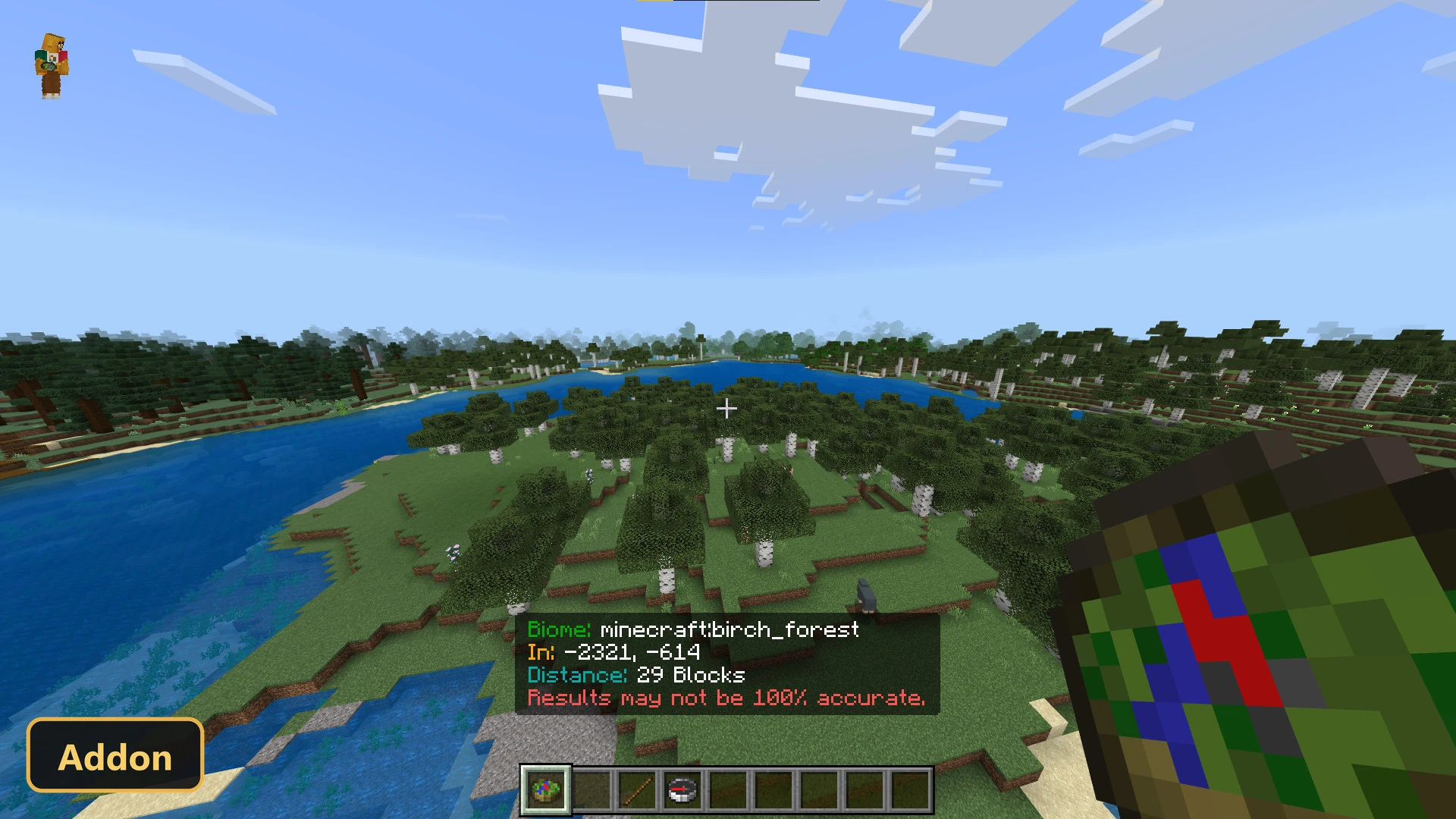
Biome Compass (26+, 1.21) – MCPE/Bedrock Addon
Bedrock add-on listed for Minecraft 1.21. Installs from the MC Bedrock Mods app on Android.
⬇ Download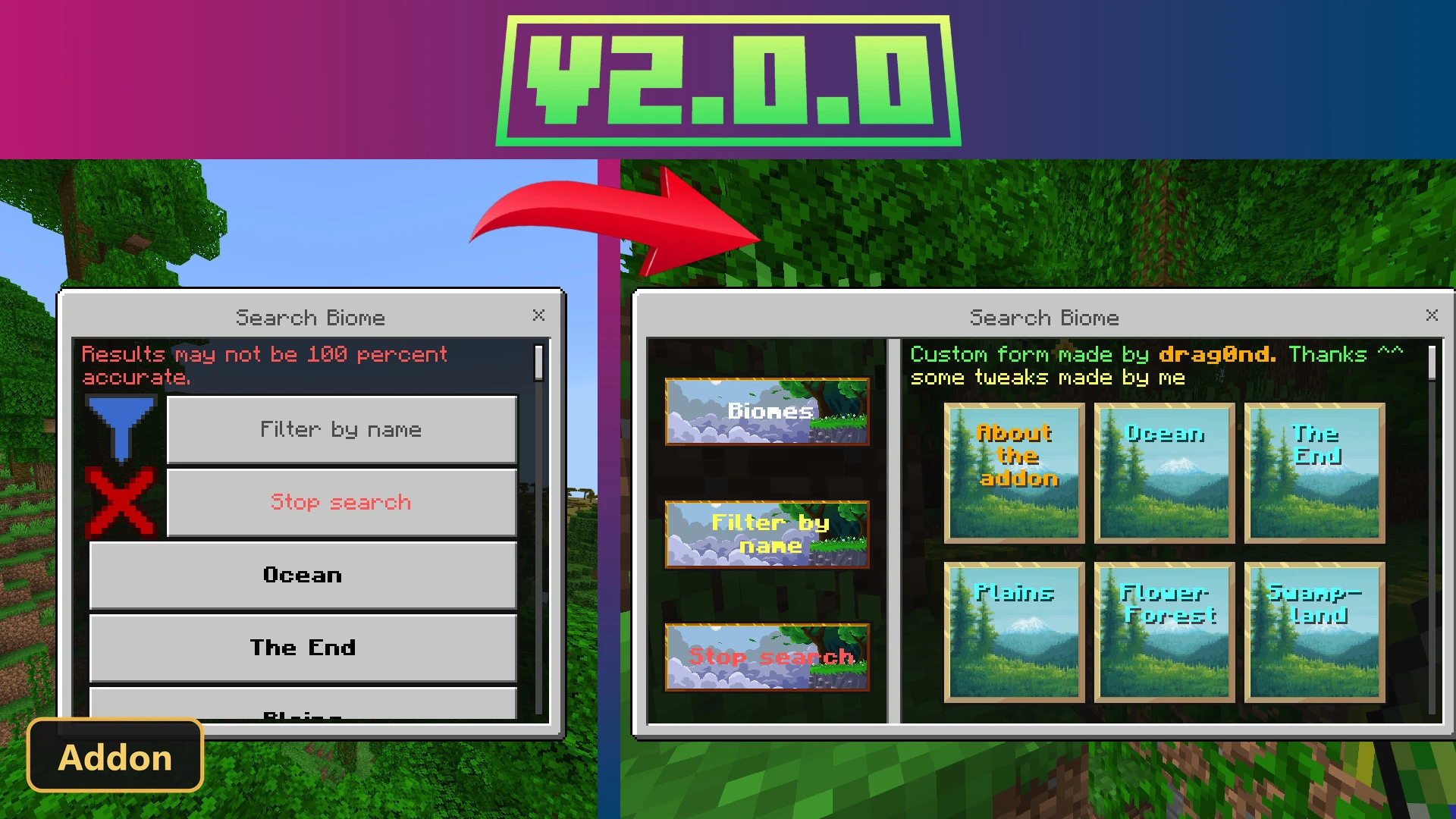
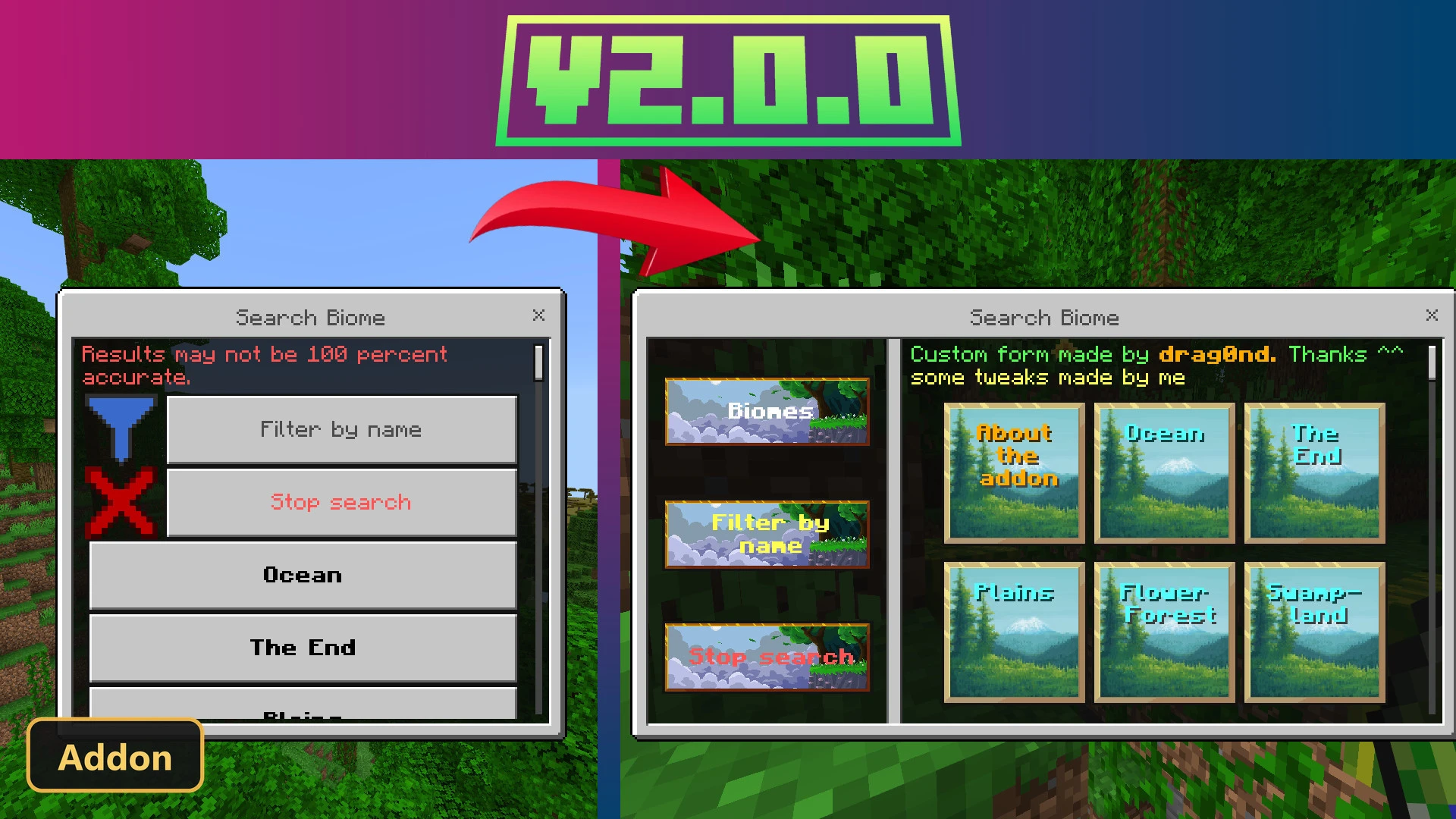
The Biome Compass introduces a new tool that helps players locate any biome across the game’s dimensions. To use this addon, players must enable Experimental Features in their world settings. This compass streamlines the exploration process, allowing users to efficiently find specific environments without extensive wandering. It functions much like a standard compass but is specifically designed for biome discovery, offering a simplified interface for selecting a target biome.
Crafting this unique compass is straightforward, requiring four logs, four saplings, and a regular compass. Any variety of logs and saplings can be combined in the recipe, making it accessible early in a playthrough. Once crafted, the Biome Compass can guide players to all vanilla biomes, whether they are searching the familiar landscapes of the Overworld, the fiery depths of the Nether, or the ethereal expanse of the End. Its intuitive design means that players can quickly navigate its menu to pinpoint their desired destination, making it a valuable asset for builders, explorers, and survivalists alike.
Requirements:
- MCPE/Bedrock 1.21.114
- Turn on Experimental Features — this addon uses scripting APIs
- Apply BOTH the behavior and the resource pack to your world
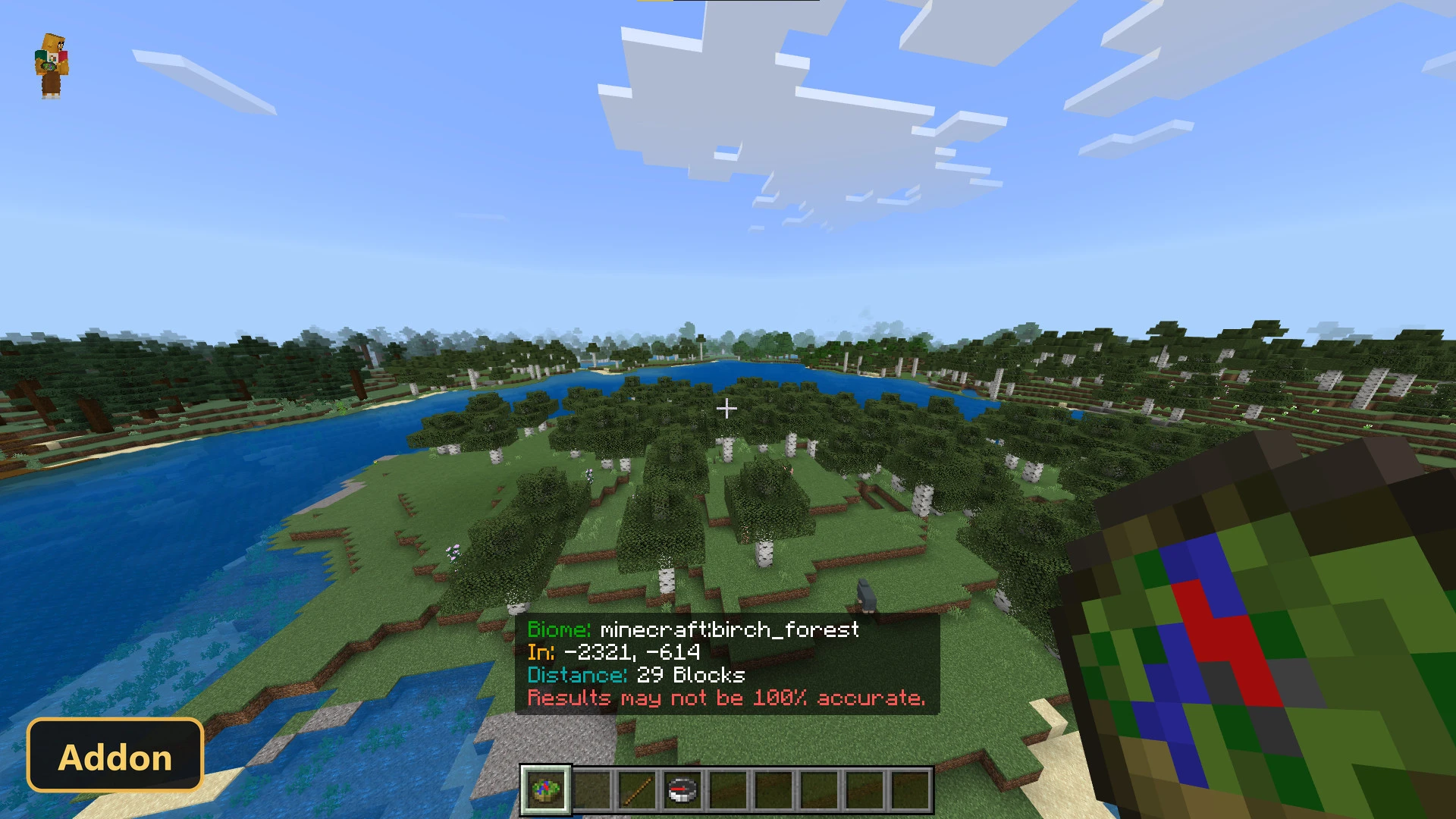
Screenshots:
- Edition: Minecraft Bedrock
- File type: .mcpack or .mcaddon
- Minecraft version listed: 1.21
- How to install: Download the .mcpack or .mcaddon file. → Open it — Minecraft imports it. → In your world: Behavior Packs → Available → Activate, then the same under Resource Packs.
- Where to get it: In MCModsHub, or directly above on this page.
Install steps are the general flow for this file type — How to install Minecraft Bedrock addons & mods walks through it step by step.
- Pack type: .mcaddon — behaviour and resource pack in one file
- Download size: 390 KB
- Download link checked 23 Oct 2026 — working
- Mirrored on our own servers — the download does not depend on the original host
These come from our own check of the pack file, not from the source page.