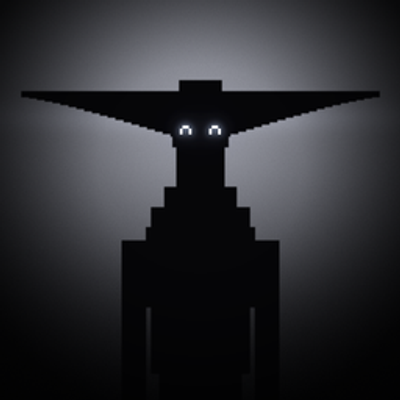
Monochrome
Bedrock add-on listed for Minecraft 26.x (behavior + resource pack). File opened and checked on 23 Oct 2026; installs from the MC Bedrock Mods app on Android.
Something’s watching. Add MONOCHROME’s tall, black, glowing-eyed stalker to Minecraft Bedrock: it spots you, hunts you down, and vanishes only if you…
⬇ Download on CurseForge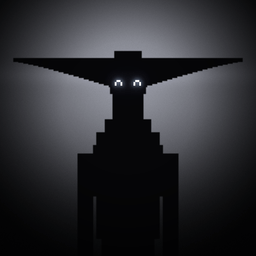
MONOCHROME: Minecraft Bedrock
It seeks you.
An unofficial fan add-on for Minecraft Bedrock Edition, inspired by the Roblox horror game MONOCHROME by @paramodal. In the game, you wake up in a sealed room and have to find your way through abandoned corridors to find four keys and a code, while something watches you. This add-on brings that something into Minecraft.
What it adds
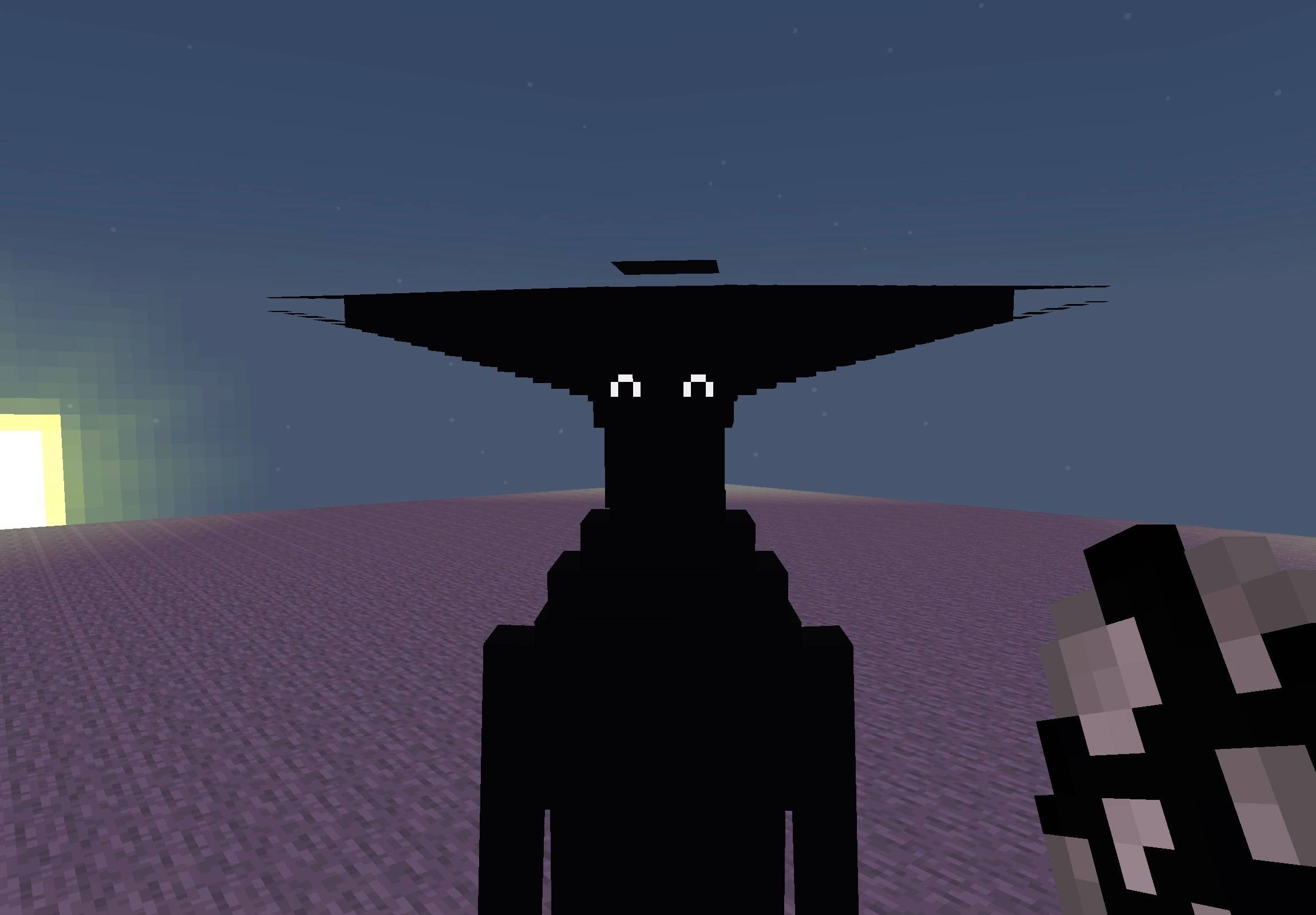
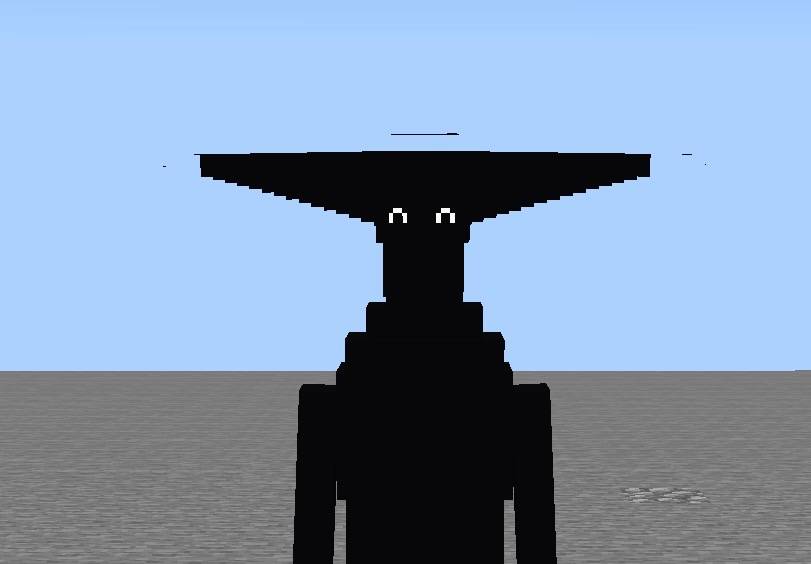
- The Monochrome: a tall black silhouette with wide, blade-like horns across its head and two small glowing eyes
- Custom model and animations: idle, walking, and a faster chase run
- Glowing eyes: they stay visible in the dark
- A hunter: when it spots you, it chases you relentlessly, and a sound cue plays
- One at a time: only one Monochrome stays active in the world
- It vanishes when you lose it, and its sound cue cuts off
- A spawn egg so you can place it yourself.
It can also spawn naturally in the Overworld, on the surface and underground. Play at night, in the dark, with headphones.
Requires: Minecraft Bedrock Edition 1.26.0 or newer.
Notes
This is an early version (0.0.3) that adds the creature only. The game’s keys, code, and corridors aren’t included. Bug reports and suggestions are welcome in the comments.
Credits
- Original game: MONOCHROME by @paramodal on Roblox, which credits a series by _ Boisvert as its inspiration
- Add-on by TheRealNev
This is a fan-made project and is not affiliated with Roblox, @paramodal, _ Boisvert, Mojang, or Microsoft. NOT AN OFFICIAL MINECRAFT PRODUCT.
- Edition: Minecraft Bedrock
- File type: .mcpack or .mcaddon
- Minecraft versions listed: 26.0.02, 26.0, 26.3
- How to install: Download the .mcpack or .mcaddon file. → Open it — Minecraft imports it. → In your world: Behavior Packs → Available → Activate, then the same under Resource Packs.
- Where to get it: Opens on CurseForge — not every file is mirrored on our own servers.
Install steps are the general flow for this file type — How to install Minecraft Bedrock addons & mods walks through it step by step.
- Pack type: .mcaddon — behaviour and resource pack in one file
- Manifest requires Minecraft 1.26.0 or newer
- Complete pack — everything it depends on is inside the file
- Download size: 470 KB
- Download link checked 23 Oct 2026 — working
These come from our own check of the pack file, not from the source page.