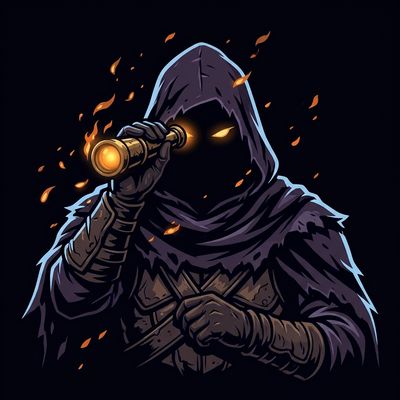
Trailwatchers
Bedrock add-on listed for Minecraft 26.x (behavior + resource pack). File opened and checked on 23 Oct 2026; installs from the MC Bedrock Mods app on Android.
⬇ Download on CurseForgeThe author built this one for Minecraft 26.50. On other versions it may install and then do nothing.
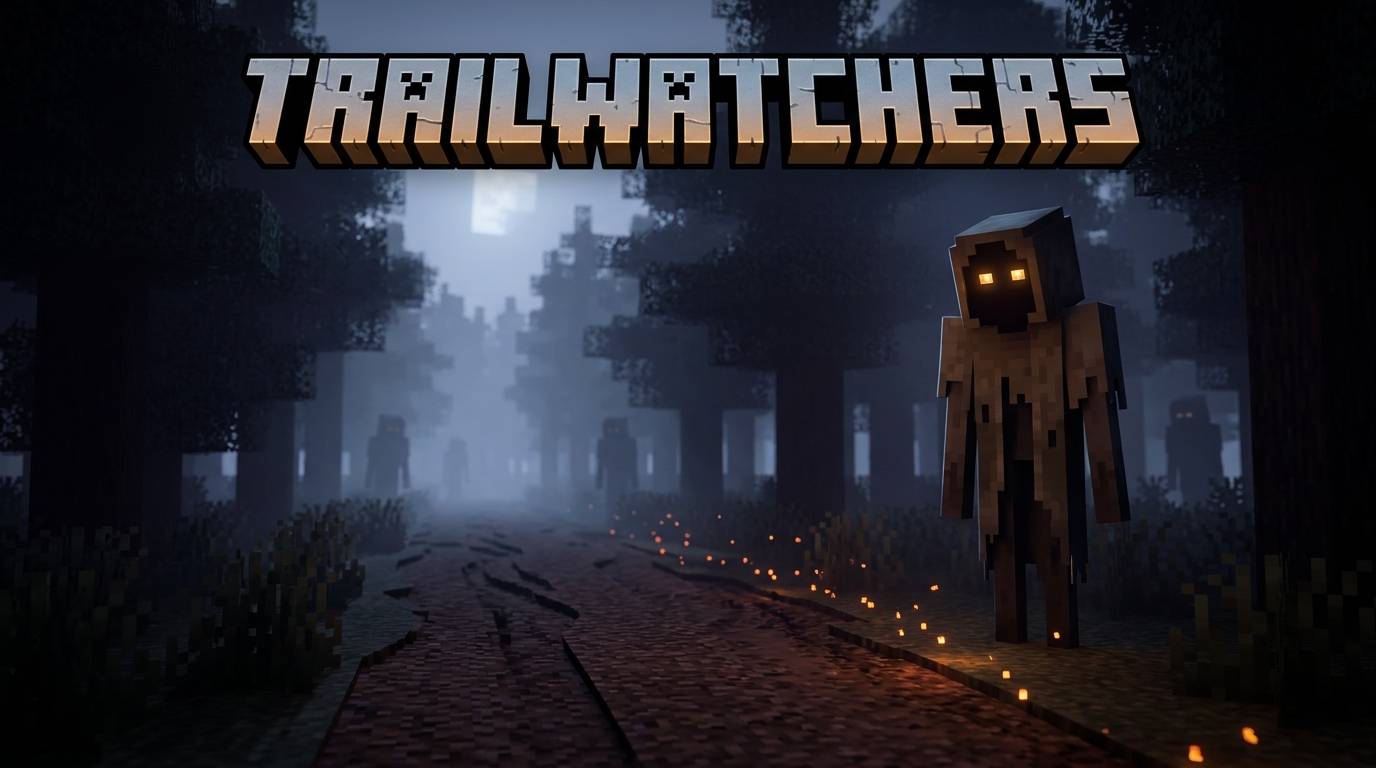
TRAILWATCHERS
They learn your roads.
Trailwatchers turns the routes you walk into a hunting ground.
The world quietly records where you travel. At dusk, hooded Scouts appear on the paths you use most and watch you. If one watches you for 40 seconds, it reports you. A Warband of vanilla hostiles is then placed on your route, in the dark, with fifteen seconds of warning before it closes in.
Everything that happens comes from the routes you walk.
Your habits decay by 10% a day, so a route you abandon eventually stops being a trap. A route you keep using becomes one fast.
HOW IT WORKS
- Every grounded step you take gets logged into a per-player route heatmap.
- Ground near your own spawn point counts for only 25%, so it tracks where you travel rather than where you sleep.
- Heat decays 10% per in-game day. Change your routes and the ambushes follow you somewhere else.
- The three routes you use most are the ones that get watched.
- Ambushes do not start in a world's first three in-game days, and never start in the Nether or the End.
- Creative and Spectator players are never tracked, watched or ambushed.
THE SCOUT
- 12 HP, spawns 25 to 40 blocks from your route, and flees if you get within 8 blocks.
- It only counts as watching when it has real line of sight to you or to one of your hot cells.
- Three moods, each with its own animation:
| Mood | What happens |
|---|---|
| Watching | Sweeps the ground with its hood, spyglass raised, tracking you. |
| Cornered | You hit it, so the ruse is over. It turns and fights, and it keeps watching you while it does. |
| Reported | It has given you away, so it hunts you down and hits harder. |
THE AMBUSH
- 3 to 6 vanilla hostiles, chosen to suit the biome you were ambushed in.
- Placed at a chokepoint on your route, in light level 7 or below.
- A 15 second ember warning runs first. The warband holds back, embers drift around it, and the horns sound. Then the leash comes off.
- Despawns at dawn. One ambush at a time, with a one day cooldown.
FIGHT BACK
| Item | What it does |
|---|---|
| Ward Post (block) | Suppresses observation and ambush spawns within 24 blocks. Pulses a ring of light so you can see the coverage, and hums when you stand next to it. |
| Decoy Trail | Plants a fake hot cell 12 blocks ahead of you that lasts one in-game day, plus a snare that slows whatever walks into it. Point it down the road you want them to take. |
| Tracker's Spyglass | Reveals every Scout within 48 blocks for 5 seconds. 30 second cooldown, 250 uses. |
| Scout's Cloak Fragment | Dropped by Scouts, and the currency for all three recipes. Killing them is what arms you. |
GETTING STARTED
- Download the
.mcaddonfile. - Import it. On Windows you can double-click it and it installs straight into Minecraft.
- Enable both packs on your world. Open the world's settings and turn on Trailwatchers Behavior and Trailwatchers Resources.
Both packs are required. The behavior pack runs the logic and the resource pack draws the Scout, its sounds and its particles. Enable only one and you get a Scout with no model and no scripts.
Minecraft Bedrock Edition 1.26.50 or later. No experimental toggles needed, and no other addons required.
COMMANDS
Run these in chat as a player.
| Command | What it does |
|---|---|
/scriptevent trail:toggle |
Turn ambushes on or off. |
/scriptevent trail:status |
Show the current state: day, time, wards, scouts, active ambushes. |
/scriptevent trail:heat |
List your ten hottest cells. If nothing was recorded, it says why. |
/scriptevent trail:heatadd |
Add heat to the cell you are standing in, so you can test without walking around. |
/scriptevent trail:night |
Jump the clock to dusk and run the dusk pass immediately. |
/scriptevent trail:spawnscout |
Jump to dusk and place Scouts on your real routes. |
/scriptevent trail:clearambush |
Remove every current ambusher. |
/scriptevent trail:debug |
Toggle diagnostic logging in chat. |
/scriptevent trail:give |
Give yourself one of everything. |
trail:spawnscout runs the real spawn logic against your real routes, so what you see is the actual behaviour rather than a staged prop. It works even if you have never walked anywhere, because trail:heatadd seeds a route for you.
RECIPES
| Item | Recipe |
|---|---|
| Ward Post | 1 Cloak Fragment + 5 Stone + 1 Torch (shaped) |
| Decoy Trail | 1 Cloak Fragment + 2 String + 1 Slimeball, makes 2 |
| Tracker's Spyglass | 1 Spyglass + 1 Cloak Fragment + 1 Amethyst Shard + 1 Glowstone Dust |
All three items appear in the Trailwatchers creative tab.
MULTIPLAYER AND PERFORMANCE
- Every route, Scout, ambush and cooldown is tracked per player, so a shared server never leaks one player's routes to another.
- Works in singleplayer, on Realms, on LAN and on dedicated servers.
- The heatmap is sampled once a second but only written to disk every five seconds, and immediately when you log out.
- Capped at 4 Scouts and 1 Warband per player, with a global cap of 24 loose Scouts.
- The expensive world scans, adopting stray Scouts and re-indexing Ward Posts, run on slow timers rather than every tick.
TROUBLESHOOTING
I don't see any Scouts.
They need a route before they have anything to watch. Walk a few hundred blocks on the ground in Survival, then check /scriptevent trail:heat. If that comes back empty the command tells you why, and being in Creative or being airborne are the usual reasons.
Scouts appear but nothing ever ambushes me.
A Scout needs 40 seconds of real line of sight. Break the line of sight, or stay more than 48 blocks away, and it will never report. /scriptevent trail:status and /scriptevent trail:debug show what it is doing.
I skipped past dusk and saw nothing.
Scouts only spawn during the dusk window, time 11500 to 13200. Setting the time straight to night, or sleeping through dusk, skips it. Use /scriptevent trail:night to jump there.
A Scout spawned on top of me.
It flees. It keeps its distance when a player is within 8 blocks, which is the whole point of it. Hit it and it turns and fights.
Nothing ever spawns near my base.
Working as intended. Cells within 20 blocks of your spawn point only count for 25%, so the addon targets your routes rather than your home.
Do my routes carry between players, or between sessions?
Between sessions, yes. Your heatmap is saved in your world. Between players, no. Every player has their own routes, their own Scouts and their own ambushes.
How do I turn it off?
/scriptevent trail:toggle, or just leave both packs disabled on that world.
NOTES
Do not reupload, redistribute or publicly modify this addon without permission. Private modifications for your own world are fine.
If something looks broken, post it in the comments with your game version, plus the output of /scriptevent trail:status and /scriptevent trail:debug. Between them those two commands cover most of what could be wrong.
CREDITS
A solo project. The Scout, its model, textures, animations and particles are original. The sounds are vanilla Minecraft audio, remapped to fit.
Thanks to everyone who has ever walked the same road to the same base and wondered what was watching from the treeline.
- Edition: Minecraft Bedrock
- File type: .mcpack or .mcaddon
- Minecraft version listed: 26.50
- How to install: Download the .mcpack or .mcaddon file. → Open it — Minecraft imports it. → In your world: Behavior Packs → Available → Activate, then the same under Resource Packs.
- Where to get it: Opens on CurseForge — not every file is mirrored on our own servers.
Install steps are the general flow for this file type — How to install Minecraft Bedrock addons & mods walks through it step by step.
- Pack type: .mcaddon — behaviour and resource pack in one file
- Manifest requires Minecraft 1.26.50 or newer
- Complete pack — everything it depends on is inside the file
- Download size: 112 KB
- Download link checked 23 Oct 2026 — working
These come from our own check of the pack file, not from the source page.