
EnchantedTableUI
Bedrock add-on listed for Minecraft 1.21–26.x (behavior pack only). File opened and checked on 23 Oct 2026; installs from the MC Bedrock Mods app on Android.
Crouch and click an Enchanting Table to open a custom menu that lists only the enchantments your item can get, with higher levels costing more XP and…
⬇ Download on CurseForge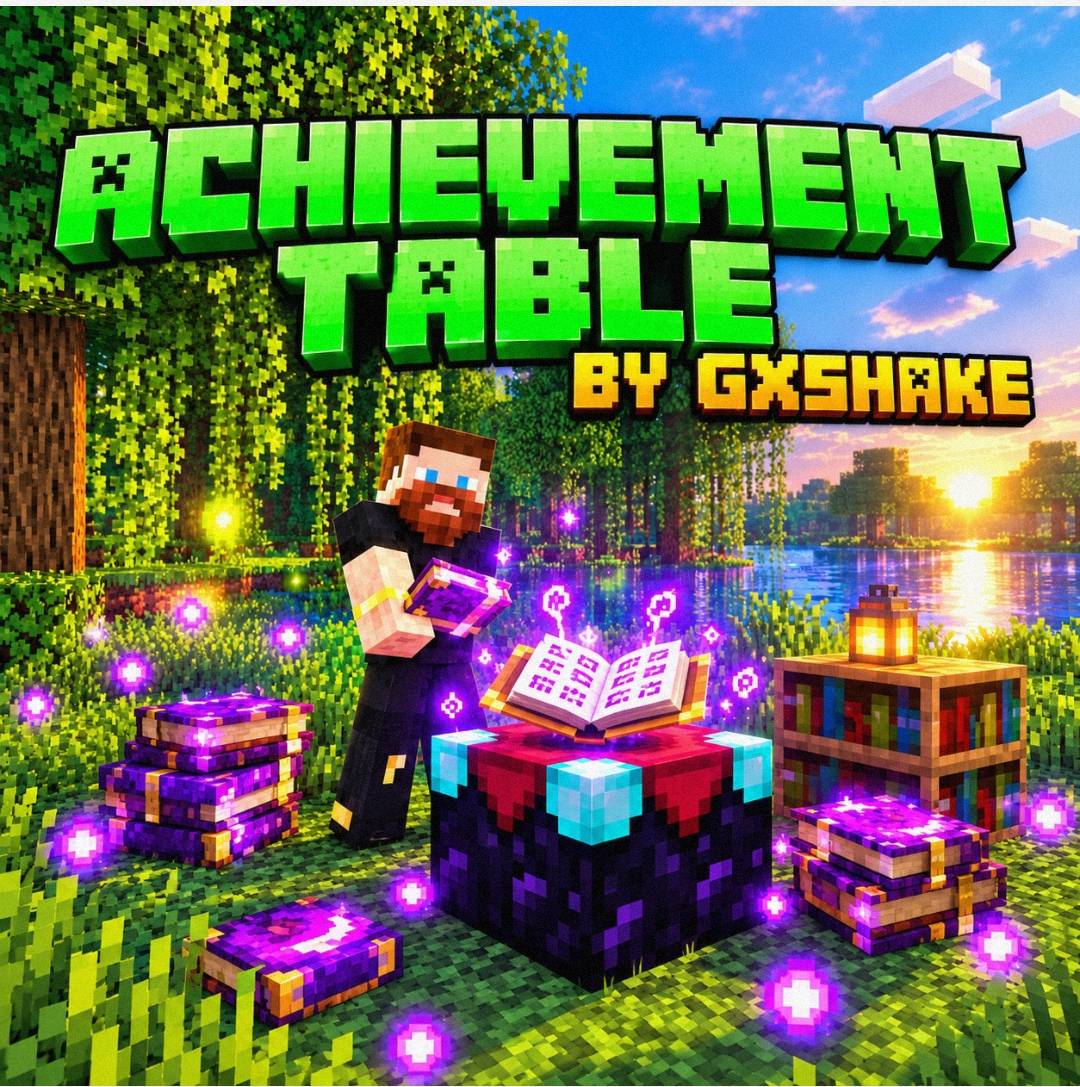
Achievement Table by GxShake turns the Minecraft Enchanting Table into a custom enchanting menu.
How to use it
Hold any enchantable item, crouch, and click an Enchanting Table. Instead of the vanilla screen, a menu opens with the enchantments that item can get. A normal click or an empty hand still opens the regular table.
Features
- Smart enchantment list: The menu shows only enchantments that fit your item, such as Sharpness, Looting and Sweeping Edge for a sword, or Efficiency, Fortune and Unbreaking for a pickaxe. Mending and other treasure-only enchantments are left out, like the real table.
- No clashing enchantments: Once you pick one, conflicting ones disappear. Sharpness hides Smite and Bane of Arthropods, and Fortune hides Silk Touch.
- Bookshelf tiers: The number of bookshelves around the table (up to 15) decides how strong the enchantments can be. Few bookshelves give low levels, and 15 unlock everything. Locked levels show how many bookshelves they need.
- XP cost by level: Higher levels cost more XP. For example, level 1 costs 10, level 3 costs 20 and level 5 costs 30 XP levels. Upgrading a level you already have only costs the difference.
- Add several enchantments in one visit: The menu reopens after each one, so you can enchant an item fully without leaving the table.
- Creative mode: Enchanting is free.
Created by GxShake.
- Edition: Minecraft Bedrock
- File type: .mcpack or .mcaddon
- Minecraft versions listed: 1.21.122, 1.21.123, 1.21.124
- How to install: Download the .mcpack or .mcaddon file. → Open it — Minecraft imports it. → In your world: Behavior Packs → Available → Activate, then the same under Resource Packs.
- Where to get it: Opens on CurseForge — not every file is mirrored on our own servers.
Install steps are the general flow for this file type — How to install Minecraft Bedrock addons & mods walks through it step by step.
- Pack type: .mcaddon — behaviour and resource pack in one file
- Manifest requires Minecraft 1.21.60 or newer
- Complete pack — everything it depends on is inside the file
- Download size: 168 KB
- Download link checked 23 Oct 2026 — working
These come from our own check of the pack file, not from the source page.