ModpacksJava
Light Craft FPS Boost Max Modpack (1.20) – Play Faster, Look Better
Java modpack listed for Minecraft 1.20. Downloads from the MC Java Mods app on Android.
⬇ Download
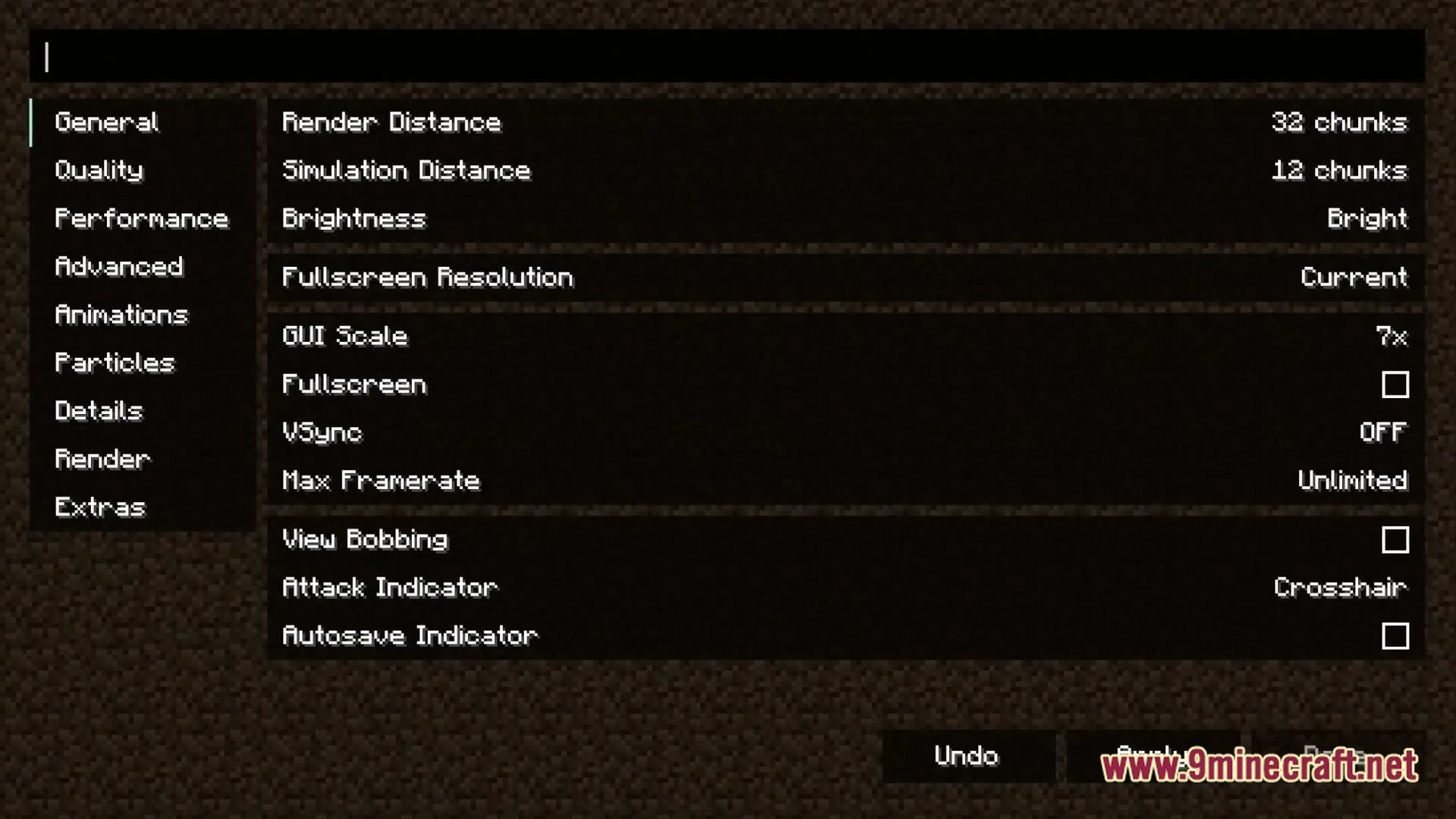
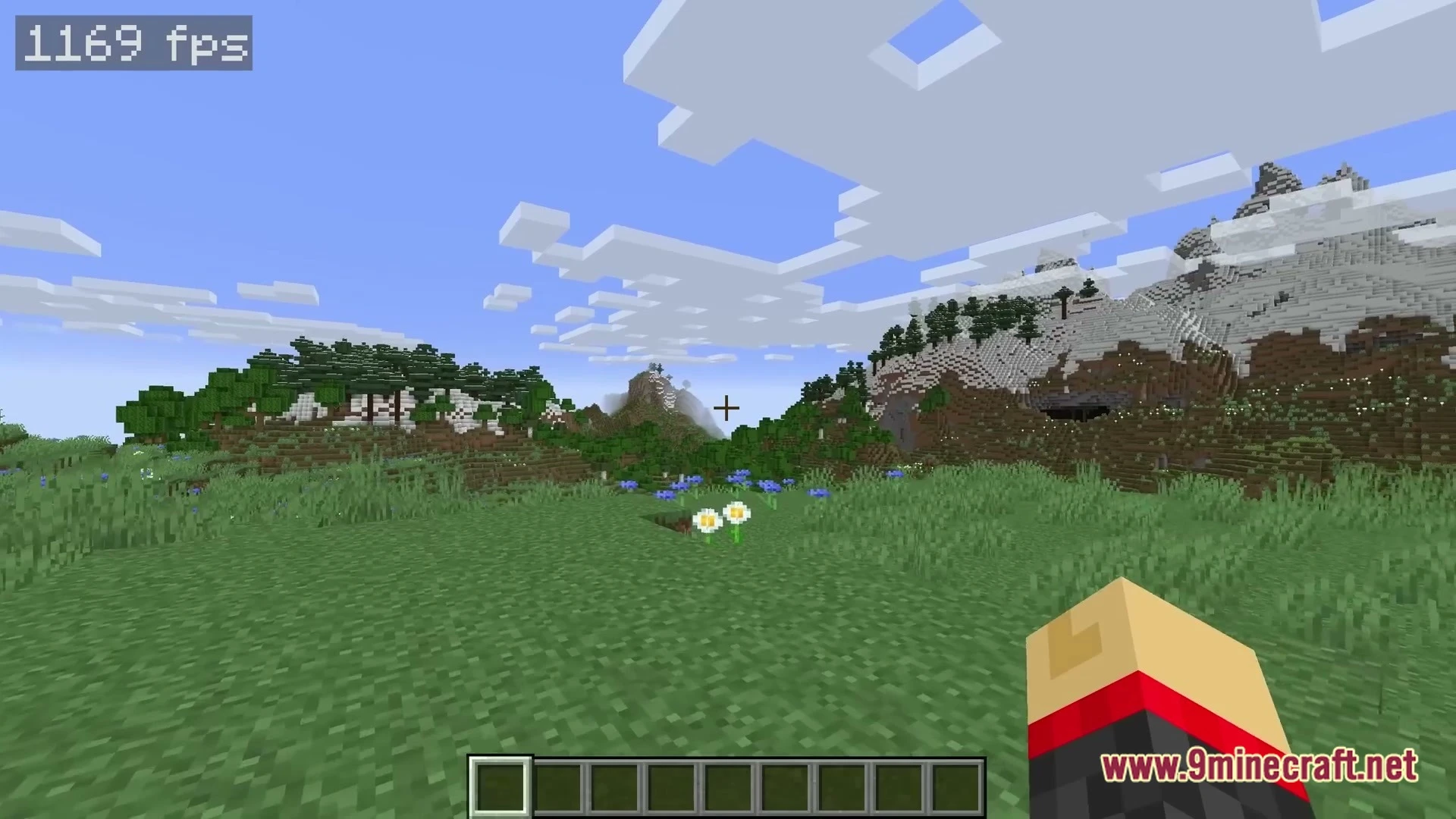
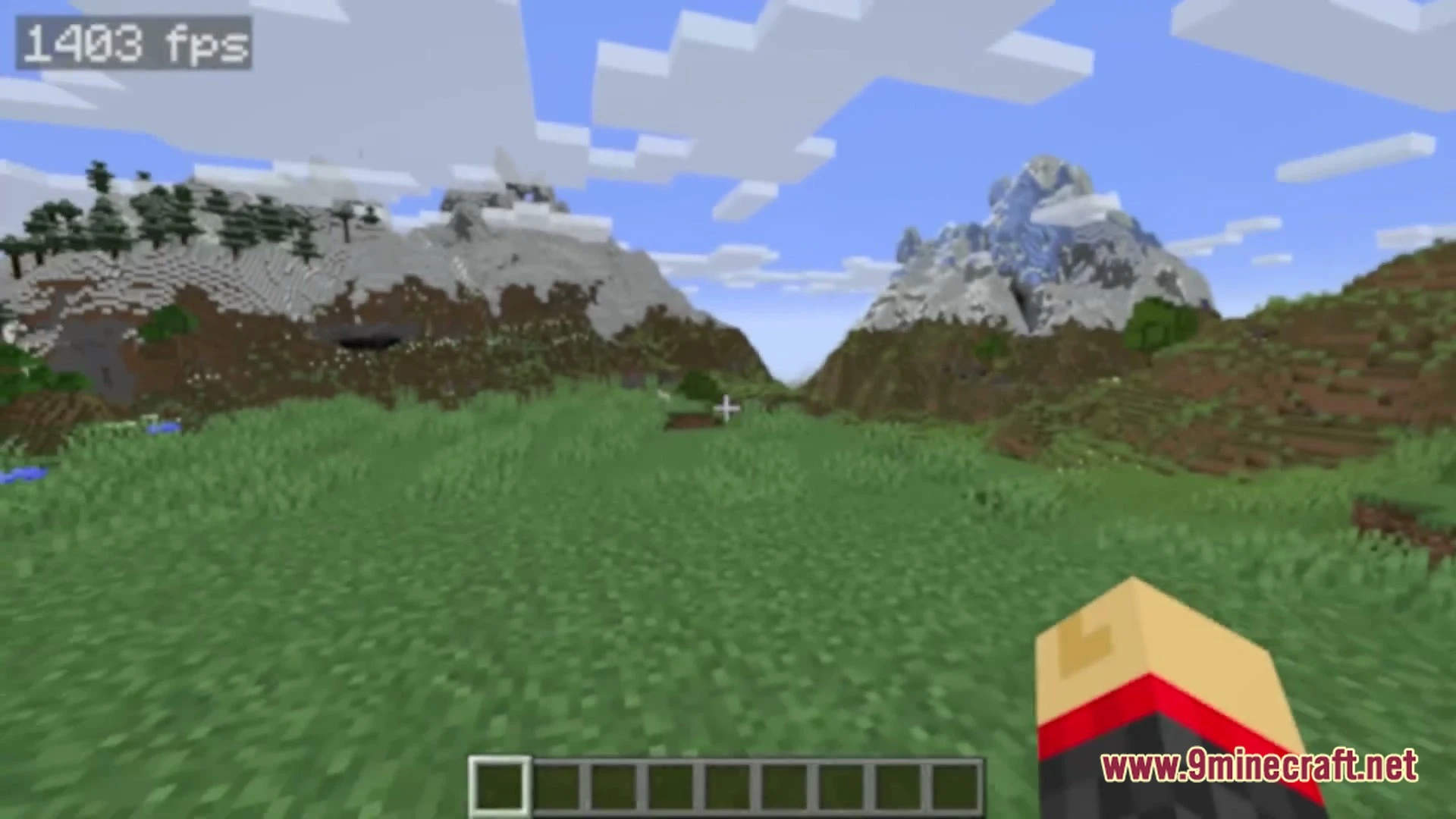
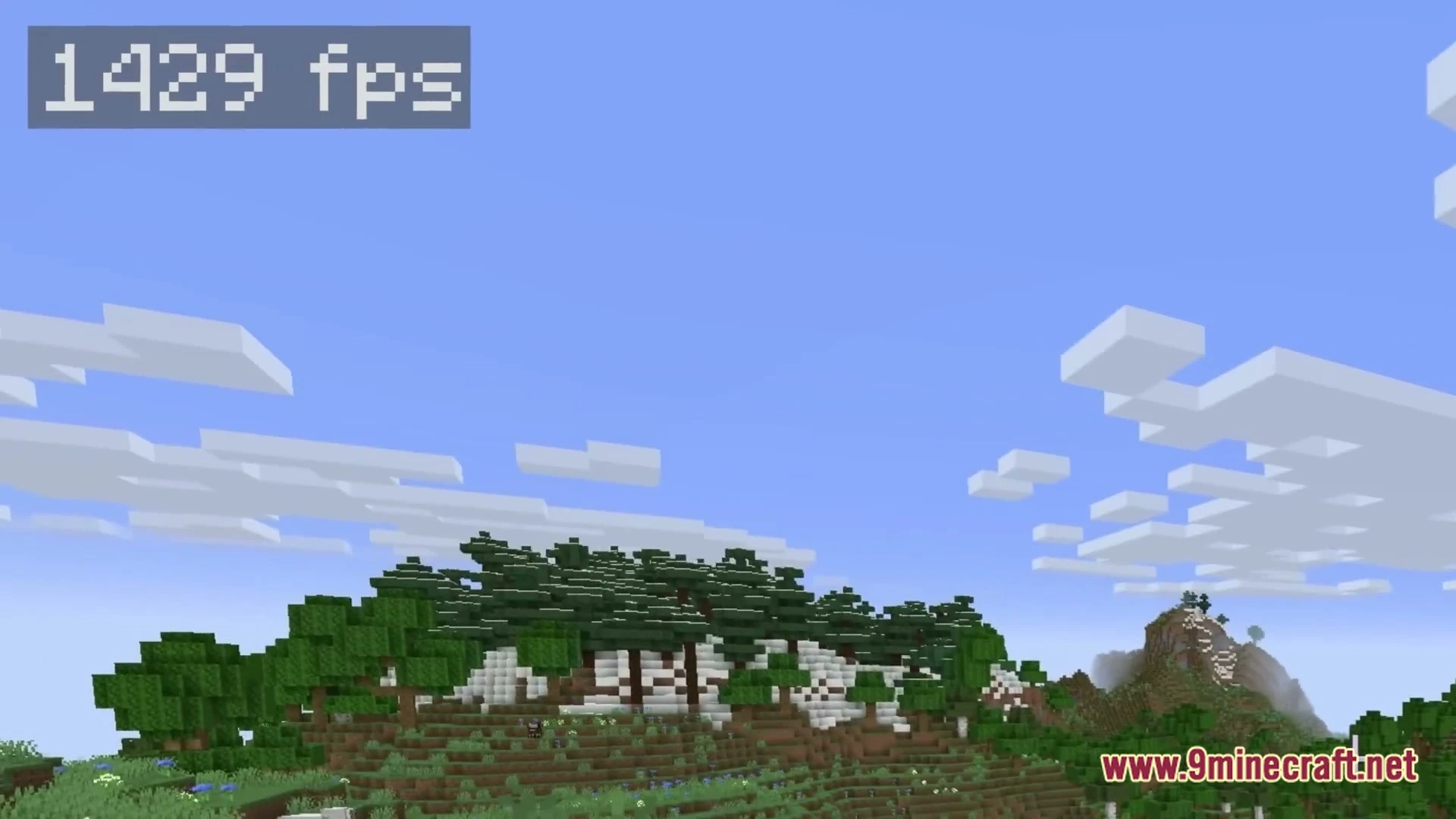
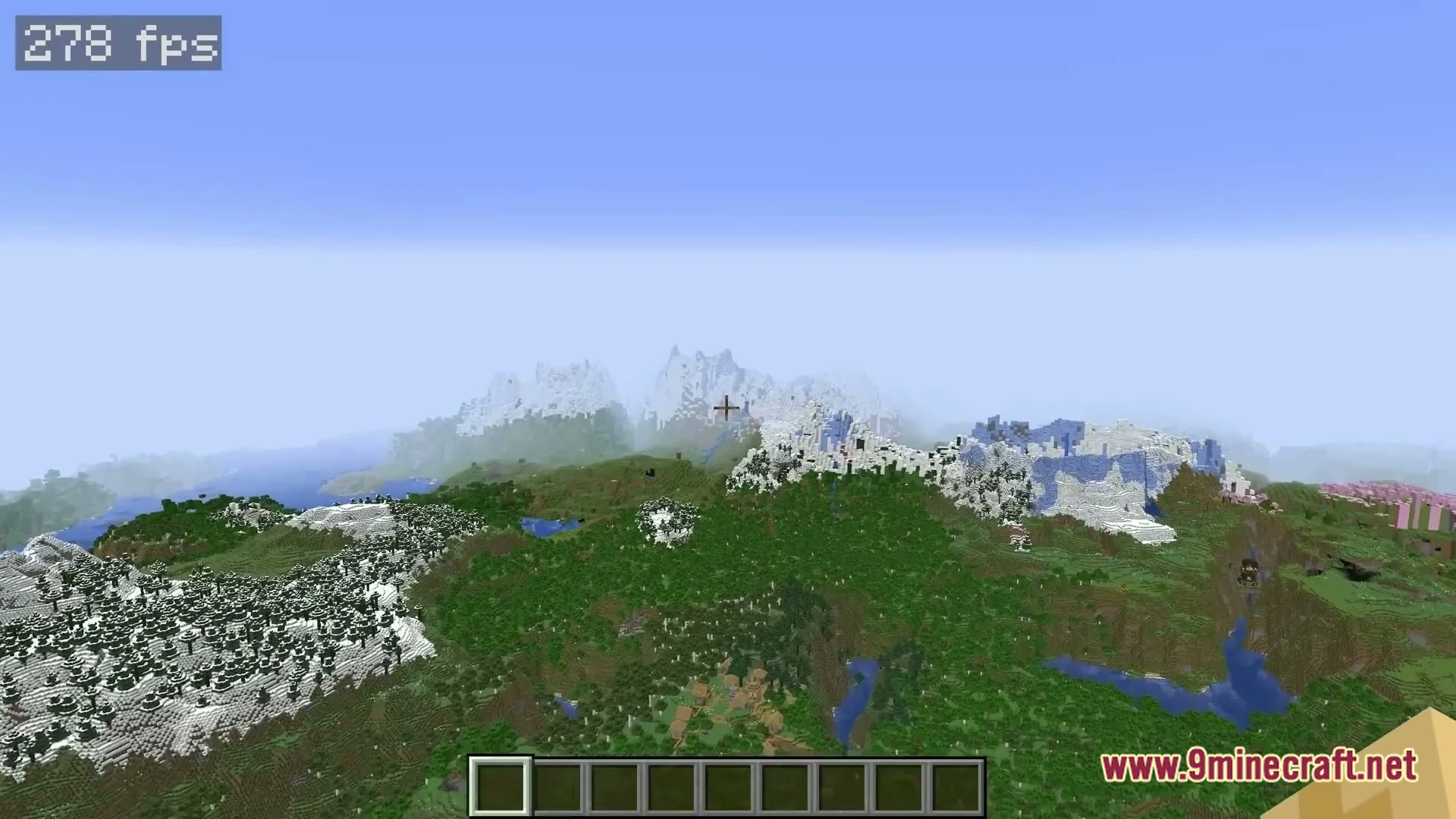

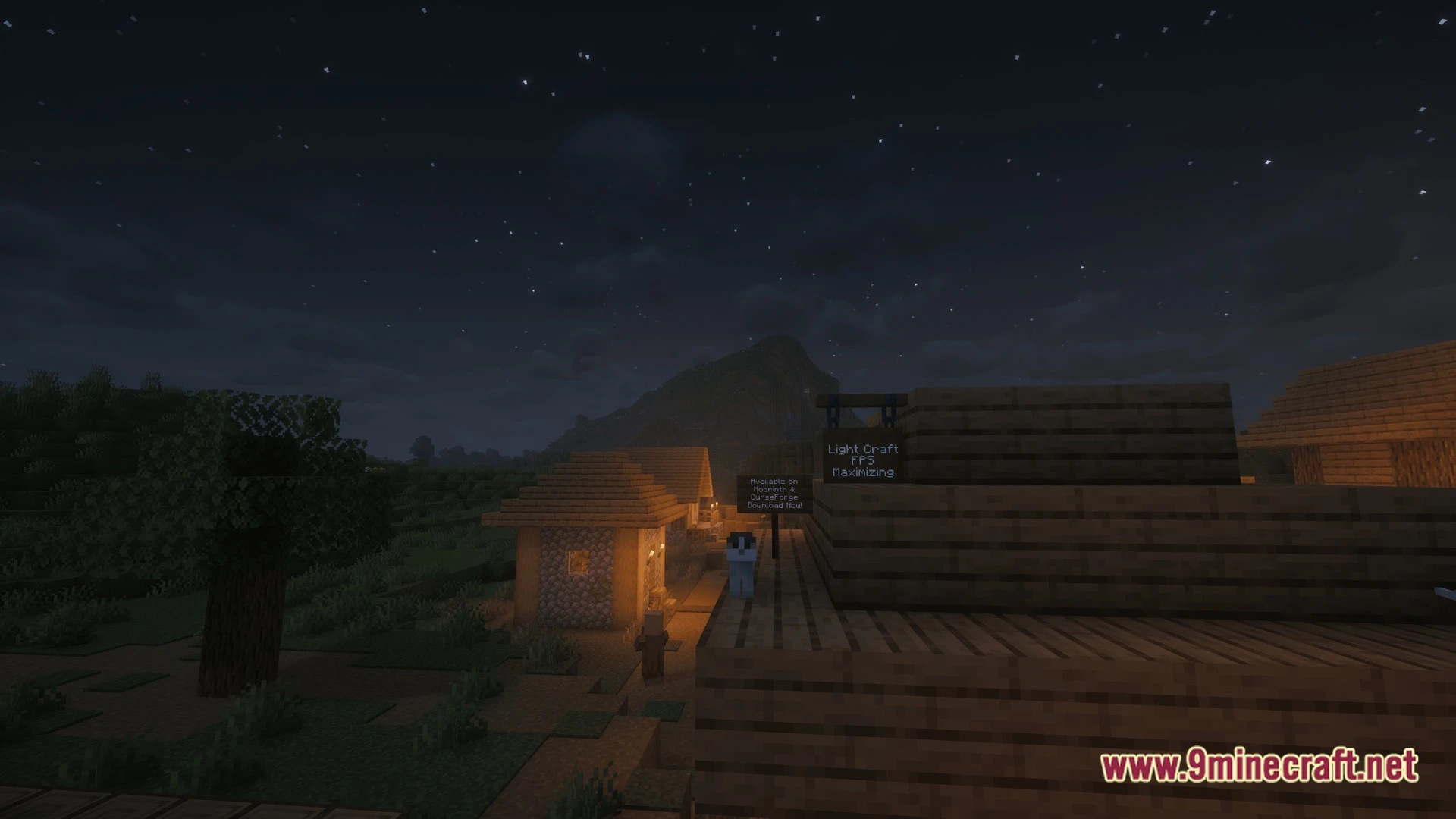
Light Craft FPS Boost Max Modpack makes your Minecraft run much faster than OptiFine by using modern Fabric mods that cut down lag and boost your frame rate. You get all the fancy graphics features you love-shaders, zoom, dynamic lights-but your game stays smooth and quick. It works right out of the box, but you can also add your own mods or turn features on and off to match your computer.
Features:
- Huge FPS Boost: Runs faster than OptiFine and other optimization packs, even on older computers
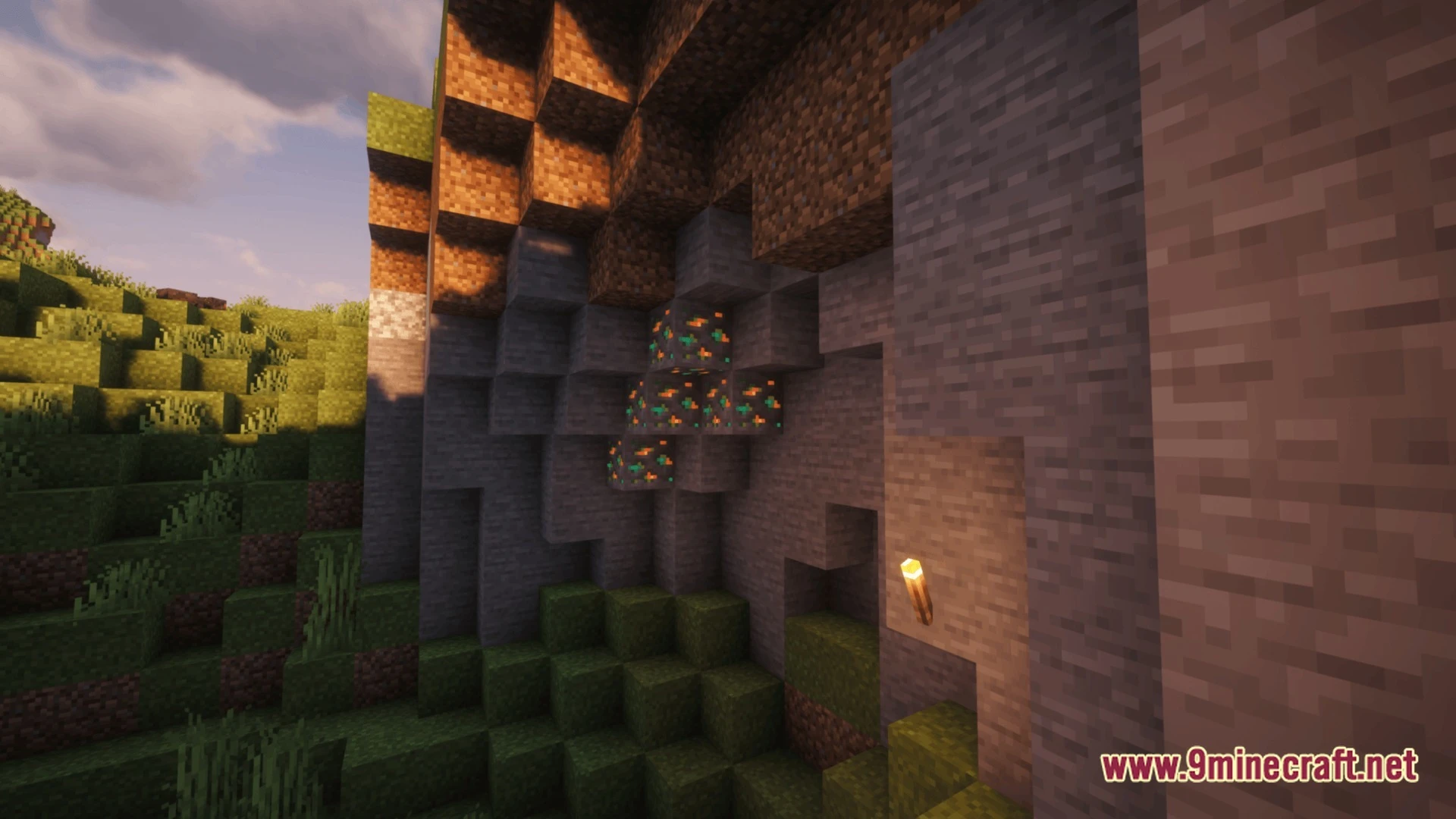
- Shader & Graphics: Play with shaders, resource packs, and dynamic lights without losing speed
- Free Capes: Wear capes in-game, including OptiFine-style ones, at no extra cost
- Zoom in to see far-away details with a single key press
- Turn off heavy features like particles and better grass by default to save power, then switch them back on anytime
- Play with a game controller instead of keyboard and mouse
- Add your own mods-voice chat, maps, or utility tools work without breaking the pack
- Get bug fixes and new updates every week to keep things running smooth
- Clean, simple menu that doesn’t clutter your screen
How to Play:
- Launch the game and check your FPS counter to see how much faster you’re running.
- Open the settings menu and turn on shaders or dynamic lights if your computer can handle them.
- Press the zoom key to look closer at distant blocks and mobs.
- Join a server or play single-player and enjoy smooth, lag-free gameplay.
Screenshots:
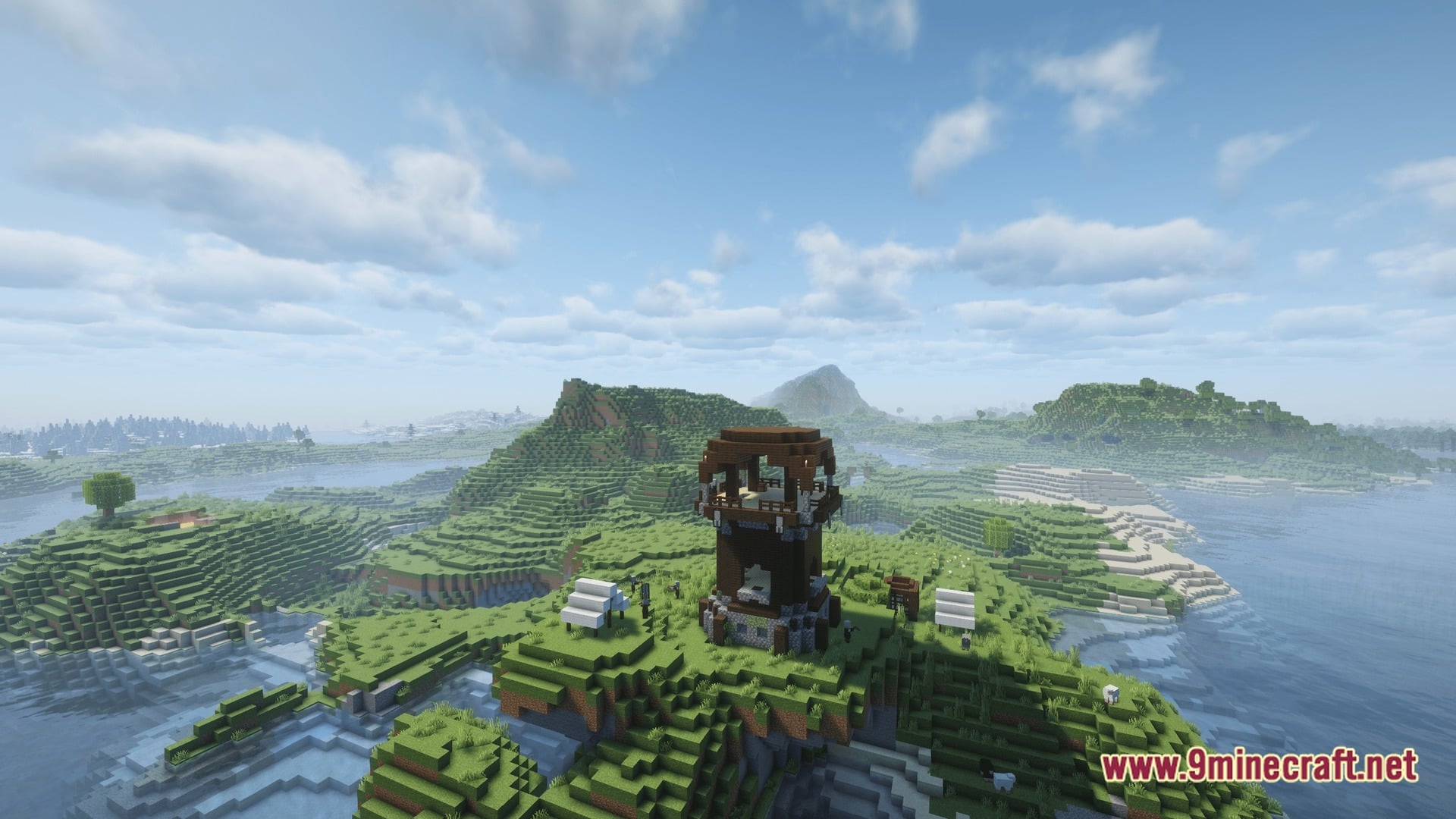
Light Craft FPS Boost Max Modpack Download Links
Quick facts
- Edition: Minecraft Java
- File type: .jar
- Minecraft version listed: 1.20
- How to install: Install the matching mod loader (Forge, Fabric or NeoForge) for your Minecraft version. → Download the .jar. → Put it in the .minecraft/mods folder and launch that loader profile.
- Where to get it: In MC Java Mods, or directly above on this page.
Install steps are the general flow for this file type — How to install Minecraft Java mods & modpacks walks through it step by step.
File checked by MCModsHub
- Downloads as 532270.mcpack
- Download size: 41.6 MB
- Download link checked 24 Oct 2026 — working
- Mirrored on our own servers — the download does not depend on the original host
These come from our own check of the pack file, not from the source page.