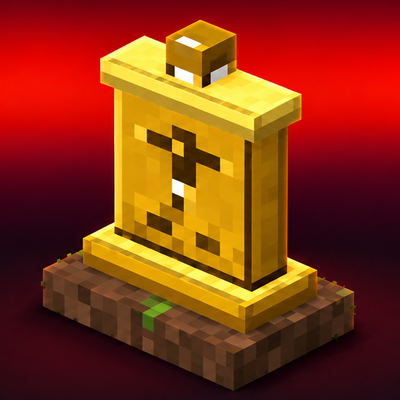
Gravestone Lite
Bedrock add-on listed for Minecraft 1.20–26.x (behavior + resource pack). Installs from the MC Bedrock Mods app on Android.
Gravestone Lite puts your whole inventory inside a colorful glowing gravestone at the spot where you died. 8 random colors, a soul beam you can see from…
⬇ Download on CurseForge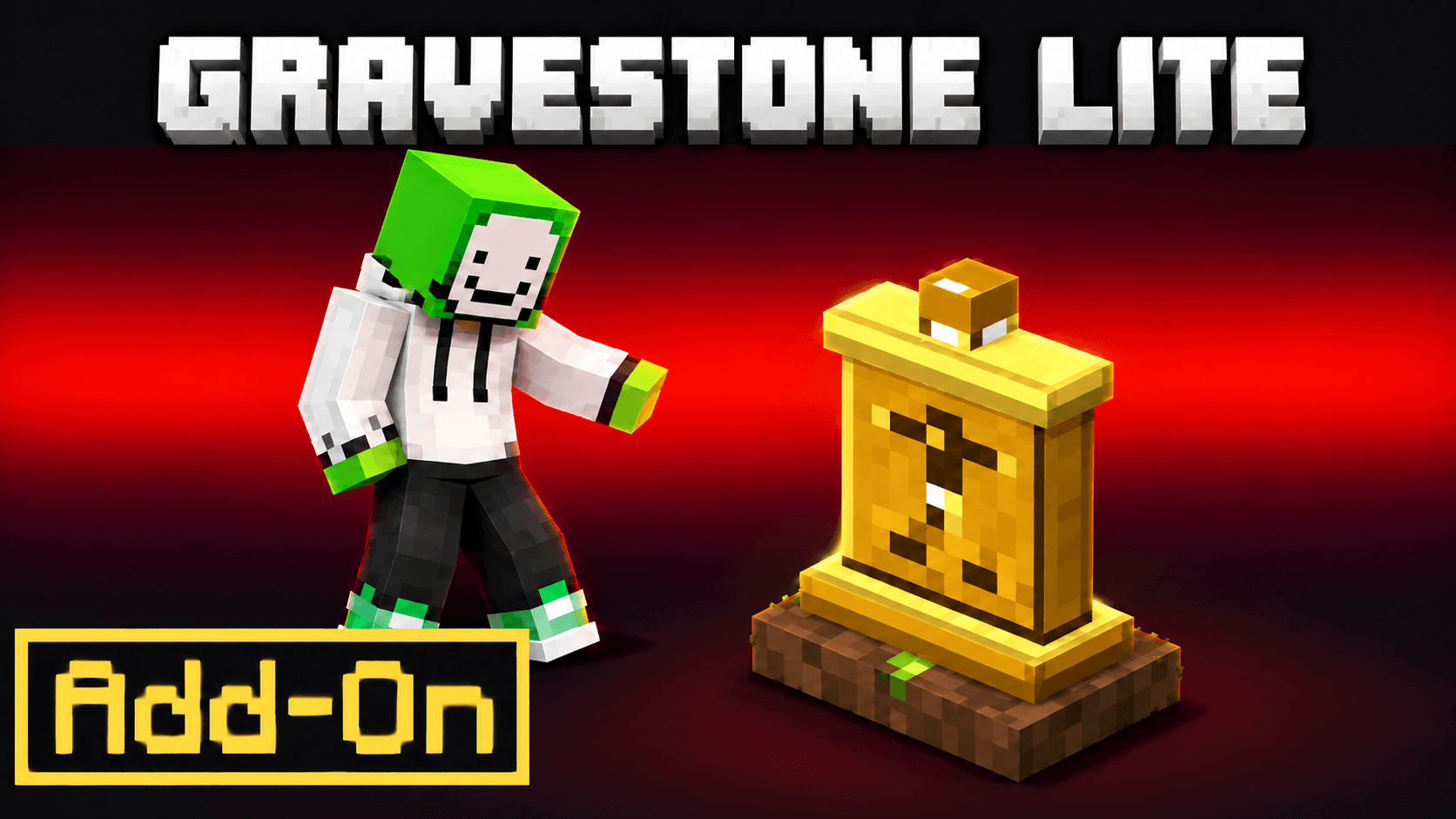
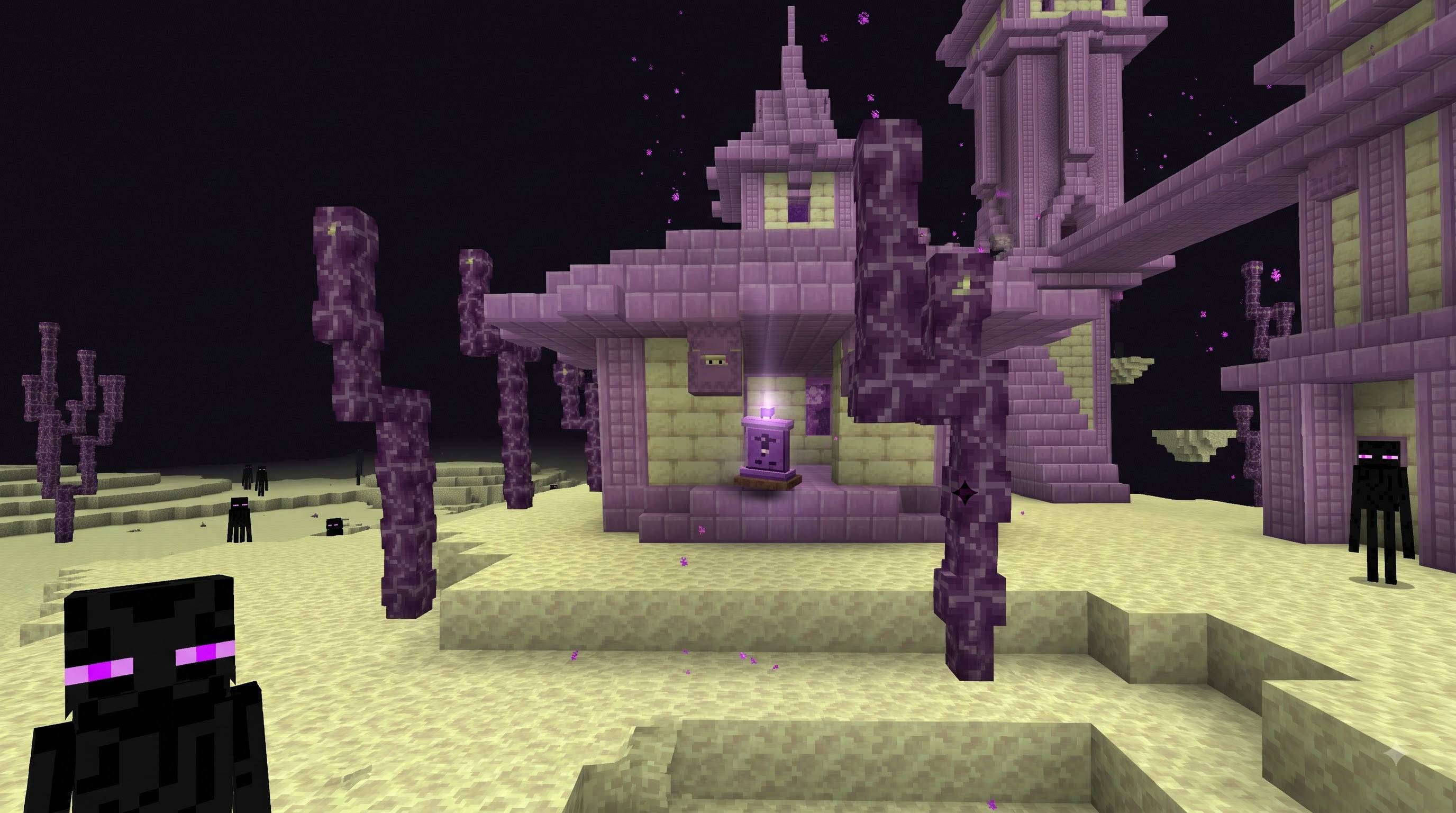
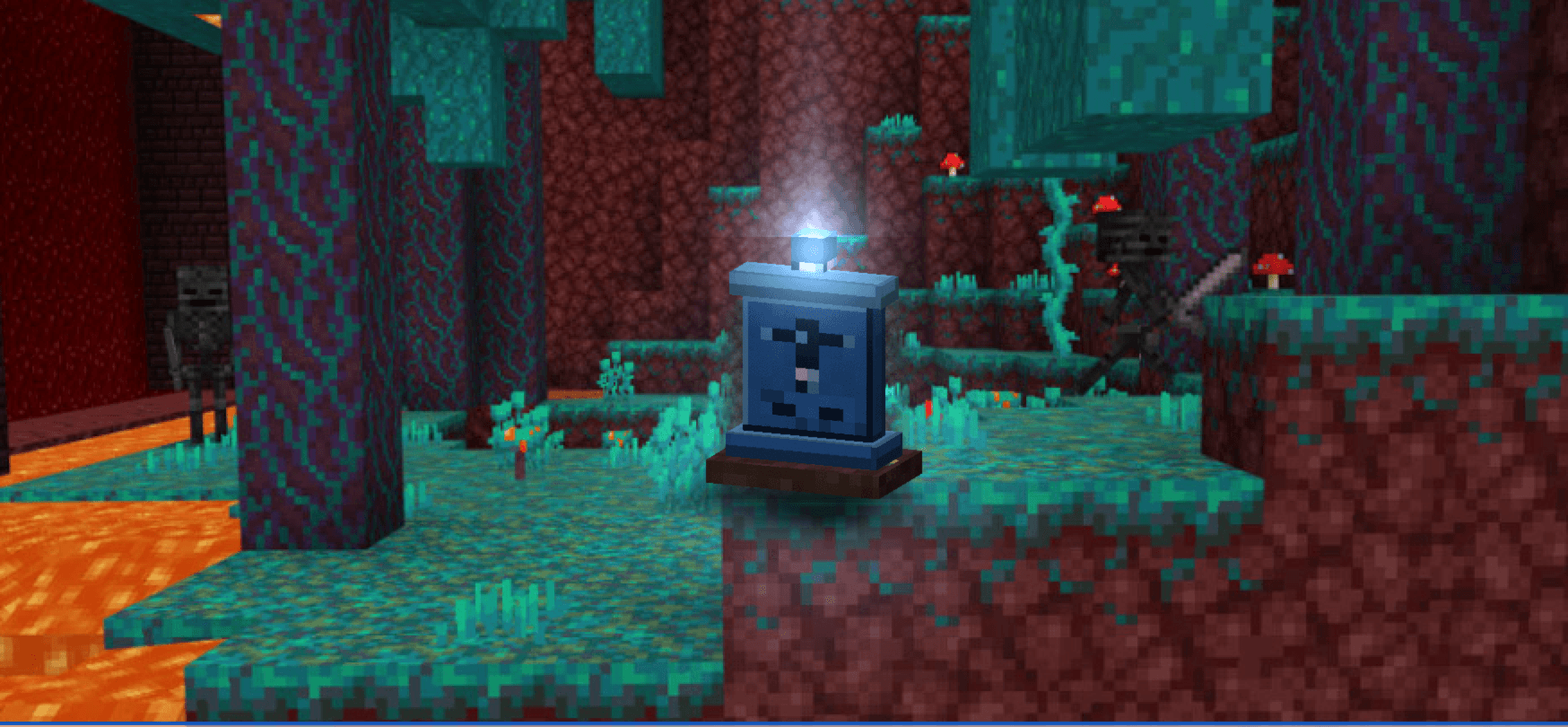
🪦 GRAVESTONE LITE — by GURJAR Colorful, glowing graves for Minecraft Bedrock 1.20.80 and every newer version.
Dying in Minecraft shouldn't cost you an hour of grinding. Gravestone Lite drops a colorful, glowing gravestone exactly where you died and stores your entire inventory inside it — so you just walk back and take it all home.
No commands to learn. No menus to open. Just die, follow the beam, punch the grave, and everything is back.
✨ WHAT MAKES IT DIFFERENT
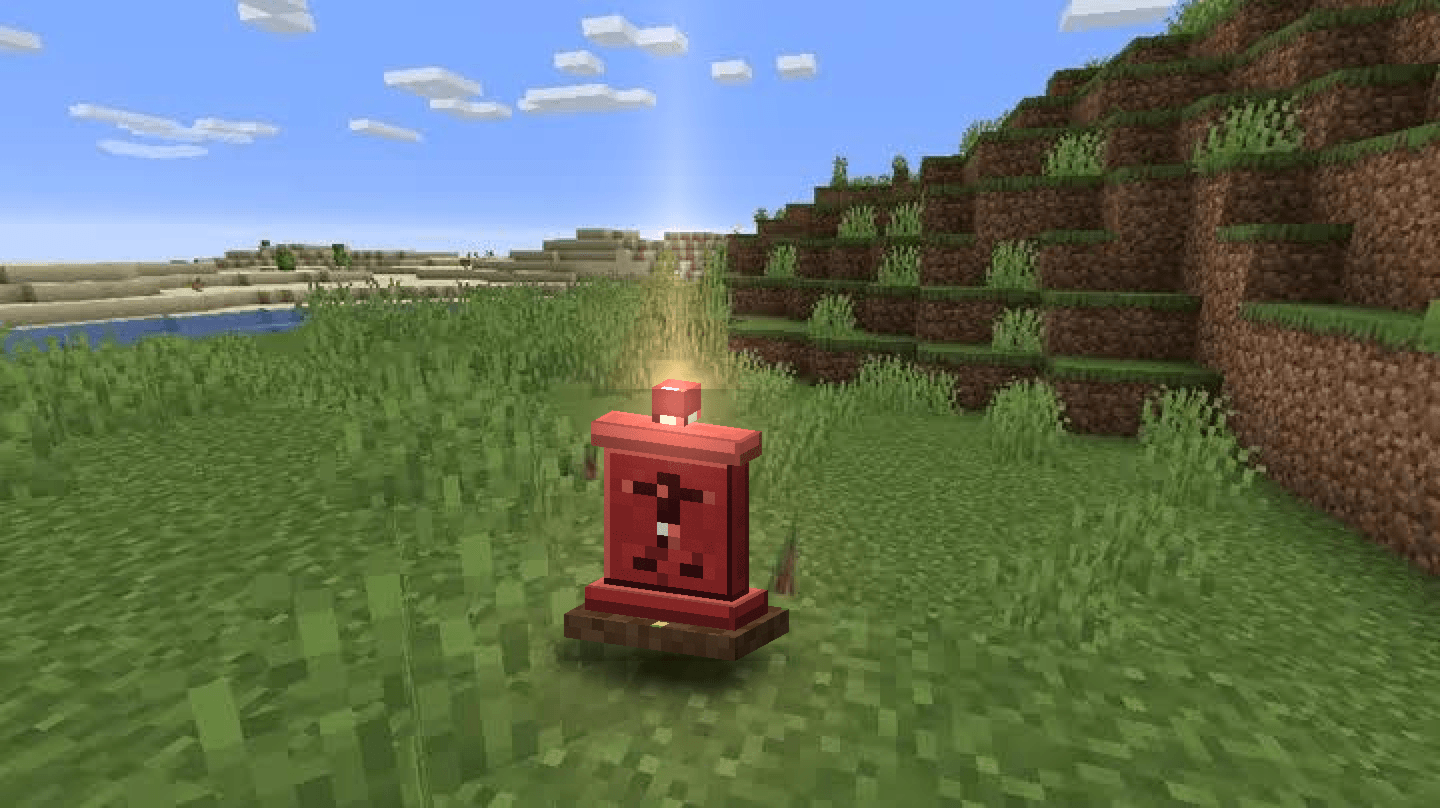
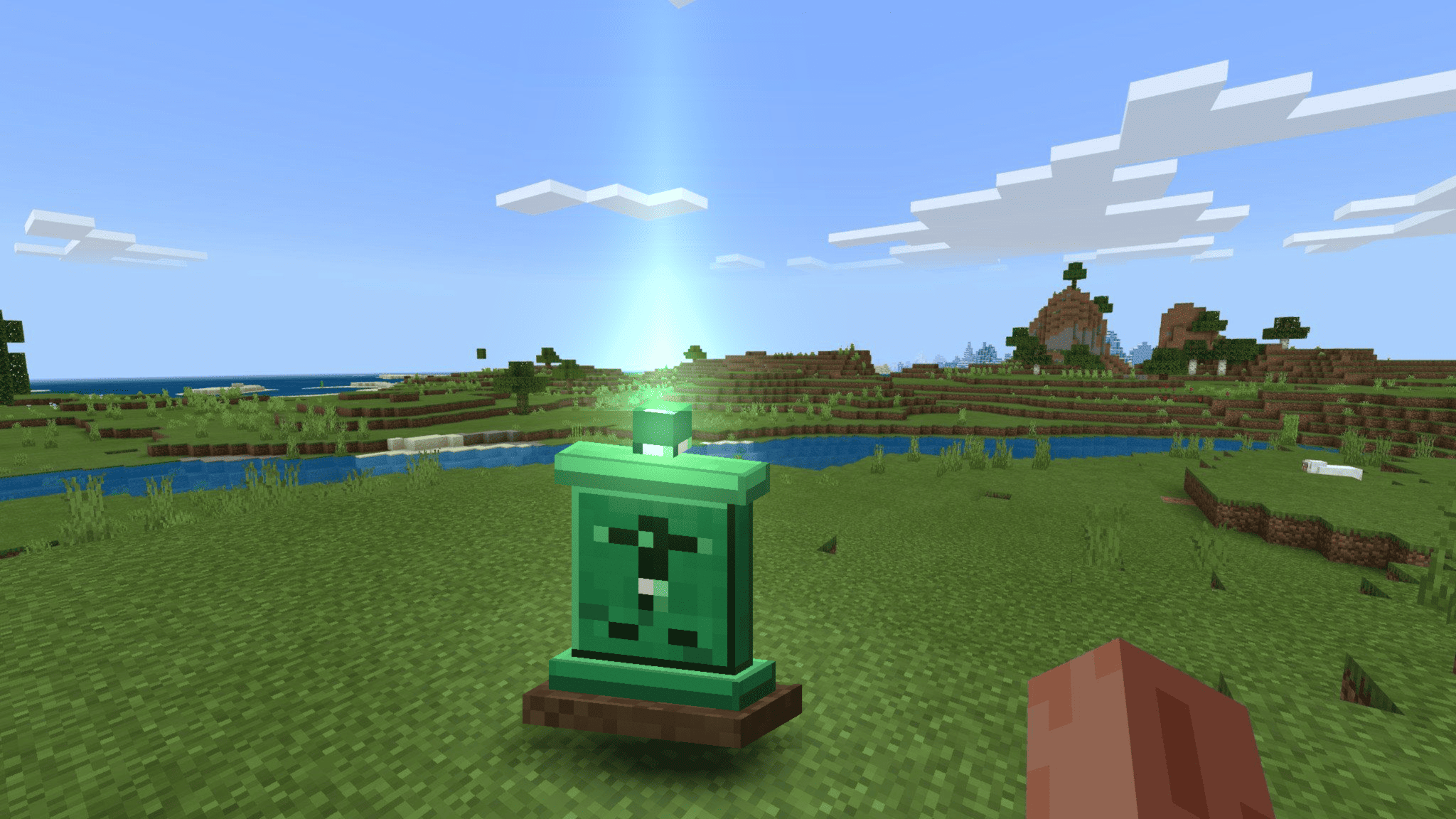
🎨 8 RANDOM COLORS Ruby, Emerald, Sapphire, Amethyst, Amber, Aqua, Rose and Void. Every death rolls a different colored gravestone, so your world slowly fills up with graves you can actually recognise from a distance.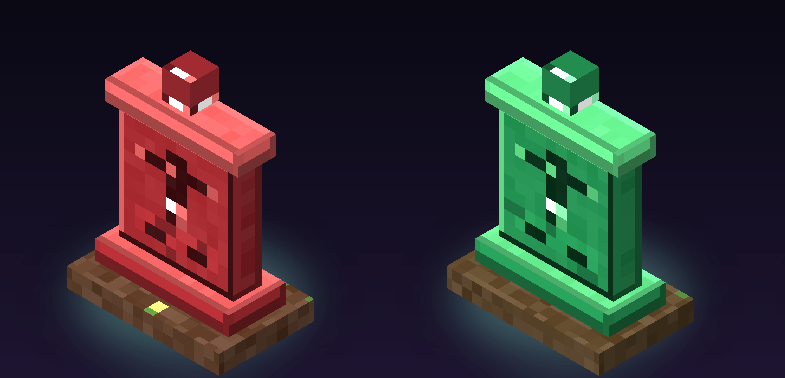
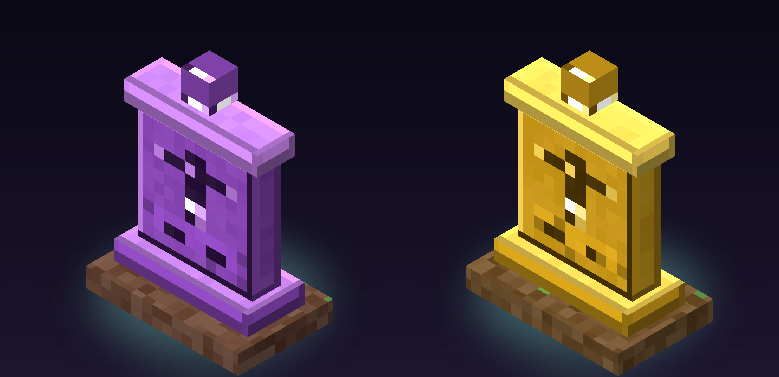
💡 GLOWING DAY AND NIGHT Every grave is wrapped in a colored particle aura that never turns off — subtle in daylight, strong and bright during the night. You will never walk past your own loot again.
🌌 A BEAM OF LIGHT IN THE SKY A soft vertical soul beam rises from the grave up into the sky, so you can spot it from dozens of blocks away, across hills, over forests and through the dark.
🔥 IMMUNE TO EVERYTHING Lava, fire, TNT, creepers, pistons, explosions, even the void. The gravestone can't be destroyed and it never despawns. Your loot waits as long as you need.
🌋 LAVA AND VOID PROTECTION Dying in lava? The grave appears in the nearest open space above the lava, not inside it. Falling into the void? The grave is placed on the last safe ground you were standing on.
🎒 NOTHING IS LOST Hotbar, all 36 inventory slots, armor and offhand are stored with enchantments, durability and custom item data fully intact. The grave holds 45 slots, so even a completely full inventory fits with room to spare.
🔒 OWNER ONLY Other players can't open or steal from your grave, so multiplayer worlds and Realms stay fair. It's your loot, and only your loot.
🧭 GRAVE COMPASS You receive a brand-new Grave Compass when you respawn. Use it and it tells you the distance, the direction (North / South / East / West) and whether the grave is above or below you. On Bedrock there is no F3 screen, and this compass is the replacement.
📢 CLEAR FEEDBACK, NO GUESSWORK Coordinates in chat the moment you die, an action-bar reminder when you respawn, and a burst of colored particles when you collect your items.
⚙️ HANDY COMMANDS /scriptevent gravestone_lite:locate → where is my grave /scriptevent gravestone_lite:list → all my graves /scriptevent gravestone_lite:clear → remove my graves
🎮 HOW TO USE (30 SECONDS)
- Die. A chat message gives you the exact coordinates of your grave.
- Respawn. Those coordinates appear on your action bar and a Grave Compass is added to your inventory.
- Use the compass to get the distance and direction, then follow the beam.
- Stand next to the grave and hit it once. Everything comes back instantly. If your inventory is full, the rest stays safely inside and you're told how many stacks are left.
📥 INSTALLATION
- Download GravestoneLite.mcaddon
- Open the file — Minecraft imports the behavior pack and the resource pack for you
- Create or open a world → Settings → Behavior Packs → activate "Gravestone Lite"
- Settings → Resource Packs → activate "Gravestone Lite" (this gives the colors, the glow and the beam)
- Play
Works on Android, iOS, Windows, Xbox, PlayStation, Switch and Realms. On Realms the owner activates it once and members download it automatically when they join. No experimental toggles required, and no vanilla blocks or recipes are changed.
⚠️ GOOD TO KNOW
• This is a third-party add-on, so achievements are disabled in any world where it is active. That is a standard Bedrock rule for non-Marketplace packs, not a bug. • Don't run two death/gravestone add-ons at the same time — they will fight over your inventory. • Works best on a fresh world or after a backup. Always keep a backup before installing any add-on. • If a future game update ever refuses to start the script, the version dependency is a single line in BP/manifest.json and can be lowered in seconds.
🧾 CREDITS
Created by GURJAR. Every model, texture, particle, icon and script in this add-on was made from scratch for this project. Nothing is copied, downloaded or reused from other packs, and no copyrighted assets are included — safe for CurseForge and MCPEDL publishing.
Thanks for playing. If Gravestone Lite saves your loot even once, it has done its job.
- Edition: Minecraft Bedrock
- File type: .mcpack or .mcaddon
- Minecraft versions listed: 1.21.100, 1.21.80, 1.21.130
- How to install: Download the .mcpack or .mcaddon file. → Open it — Minecraft imports it. → In your world: Behavior Packs → Available → Activate, then the same under Resource Packs.
- Where to get it: Opens on CurseForge — not every file is mirrored on our own servers.
Install steps are the general flow for this file type — How to install Minecraft Bedrock addons & mods walks through it step by step.
- Manifest requires Minecraft 1.20.80 or newer
- Complete pack — everything it depends on is inside the file
- Download size: 60 KB
These come from our own check of the pack file, not from the source page.