ModsJava
Hex Color Text Mod (1.7.10) – Bring Vibrant Animated Gradients to Chat
Minecraft Java mod. Downloads from the MC Java Mods app on Android.
⬇ Download


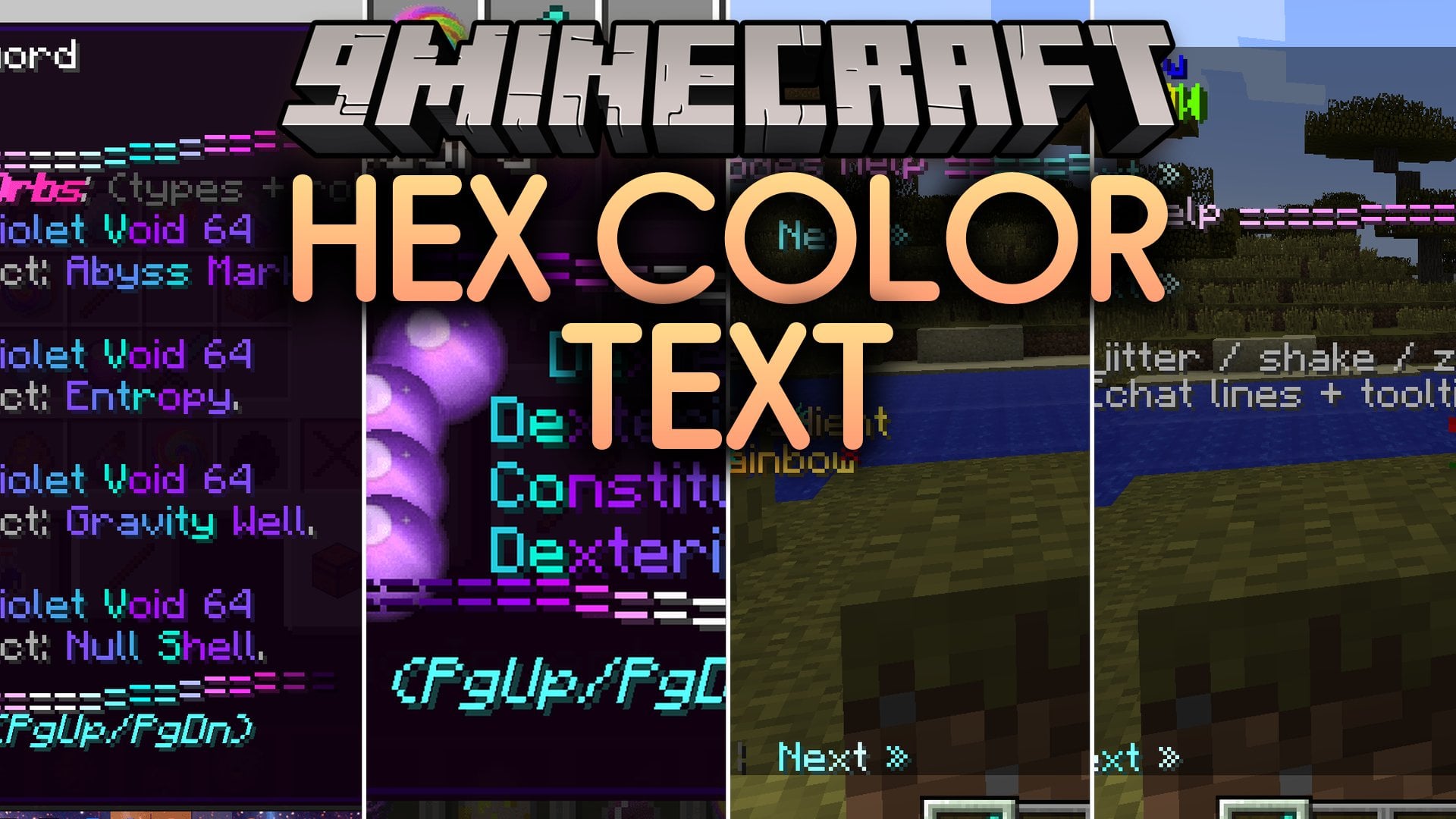
Hex Color Text Mod expands the classic font renderer with full hexadecimal RGB colors and animated effects. It lets you write glowing text, smooth multi-color gradients, and styled tooltips for your items. The mod also introduces RPG mechanics like gem socketing, item upgrades, and Dragon Block C hair styling options. Modded servers can use these visuals to build custom menus, dialogue boxes, and cool gear tags.
Features:
- True Hexadecimal Colors: Lets you pick any RGB color code to colorize your chat, menus, and item names.
- Multi-Color Gradients: Blends several colors together across lines of text for smooth transitions.
- Animated Text FX: Adds motion effects, rainbow waves, and scrolling gradient layers to tooltips and labels.
- RPG Gem Socketing: Lets players attach gems, orbs, and pills into gear sockets to upgrade their equipment.
- Dragon Block C Additions: Includes custom DBC hair color customization and style tools.
- Inventory Sorting: Places a handy sorting button inside container screens to tidy up items quickly.
- Works with standard Minecraft color codes and formatting tags like bold, italic, and underline.
- Allows custom styling for item rarities, tooltips, and weapon lore lines.
- Works inside custom menus, server interfaces, and NPC dialogue prompts.
- Tracks cooldown timers and displays styled alert messages during combat.
- Includes mentor ranking, lesson tracking, and master progression systems for roleplay servers.
Commands:
/hexhelp: displays text formatting guidelines and syntax examples in chat.
How to Use:
- Type
Your Text</#>into supported text fields or configs to display hex colors. - Combine hex tags with standard formatting codes like
<o create bold colored letters. - Type
/hexhelpin chat to see working examples and active styling tags.
Screenshots:
Hex Color Text Mod Download Links
Quick facts
- Edition: Minecraft Java
- File type: .jar
- How to install: Install the matching mod loader (Forge, Fabric or NeoForge) for your Minecraft version. → Download the .jar. → Put it in the .minecraft/mods folder and launch that loader profile.
- Where to get it: In MC Java Mods, or directly above on this page.
Install steps are the general flow for this file type — How to install Minecraft Java mods & modpacks walks through it step by step.
File checked by MCModsHub
- Downloads as 533263.mcaddon
- Download size: 17.4 MB
- Download link checked 25 Oct 2026 — working
- Mirrored on our own servers — the download does not depend on the original host
These come from our own check of the pack file, not from the source page.