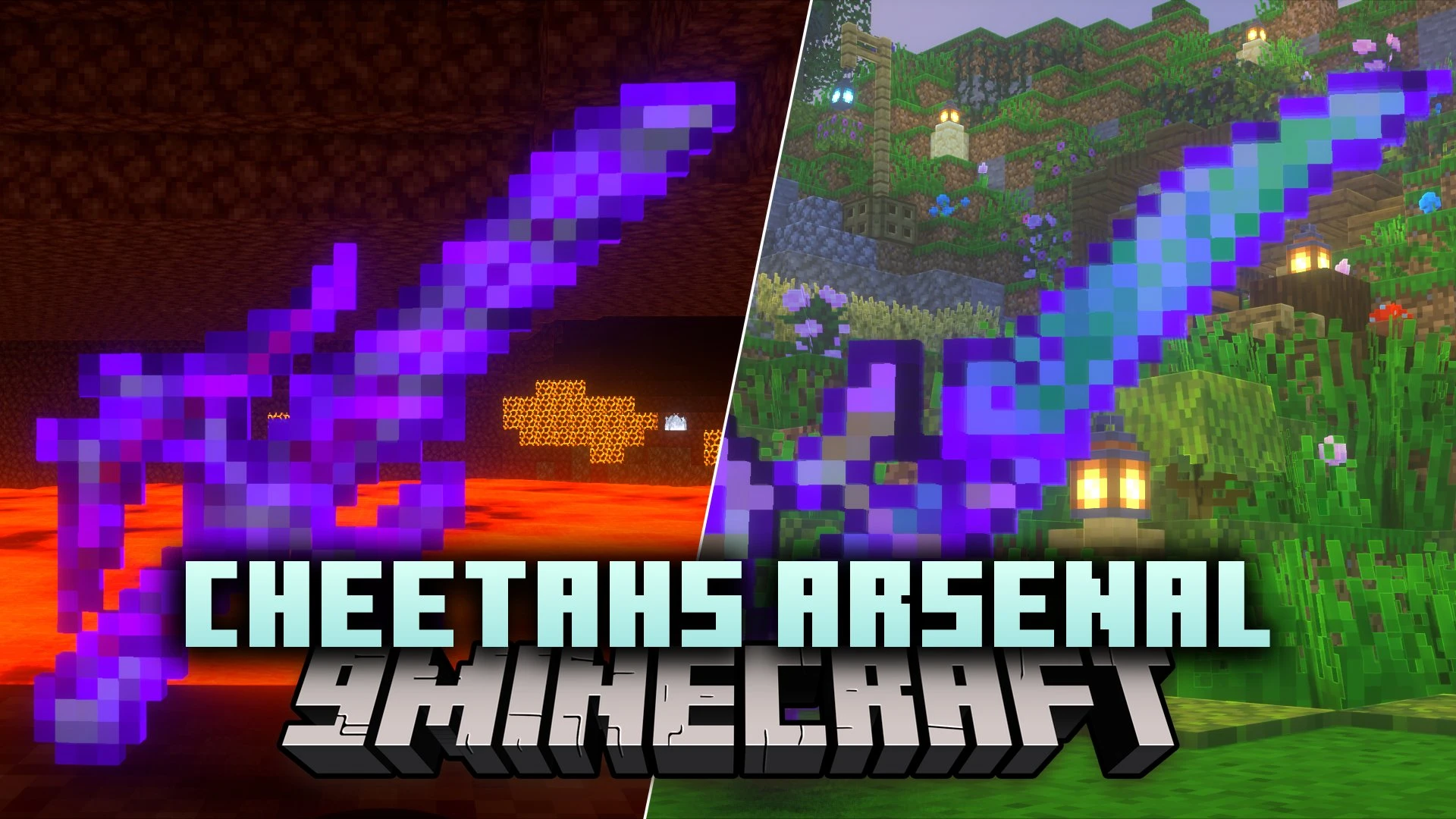
Cheetahs Arsenal Resource Pack (26.3, 1.20.1) – Unique Fantasy Blades
Java resource pack listed for Minecraft 1.20–1.21. Downloads from the MC Java Mods app on Android.
⬇ Download


Cheetahs Arsenal Resource Pack adds custom weapon models and textures to standard Minecraft gear through item renaming. By using an anvil, players can turn regular swords and axes into weapons with distinct fantasy shapes. This pack runs on older game releases with OptiFine or CIT Resewn, while working without extra tools on game versions 1.21.5 and above. Each weapon design stands out in combat or item frames without altering vanilla combat statistics.
Features:
- Anvil Renaming: Changes the appearance and shape of weapons when you rename them at an anvil.
- Custom Weapon Models: Supplies new visual styles for both swords and axes using custom textures.
- CIT Compatibility: Works with OptiFine or CIT Resewn on older releases and functions natively on modern updates.
- Applies custom weapon looks without changing standard damage or attack speed values.
- Fits survival setups, custom adventure maps, and PvP battles.
Available Swords:
- Frostcleaver: a heavy frost-themed blade.
- Azrael: a sharp fantasy sword.
- LeSword: a custom-styled blade with a pointed guard.
- RoyalClaymore: a large greatsword design.
- DragonsHeart: a blade themed around dragon lore.
- FireDagger: a compact fiery dagger.
- FrostBlade: an icy longsword.
- Aress: a light combat sword.
- DarkAress: a shadowy counterpart to the standard blade.
- CrystalineEdge: a sword made of crystalline edges.
- Shadowreaper: a dark-themed battle sword.
- Bloodbane: a crimson weapon built for close fights.
- Emberblade: a sword wrapped in fire accents.
Available Axes:
- RoyalHalberd: a regal polearm axe.
- Firescythe: a curved weapon with flame styling.
- Shadowblade: a dark utility axe.
- Shadowbaxs: a double-edged battle axe.
- Hemorax: a heavy crimson cleaver.
Screenshots:
Cheetahs Arsenal Resource Pack Download Links
- Edition: Minecraft Java
- File type: .zip (resource pack)
- Minecraft versions listed: 1.20.1, 1.21.5
- How to install: Download the .zip resource pack — do not unzip it. → Put it in .minecraft/resourcepacks. → Enable it in Options → Resource Packs.
- Where to get it: In MC Java Mods, or directly above on this page.
Install steps are the general flow for this file type — How to install Minecraft Java resource packs walks through it step by step.
- Downloads as 533316.mcpack
- Download size: 1.2 MB
- Download link checked 25 Oct 2026 — working
- Mirrored on our own servers — the download does not depend on the original host
These come from our own check of the pack file, not from the source page.