Better Adventures Addon (26.x, 1.21) – MCPE/Bedrock Mod
Bedrock add-on listed for Minecraft 1.21–26.x (behavior + resource pack). Needs Beta APIs. File opened and checked on 23 Sep 2026; installs from the MC Bedrock Mods app on Android.
⬇ Download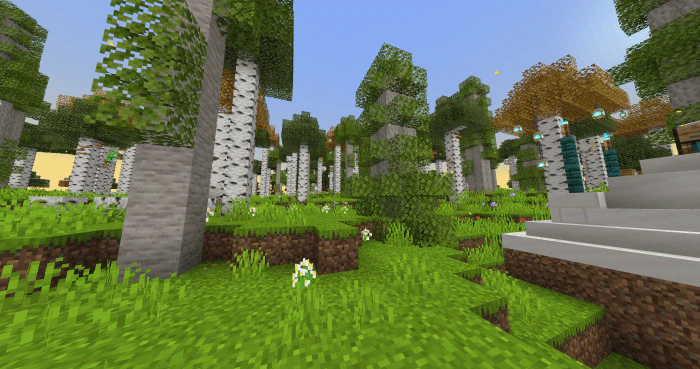
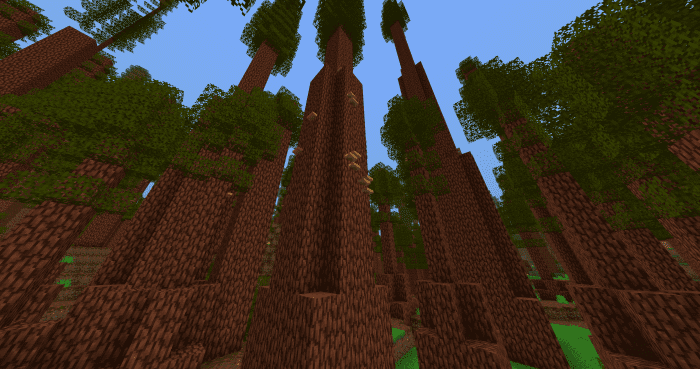
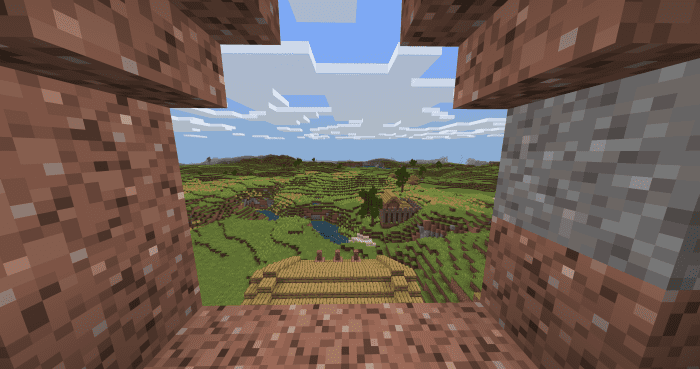
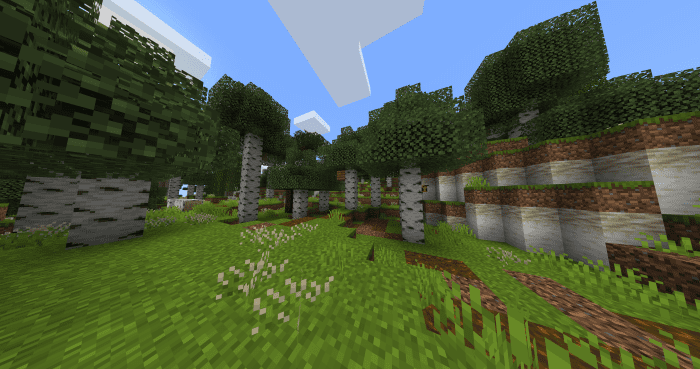
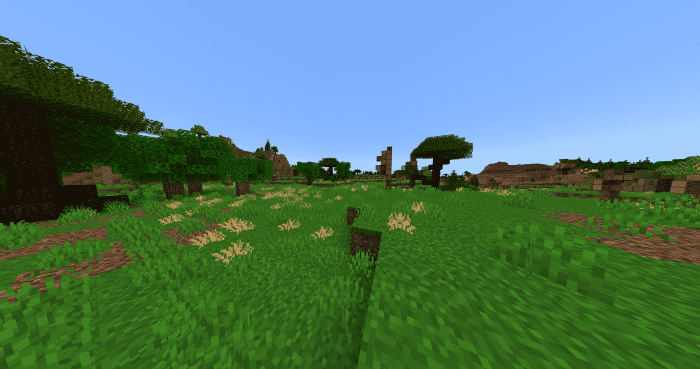
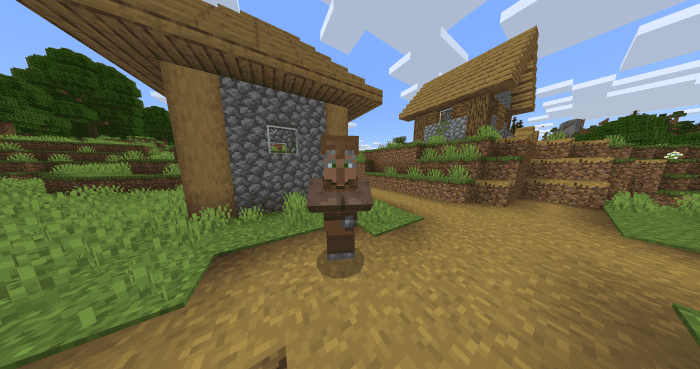
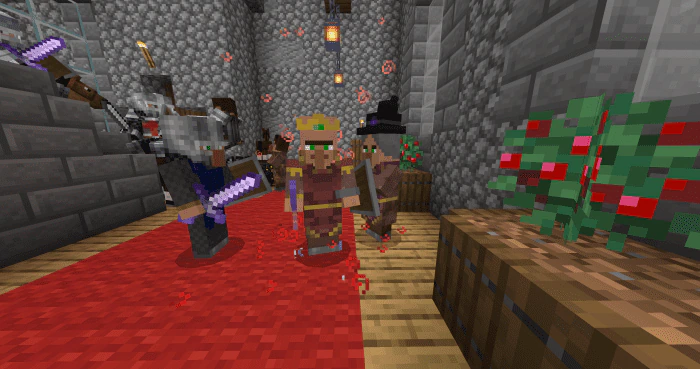
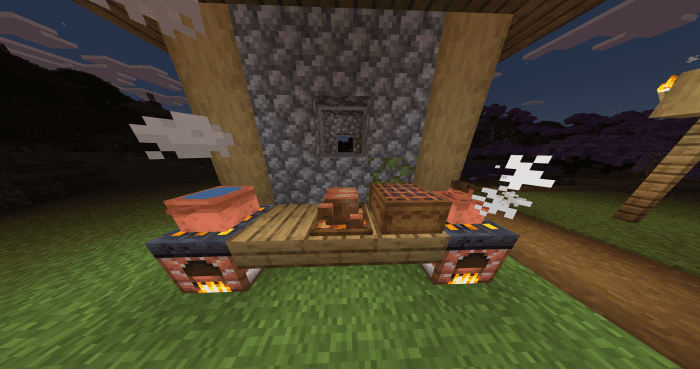
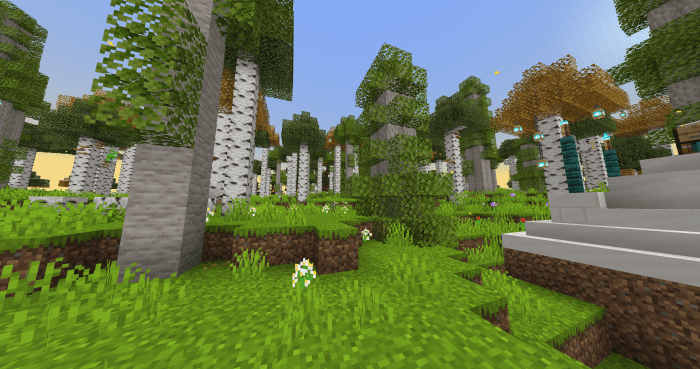
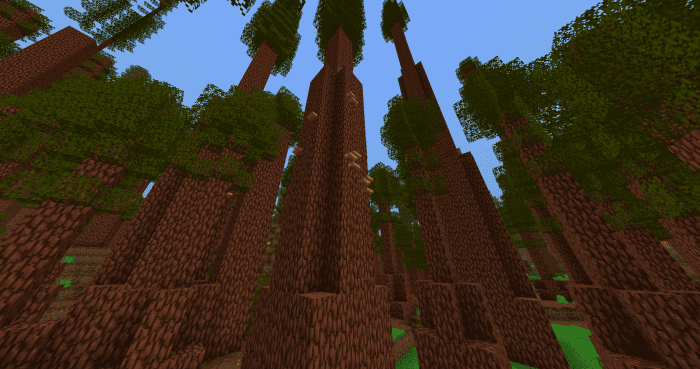
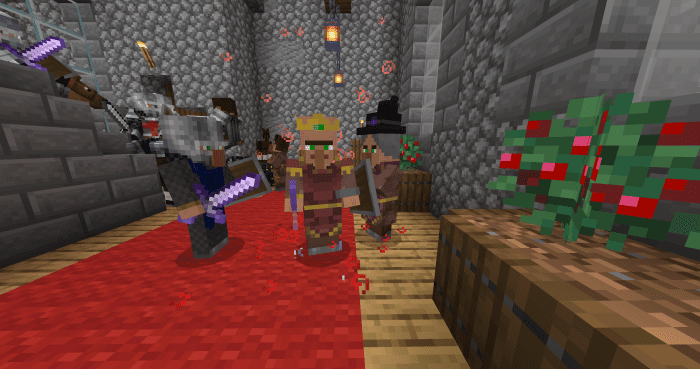
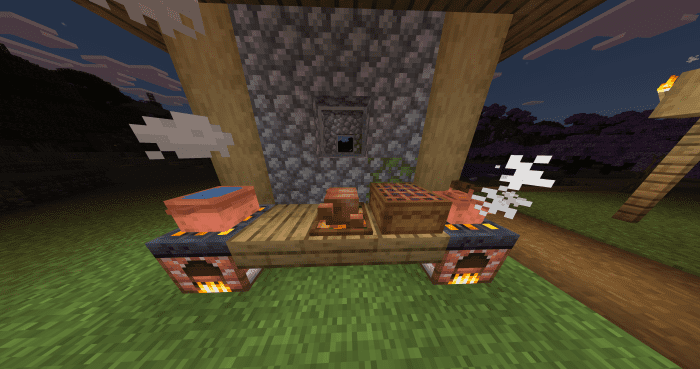
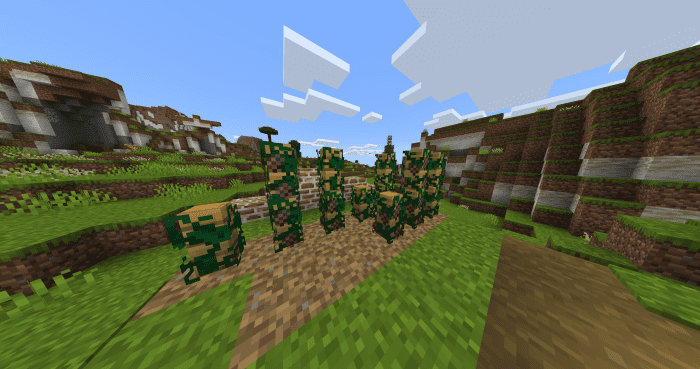
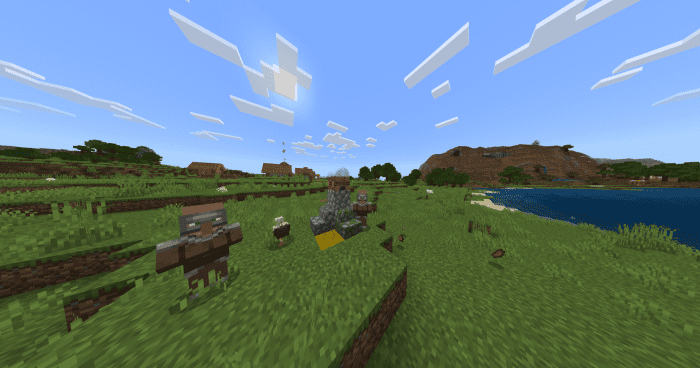
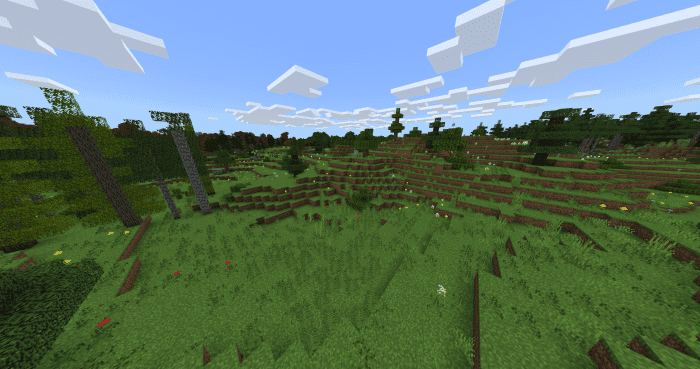
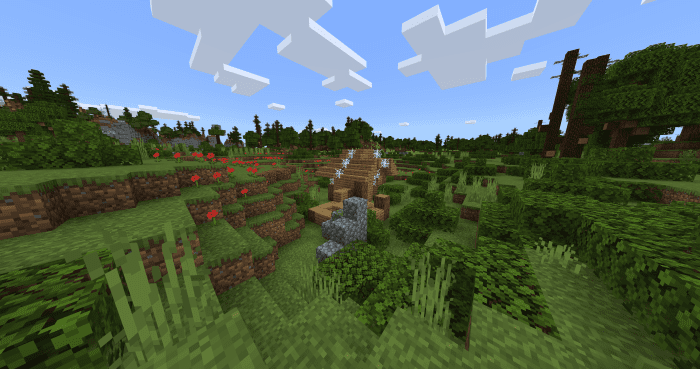
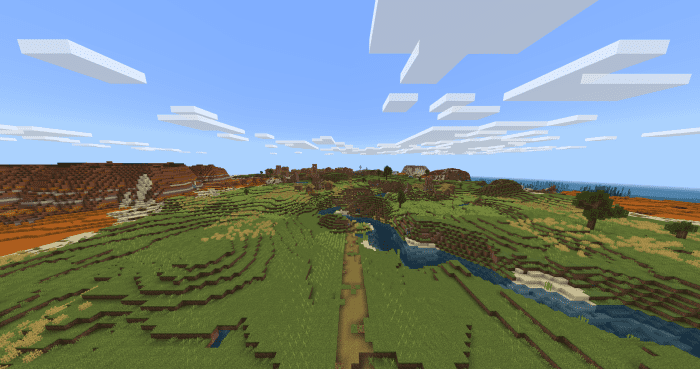
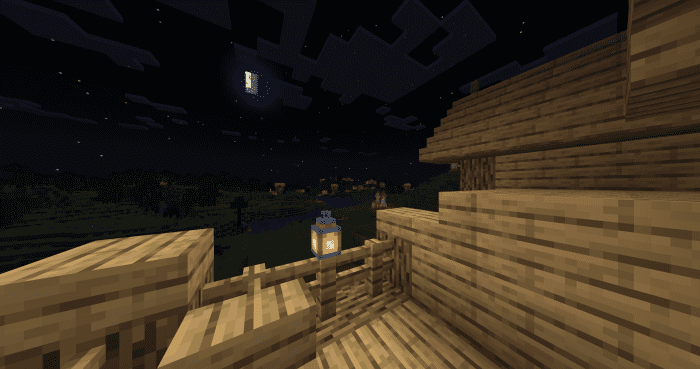
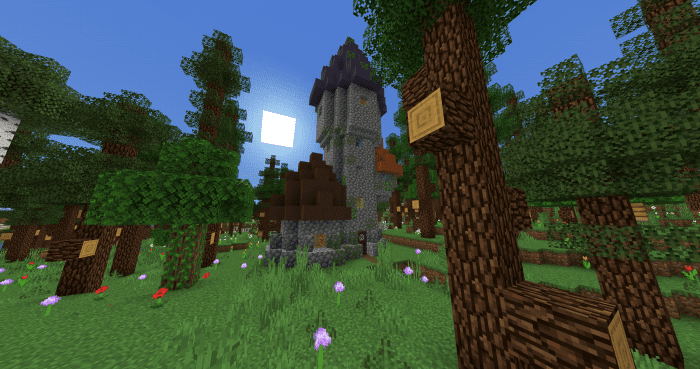
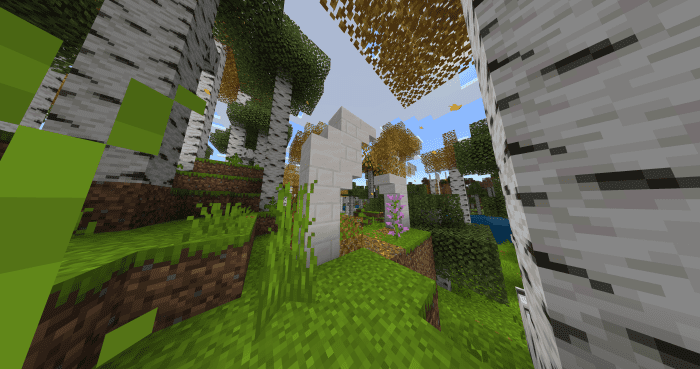
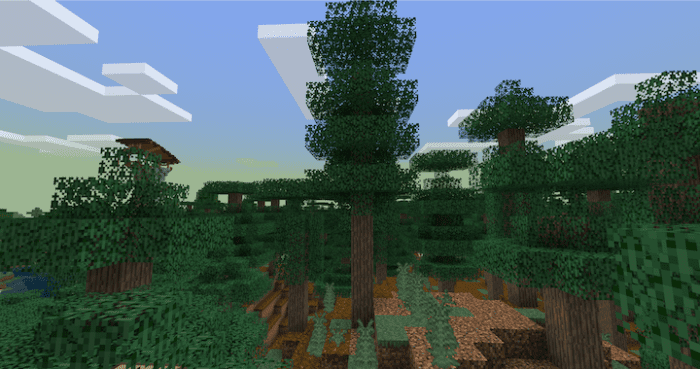
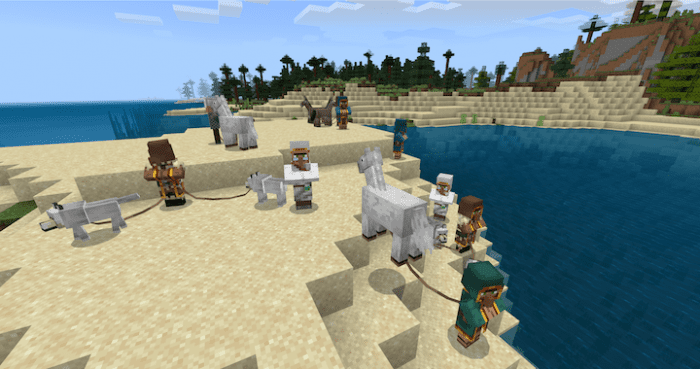
Better Adventures Addon serves as a mod designed to enhance the Minecraft world by introducing fresh biomes, variations to existing ones, new cultures, structures, ruins, animals, and even bosses. Rather than adhering to realism, it leans toward fantasy, featuring powerful magical items and creatures capable of performing magic. Most biomes aim for either an exaggerated natural feel or a sense of devastation, adding a touch of fantasy romanticism to the game. The Better Adventures add-on is an ambitious project that diversifies Minecraft by introducing numerous biomes, biome variants, trees, blocks, ores, mobs, and cultural elements. Unfortunately, we can’t delve into exhaustive details here, but suffice it to say that it significantly enriches the Minecraft experience.
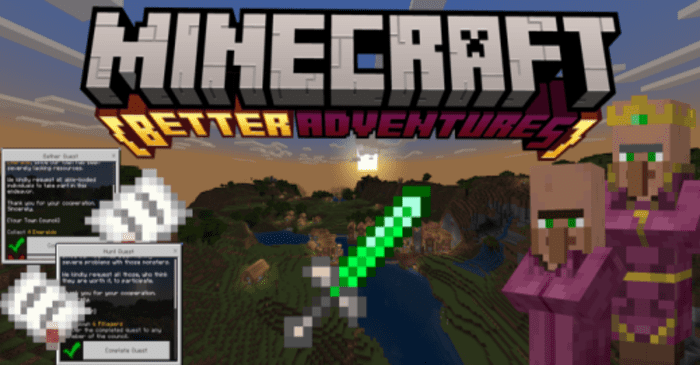
Screenshots:
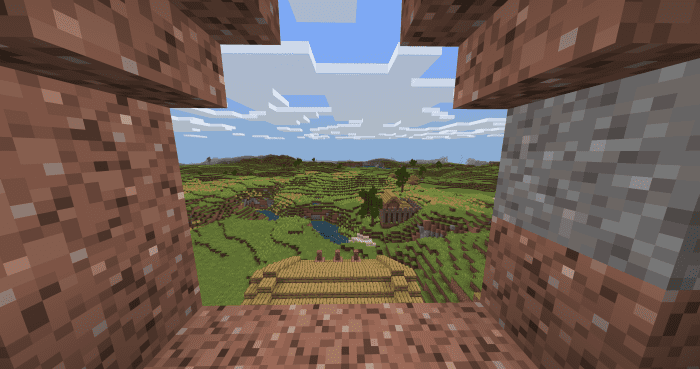
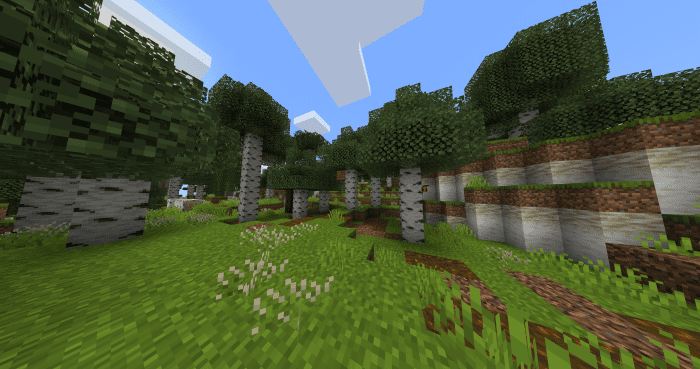
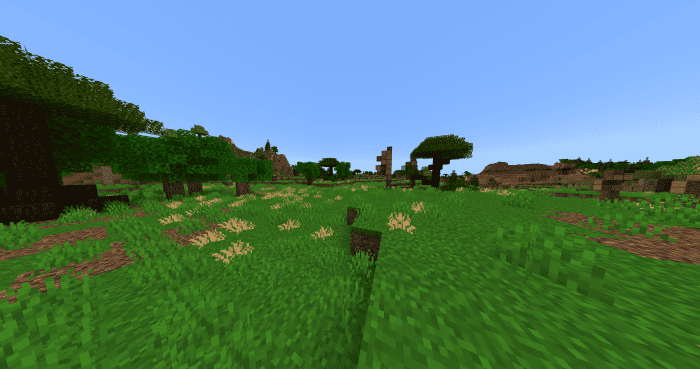
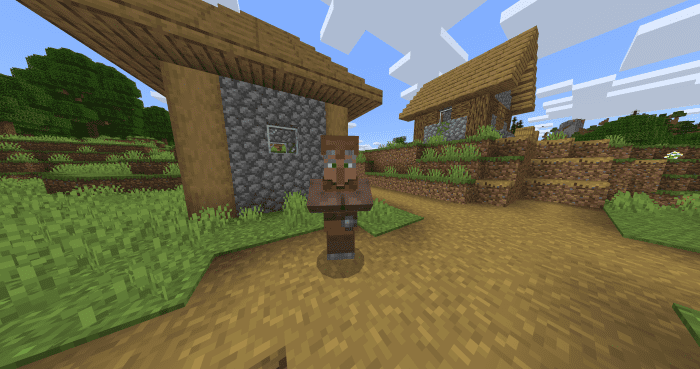
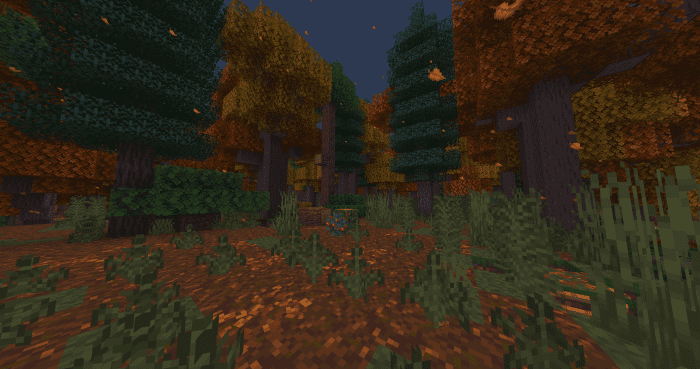
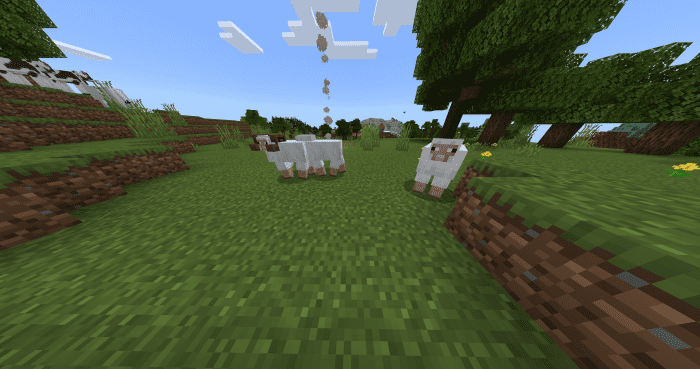
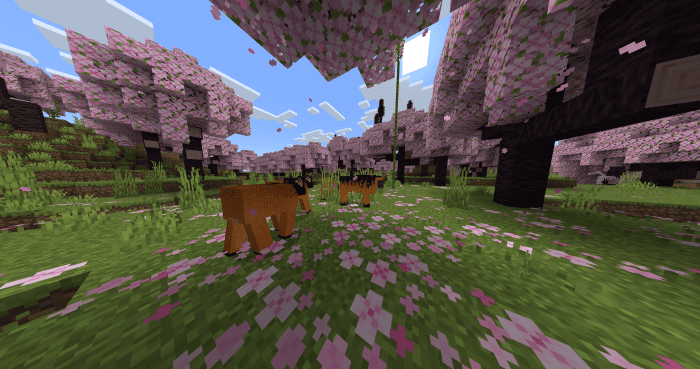
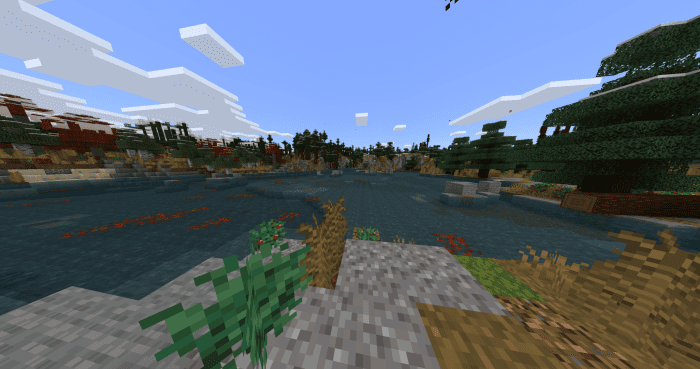
Installation Note:
- All of the Experimental Gameplay triggers are necessary, except the “Next Major Update”.
Follow these steps to install the addon correctly:
- Remove all older versions of the mod from your game.
- Download the mod.
- Import the mod into Minecraft (if playing on a gaming console rename the file from .mcaddon to .zip and extract: server to behavior packs, client to resource packs, db to world templates in com.mojang folder).
- Now you have two options:
If you want to play with custom biomes:
- Go to create a world screen.
- Scroll down to imported world templates.
- Select one with the default name “Bette Adventures Base Game Versioned Template”, with an image of Roadmeet castle in the Finland biome.
- Click “Create World”. This will create a world stuck in MC version 1.17.40, therefore custom biomes will be generated, however, no 1.18 or later vanilla additions will be in the game.
If you want to play with the newest Minecraft features:
- Create a new world or choose an already existing one.
- Activate behavior pack.
- The resource pack will activate automatically.
- If you create the world, it will have all Minecraft’s newest features corresponding with your version of the game, but none of this mod’s custom biomes will be generated until MCPE-100700 gets fixed.
Better Adventures Addon Download Links
- Edition: Minecraft Bedrock
- File type: .mcpack or .mcaddon
- Minecraft version listed: 1.21
- How to install: Download the .mcpack or .mcaddon file. → Open it — Minecraft imports it. → In your world: Behavior Packs → Available → Activate, then the same under Resource Packs.
- Where to get it: In MCModsHub, or directly above on this page.
Install steps are the general flow for this file type — How to install Minecraft Bedrock addons & mods walks through it step by step.
- Pack type: .mcaddon — behaviour and resource pack in one file
- Manifest requires Minecraft 1.26.10 or newer
- Needs Beta APIs switched on in the world settings
- Complete pack — everything it depends on is inside the file
- Download size: 22.4 MB
- Download link checked 22 Jul 2026 — working
- Mirrored on our own servers — the download does not depend on the original host
These come from our own check of the pack file, not from the source page.