Guitars by Gefus Mod (1.21.1) – Play Real Riffs Around the Fire
Java mod listed for Minecraft 1.21. Download on the author's site.
⬇ Download


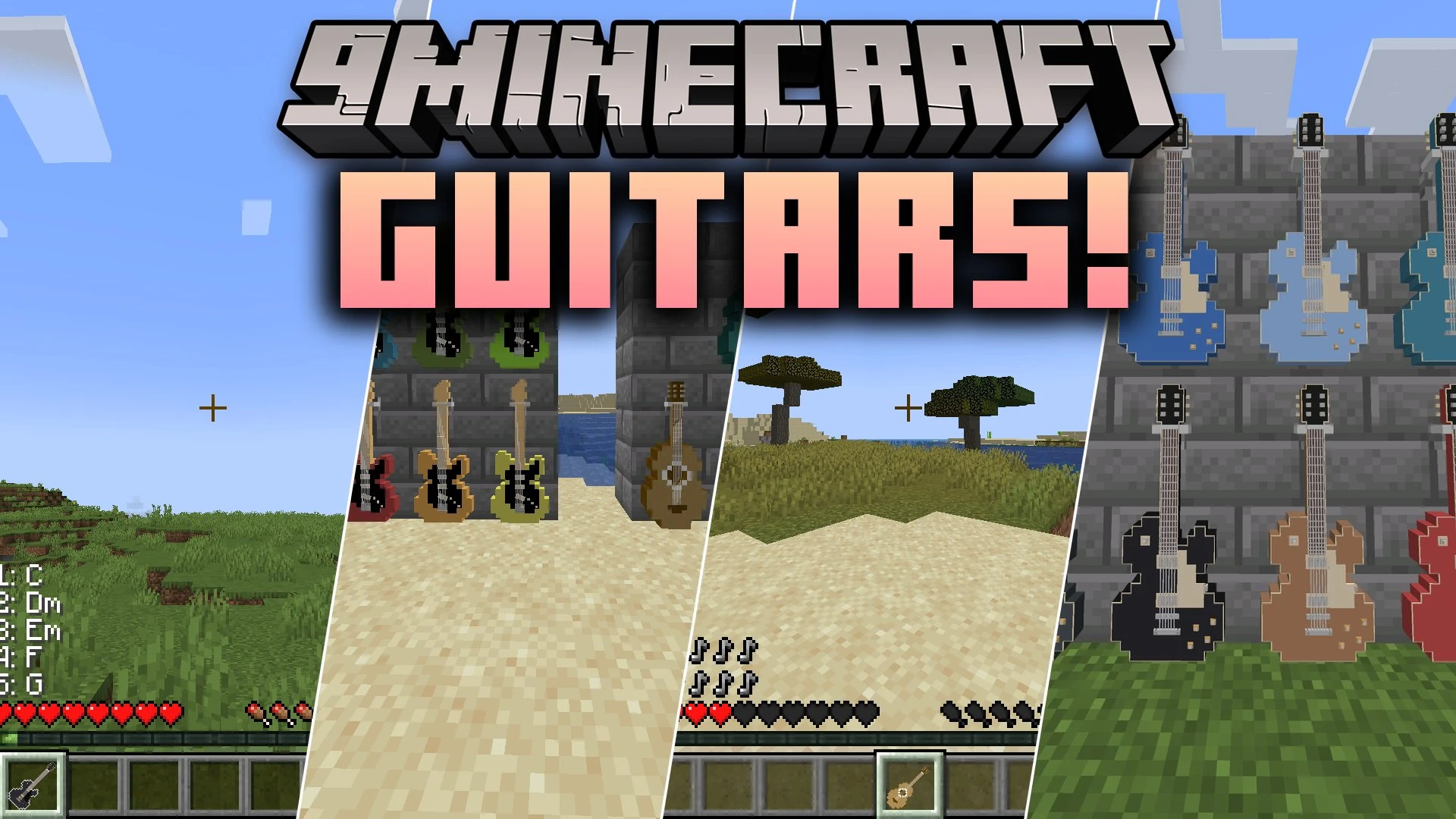
Guitars by Gefus Mod brings acoustic guitars, electric guitars, and basses into your Minecraft adventures. You can play real songs note by note, strum custom chords, or fire musical note projectiles at enemies. Electric models draw power from wall amps or portable packs stored right in your bag. A new village luthier even helps you upgrade your instruments with special guidebooks.
Features:
- Playable Instruments: Strum acoustic guitars, rock electric guitars, and pluck electric basses using your keyboard or mouse.
- Musical Combat: Shoot music-note projectiles at hostile mobs using attack mode.
- Chord and Freeplay Modes: Switch between playing saved chords or tapping individual notes across full fretboard layouts.
- Amplifiers: Power electric gear with placeable cabinet amps or portable battery units kept in your inventory.
- Luthier Villager: Trade with a specialized village craftsman at a luthier workbench to get enchantment guidebooks.
- Display Hangers: Mount your favorite instruments on walls to decorate your home or music studio.
Instrument Types:
- Acoustic guitars are cheap to make, deal light damage, and work anywhere without power.
- Electric ST guitars produce clean tones, hit harder, and require connected power to work.
- Electric LP guitars produce overdriven tones and convert chords into heavy power chords.
- Electric basses match the damage of electric guitars while playing low single bass notes.
Enchantments:
- Combine guidebooks with your instrument at the workbench to unlock perks like Quick Strum and Strum Power.
- Apply Note Regeneration and Guitar Mastery to keep shooting notes during battle.
How to Use:
- Hold an acoustic guitar, electric guitar, or bass in your main hand.
- Keep a portable amp in your inventory or stand near an amplifier block if using electric gear.
- Press G to open the main menu where you set modes, chords, scales, and audio settings.
- Press C to switch between chords mode and attack mode.
- Press Z and X to cycle through your custom chord slots.
- Press V to open the chord selection screen and pick your favorite sounds.
- Open the freeplay menu and press Tab or F3 through F5 to switch fretboard views.
- Place a luthier workbench next to an unemployed villager to get a luthier who sells enchantment books.
Screenshots:
Guitars by Gefus Mod Download Links
- Edition: Minecraft Java
- File type: .jar
- Minecraft version listed: 1.21.1
- How to install: Install the matching mod loader (Forge, Fabric or NeoForge) for your Minecraft version. → Download the .jar. → Put it in the .minecraft/mods folder and launch that loader profile.
- Where to get it: Opens on the file's original source — not every file is mirrored on our own servers.
Install steps are the general flow for this file type — How to install Minecraft Java mods & modpacks walks through it step by step.
Guitars by Gefus Mod (1.21.1) – Play Real Riffs Around the Fire is a free Minecraft Java mod. Compatible with Minecraft 1.21.1. Download it and open it directly in the game.