DatapacksJava
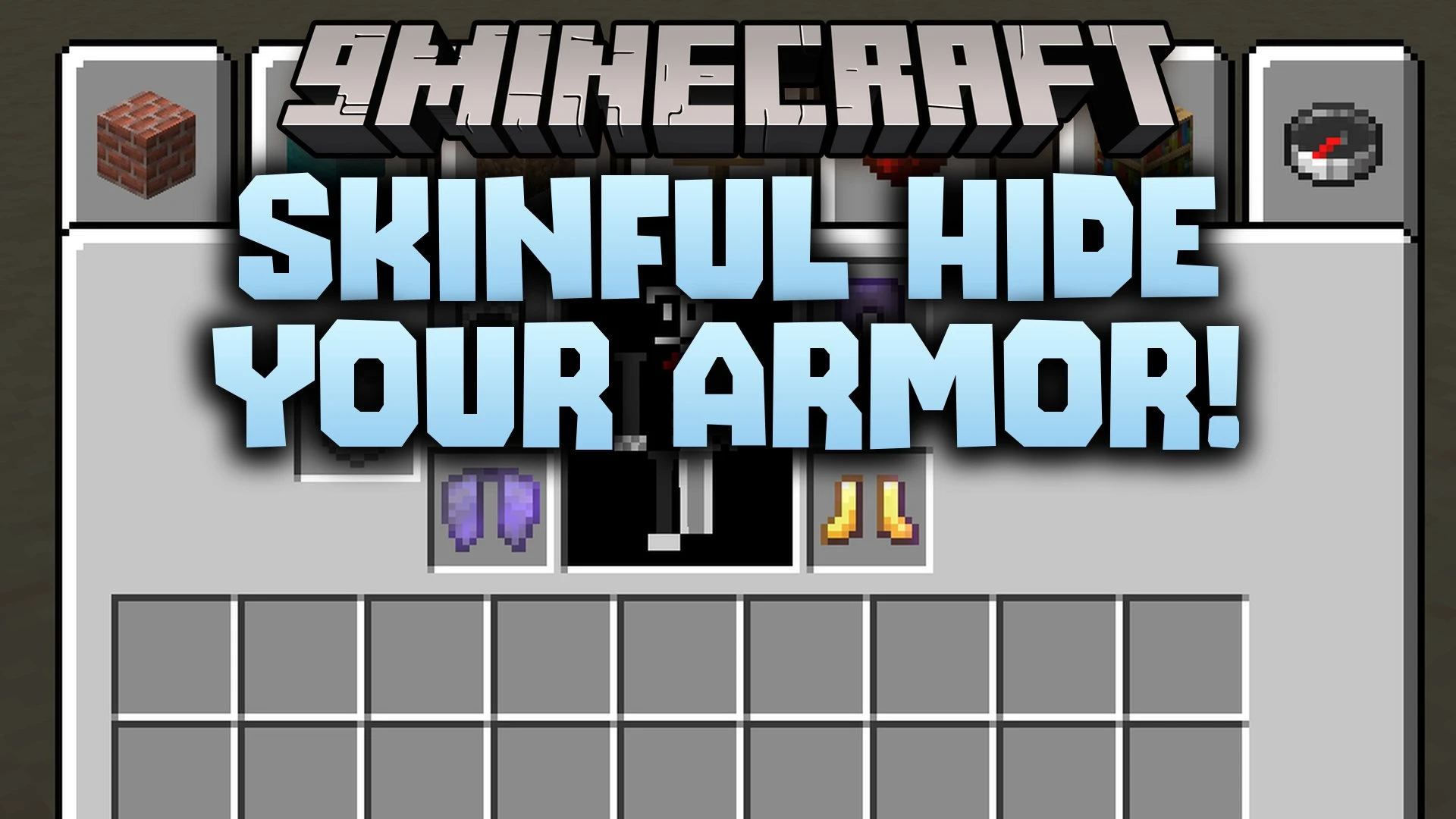
Skinful Hide Your Armor Data Pack (26.3, 1.21.11) – Show Off Your Skin
Java data pack listed for Minecraft 1.21. Download on the author's site.
⬇ Download
Skinful Hide Your Armor Data Pack lets you hide your equipped gear so your player skin stays visible to everyone. You keep all your armor defense points while showing off your custom look. It works directly on your server or world without needing any extra texture pack downloads.
Features:
- Invisible Armor: Lets you hide your helmet, chestplate, leggings, and boots without losing protection.
- No Resource Packs: Works without requiring any player on the server to install extra textures.
- Full Protection: Keeps all defense values, armor toughness, and enchantments active on hidden items.
- Works with vanilla armor pieces and elytras.
- Includes an in-game chat click menu for quick changes.
- Lets other players see your skin during combat and exploration.
Commands:
/trigger skinful: opens the chat menu to toggle armor visibility.
How to Use:
- Equip the armor pieces or elytra you want to hide on your character.
- Type
/trigger skinfulin the chat and press Enter. - Click on the chat text prompt to hide or reveal your equipped armor.
Skinful Hide Your Armor Data Pack Download Links
Quick facts
- Edition: Minecraft Java
- File type: .jar
- Minecraft version listed: 1.21.11
- How to install: Install the matching mod loader (Forge, Fabric or NeoForge) for your Minecraft version. → Download the .jar. → Put it in the .minecraft/mods folder and launch that loader profile.
- Where to get it: Opens on the file's original source — not every file is mirrored on our own servers.
Install steps are the general flow for this file type — see the MC Java Mods guides for the full walkthrough.
Skinful Hide Your Armor Data Pack (26.3, 1.21.11) – Show Off Your Skin is a free Minecraft Java datapack. Compatible with Minecraft 1.21.11. Download it and open it directly in the game.