




Every mob has a level. On the surface it is low; underground it grows block by block.
## The deeper, the stronger

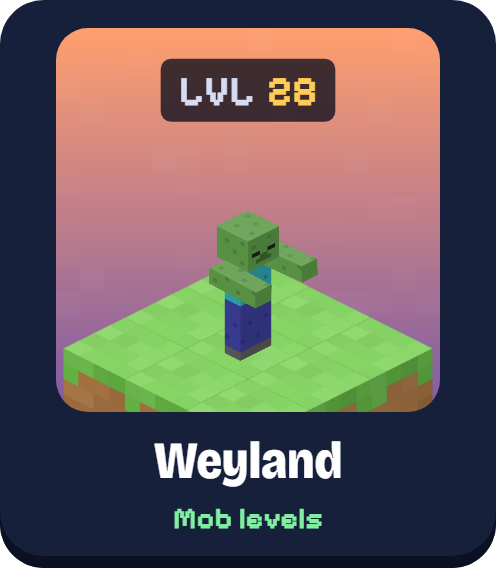
Level 1 to 3 on the surface, about 8 at the first mine level, 18 at the second, 28 at the third, 38 at the bottom. In the Nether and the End the level grows with the distance from 0, 0.
## Look them in the eye

A mob's level and health appear for five seconds to whoever looks at it, hits it or is chased by it. Never through walls, and dim in the dark.
## What changes
- **Stronger, not cheaper.** Health, damage, armour and speed scale with the level, and so do drops and experience. Equipment only goes into empty slots.
- **The truce.** Killed by monsters on the surface? For a while the monsters near you deal less damage and lose their dangerous kinds. It shortens as you play.
- **Clean worlds.** Choose the worlds to skip in `config.yml`; the Backrooms worlds are always left alone.
## In game, for real
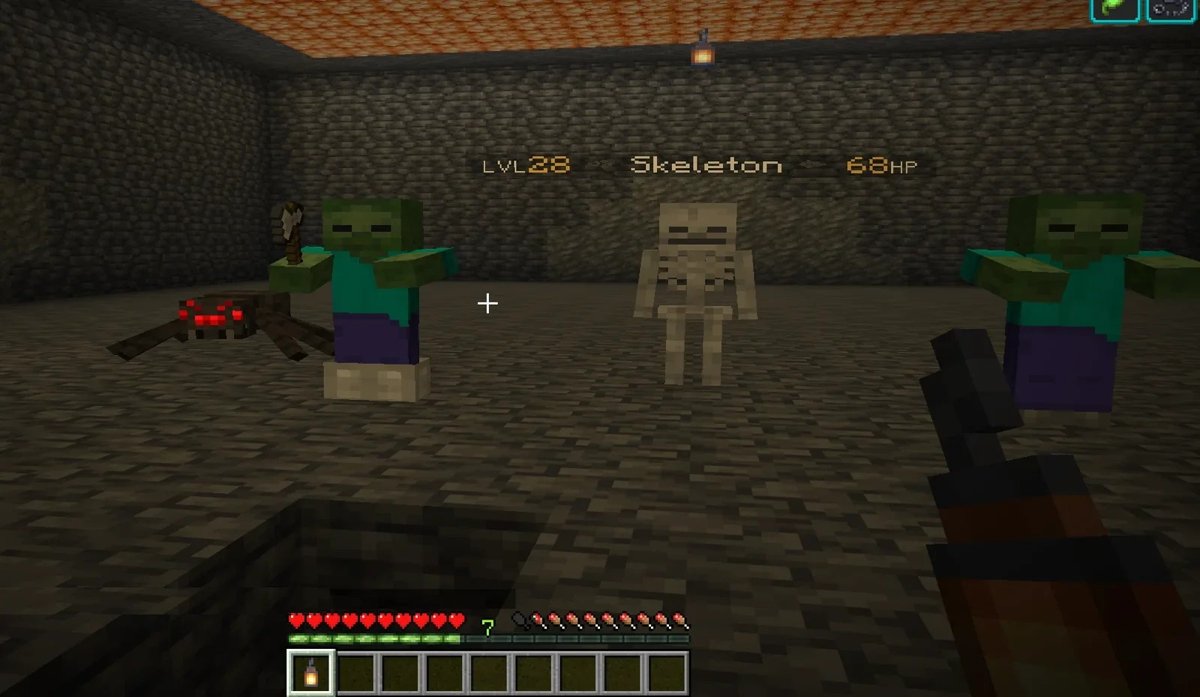
No mock-ups: screenshots from our test server.
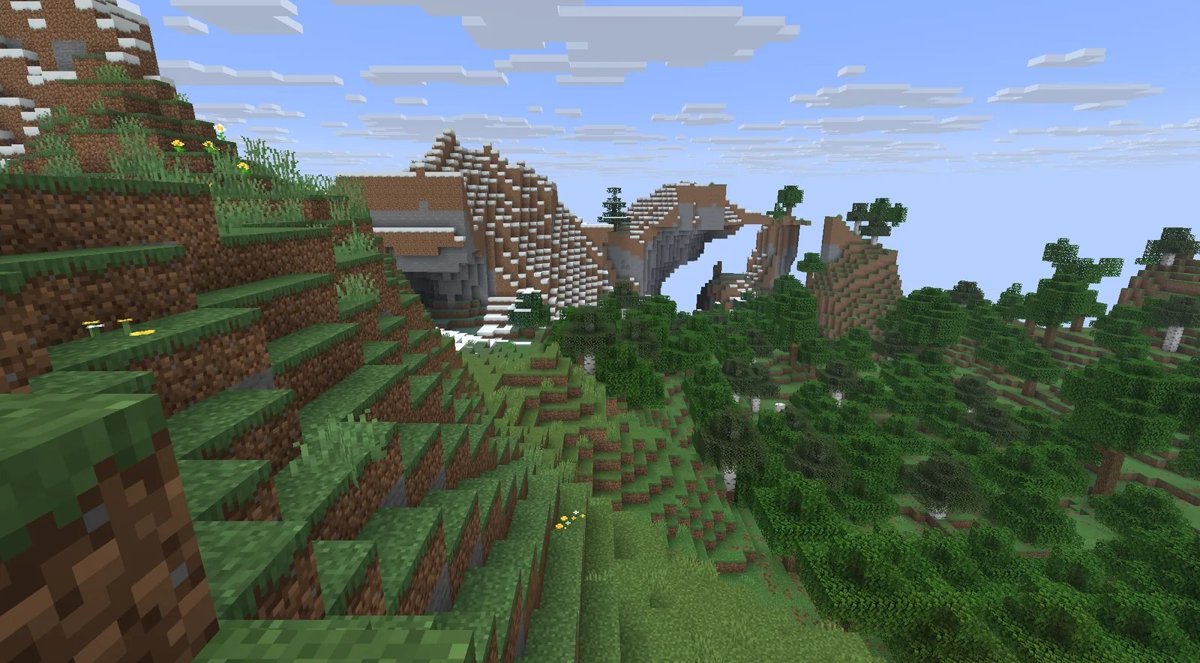
## Better together
Every wmods plugin works on its own. Installed together, they know each other:
- **With MMS: levels by real depth.** A cave inside a mountain counts the rock above your head, not the Y.
- **With Siege: the truce knows.** Die downed after a monster attack and the truce still applies.
## Get started
1. Drop `Weyland-1.3.2.jar` into `plugins/` on Paper & Purpur 26.2-3 and restart.
2. Look at a mob and type `/wy info` (operators) to see its level and stats.
Every command, permission and setting is on **[wmods.it](https://wmods.it/en/weyland.html)**. Questions, ideas, bugs: **[Discord](https://discord.gg/aeKu8wycUK)**.
---
## The wmods family
Six free plugins for Paper and Purpur, made to play together.

Made by Maghetto · wmods.it · Not an official Minecraft product. Not approved by or associated with Mojang or Microsoft.
Quick facts
- Edition: Minecraft Java
- File type: .jar
- Minecraft versions listed: 26.2, 26.3
- How to install: Install the matching mod loader (Forge, Fabric or NeoForge) for your Minecraft version. → Download the .jar. → Put it in the .minecraft/mods folder and launch that loader profile.
- Where to get it: Opens on Hangar — not every file is mirrored on our own servers.
Install steps are the general flow for this file type — How to install Minecraft Java mods & modpacks walks through it step by step.
wMods-Weyland is a free Minecraft Java mod. Compatible with Minecraft 26.2, 26.3. Available via Hangar. Download it and open it directly in the game.
Explore more
