ModsJava
Krs Mod (26.3) – Control Client Utilities Instantly with an On-Screen Menu
Minecraft Java mod. Download on the author's site.
⬇ Download


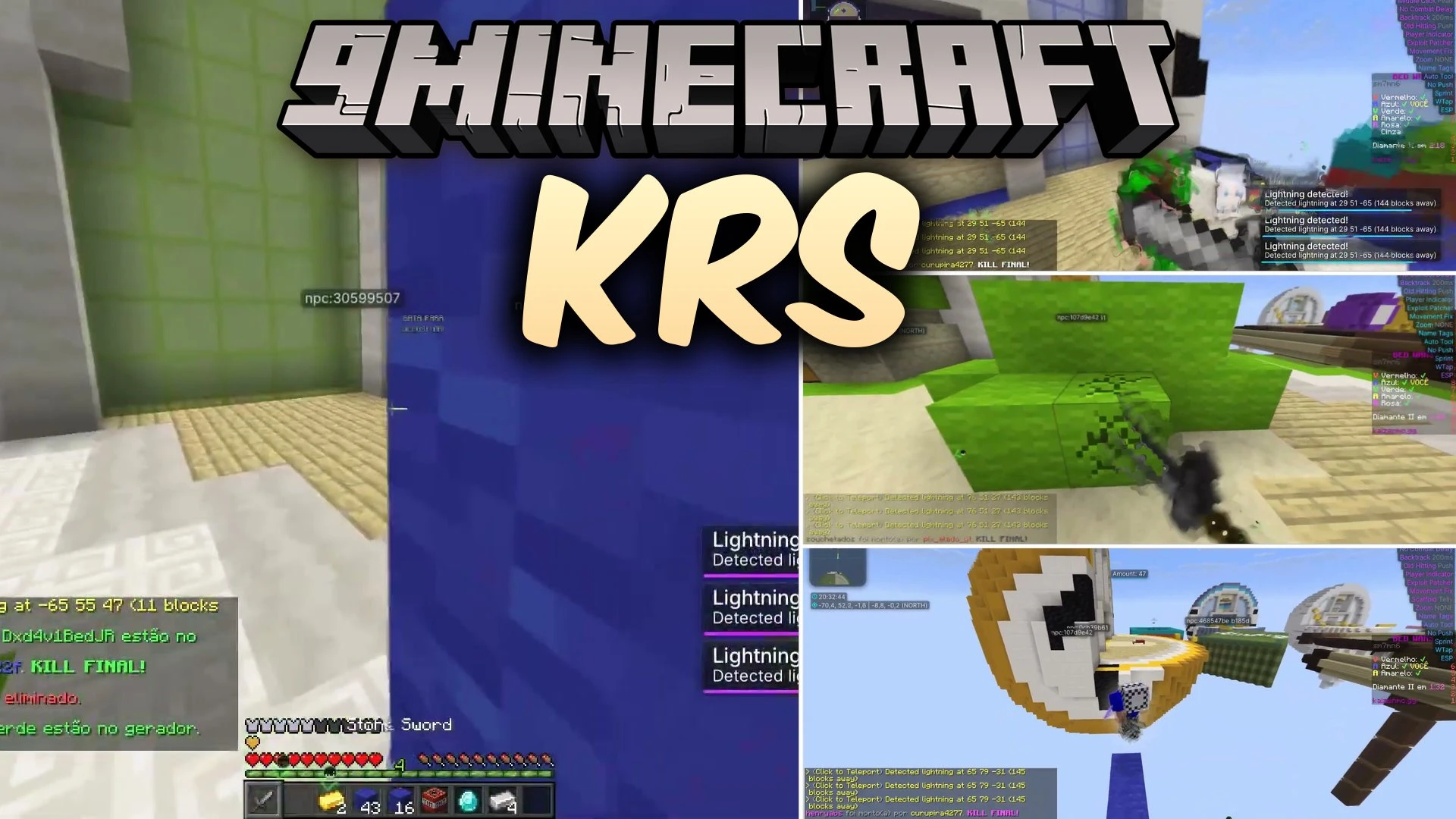
Krs Mod equips you with a client setup featuring dedicated on-screen tool menus on Fabric. The mod functions as a utility client directly inside your game world. It gives you quick access to modular controls through an interactive visual layout. Players also get a redesigned title screen with brand-new styling right from the start.
Features:
- Click GUI: Opens an interactive visual menu to toggle and inspect client features directly on your screen.
- Custom Main Menu: Reworks the default title screen with an updated look.
- Runs as a Fabric mod file for standard loader setups.
- Works cleanly alongside companion utility mods like ViaFabricPlus and Alt Manager.
Screenshots:

Krs Mod Download Links
Quick facts
- Edition: Minecraft Java
- File type: .jar
- How to install: Install the matching mod loader (Forge, Fabric or NeoForge) for your Minecraft version. → Download the .jar. → Put it in the .minecraft/mods folder and launch that loader profile.
- Where to get it: Opens on the file's original source — not every file is mirrored on our own servers.
Install steps are the general flow for this file type — How to install Minecraft Java mods & modpacks walks through it step by step.
Krs Mod (26.3) – Control Client Utilities Instantly with an On-Screen Menu is a free Minecraft Java mod. Download it and open it directly in the game.