ResourcepacksJava
SmooGUI Dark Resource Pack (26.1.2, 1.21.1) – Sleek Charcoal Menus
Java resource pack listed for Minecraft 1.21. Downloads from the MC Java Mods app on Android.
⬇ Download
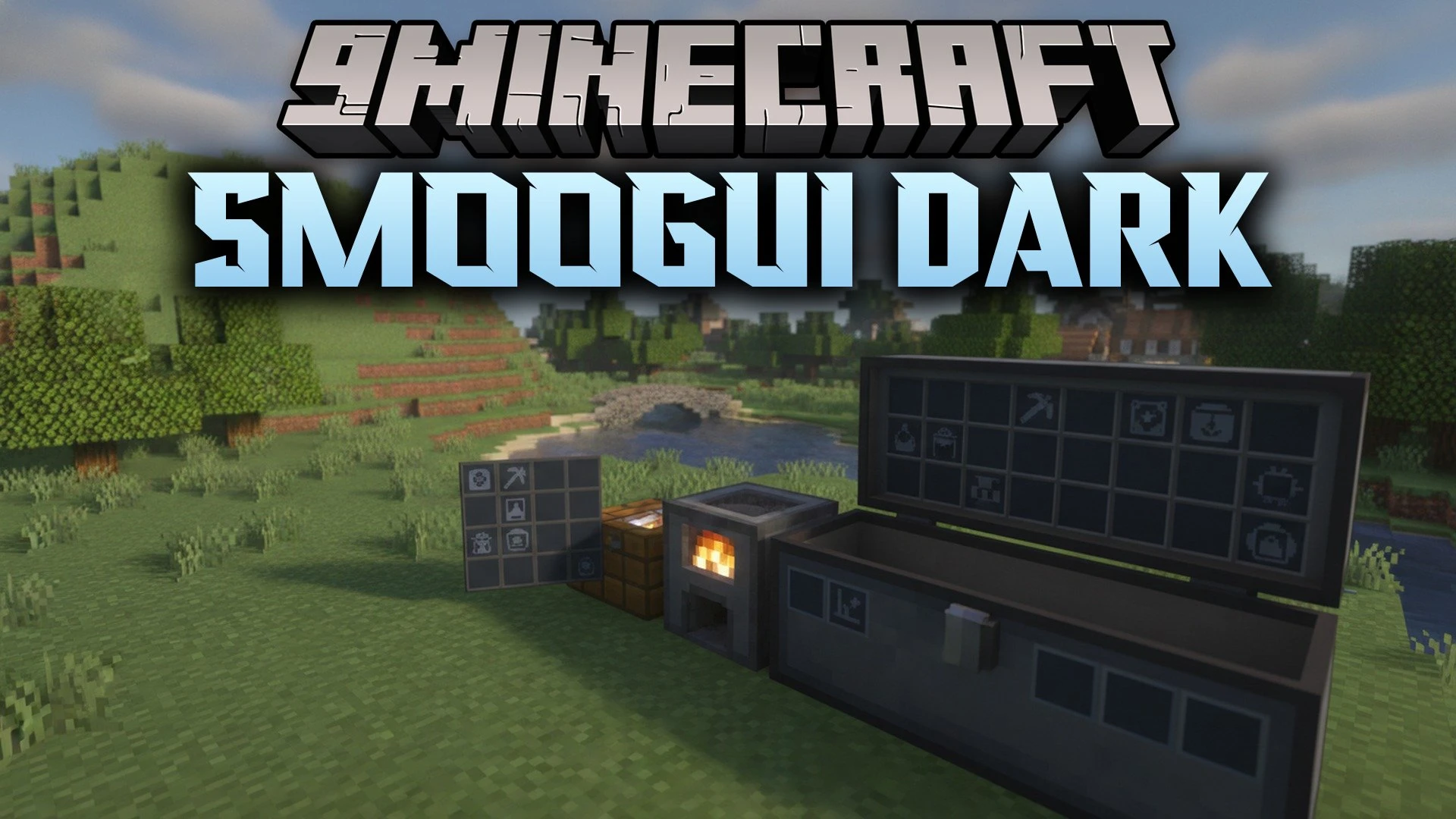
SmooGUI Dark Resource Pack restyles all container windows with a smooth, dark theme. The pack updates hundreds of menu textures across survival crafting tables, chests, furnaces, and utility blocks. It keeps the standard heads-up display and title backgrounds untouched while giving interactive screens a clean, unified look. Players who spend hours organizing storage and managing items will find the darker surfaces much gentler on the eyes.
Features:
- Dark Interface: Replaces standard bright grey menus with deep charcoal tones.
- Container Overhaul: Covers crafting tables, furnaces, barrels, chests, and anvils.
- Mod Compatibility: Works with popular mods like Mod Menu, No Chat Reports, and Roughly Enough Items.
- Changes over three hundred individual textures across different game screens.
- Keeps the heads-up display and main title backgrounds unchanged for player preference.
- Pairs well with separate packs that turn container titles white for better reading.
- Smooths out borders and item slots across every utility workstation.
Compatible Mods:
- Mod Menu: Applies the matching dark palette to custom mod settings screens.
- Roughly Enough Items: Adjusts item recipe panels to blend into the dark theme.
- Shulker Box Tooltip: Recolors preview popups when peeking inside storage boxes.
- Trinkets: Matches accessory slots on player inventory screens.
- Litematica: Functions alongside schematic placement screens without graphical glitches.
- No Chat Reports: Keeps chat indicators and settings consistent with dark panels.
SmooGUI Dark Resource Pack Download Links
Quick facts
- Edition: Minecraft Java
- File type: .zip (resource pack)
- Minecraft version listed: 1.21.1
- How to install: Download the .zip resource pack — do not unzip it. → Put it in .minecraft/resourcepacks. → Enable it in Options → Resource Packs.
- Where to get it: In MC Java Mods, or directly above on this page.
Install steps are the general flow for this file type — How to install Minecraft Java resource packs walks through it step by step.
File checked by MCModsHub
- Downloads as 534500.mcpack
- Download size: 290 KB
- Download link checked 27 Oct 2026 — working
- Mirrored on our own servers — the download does not depend on the original host
These come from our own check of the pack file, not from the source page.