
Everything Drops OP
Bedrock add-on listed for Minecraft 1.21–26.x (behavior pack only). File opened and checked on 27 Oct 2026; installs from the MC Bedrock Mods app on Android.
Turns everyday blocks and mobs into OP loot drops, with 22 selectable loot sources so you can customize exactly what drops the good stuff.
⬇ Download on CurseForge
💎 Everything Drops OP 💎
Tired of the same old Minecraft grind? Welcome to Everything Drops OP! 😄
Why spend hours mining when you can just break dirt and get a God Sword? This addon completely flips the script by injecting custom, overpowered loot into your world.
Whether you are slaying mobs, mining ores, or chopping wood, every action has a chance to shower you in OP gear. Vanilla drops are kept (so you can still build), but now they come with a massive bonus! 🎁
✨ Features
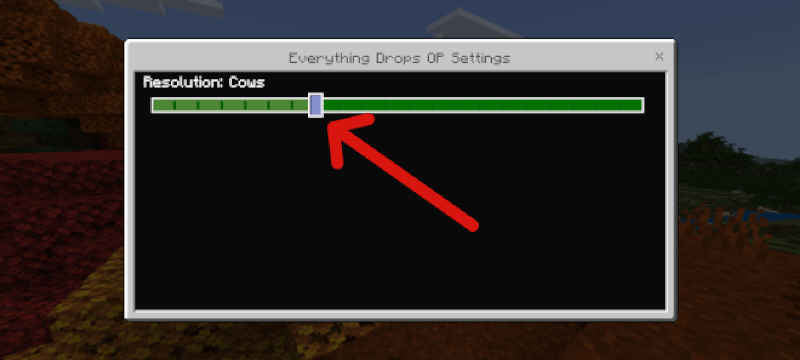
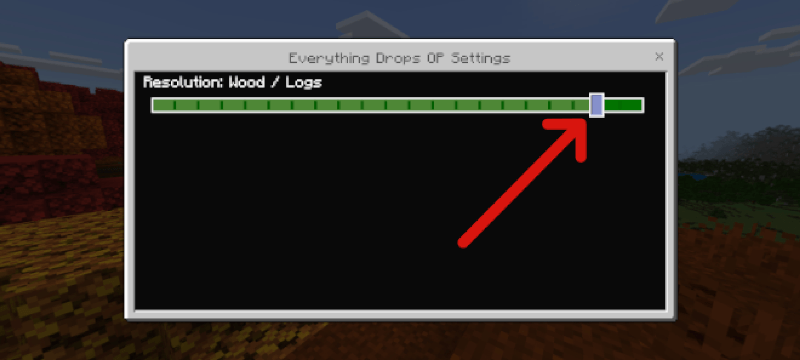
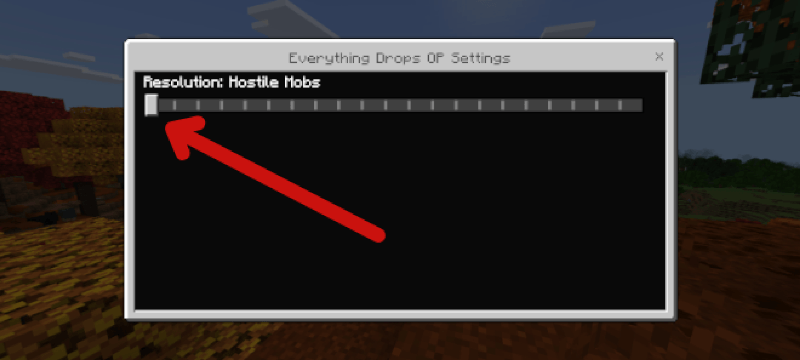
· 22 Unique Subpacks: Pick your chaos! Choose from Everything, Hostile Mobs, Cows, Diamonds, Wood, Dirt, and many more!
· 4 Custom Loot Tiers: Loot is rolled randomly based on weight:
· 🟢 Rare & God: The most common drops (heavily favored).
· 🟡 Medium & Basic: Rare, unlucky drops.
· True OP Loot: Custom enchanted gear, Netherite, God Apples, and more.
· No Cheats Required: Works perfectly fine in Survival.
· No Beta APIs Needed: You do NOT need to enable Scripts or Beta APIs for this to work! Just install and play.
---
🛠️ How to Install & Choose Your Subpack
1. Import: Download the .mcpack file and double-click/open it to import it into Minecraft. 📁
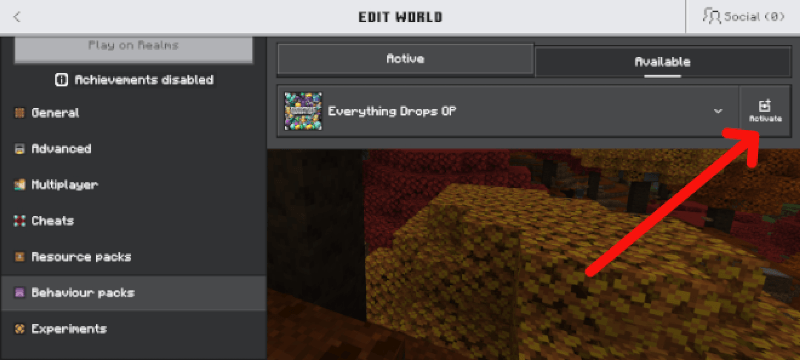
2. Activate: Create or edit a world, go to Behaviour Packs, find Everything Drops OP, and click Activate.
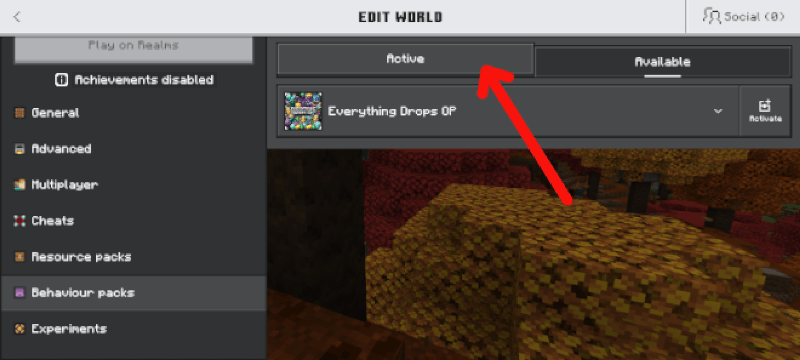
3. Choose Your Drop: Go to the Active tab (next to Available).
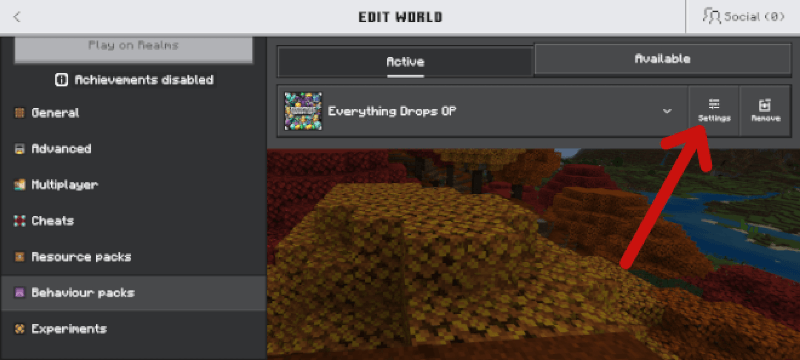
4. Click the Settings / Gear Icon (or the hamburger menu ≡) next to the pack name.
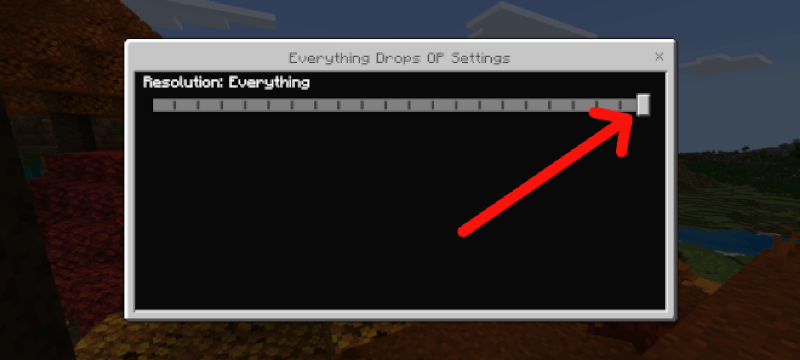
5. A slider will pop up. Drag it to select exactly what you want to drop OP loot! (e.g., Resolution: Cows).
6. Play and enjoy the loot! 🎉
---
⚠️ Terms & Conditions
Do NOT copy, steal, or redistribute this addon.
This addon and all of its custom loot tables, scripts, and assets are the exclusive property of MutantSample. You may feature it in videos or showcase it, but you must credit me and link back here. Do not re-upload it to other websites or claim it as your own. 🛑
🐛 Bugs & Errors
If you find any errors give me a heads up so that I'll know what to do
Made by MutantSample
- Edition: Minecraft Bedrock
- File type: .mcpack or .mcaddon
- Minecraft versions listed: 1.21, 26.50
- How to install: Download the .mcpack or .mcaddon file. → Open it — Minecraft imports it. → In your world: Behavior Packs → Available → Activate, then the same under Resource Packs.
- Where to get it: Opens on CurseForge — not every file is mirrored on our own servers.
Install steps are the general flow for this file type — How to install Minecraft Bedrock addons & mods walks through it step by step.
- Save it as Everything Drops OP.mcaddon before opening — it downloads as .mcpack, but it is a .mcaddon pack
- Manifest requires Minecraft 1.21.0 or newer
- Complete pack — everything it depends on is inside the file
- Download size: 277 KB
- Download link checked 27 Oct 2026 — working
These come from our own check of the pack file, not from the source page.