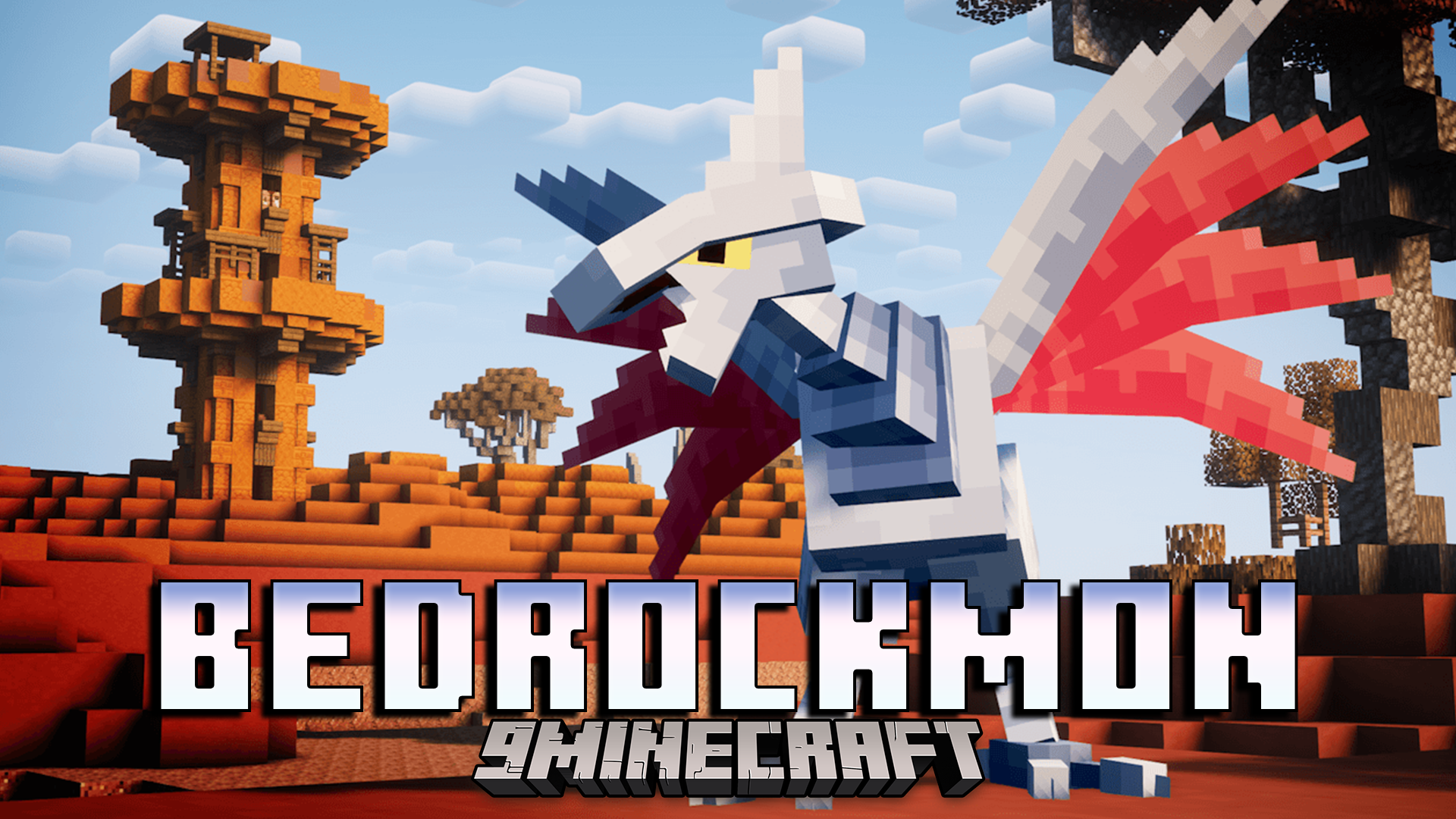
Bedrockmon Addon adds popular pocket monsters to your Minecraft Bedrock world. It lets you meet Professor Oak, pick your first partner, and start playing…
Bedrockmon Addon adds popular pocket monsters to your Minecraft Bedrock world. It lets you meet Professor Oak, pick your first partner, and start playing. You can walk around your world to find wild creatures hiding in different biomes.
Features:
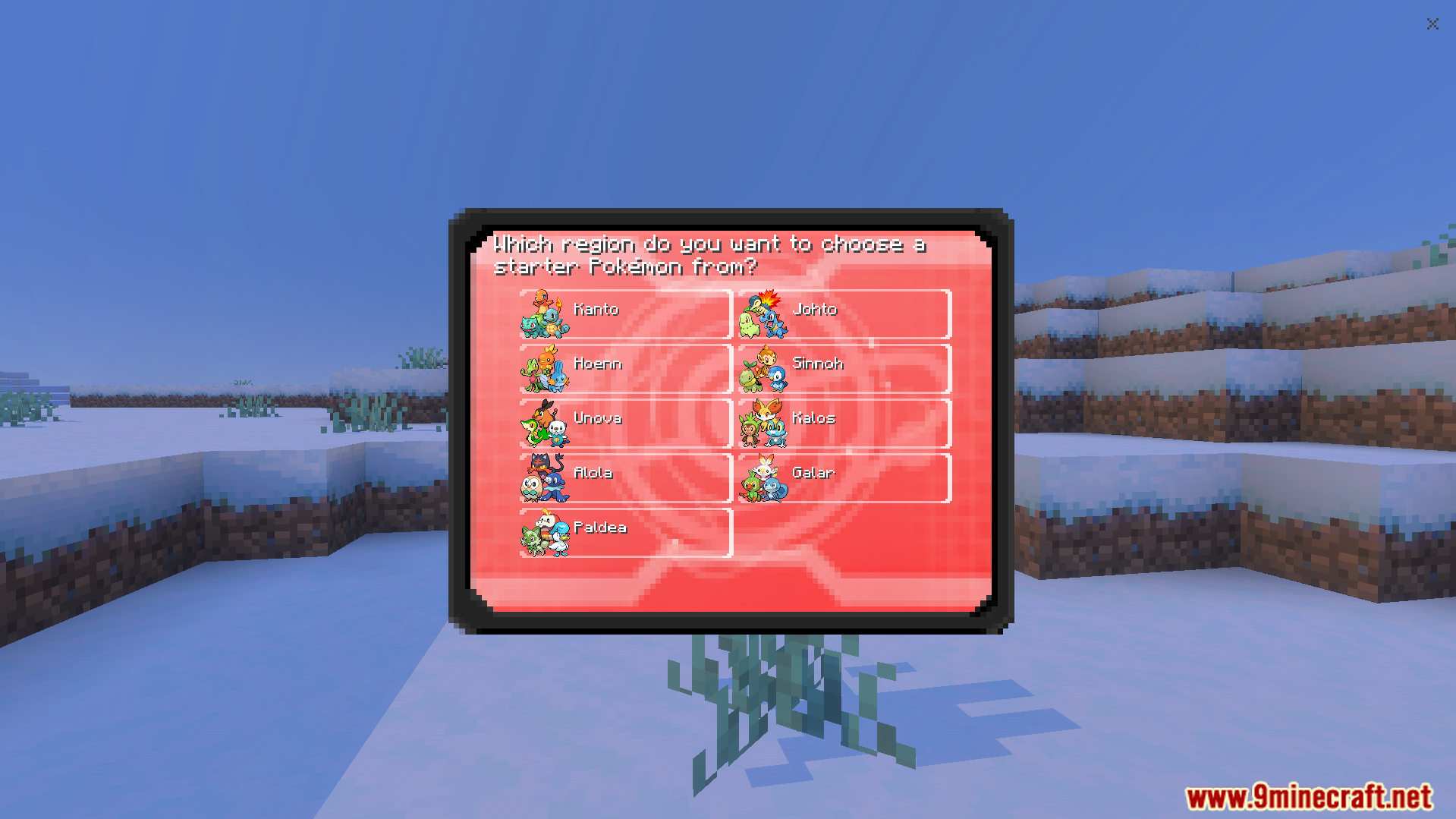
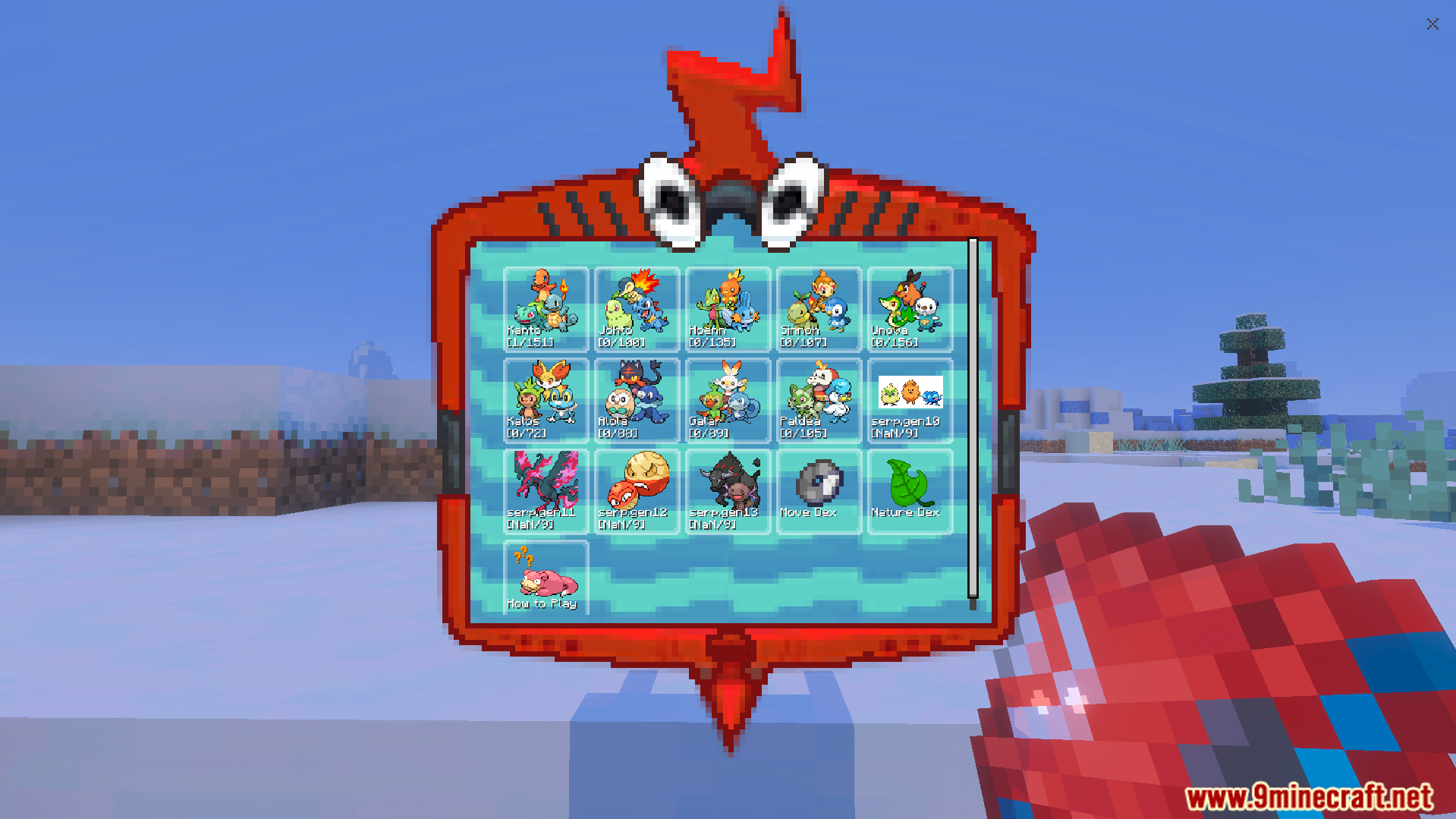
Starter Menu: You can choose your first partner from different game regions as soon as you join the world.
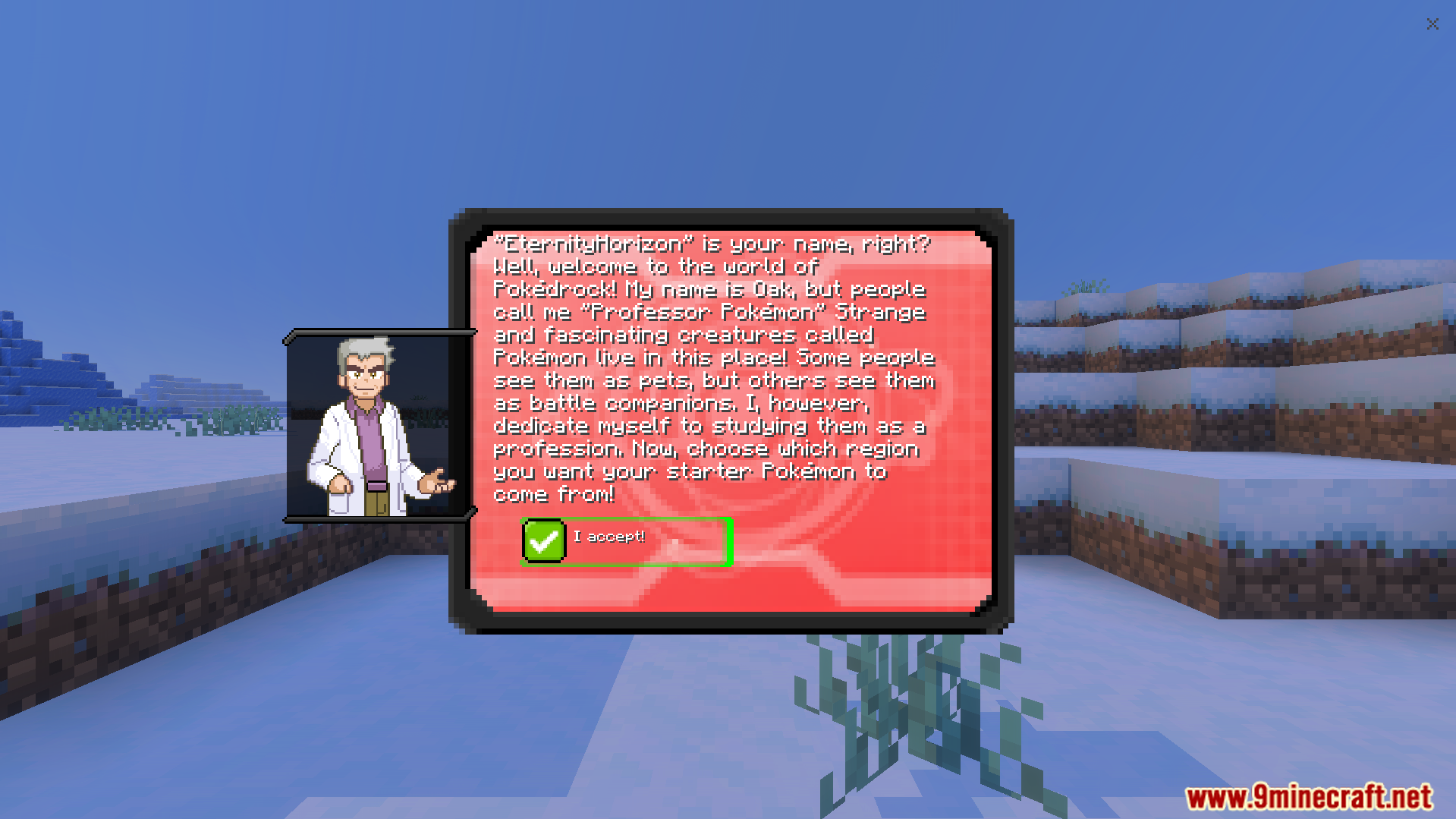
Professor Oak spawns at the start of the game to welcome you and guide your first steps.
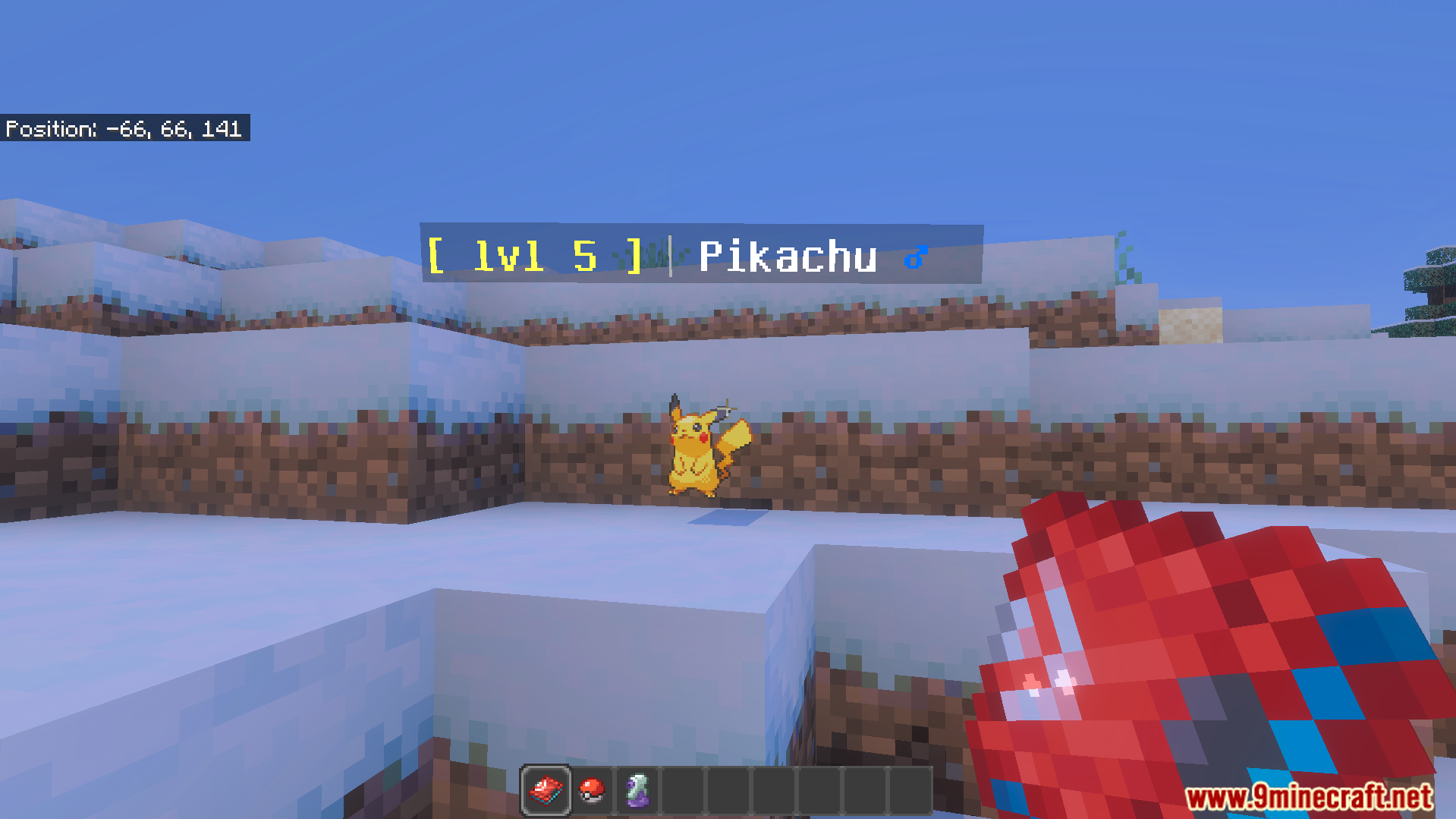
Spawns wild mobs like Pikachu and Taillow with specific levels across normal biomes.
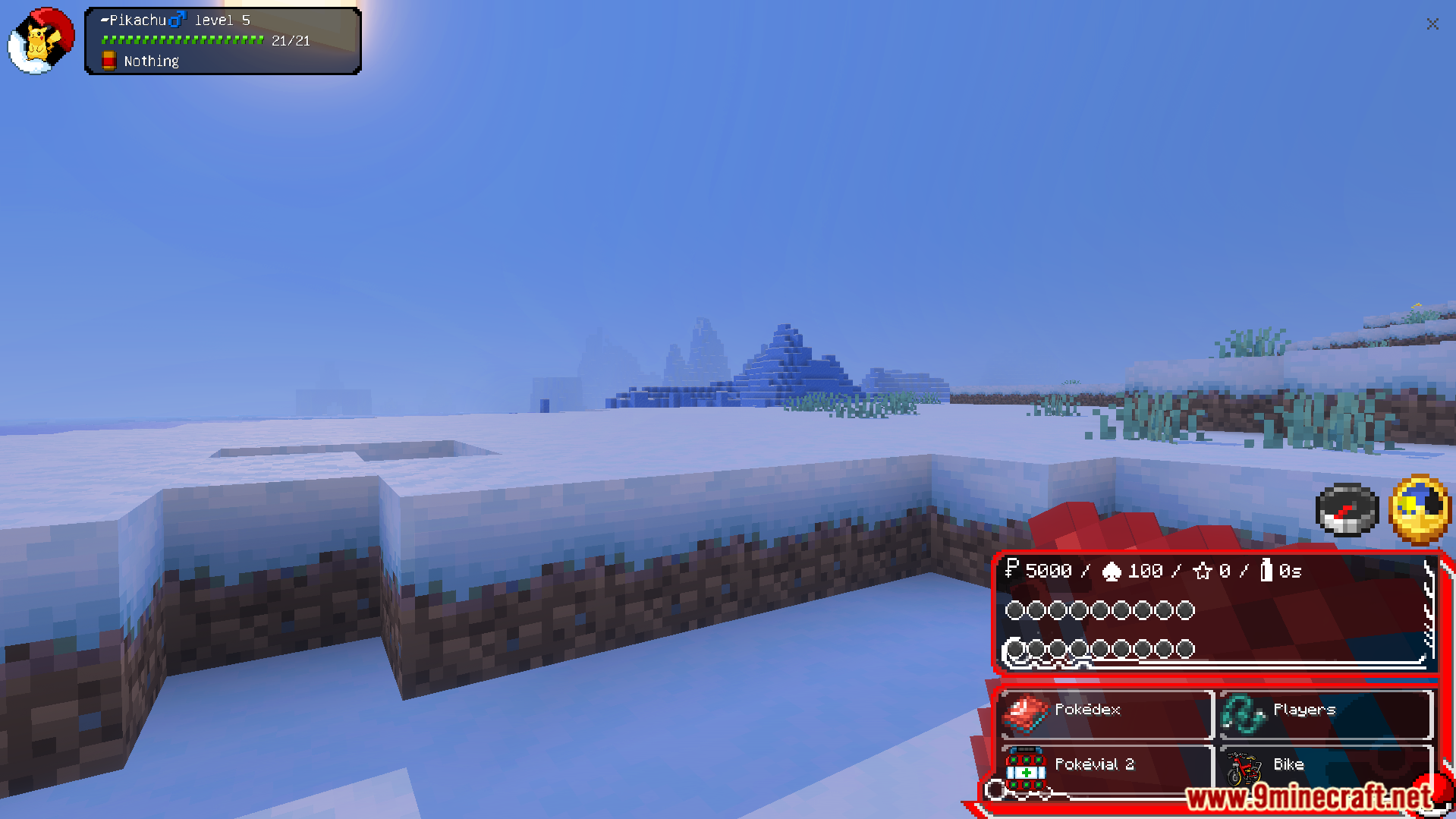
Changes your screen with a custom interface to show your active team and items.
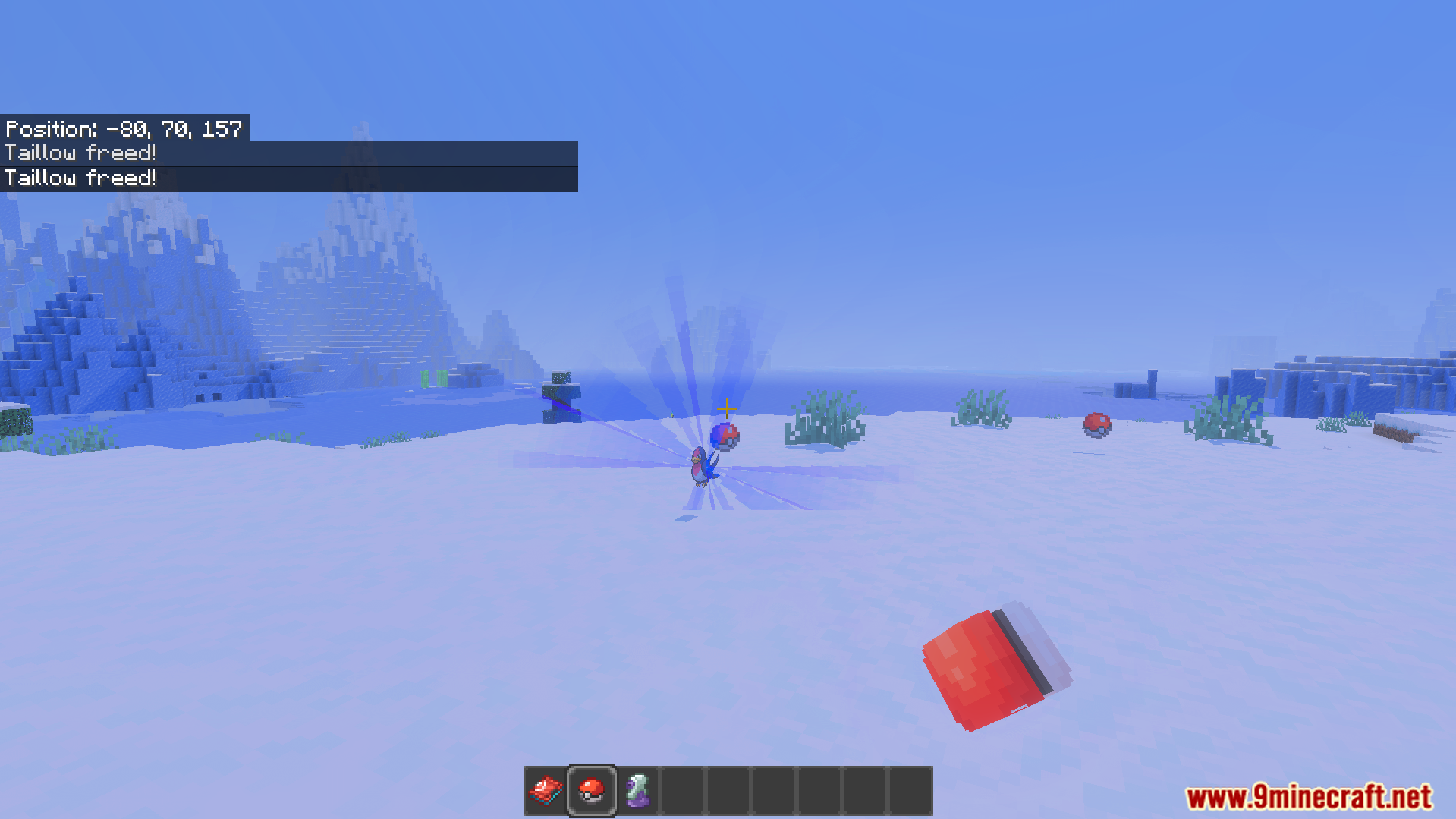
Lets you catch wild creatures and throw them out of Pokeballs to fight or follow you around.
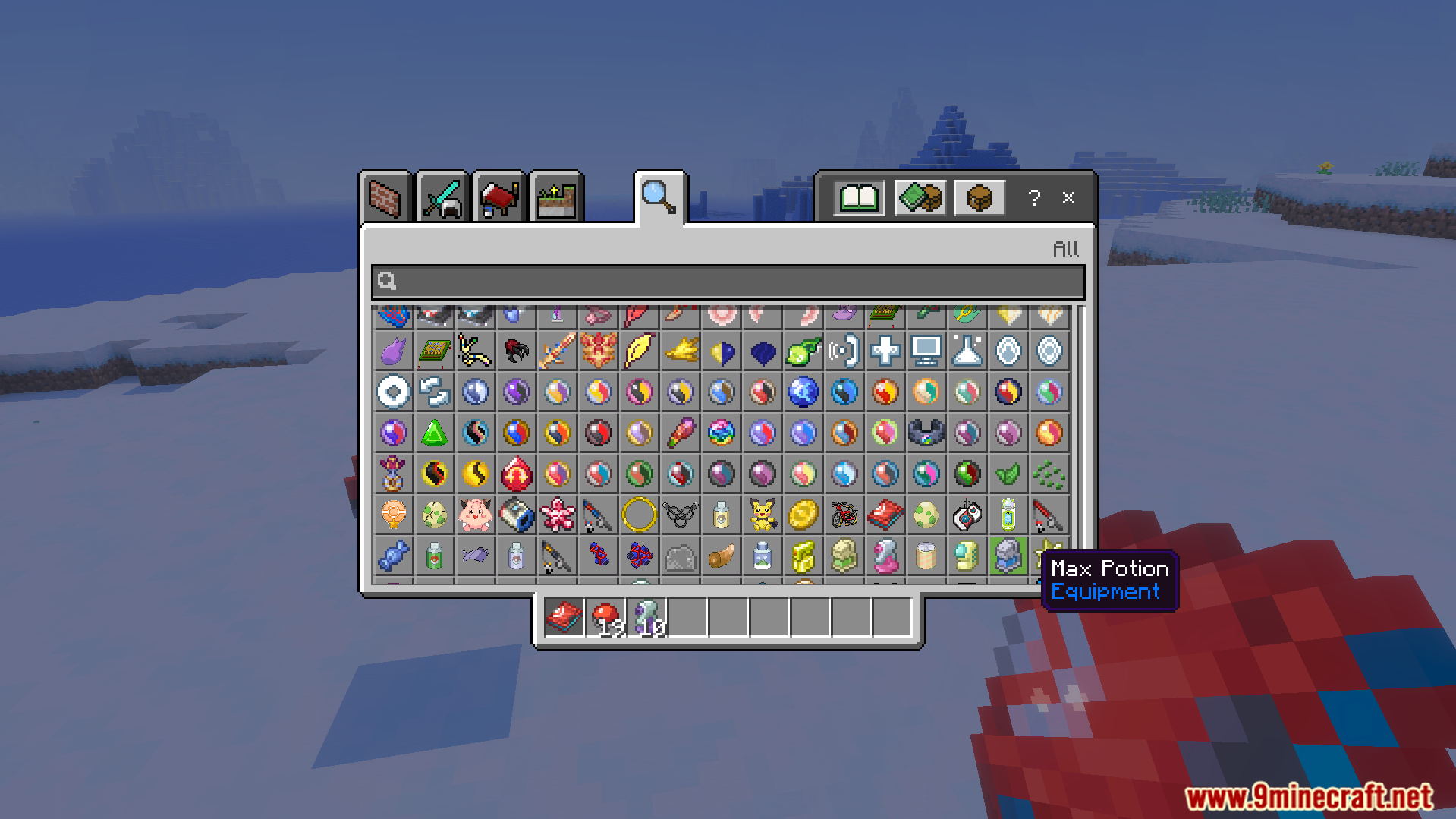
Adds new items like Pokeballs and healing medicine to the creative inventory.
How to Play:
Talk to Professor Oak when you first load into the world.
Pick your favorite game region from the popup menu.
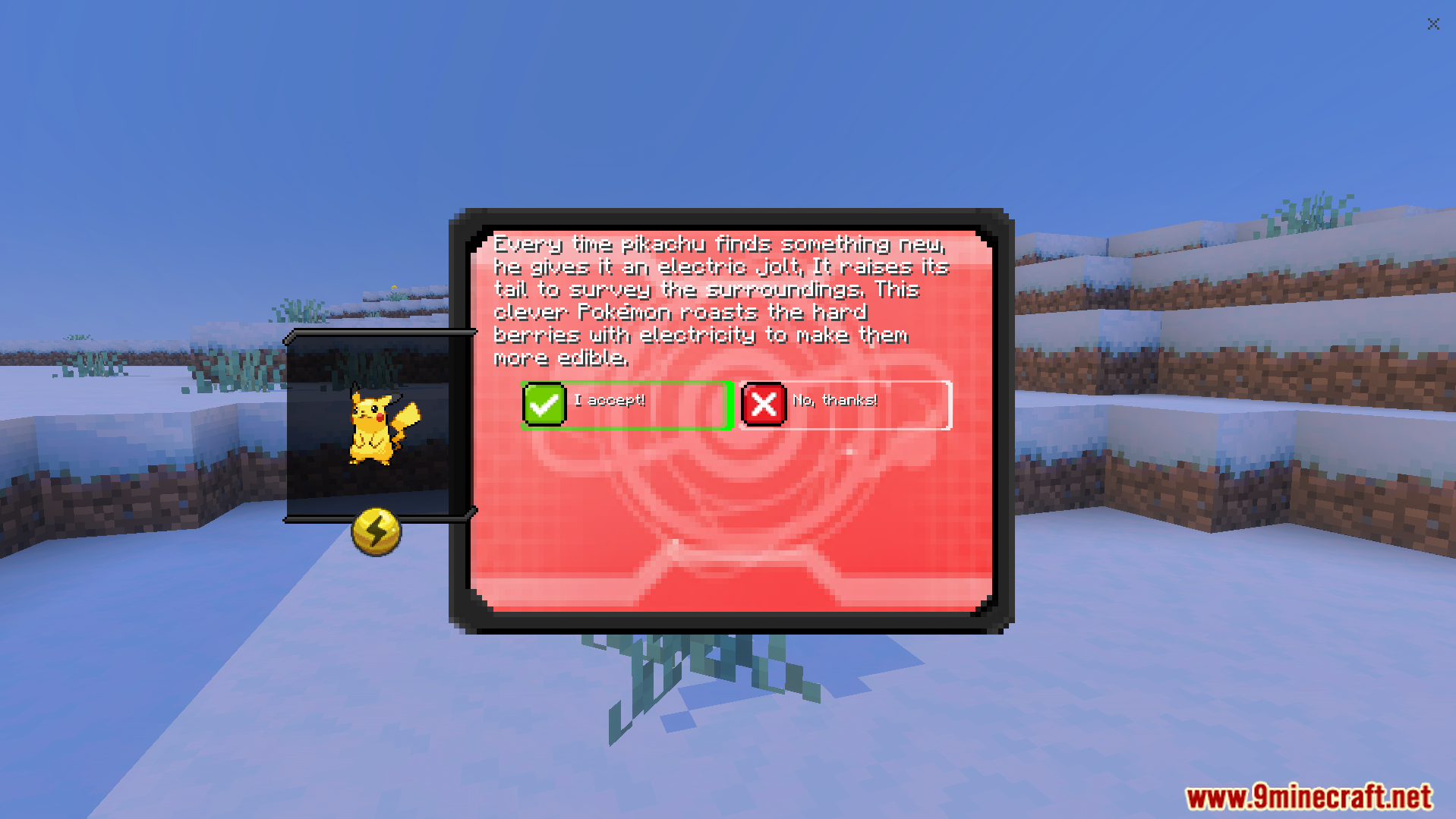
Select your starter partner to begin playing.
Walk around different biomes to find and catch wild creatures.
Screenshots:
Professor Oak greets the player to start the new game adventure.A custom menu lets you pick your favorite starting game region.The player selects Pikachu as their first partner from the menu.A custom interface shows your active team over a snowy landscape.The player finds a wild level five Pikachu in the snow.The selection screen shows different starter creatures you can pick from.The player throws a Pokeball to release a Taillow for battle.The creative inventory holds new items like Pokeballs and healing medicine.
Bedrockmon Addon Download Links
Verified by MCModsHub
Pack type: .mcaddon — behaviour and resource pack in one file
Manifest requires Minecraft 1.21.40 or newer
Complete pack — everything it depends on is inside the file
Download link checked 22 Jul 2026 — working
Mirrored on our own servers — the download does not depend on the original host
These come from our own check of the pack file, not from the source page.