Home›Java›Mods›Minecraft MusicBox Mod (1.21.12) – Play Your Favorite Songs While Mining and Building
ModsJava
Minecraft MusicBox Mod (1.21.12) – Play Your Favorite Songs While Mining and Building
Java mod listed for Minecraft 1.21. Downloads from the MC Java Mods app on Android.
⬇ Download
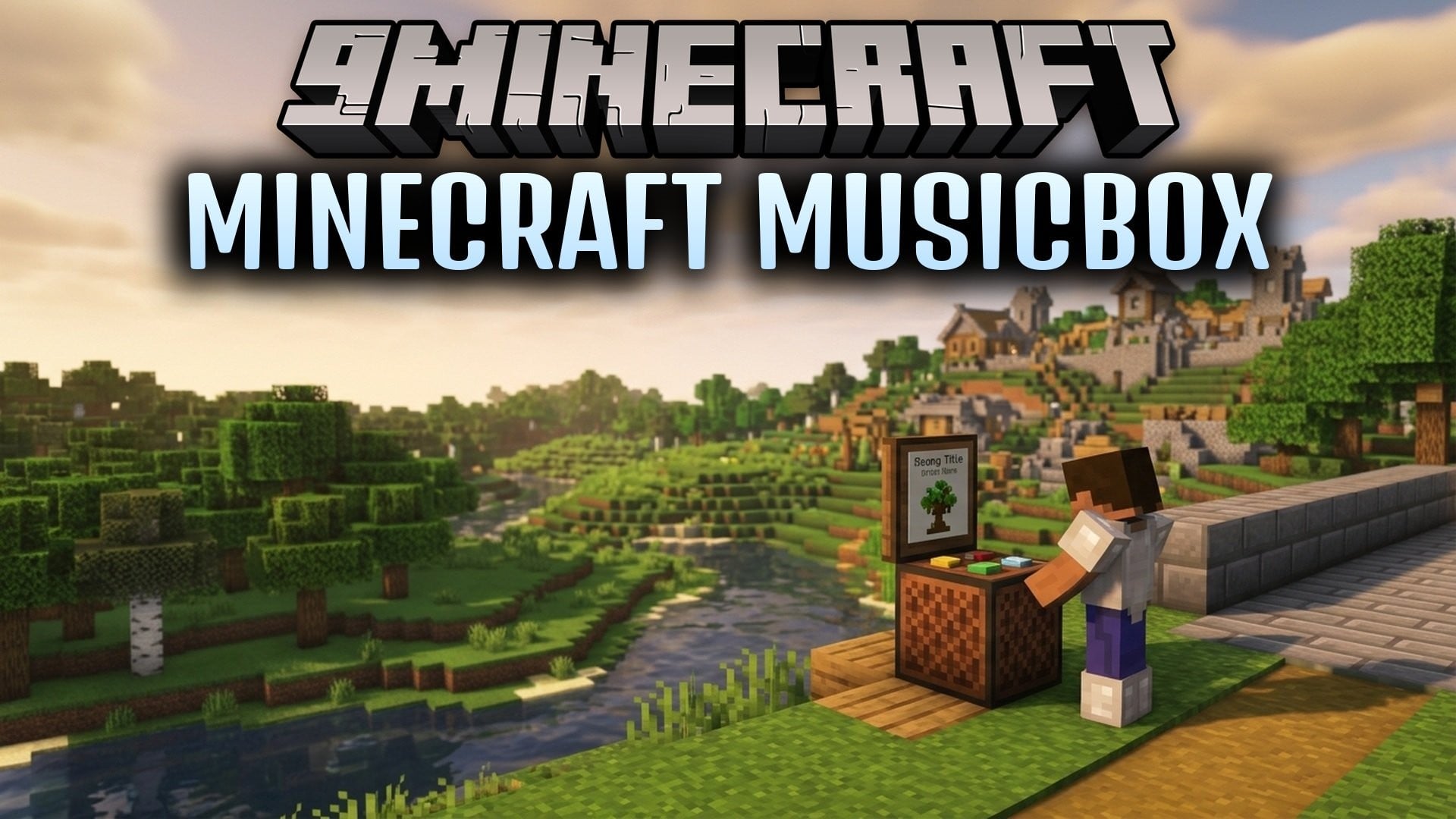
Minecraft MusicBox Mod lets you play your own music files right inside your world. It reads FLAC tracks directly through a built-in player without needing extra tools installed on your computer. You can view song titles, artists, and album covers on an on-screen display while you mine and build. The sound stops automatically whenever you return to the title screen.
Features:
- Native FLAC Playback: Plays FLAC audio files using a built-in Java decoder without needing ffmpeg.
- In-Game Music HUD: Shows track titles, artist names, playback progress, and album art directly on your screen.
- Adjustable Display: Lets you change the size of the music widget by dragging the corner or scrolling your mouse wheel.
- Quick Volume Keys: Changes sound levels up or down by five percent with simple key presses.
- World Only Playback: Stops songs instantly when you exit a world so the main menu stays quiet.
- Converts high-resolution audio files down to standard sixteen-bit sound for clean output.
- Keeps your full playlist moving in order even after you search or filter songs in the menu.
- Prevents volume keys from firing by accident when you type in chat or browse containers.
How to Use:
- Press PageUp to raise the playback volume by five percent.
- Press PageDown to lower the volume by five percent.
- Open the HUD layout screen to move the display anywhere on your screen.
- Drag the bottom corner of the HUD or scroll the mouse wheel to adjust the box size.
- Double-click any track from your music list to begin listening.
Minecraft MusicBox Mod Download Links
Quick facts
- Edition: Minecraft Java
- File type: .jar
- Minecraft version listed: 1.21.12
- How to install: Install the matching mod loader (Forge, Fabric or NeoForge) for your Minecraft version. → Download the .jar. → Put it in the .minecraft/mods folder and launch that loader profile.
- Where to get it: In MC Java Mods, or directly above on this page.
Install steps are the general flow for this file type — How to install Minecraft Java mods & modpacks walks through it step by step.
File checked by MCModsHub
- Downloads as 535047.mcaddon
- Download size: 226 KB
- Download link checked 28 Oct 2026 — working
- Mirrored on our own servers — the download does not depend on the original host
These come from our own check of the pack file, not from the source page.