Automobility Autoradio Mod (26.3, 26.1.2) – Trade Custom Mixtapes with Friends
Minecraft Java mod. Download on the author's site.
⬇ Download


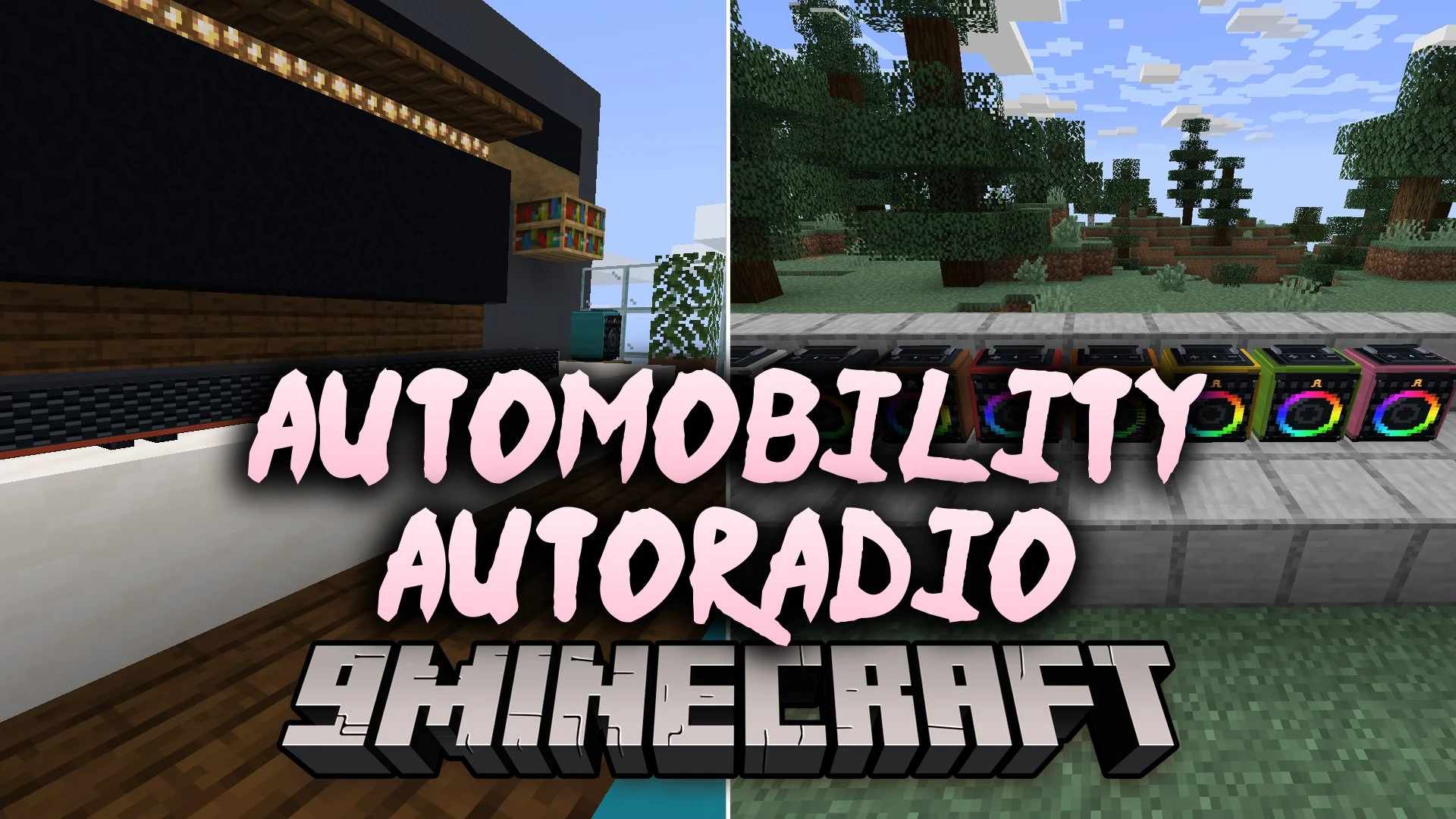
Automobility Autoradio Mod brings working car radios and customizable sound systems to Automobility. You can listen to fifty-five built-in songs or stream live internet stations while cruising down the highway. The mod also lets you place colorful party speakers, link them into long soundbars, and create physical music cassettes for your friends. Everyone gets their own personal volume slider, so you can enjoy your favorite tunes without blasting someone else’s ears.
Features:
- Car Radio Integration: Lets you listen to fifty-five built-in tracks across five stations while driving.
- Internet Radio Streams: Searches online stations by genre, country, or language, or plays direct MP3, Ogg, and AAC links.
- Custom Cassettes: Turns your imported MP3, OGG, or WAV files into physical music tapes you can trade with others.
- Party Speakers: Places audio boxes that come in sixteen dye colors and feature audio-reactive lighting.
- Linked Soundbars: Connects up to eight speakers together or builds a continuous bar up to sixteen blocks long.
- Players can adjust their own personal listening volume or mute sounds without affecting other people.
- Adds shared listening groups with owner settings and queue systems for gatherings.
- Includes a radial menu for quick tuning while keeping your eyes on the road.
How to Use:
- Hop into any car and press F7 to open the radial station wheel.
- Press F9 to open your music manager and import your own audio files.
- Press F12 to manage listening groups, linked speakers, and sound settings.
- Place a Party Speaker on the ground and sneak-right-click with an empty hand to change its volume and permissions.
Screenshots:
Automobility Autoradio Mod Download Links
- Edition: Minecraft Java
- File type: .jar
- How to install: Install the matching mod loader (Forge, Fabric or NeoForge) for your Minecraft version. → Download the .jar. → Put it in the .minecraft/mods folder and launch that loader profile.
- Where to get it: Opens on the file's original source — not every file is mirrored on our own servers.
Install steps are the general flow for this file type — How to install Minecraft Java mods & modpacks walks through it step by step.
Automobility Autoradio Mod (26.3, 26.1.2) – Trade Custom Mixtapes with Friends is a free Minecraft Java mod. Download it and open it directly in the game.