ModsJava
Berlin Client Mod (1.21.11) – Hunt Stashes and Win Crystal Fights
Java mod listed for Minecraft 1.21. Downloads from the MC Java Mods app on Android.
⬇ Download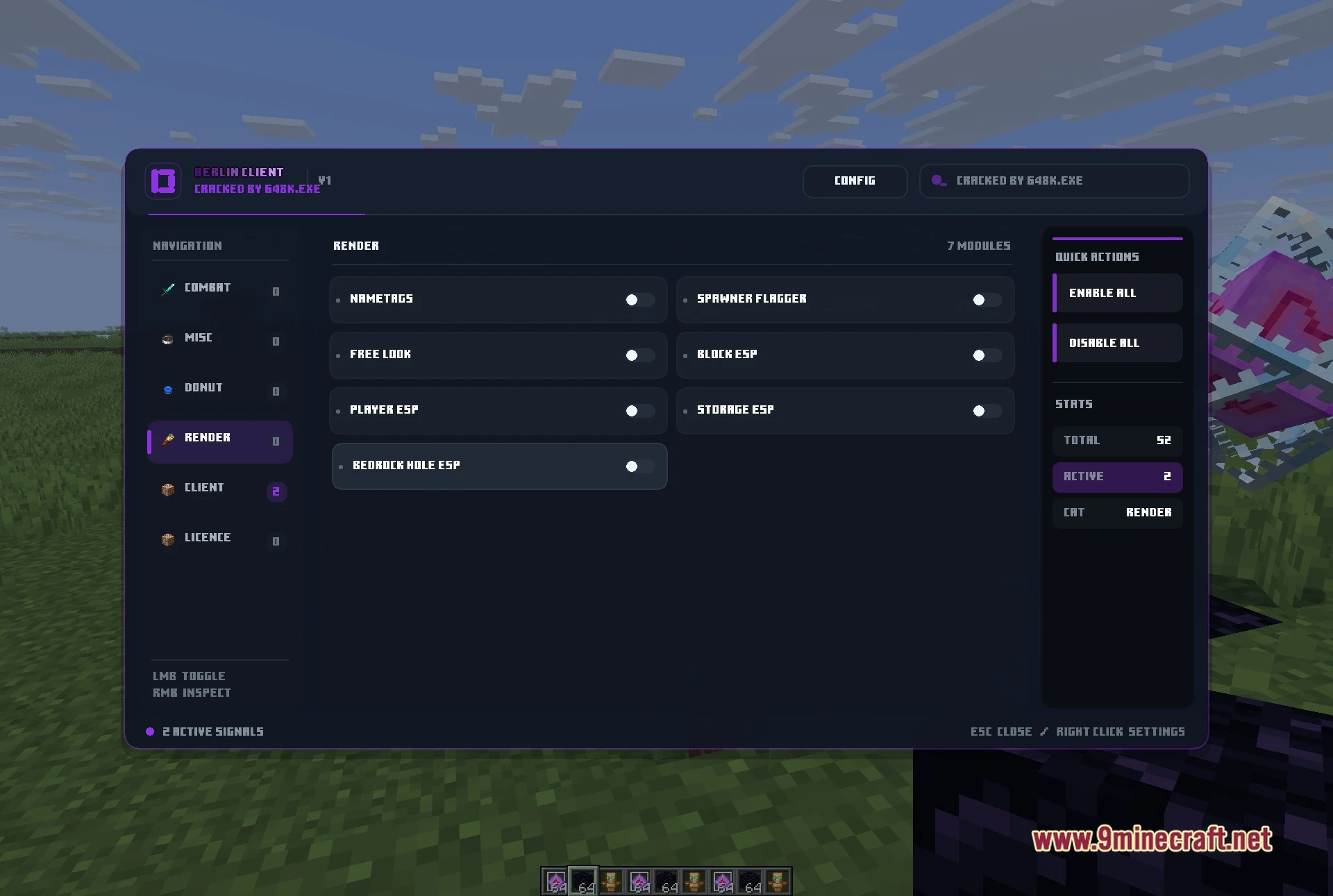
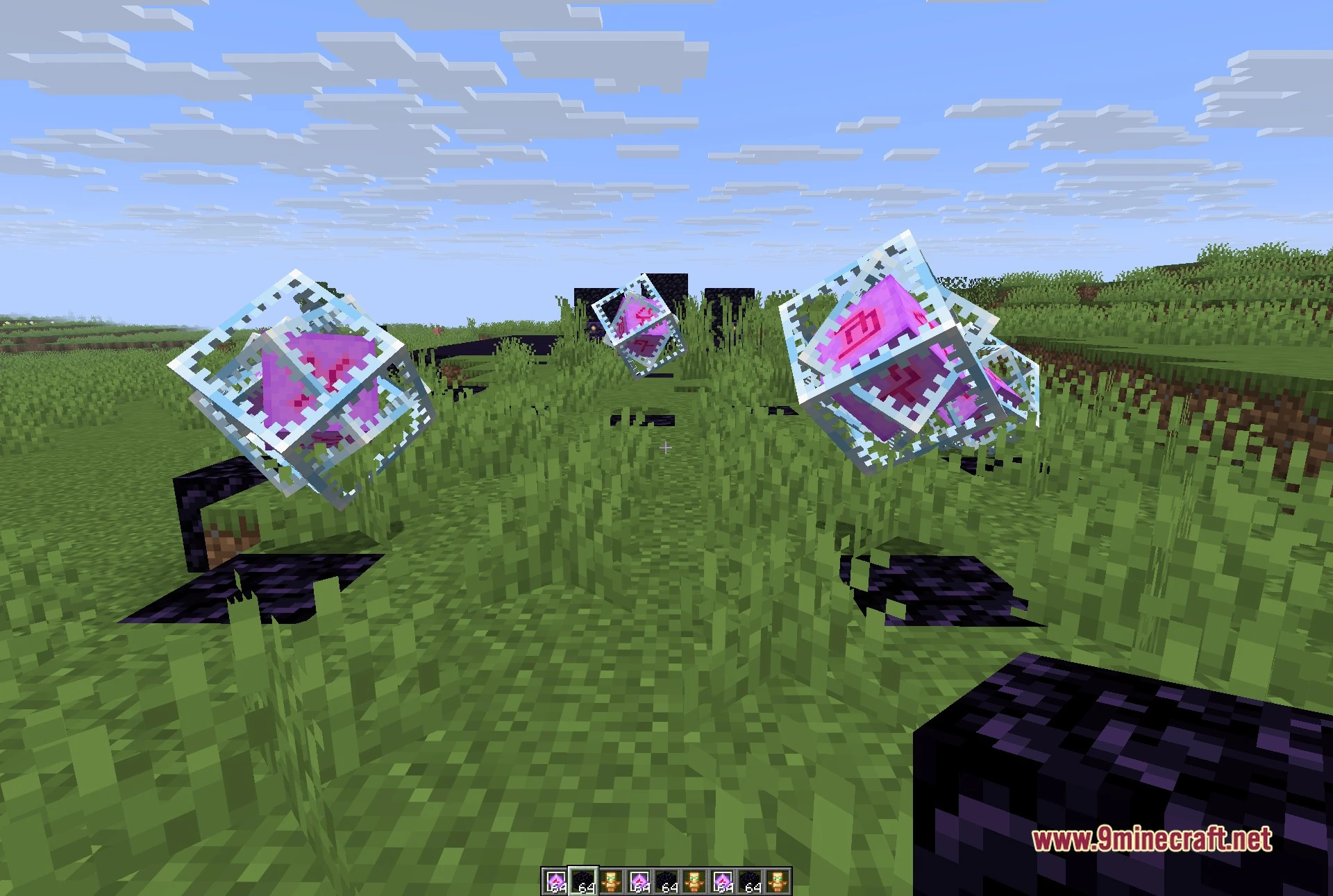
Berlin Client Mod is a Fabric utility client for Minecraft 1.21.11, built as a standalone build around crystal fighting, base hunting and the economy servers it is tuned for. Its menu reports 52 modules split across six groups, and it opens in game with Right Shift.
Features:
- Six-group module menu: a single panel with Combat, Misc, Donut, Render, Client and Licence down the left side, a live counter of how many modules are on, and Enable All / Disable All buttons. Left click toggles a module, right click opens its own settings.
- Crystal and totem combat: Auto Crystal with a crystal optimizer, Anchor Macro and Safe Anchor, Auto Totem, Inventory Totem and Hover Totem, Shield Breaker, Triggerbot and Auto Trident.
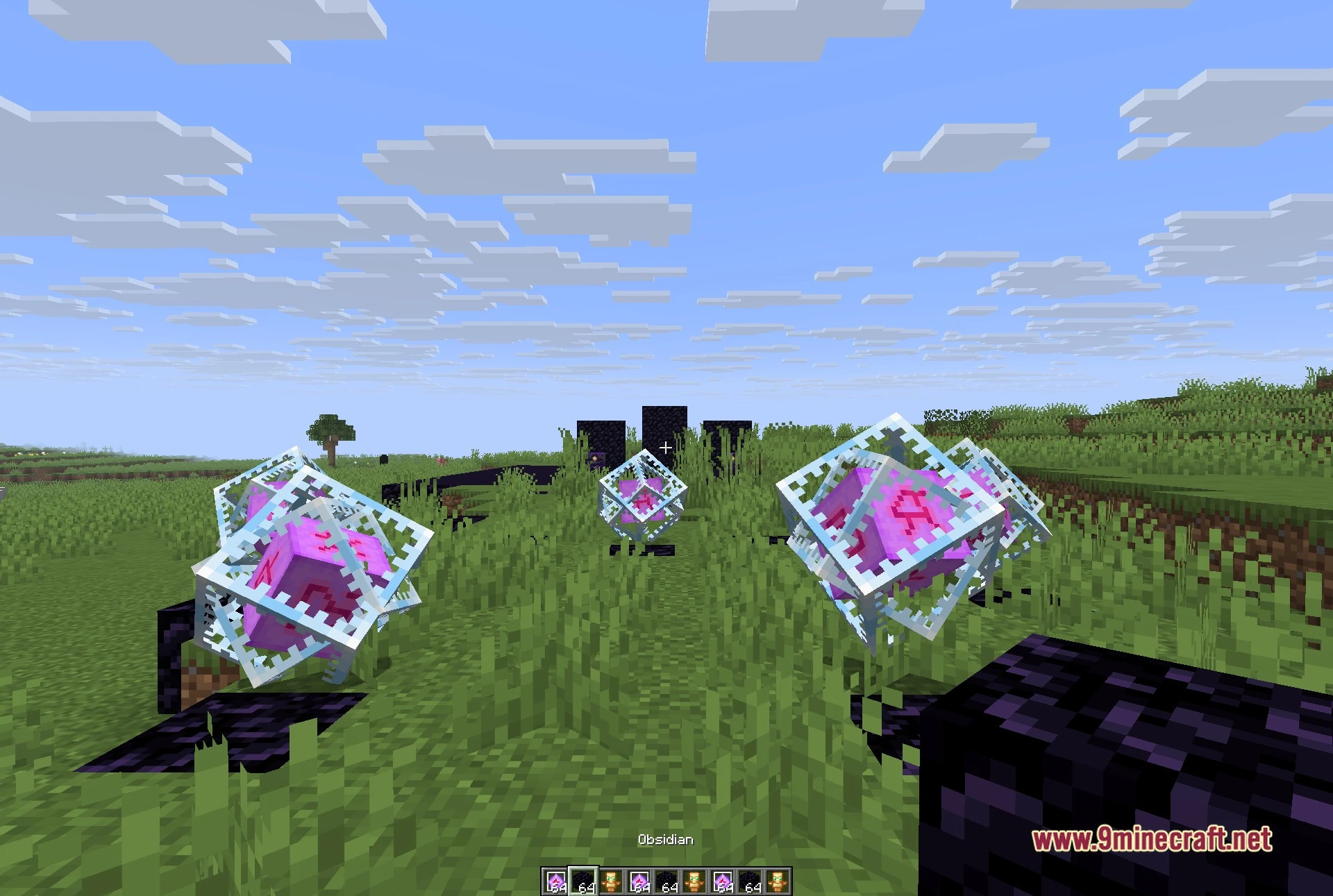
- See-through render group: Player ESP, Block ESP, Storage ESP, Bedrock Hole ESP, Nametags, Free Look, Freecam and Fullbright, plus a region map and an amethyst scanner.
- Stash and base finding: several chunk finders including a suspicious-chunk scanner and a prime chunk finder, a spawner flagger and a block notifier that tells you when the blocks you care about come into range.
- Server-focused Donut group: Fake Roles and Fake Stats for what other players see, Name Protect, a Staff Tracker, a spawner protector and a weather notifier.
- Quality-of-life tools: Auto Tool, Auto Sneak, Fast Place, Swing Speed, Tool Size, a coordinate snapper, home and random-teleport keys, and relog helpers.
- A configurable HUD and a Spotify HUD that shows the track playing on your computer, with per-module keybinds and a theme switcher.
Best Used For:
- Crystal fights on busy anarchy and economy servers.
- Hunting stashes and hidden bases with the chunk finders and ESP.
- Keeping an eye on staff and on what other players can read about you.
- Automating the fiddly parts of combat so you can focus on positioning.
- Shaping your own HUD, visuals and keybinds the way you like them.
How to use:
- Install Fabric Loader for Minecraft 1.21.11 and drop Fabric API into your mods folder.
- Put the client jar in the same mods folder and start the game.
- Press Right Shift in game to open the menu, pick a group on the left, then left click a module to turn it on or right click it for its settings.
- Press Esc to close the menu.
Quick facts
- Edition: Minecraft Java
- File type: .jar
- Minecraft version listed: 1.21.11
- How to install: Install the matching mod loader (Forge, Fabric or NeoForge) for your Minecraft version. → Download the .jar. → Put it in the .minecraft/mods folder and launch that loader profile.
- Where to get it: In MC Java Mods, or directly above on this page.
Install steps are the general flow for this file type — How to install Minecraft Java mods & modpacks walks through it step by step.
File checked by MCModsHub
- Downloads as 535099.mcaddon
- Download size: 17.9 MB
- Download link checked 28 Oct 2026 — working
- Mirrored on our own servers — the download does not depend on the original host
These come from our own check of the pack file, not from the source page.