Bedrock add-on listed for Minecraft 1.21 (behavior + resource pack). File opened and checked on 16 Oct 2026; installs from the MC Bedrock Mods app on Android.
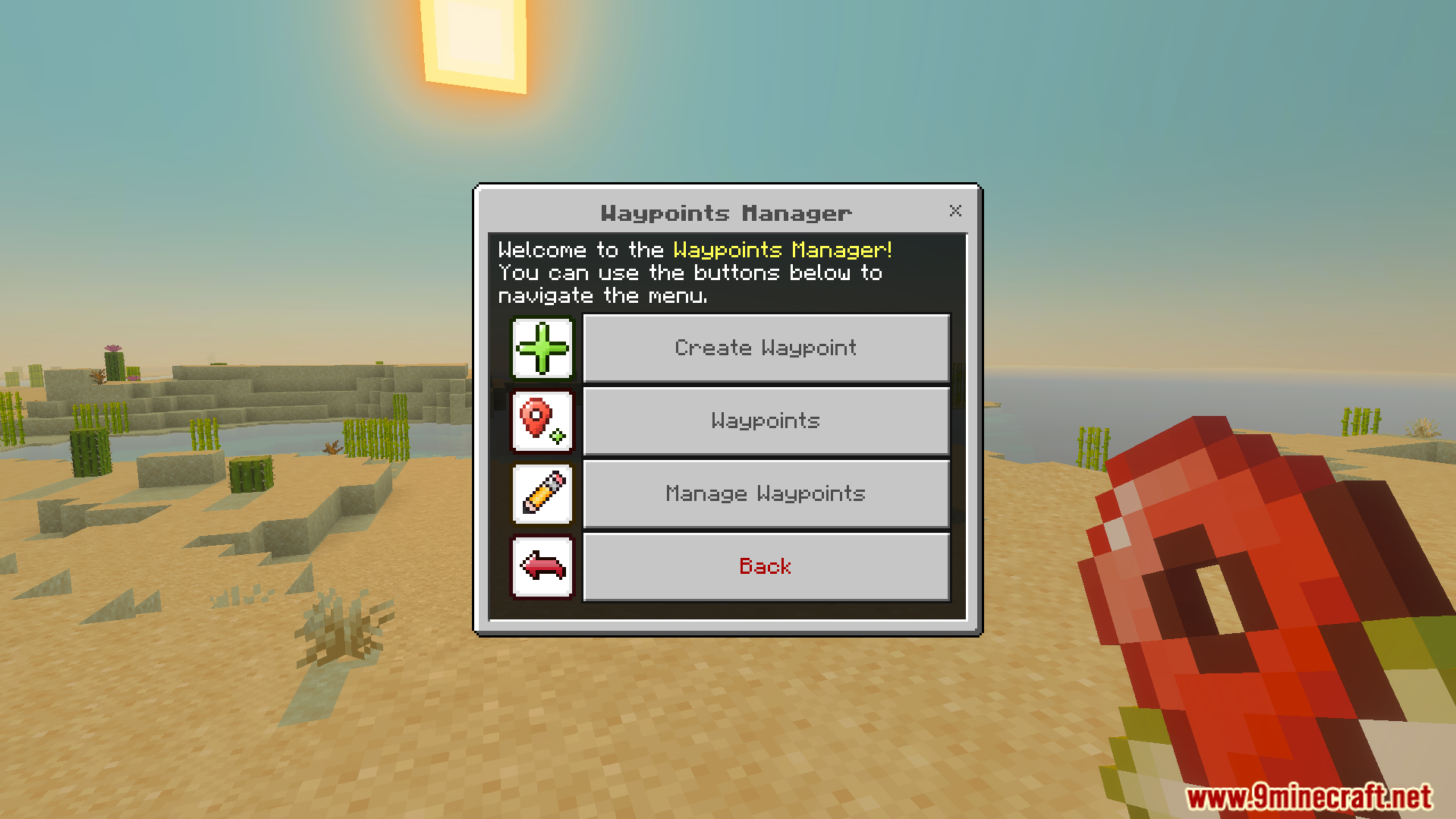
Vanilla Waypoints Addon lets you save important locations in your world and teleport to them at any time. It adds a special menu to create, edit, and manage your custom waypoints easily. You can travel across the Overworld, Nether, and The End without losing your way.
Features:
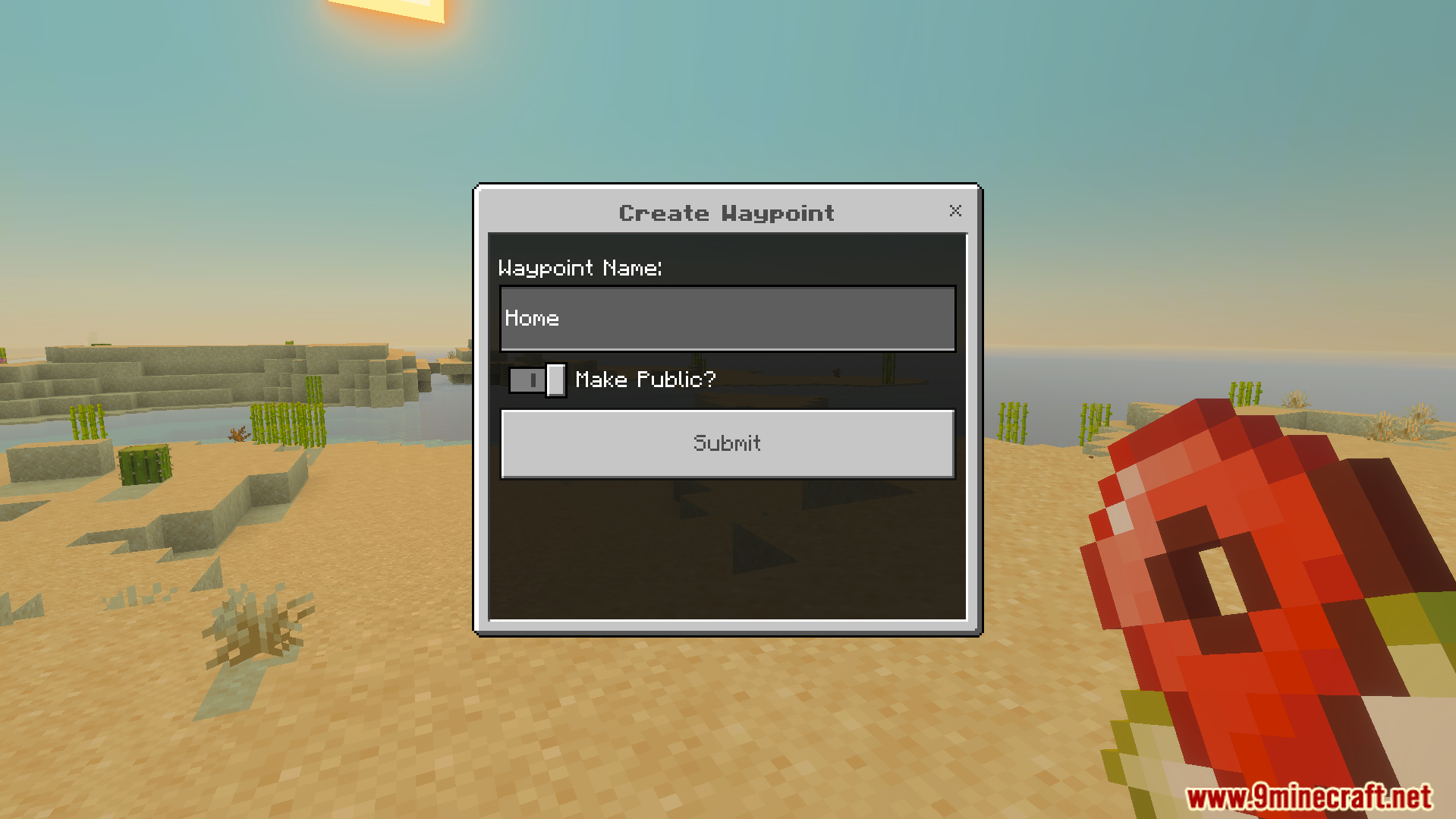
Creates custom waypoints with unique names to save your spots.
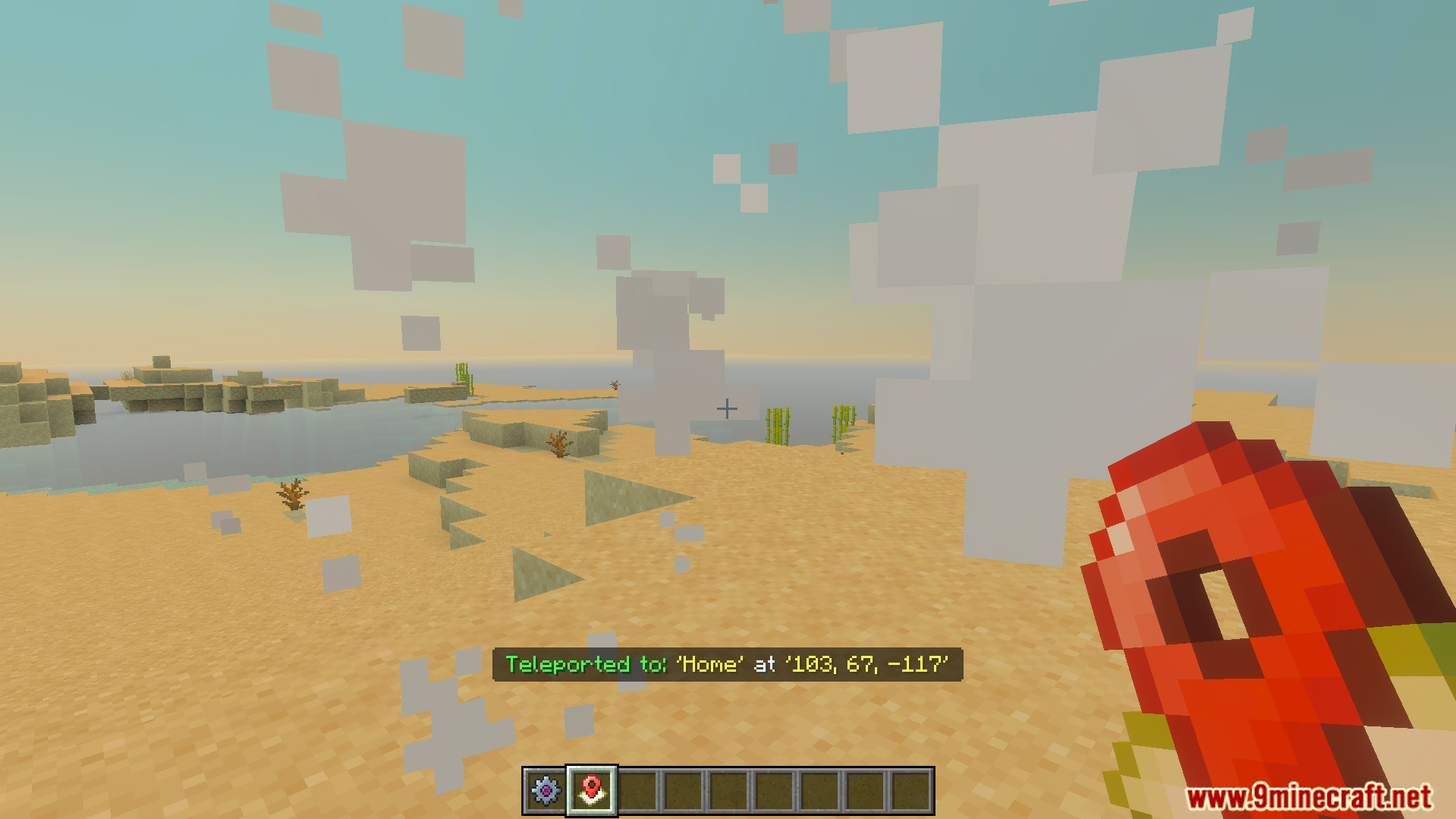
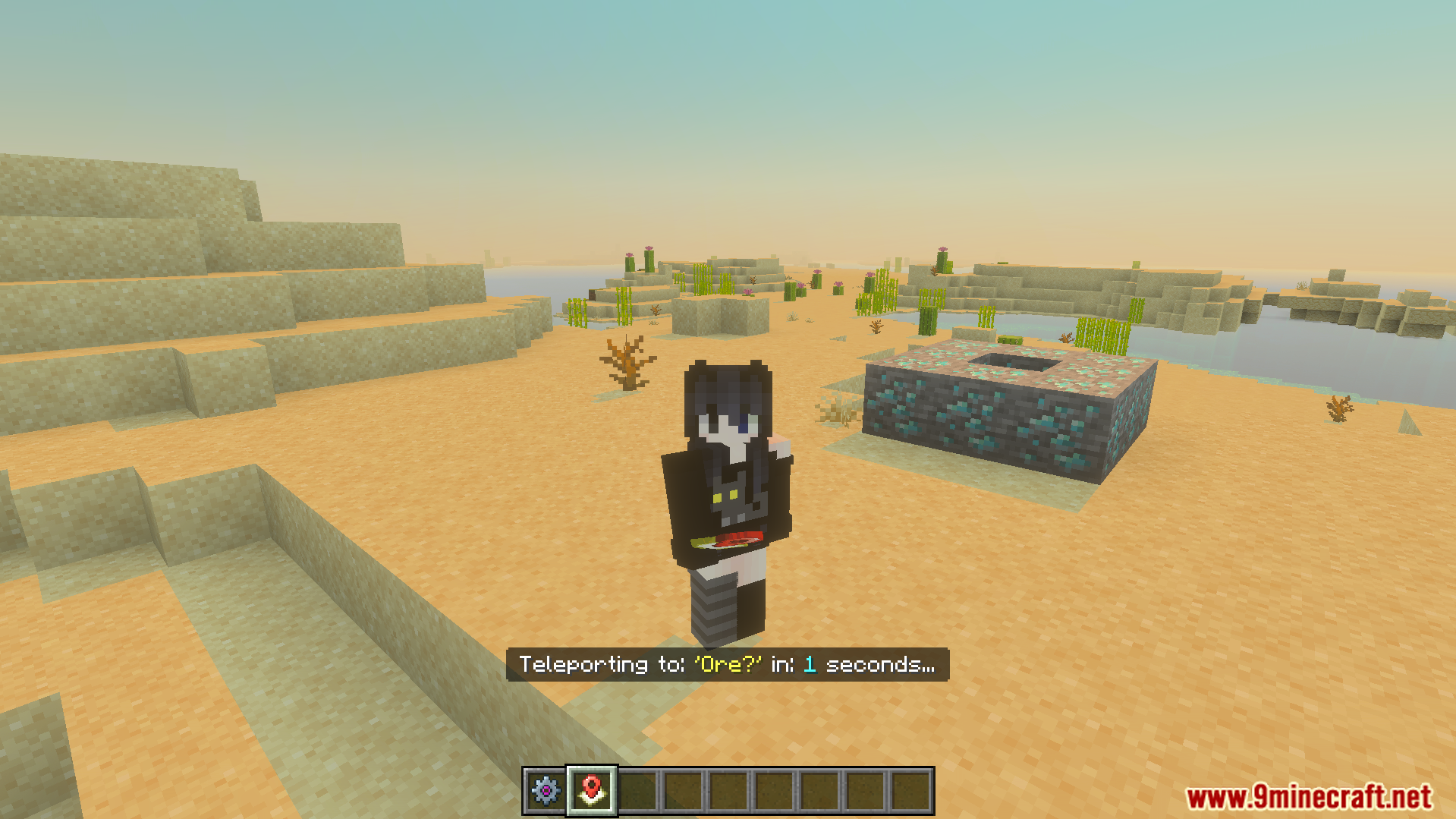
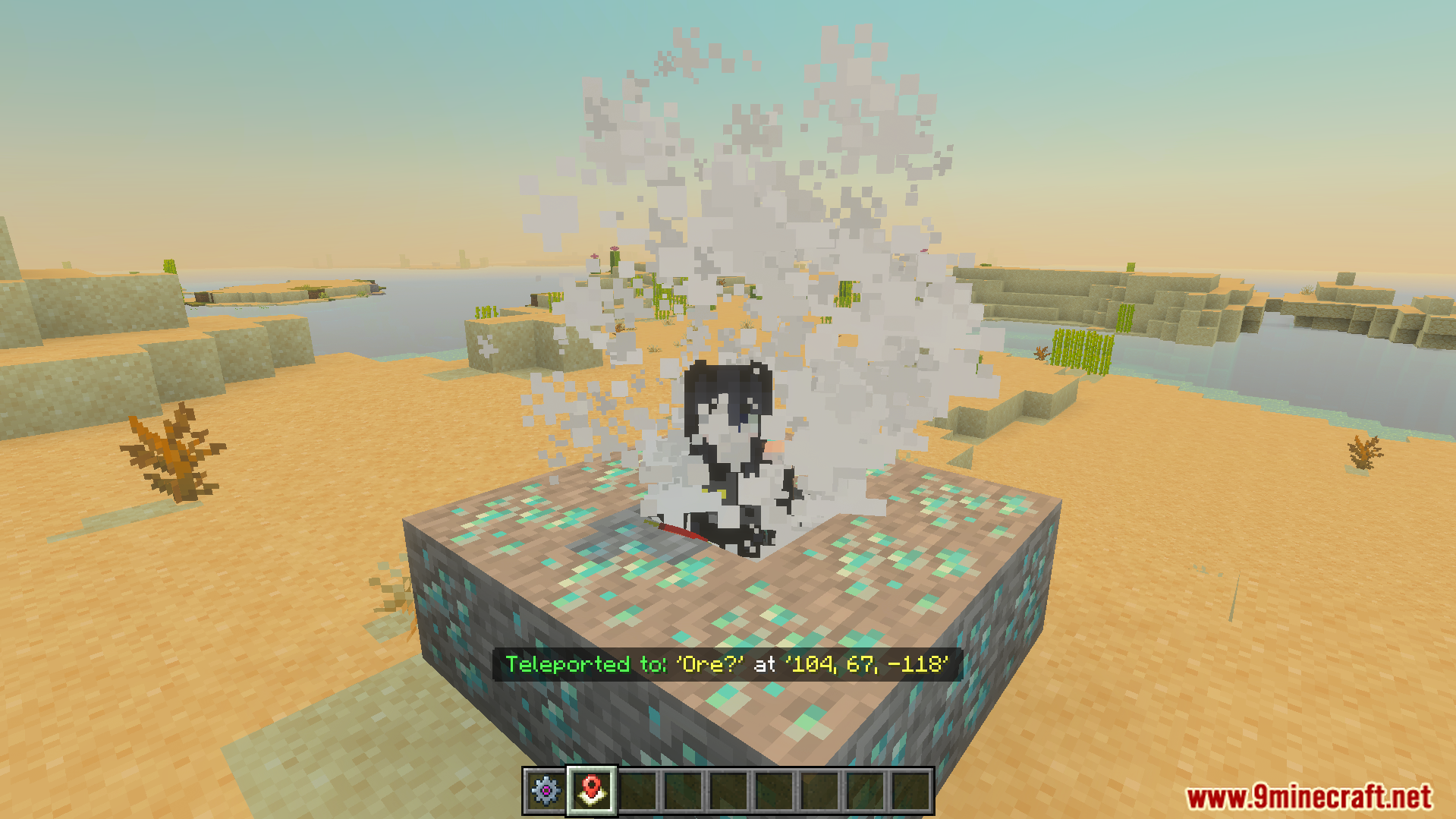
Teleports you instantly to any saved location in your dimension.
Edits names and updates the exact coordinates of your marks.
Deletes old waypoints that you no longer need to keep.
Works perfectly in multiplayer servers with a special admin mode.
Configuration:
Craft the configs menu with one cobblestone and one pink dye.
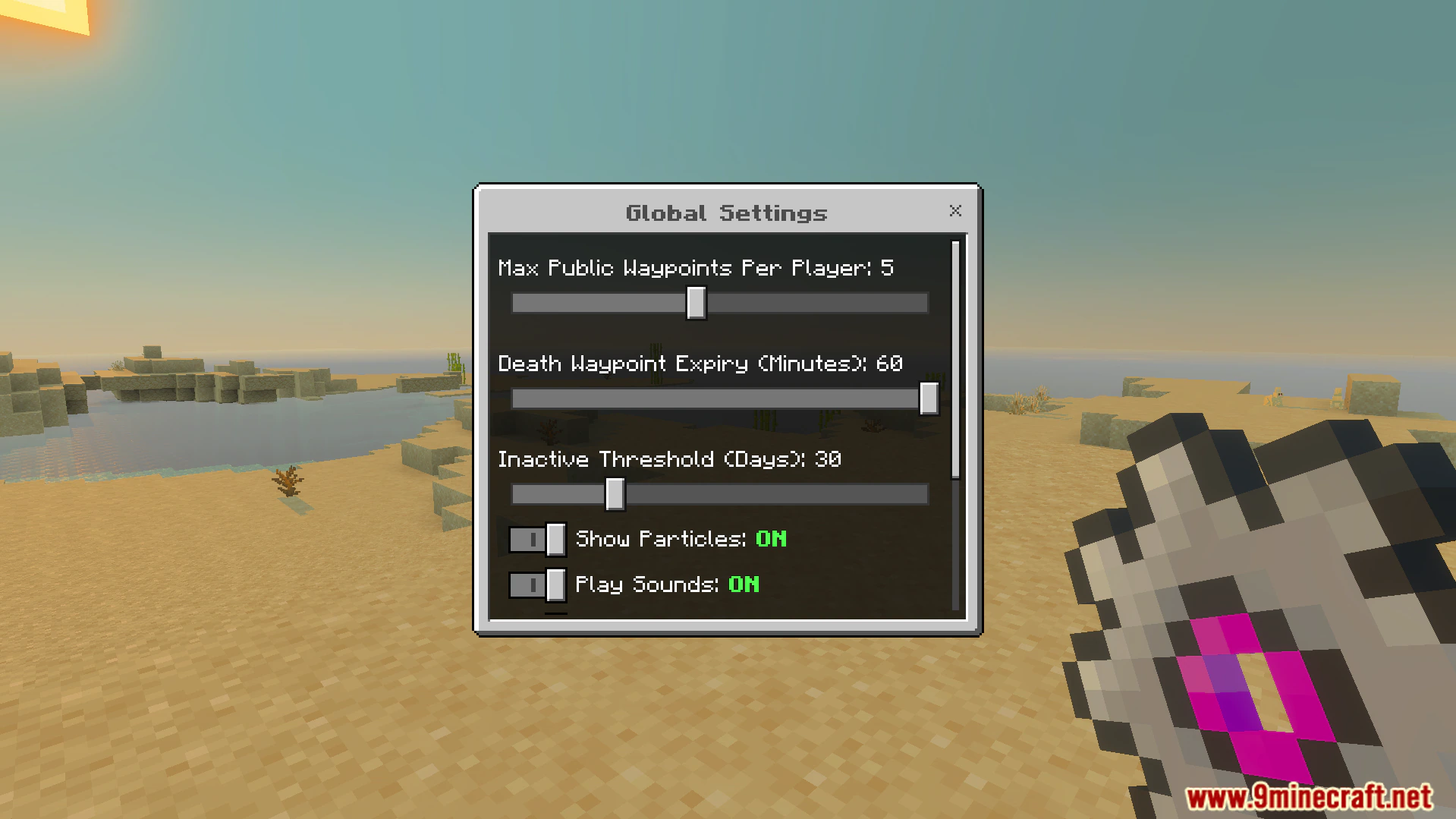
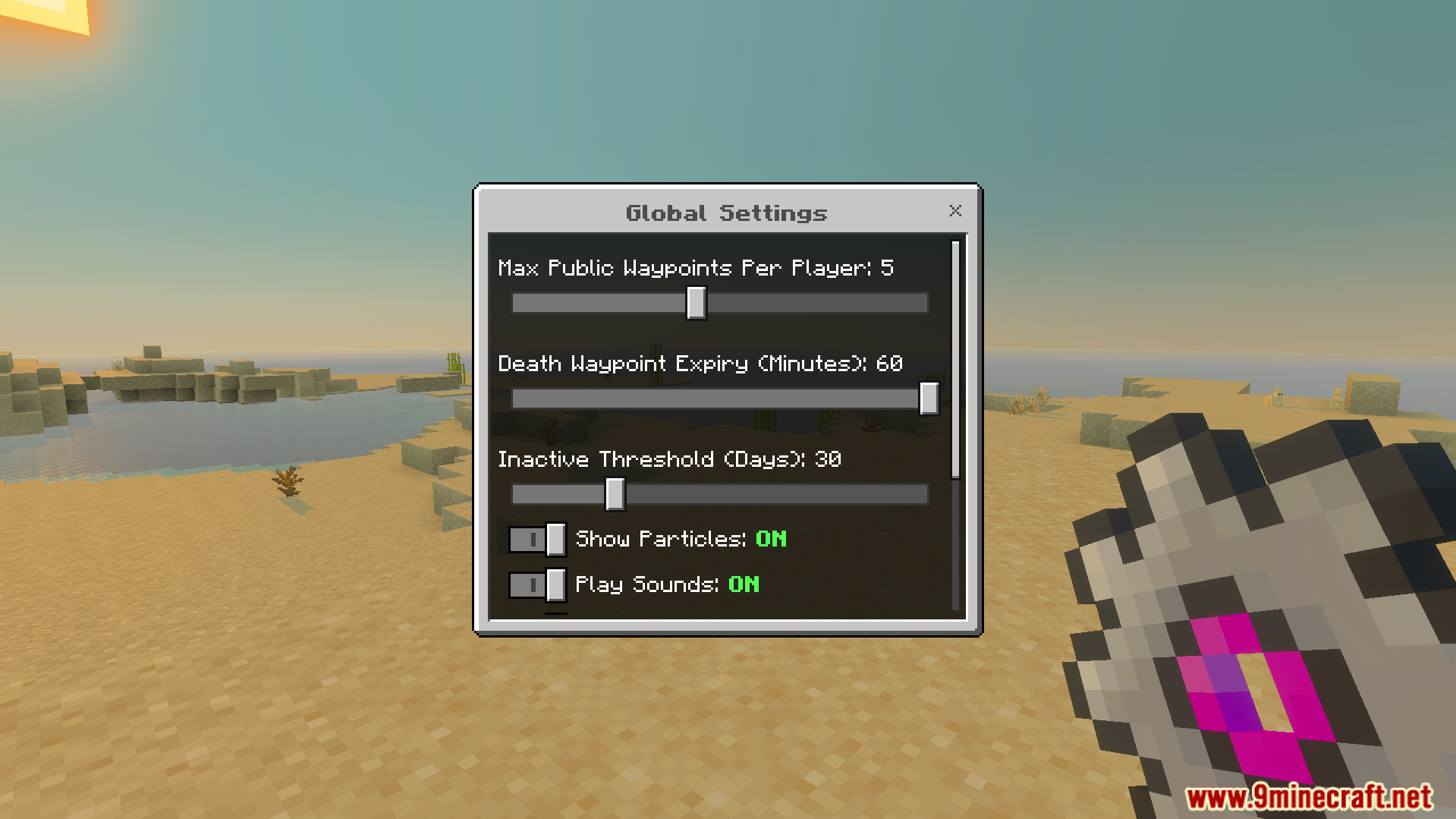
Change the maximum number of waypoints players can create.
Turn sound effects and visual particles on or off.
Set operator permissions for multiplayer servers easily.
Commands:
Type the following commands in chat to get the items.
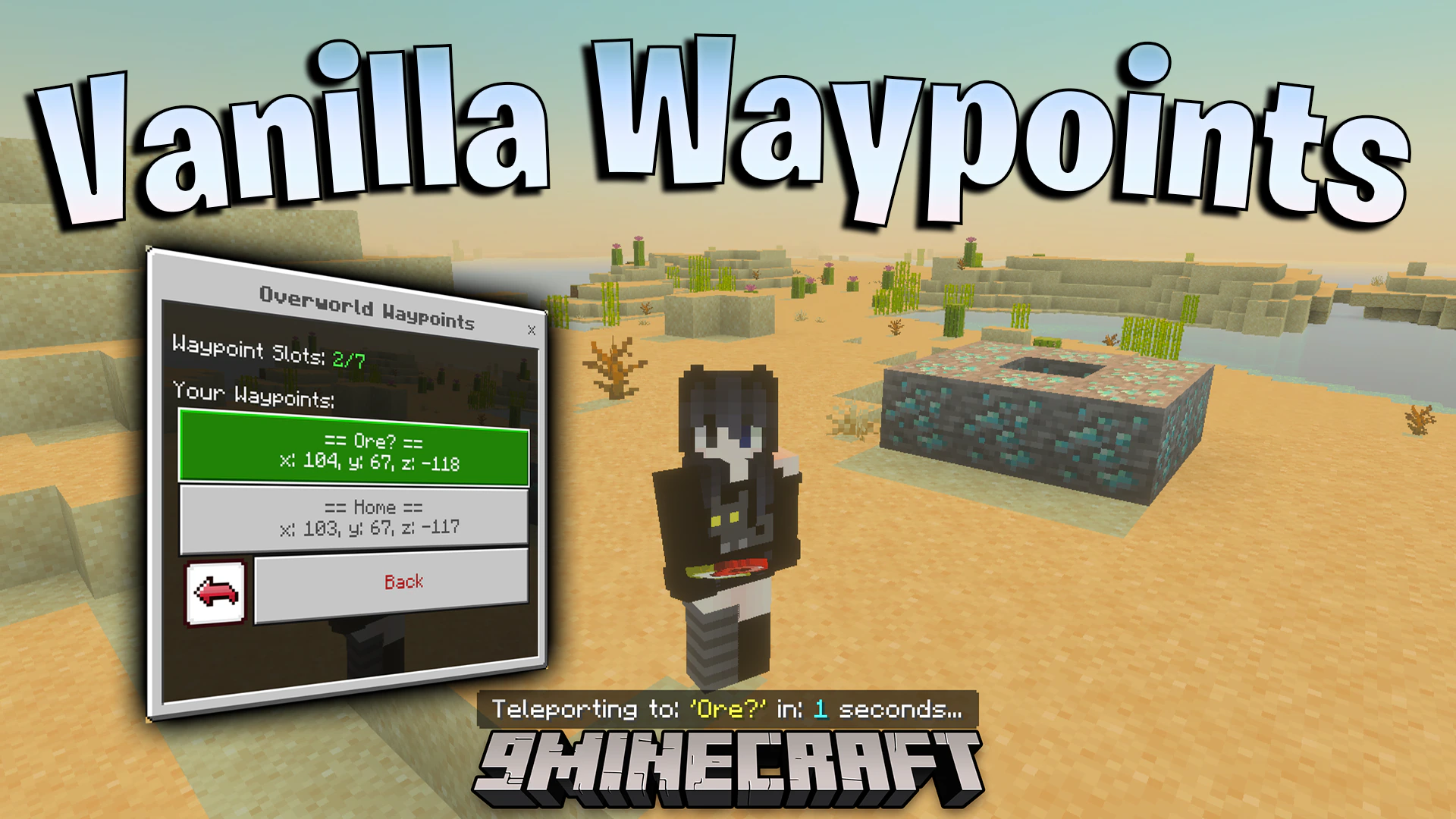
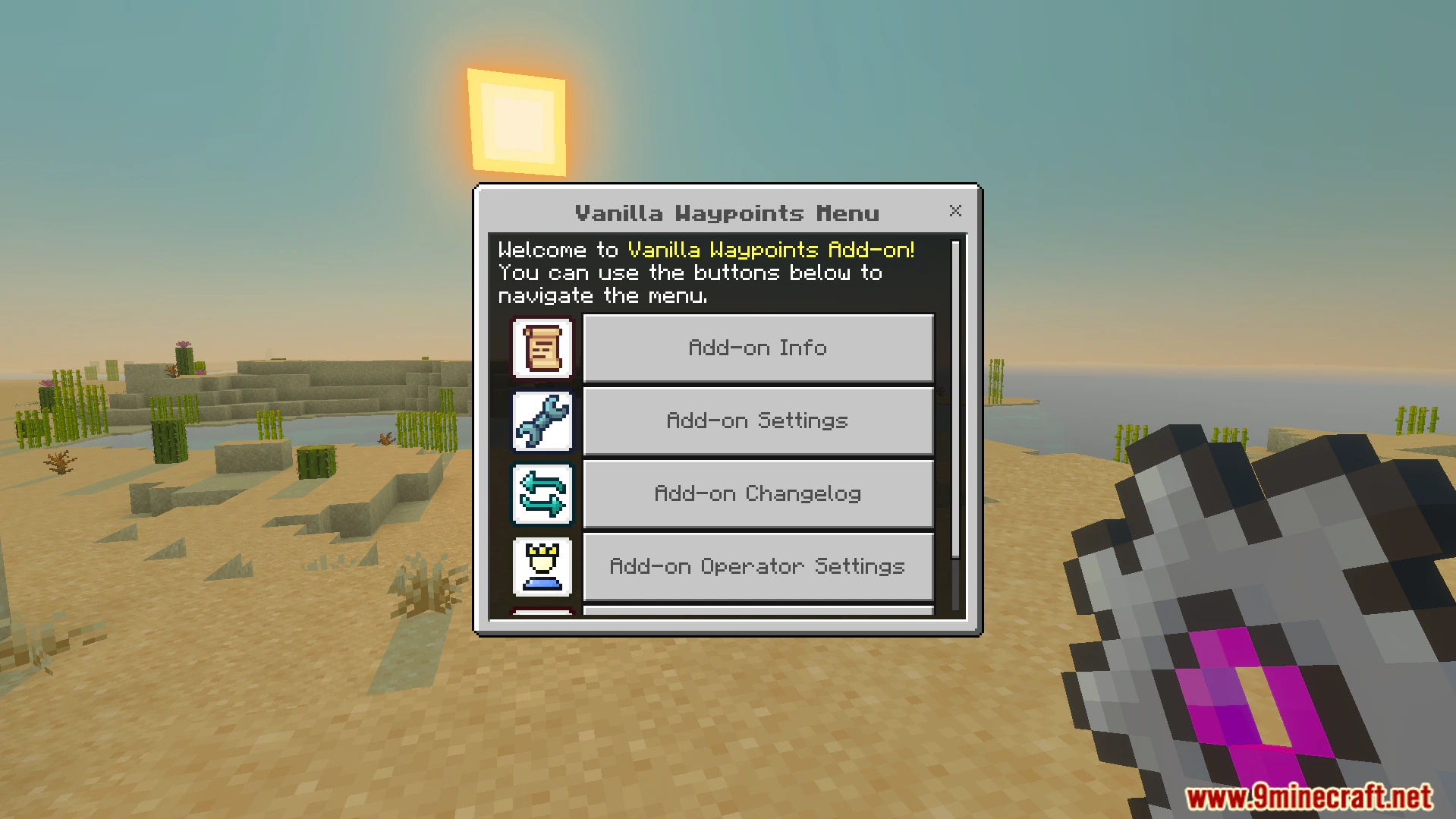
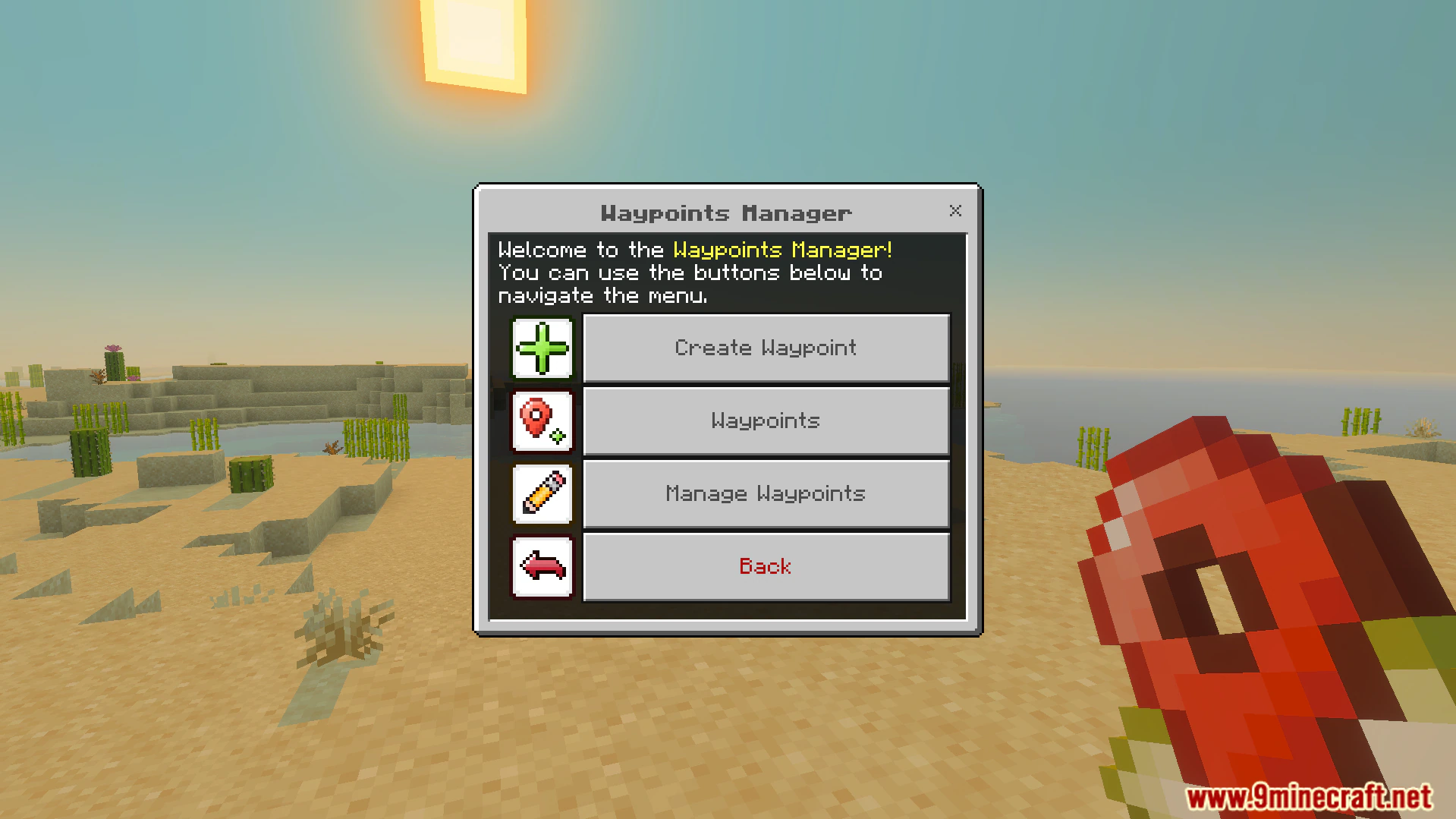
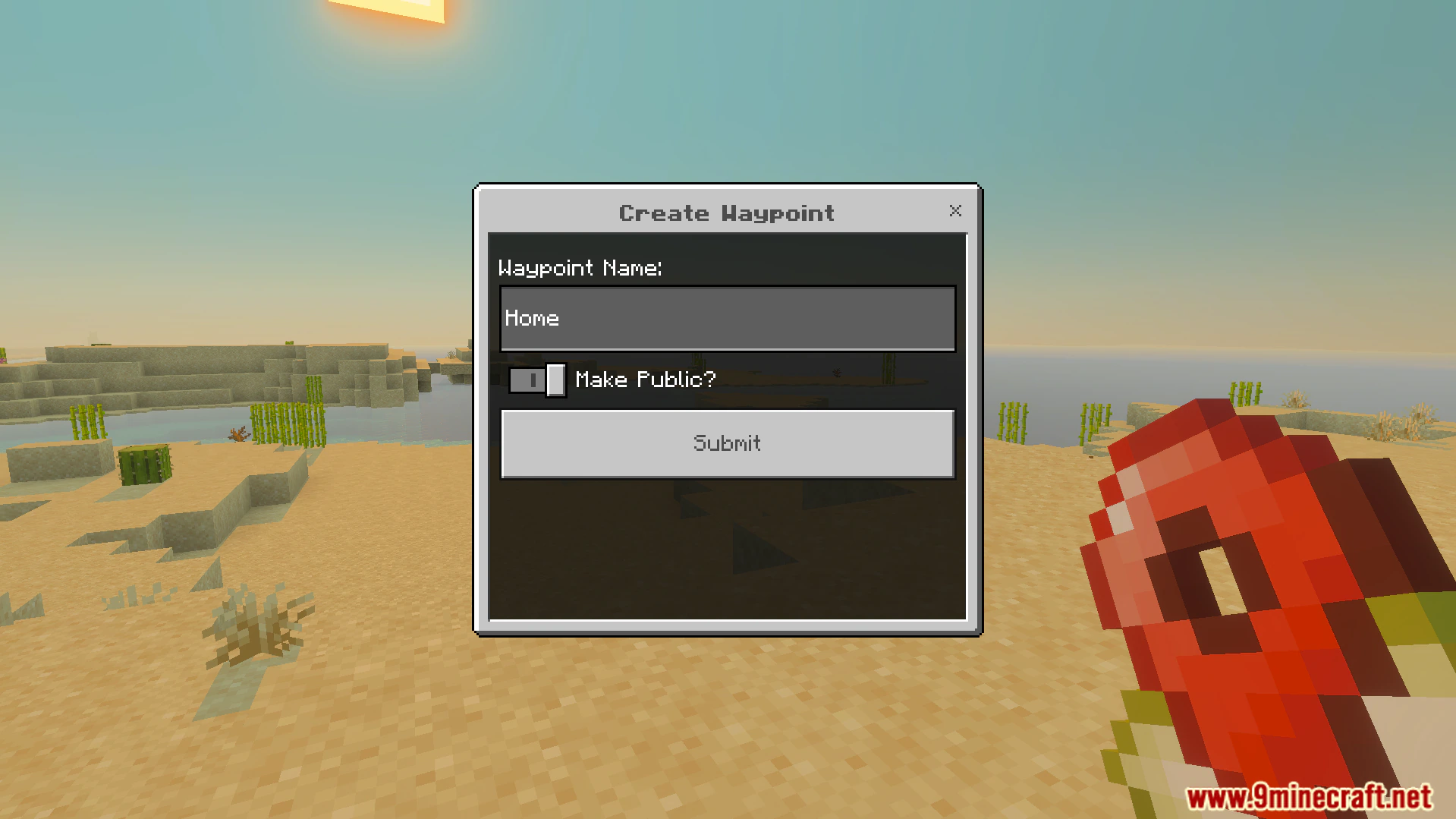
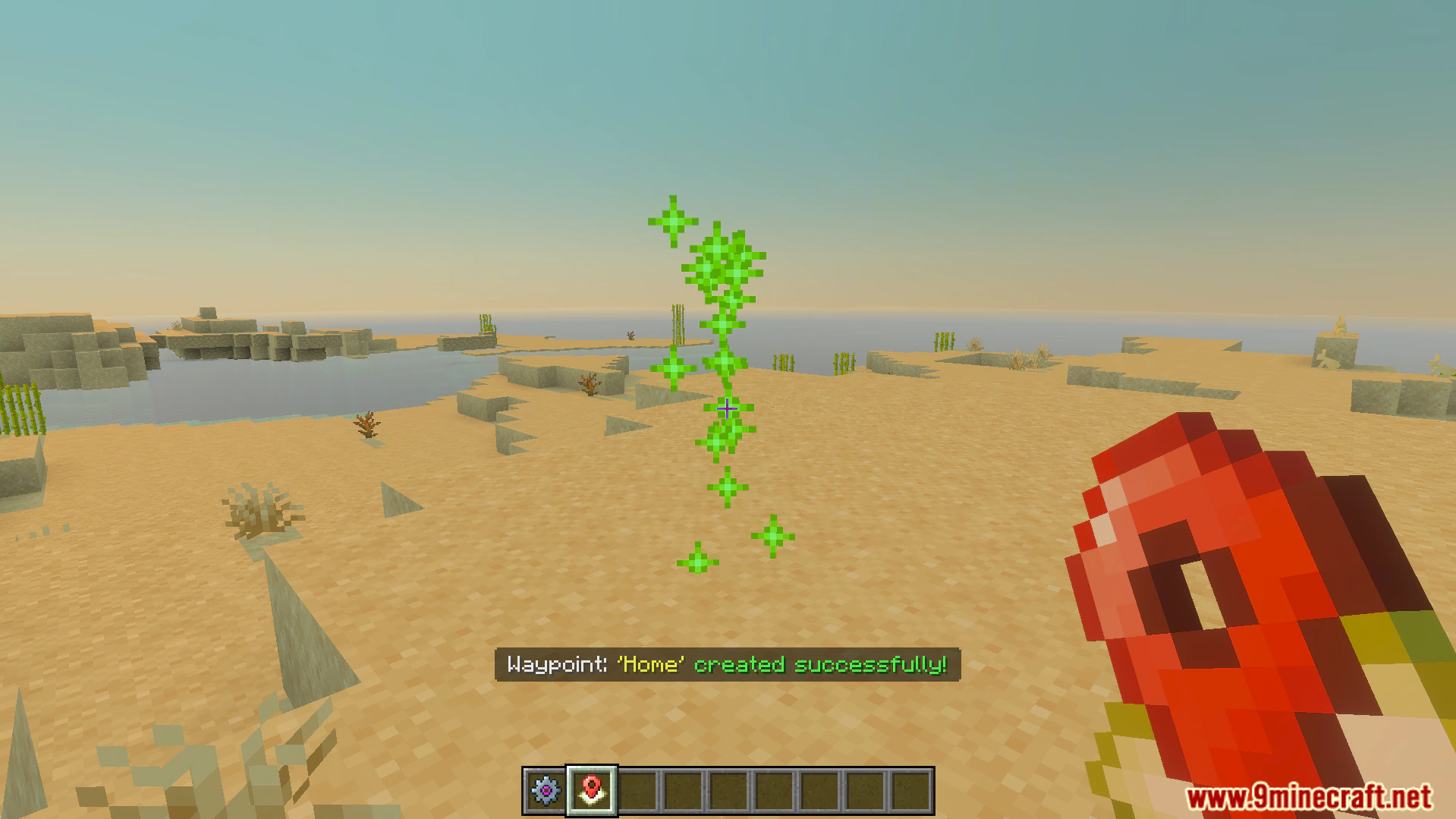
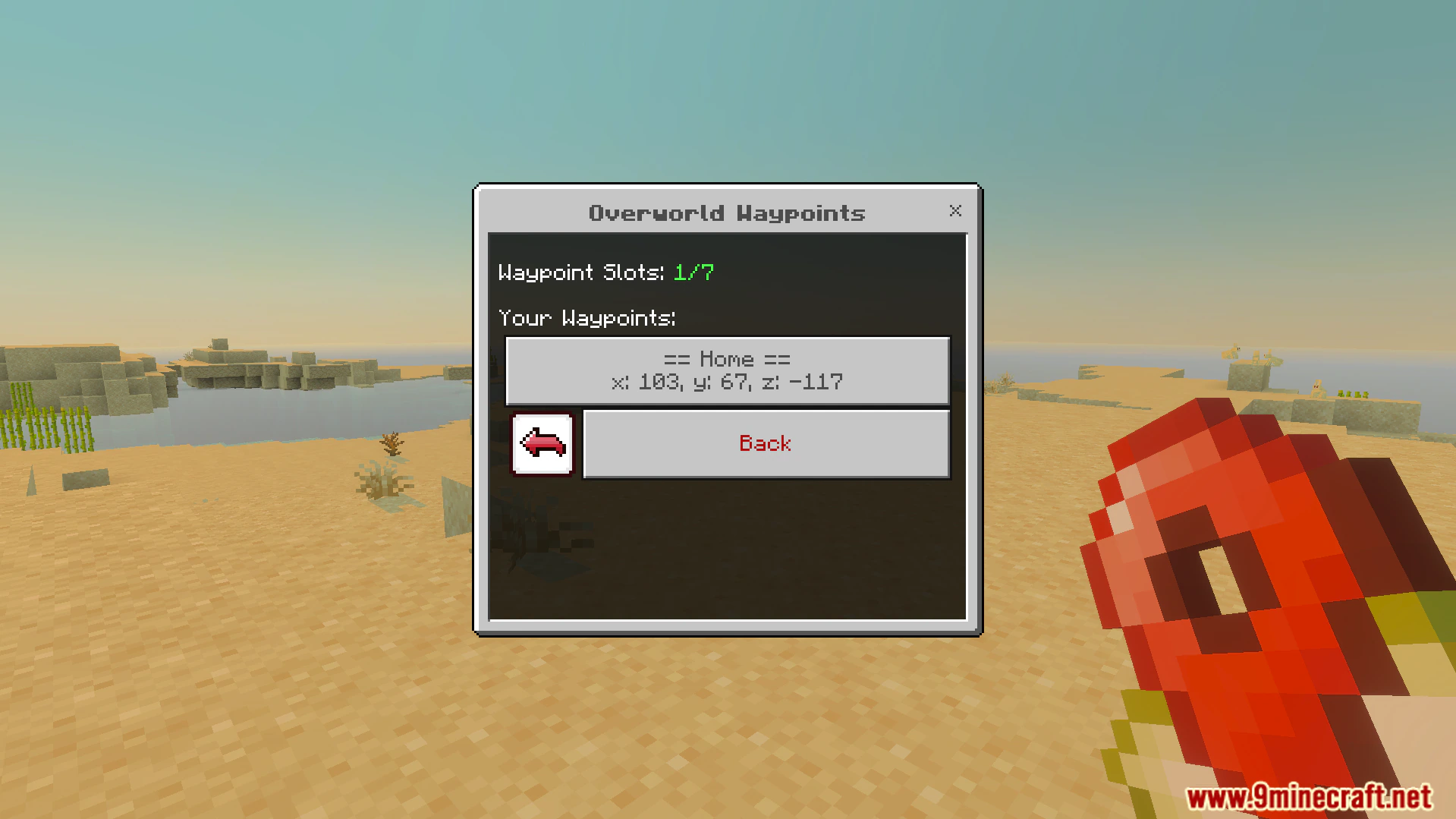
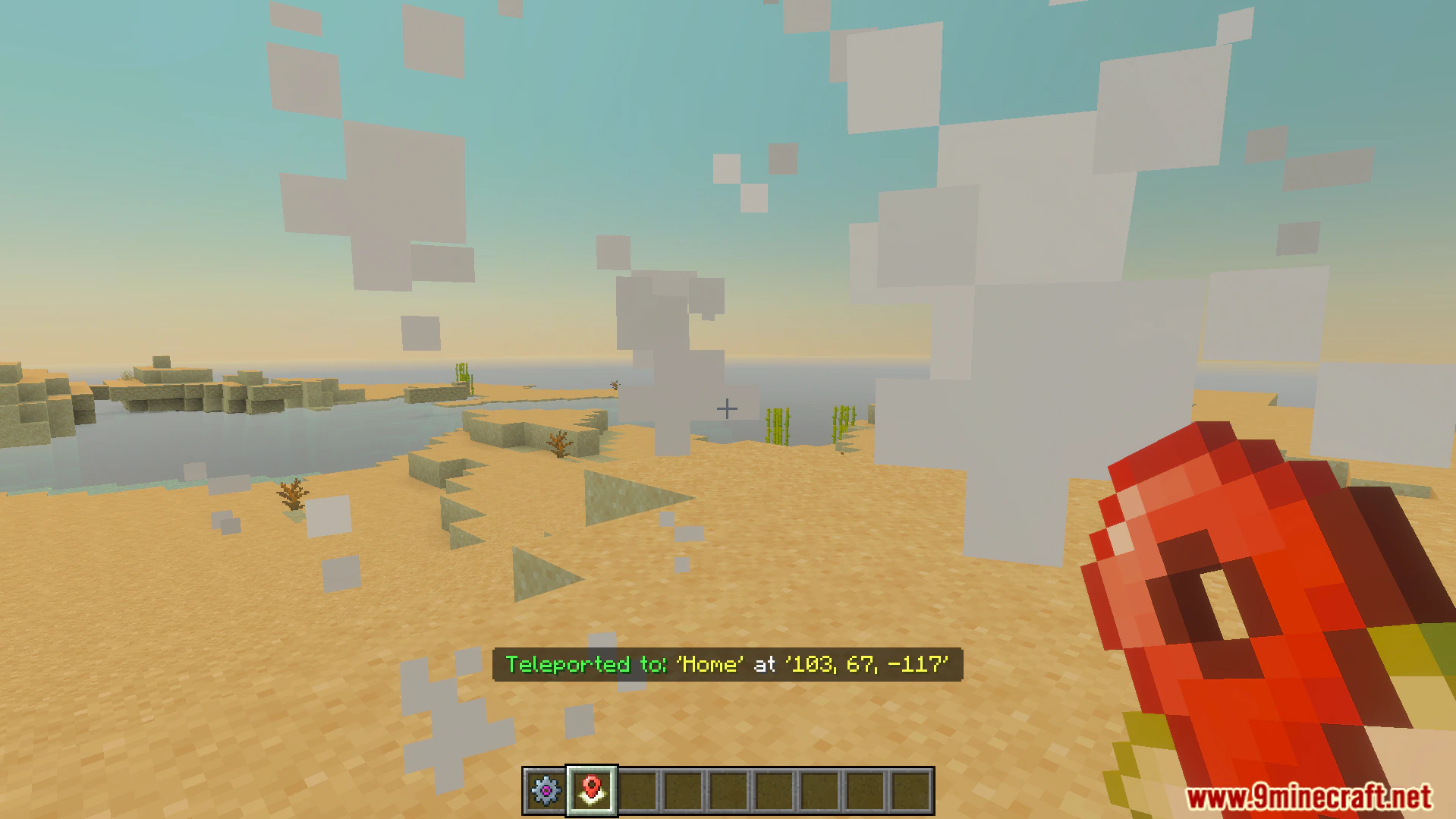
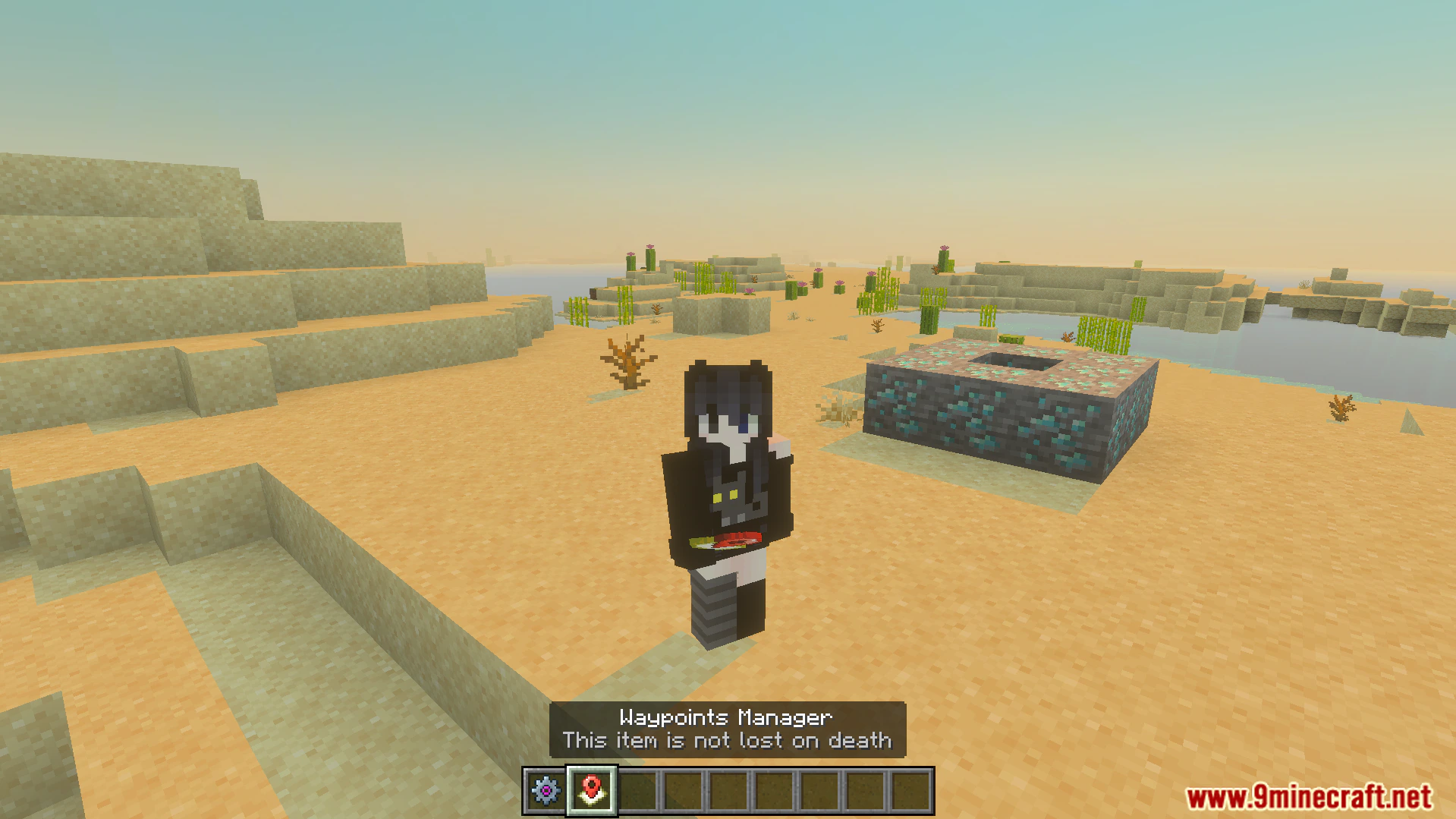
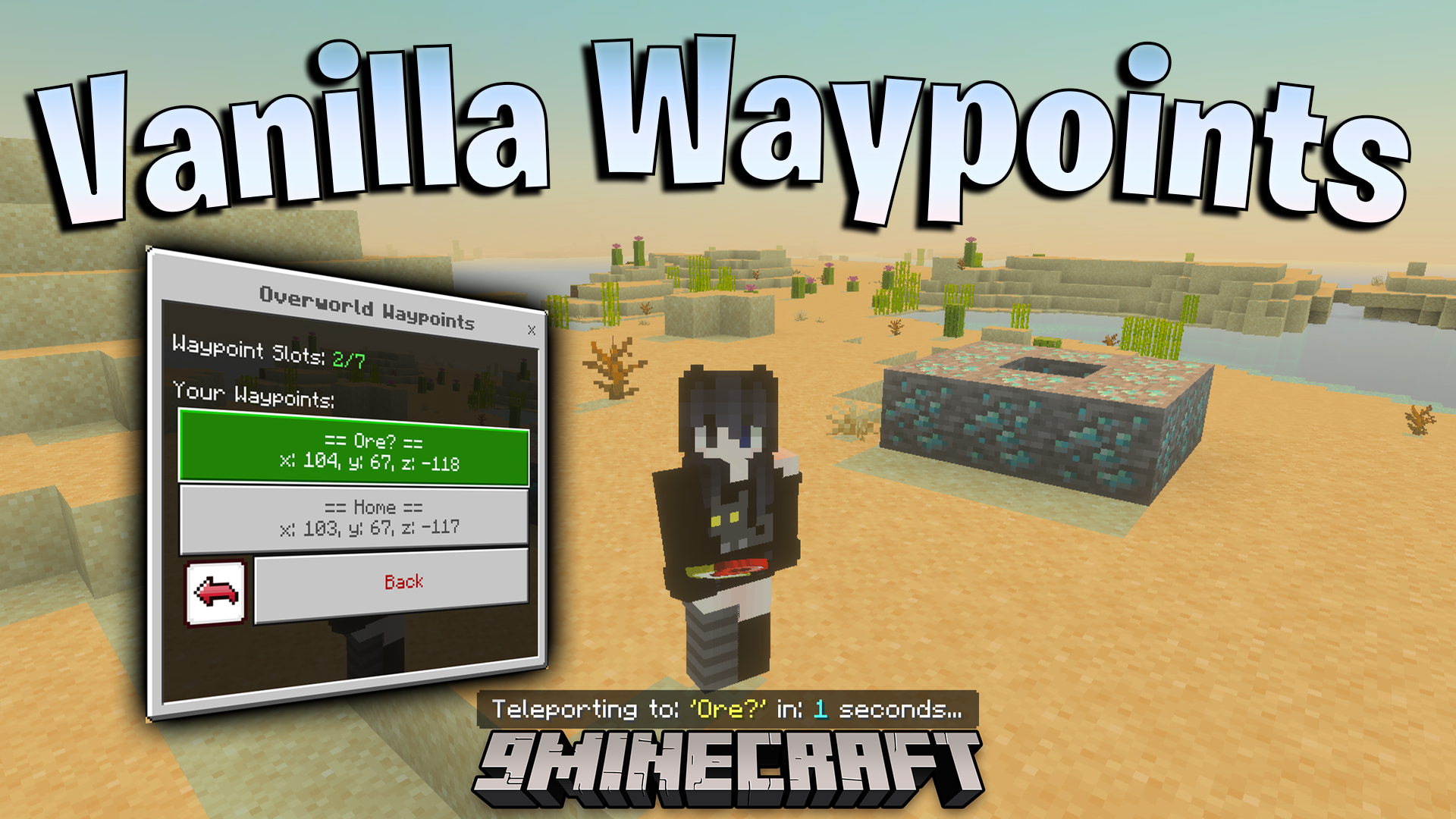
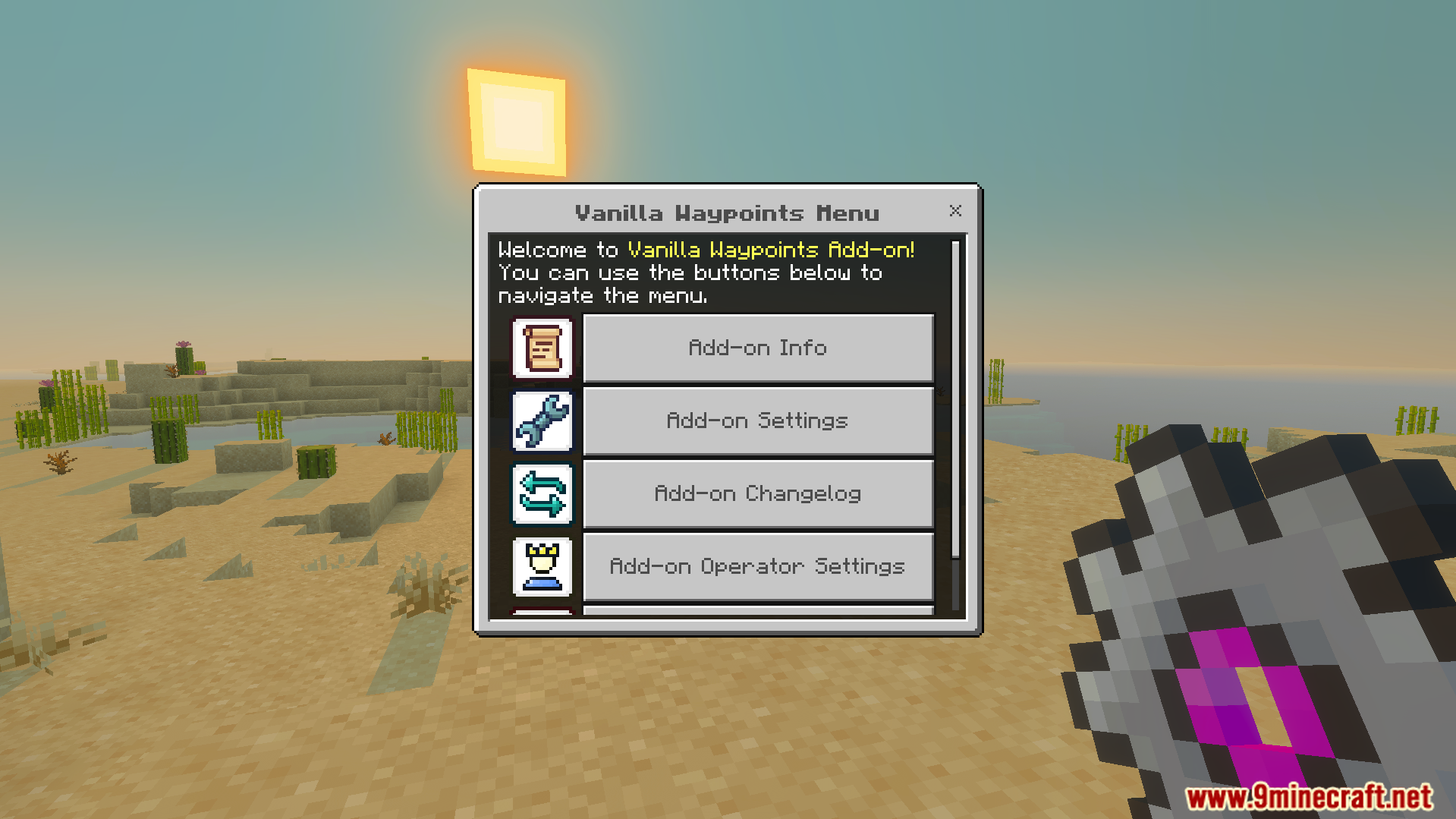
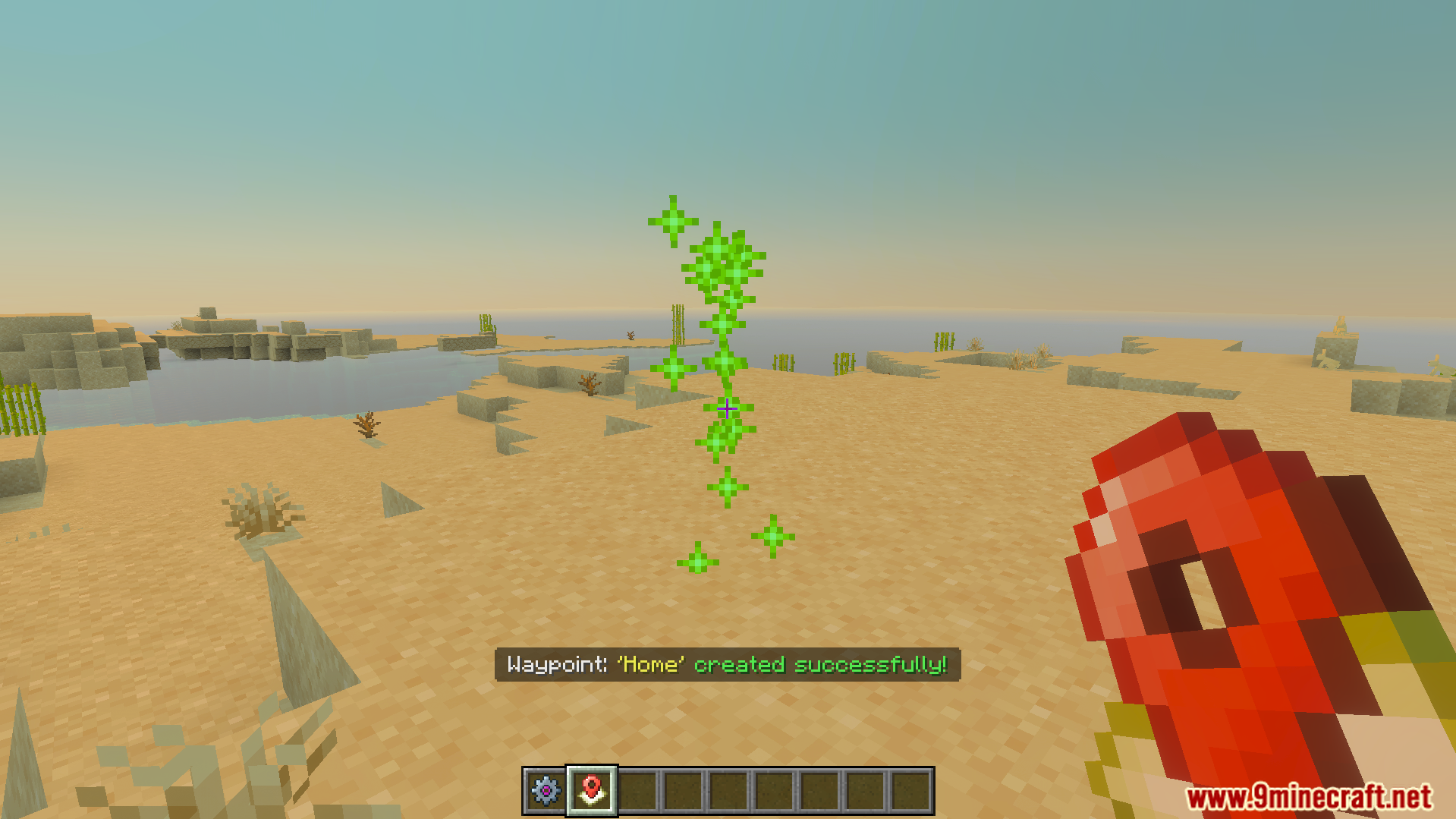
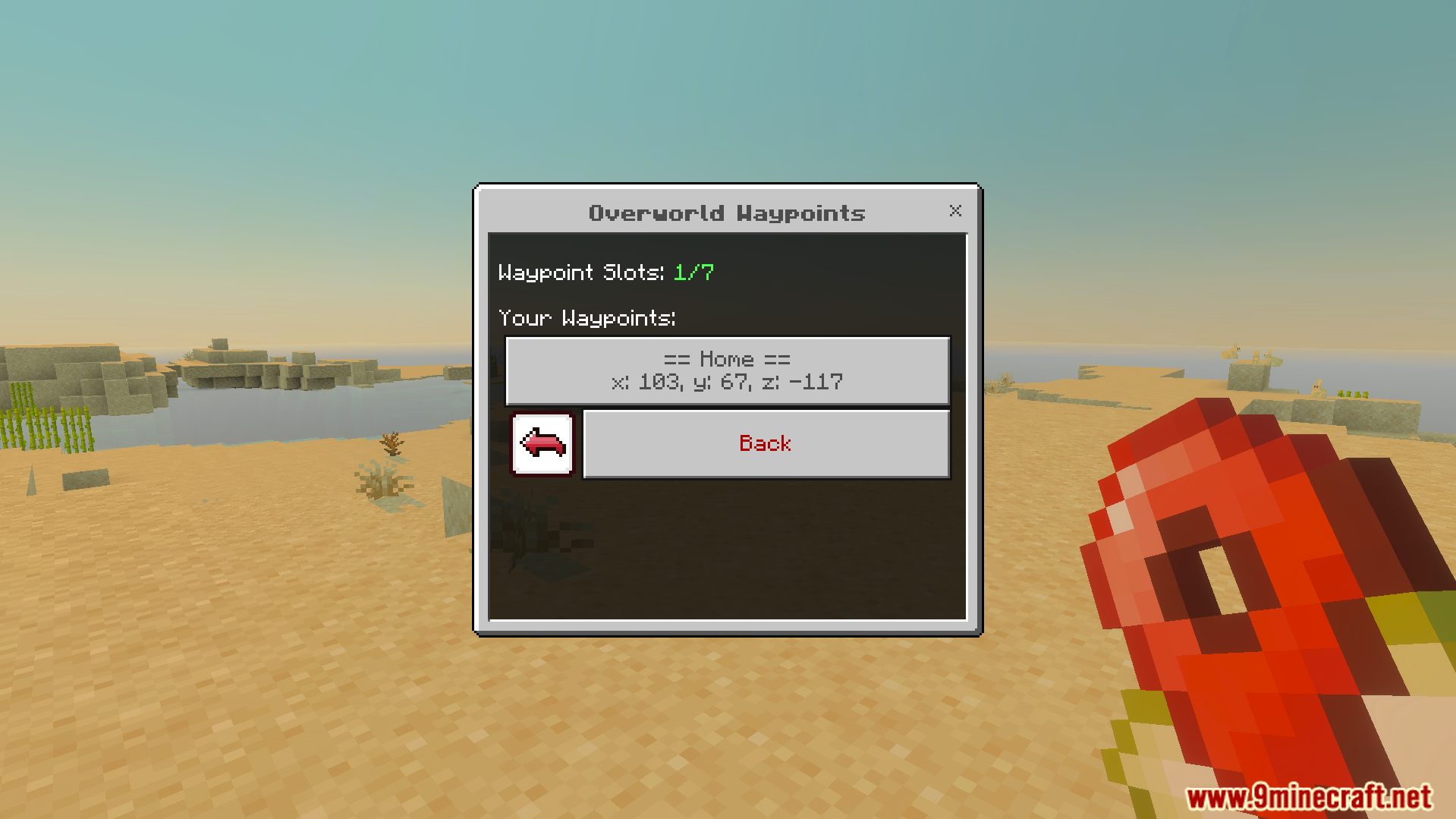
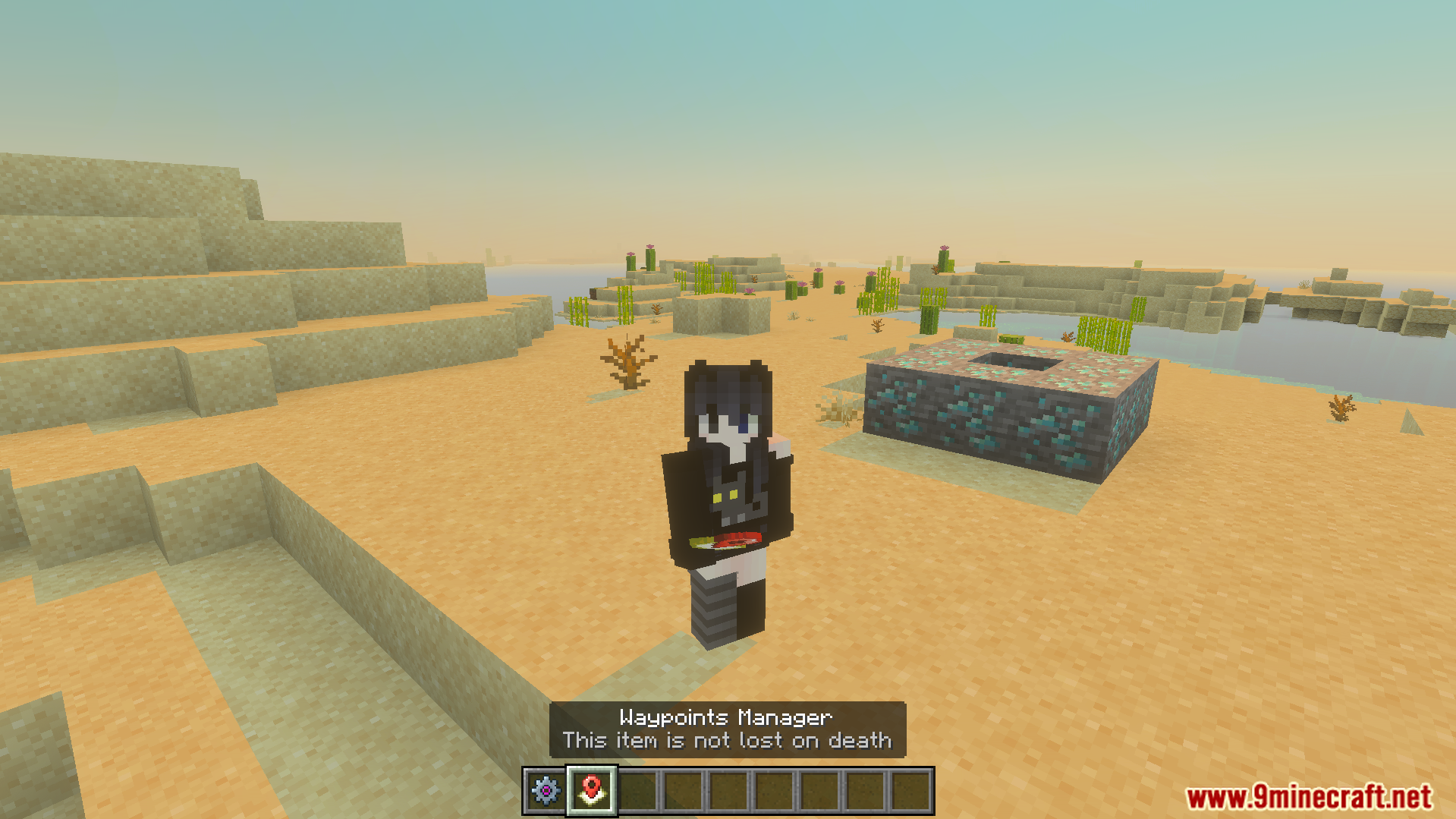
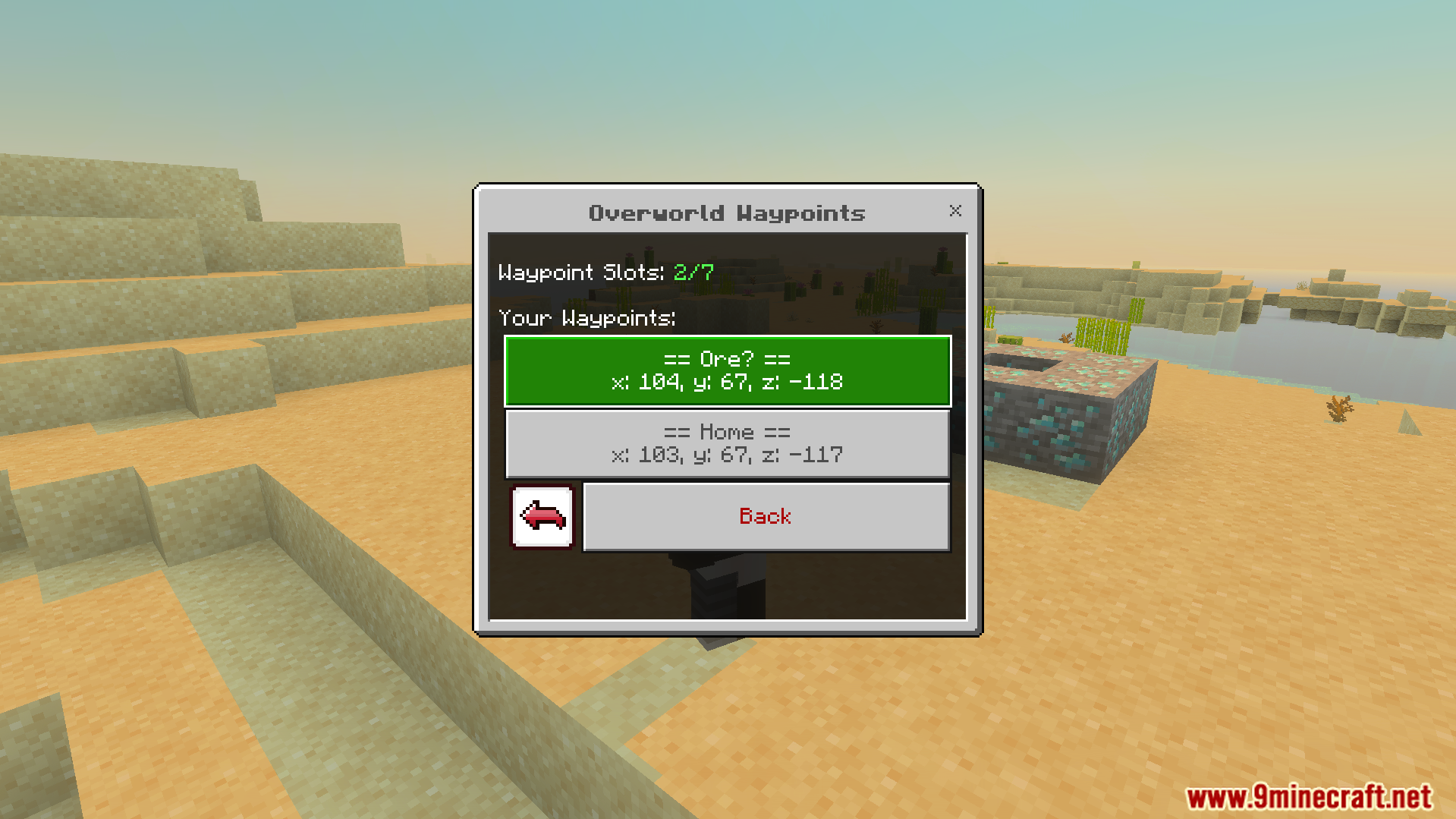
player opening the main menu interface to manage custom waypoint settingsglobal settings menu adjusting max waypoints death expiry and visual particle togglesWaypoints manager menu showing options to create view and manage saved locationsCreate waypoint menu to input a custom name and save important locationsPlayer creates a waypoint named Home in a desert biomeOverworld Waypoints menu showing the saved Home location coordinatesPlayer teleporting to a saved home location using the waypoints manager itemPlayer holding the waypoints manager item which is not lost on deathOverworld waypoints menu showing saved locations with exact coordinates for teleportationPlayer character teleporting to a saved ore location in the overworldplayer teleporting instantly to a saved waypoint location with visual smoke particles
Vanilla Waypoints Addon Download Links
Quick facts
Edition: Minecraft Bedrock
File type: .mcpack or .mcaddon
Minecraft version listed: 1.21
How to install: Download the .mcpack or .mcaddon file. → Open it — Minecraft imports it. → In your world: Behavior Packs → Available → Activate, then the same under Resource Packs.
Where to get it: In MCModsHub, or directly above on this page.