ModsJava
Block Front Survival Patch Mod (1.21.1) – Wage Tactical Warfare in Survival
Java mod listed for Minecraft 1.21. Downloads from the MC Java Mods app on Android.
⬇ Download


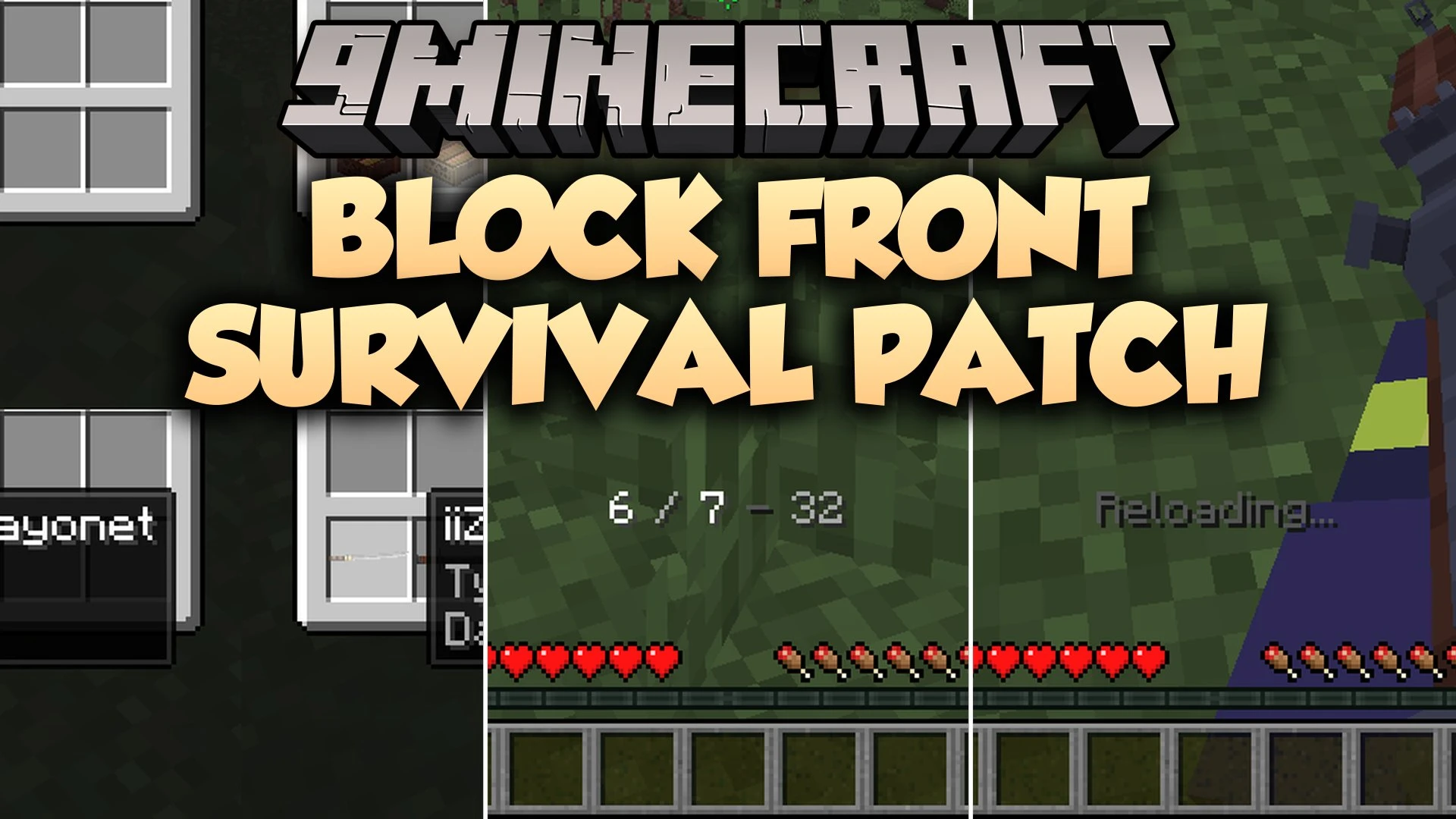
Block Front Survival Patch Mod adds survival world features for the BlockFront mod. It lets you craft firearms, attachments, and ammo in regular survival mode instead of custom match lobbies. The mod brings back tactical mechanics such as ammo indicators, self-healing syringes, and weapon inspection. It also restores combat sound effects and flamethrower fuel tanks to make gunplay complete in your worlds.
Features:
- Custom Crafting Blueprints: Adds special blueprint books to craft weapons, ammo, grenades, and attachments.
- Ammo Management HUD: Displays magazine count, weapon capacity, and remaining ammunition on your screen.
- Weapon Attachments: Lets you drag scopes, suppressors, and extended magazines onto compatible guns in your inventory.
- Self-Healing Syringes: Allows players to inject medical syringes and adrenaline directly to heal up.
- Restored Weapon Inspect: Brings back weapon inspection animations and sound cues outside of lobby matches.
- Fuel Tanks: Adds wearable fuel tanks when carrying a flamethrower in your inventory.
- Includes hitmarker effects and kill sounds during combat encounters.
- Locks the offhand slot while holding firearms to keep weapon handling clean.
- Brings back medic bags for tactical battlefield recovery.
- Lets you apply custom skins and weapon finishes using heat sources.
How to Use:
- Type Blueprint in the crafting recipe book to find the weapon, supply, and vehicle crafting guides.
- Hold an ammo item in your main hand and press F to reload your weapon.
- Open your inventory and drag an attachment item directly onto a compatible gun to equip it.
- Use a wrench in your inventory using the same drag action to remove equipped attachments.
- Hold Shift and right-click at your feet while standing still to inject a syringe.
Commands:
/scoreboard players set #hud bfusp_toggle {0/1}: Toggles the custom ammo display on your screen./scoreboard players set #vehicles bfusp_toggle {0/1}: Turns vehicle crafting on or off./scoreboard players {add/remove/set} <player> bfusp_ammo_{type} <amount>: Modifies ammunition counts for a specific player./function bfusp:crafting/blueprint1: Gives the blueprints needed to craft weapons./function bfusp:crafting/permit: Provides ingredients for special novelty items./function bfusp:randomize_mint: Changes item condition values.
Screenshots:
Block Front Survival Patch Mod Download Links
Quick facts
- Edition: Minecraft Java
- File type: .jar
- Minecraft version listed: 1.21.1
- How to install: Install the matching mod loader (Forge, Fabric or NeoForge) for your Minecraft version. → Download the .jar. → Put it in the .minecraft/mods folder and launch that loader profile.
- Where to get it: In MC Java Mods, or directly above on this page.
Install steps are the general flow for this file type — How to install Minecraft Java mods & modpacks walks through it step by step.
File checked by MCModsHub
- Downloads as 535833.mcaddon
- Download size: 576 KB
- Download link checked 29 Oct 2026 — working
- Mirrored on our own servers — the download does not depend on the original host
These come from our own check of the pack file, not from the source page.