ModsJava
Offgrid Mod (26.3, 1.20.1) – Furnish Compact Interiors Without Strict Grid
Java mod listed for Minecraft 1.20. Downloads from the MC Java Mods app on Android.
⬇ Download


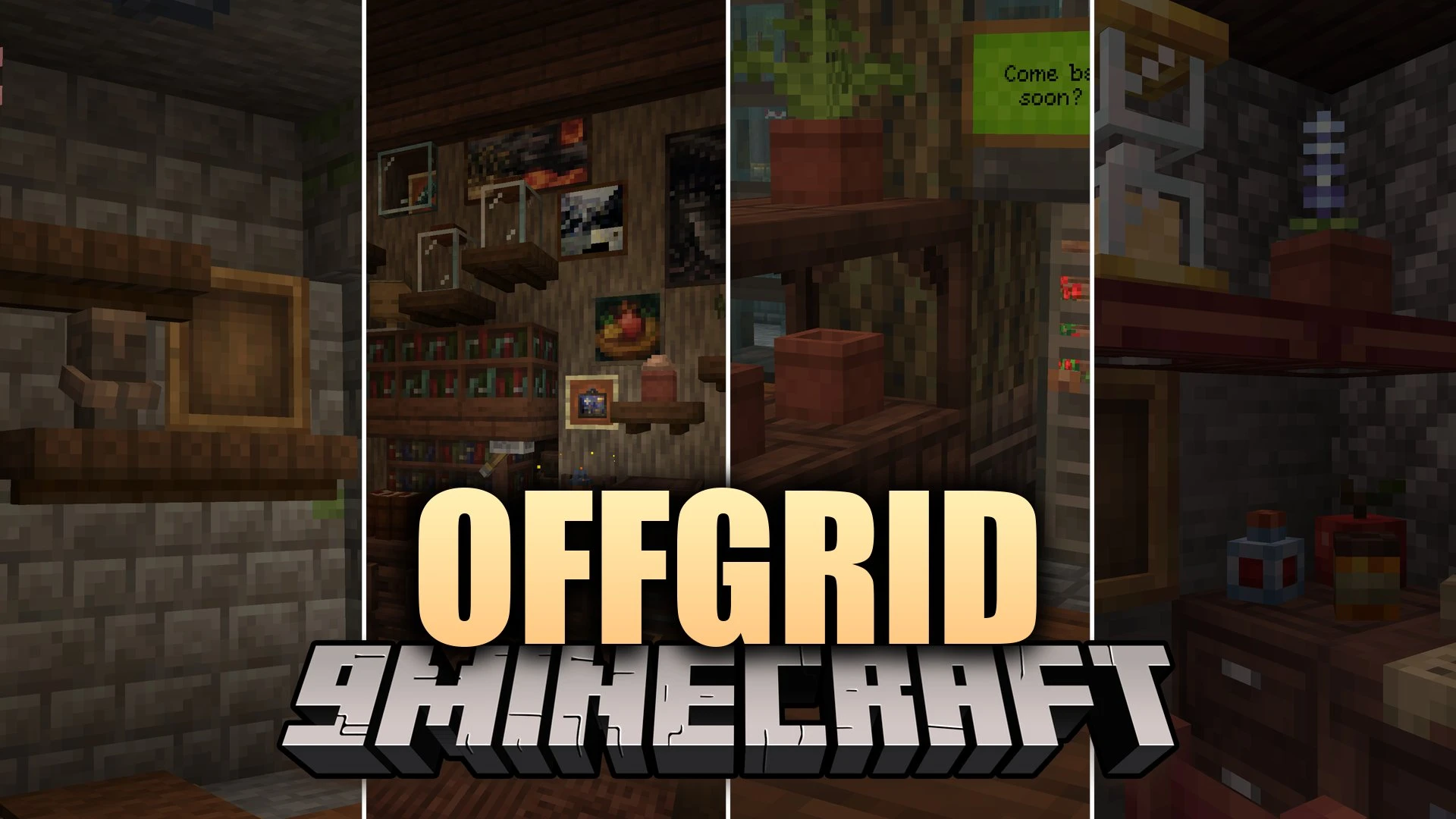
Offgrid Mod unlocks freeform block placement by removing strict grid limits in your world. You can fit multiple partial blocks inside a single block space whenever there is room. It also shifts certain pieces against nearby surfaces so everything connects naturally. Building keeps the standard vanilla feel without requiring extra hotkeys or special tools.
Features:
- Mixed Slabs: Combine two different slab types together in a single block space where they behave as separate blocks.
- Windowlogging: Place glass panes straight inside stairs, slabs, fences, chains, and stone walls.
- Free Surface Placement: Hang item frames and paintings on any fitting surface without sticking strictly to grid lines.
- Layer Logging: Lay down carpets and layers of snow inside slabs and other open block spaces.
- Piston pushes, redstone ticks, and Create contraptions still move and update these combined blocks normally.
- Keeps normal vanilla controls with zero extra keybinds or pixel-alignment hassles.
- Matches custom tags so players can set which blocks can share spaces or offset onto walls.
Block Tags:
offgrid:can_offset: Marks blocks that shift from their standard spot to snap against a wall.offgrid:can_overlay: Marks blocks that can share space with others when room allows.offgrid:facing_attaching: Marks wall attachments like wall torches that attach opposite to their facing direction.offgrid:can_blocklog: Marks objects like chains, fences, walls, and glass panes that fit inside other blocks.offgrid:blockloggable: Marks hollow blocks like slabs and stairs that accept blocklogged items.offgrid:layers: Marks thin layers such as snow and carpets that sit inside non-full blocks.offgrid:surface_attaching: Marks wall objects like item frames and paintings that rest on open surfaces.
Screenshots:
Offgrid Mod Download Links
Quick facts
- Edition: Minecraft Java
- File type: .jar
- Minecraft version listed: 1.20.1
- How to install: Install the matching mod loader (Forge, Fabric or NeoForge) for your Minecraft version. → Download the .jar. → Put it in the .minecraft/mods folder and launch that loader profile.
- Where to get it: In MC Java Mods, or directly above on this page.
Install steps are the general flow for this file type — How to install Minecraft Java mods & modpacks walks through it step by step.
File checked by MCModsHub
- Downloads as 535958.mcaddon
- Download size: 715 KB
- Download link checked 29 Oct 2026 — working
- Mirrored on our own servers — the download does not depend on the original host
These come from our own check of the pack file, not from the source page.