
Among Us Suits
Java mod listed for Minecraft 1.21. Downloads from the MC Java Mods app on Android.
This mod adds a variety of all the classic among us different colored suits! Perfect for making maps or full on modpacks.
⬇ Download on ModrinthAmong Us Suits
Bring the iconic Among Us crewmate suits into Minecraft!
Among Us Suits adds all 18 different Among Us suit colors as wearable armor for Fabric 1.21.8. These suits are not obtainable in Survival and are intended for:
- 🗺️ Adventure maps
- 🎭 Roleplay maps
- 👥 Multiplayer Among Us recreations
- 📦 Modpacks
- 🎬 Content creation (YouTube, TikTok, etc.)
This mod is designed as a utility for creators, making it easy to recreate the look of Among Us inside Minecraft.
Why Use This Mod?
There are a few Among Us cosmetic mods out there, but Among Us Suits was built with accuracy, consistency, and creators in mind.
🎨 Faithful to the Original Game
Every suit color has been carefully recreated to closely match the official Among Us colors. The colors are based on the original game's palette, making them as hex-code accurate as possible for an authentic look.
✨ Clean Art Style
The textures are made to blend naturally with Minecraft while still keeping the recognizable style of Among Us. The result is a clean, polished appearance that looks great in-game without feeling out of place.
🗺️ Built for Creators
Unlike many cosmetic mods that focus on gameplay progression, this mod is designed specifically for:
- Adventure maps
- Multiplayer game modes
- Roleplay servers
- Videos and machinimas
- Modpacks
Since the suits are intentionally unobtainable in Survival, you don't have to worry about balancing or progression—they're simply tools for creating great experiences.
❤️ Simple & Lightweight
No unnecessary mechanics. No extra items. No complicated systems.
Just 18 faithful Among Us suits, ready for your next project.
Features
- ✅ All 18 Among Us suit colors
- ✅ Faithfully recreated colors
- ✅ Clean, polished textures
- ✅ Wearable armor pieces
- ✅ Fabric 1.21.8 support
- ✅ Perfect for maps and custom game modes
- ❌ Not obtainable in Survival
- ❌ No gameplay changes—purely cosmetic
Installation
Requirements
- Minecraft 1.21.8
- Fabric Loader
- Fabric API
Steps
- Install Fabric Loader for Minecraft 1.21.8.
- Install Fabric API.
- Place Among Us Suits into your
modsfolder. - Launch Minecraft.
SETUP GUIDE
To make the suits look correct, run the following command:
/effect give @a invisibility infinite 1 true
This hides the player's vanilla model so only the suit is visible.
Optional (Highly Recommended for Map Makers)
If you're creating an Among Us-style map, it's highly recommended to also run:
/attribute @a minecraft:camera_distance base set 0
This disables second-person and third-person camera views, preventing players from using those perspectives to gain an unfair advantage.
Note: This command is completely optional, but it is strongly recommended if you're recreating the gameplay of Among Us.
Permissions & Credit
You are allowed to:
- ✅ Use this mod in maps
- ✅ Include this mod in modpacks
- ✅ Make videos or other content featuring this mod
However, credit is required.
If you use this mod in:
- 📦 A modpack
- 🗺️ A map
- 🎥 A YouTube video
- 📱 TikTok, Instagram, Shorts, Reels, or any other social media content
- 📺 Livestreams or other public content
Please:
- Give credit to Among Us Suits
- Include a link to this Modrinth project page
For maps and modpacks, please include the credit and link in the project description.
Thank you for respecting the work that went into making this project!
☕ Buy Me a Coffee
If you enjoy Among Us Suits and would like to support future projects, consider buying me a coffee!
I'm an independent developer who creates these projects in my free time. Every texture, model, and line of code in this mod was made by me. Your support helps me spend more time creating new mods, improving existing ones, and releasing even more free content for the community.
Even if you can't support financially, simply downloading the mod, sharing it with friends, or giving proper credit goes a long way. ❤️

Showcase
❤️ Red

💙 Blue
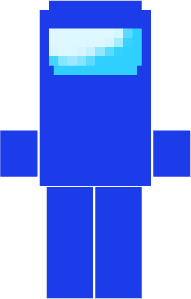
💚 Green
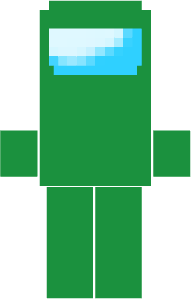
💗 Pink
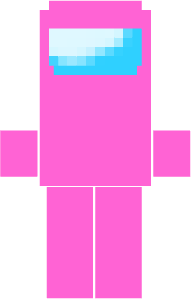
🧡 Orange
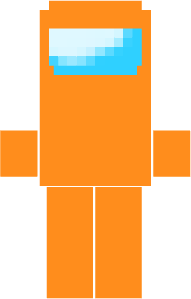
💛 Yellow
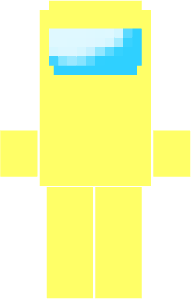
⚫ Black
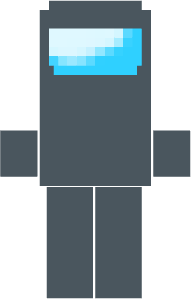
⚪ White
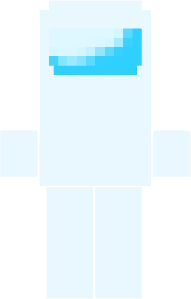
🟣 Purple
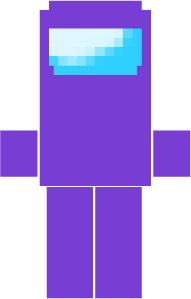
🟤 Brown
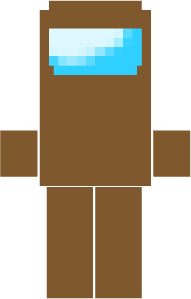
🩵 Cyan
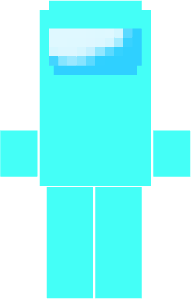
💚 Lime
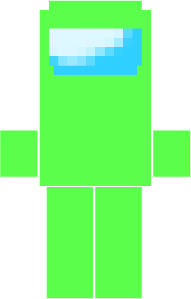
🌹 Rose
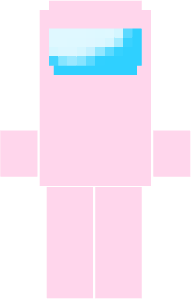
🍌 Banana
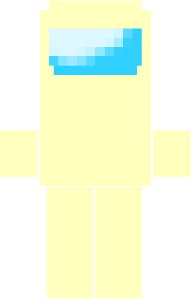
🩶 Gray
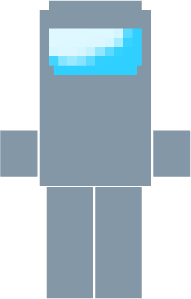
🤎 Tan
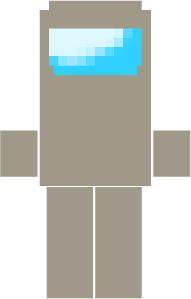
🪸 Coral
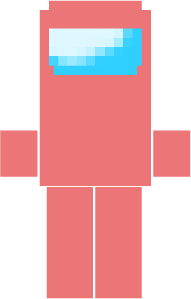
🍷 Maroon
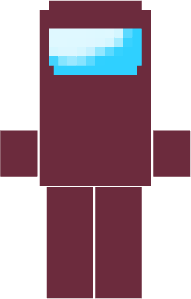
Enjoy creating your own Among Us experiences in Minecraft!
- Edition: Minecraft Java
- File type: .jar
- Minecraft version listed: 1.21.8
- How to install: Install the matching mod loader (Forge, Fabric or NeoForge) for your Minecraft version. → Download the .jar. → Put it in the .minecraft/mods folder and launch that loader profile.
- Where to get it: Opens on Modrinth — not every file is mirrored on our own servers.
Install steps are the general flow for this file type — How to install Minecraft Java mods & modpacks walks through it step by step.
- Ships as among_us_space_suit-1.0.0-fabric-1.21.8.jar — drop this file into the mods folder
- Download size: 260 KB
- Download link checked 29 Oct 2026 — working
These come from our own check of the pack file, not from the source page.