
MipmapFix
Java mod listed for Minecraft 1.19–1.21. Downloads from the MC Java Mods app on Android.
Ever noticed that textures become very fuzzy when introducing a mod or two, maybe a resource pack? Here's your fix.
⬇ Download on Modrinth
Ever noticed that distant textures become very fuzzy when introducing a mod or two, maybe a resource pack? Here's your fix.
Visual Comparison
The difference is not actually immediately noticeable, unless you look closely at the images.
Before vs After
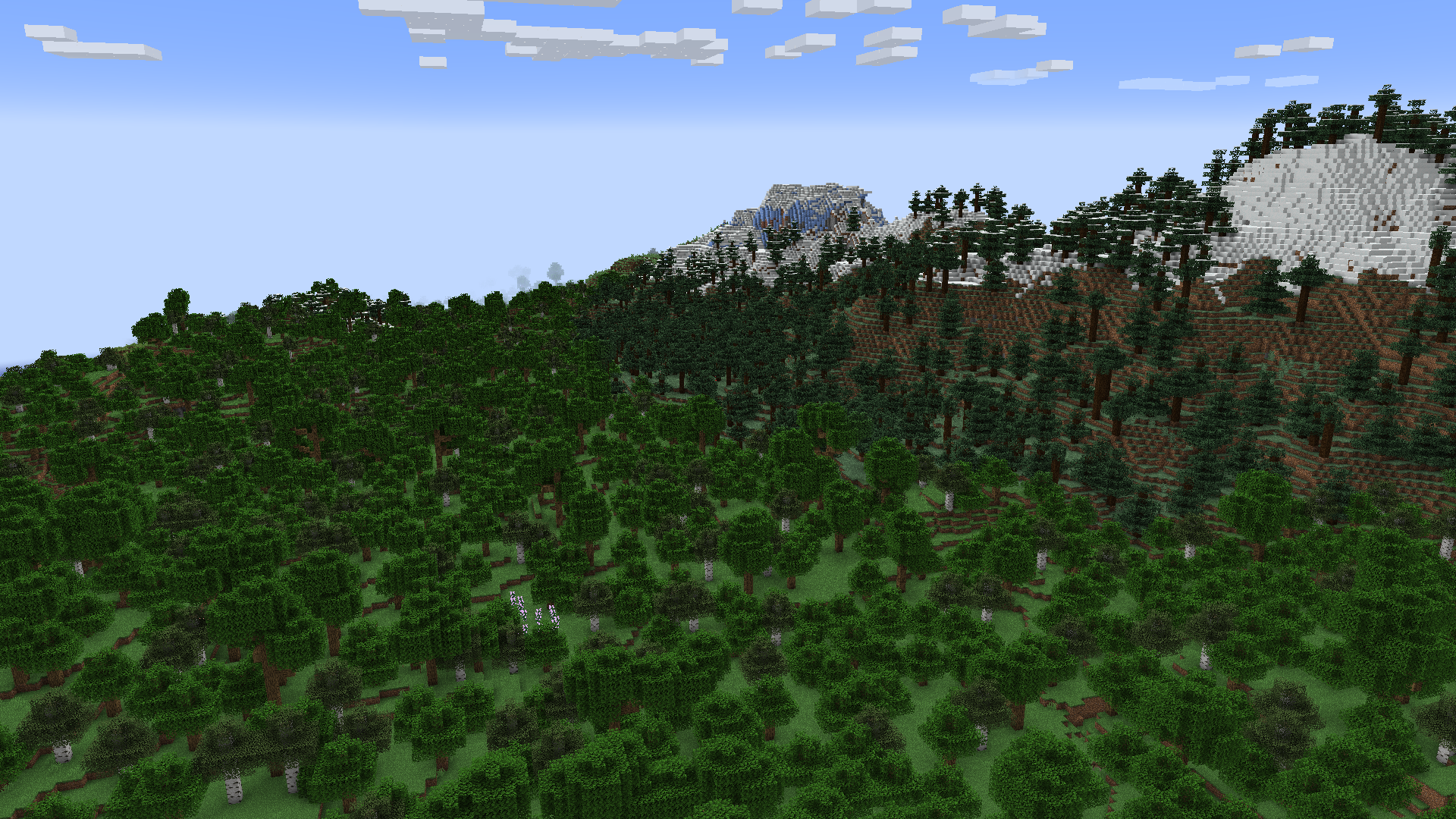
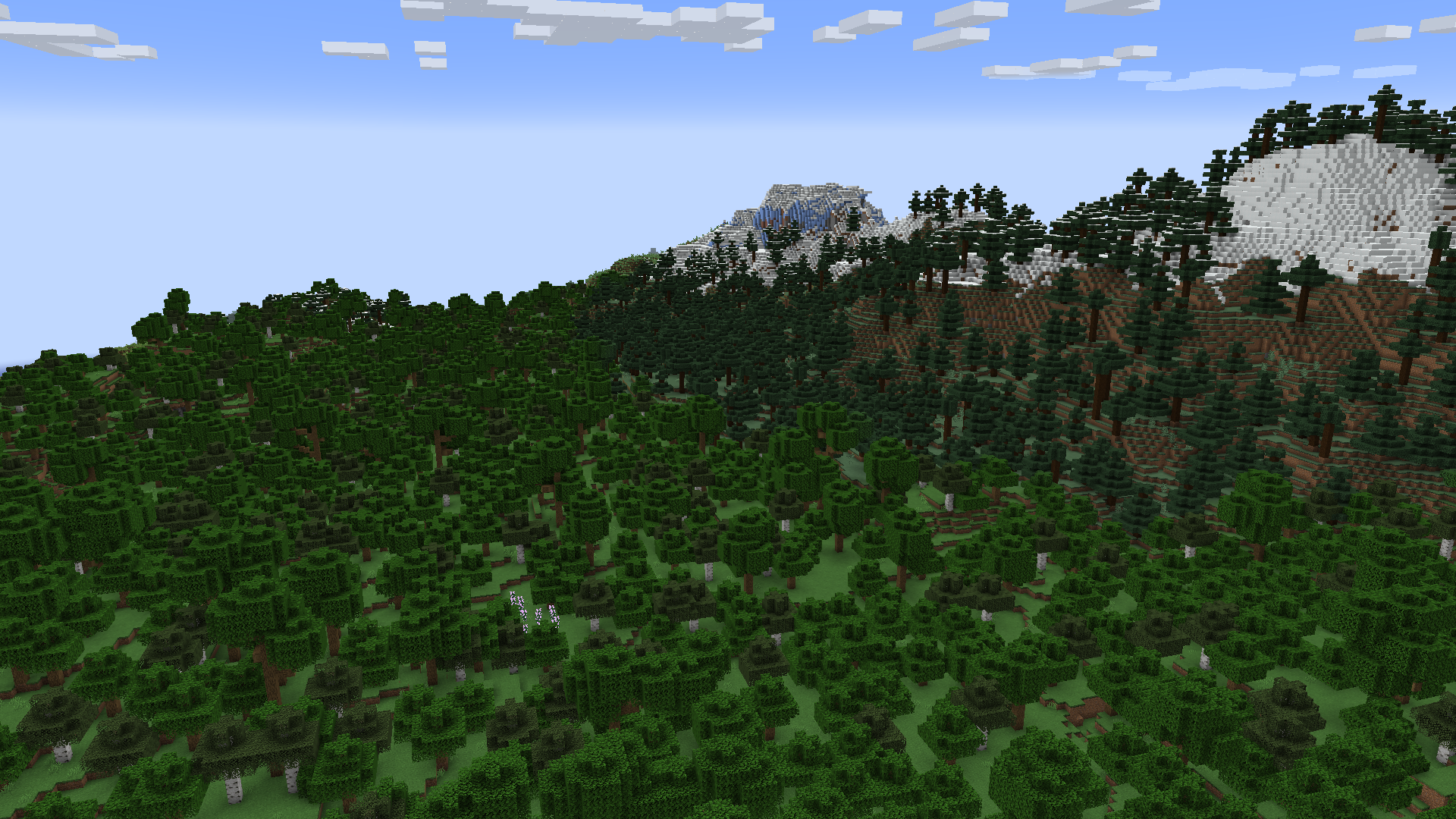
Why does this happen?
One of your mods or resource packs has a texture that isn't a power of two being used in the blocks or items. A power of two texture is 16x16, 32x32, 64x64, 128x128, etc.
Your textures should always be a power of two regardless, even if they're being added to a texture atlas that is already a power of two. It's nice to have a standard, and for any textures that aren't on an atlas, they would provide some rendering optimizations on their own.
Why doesn't this happen on (Neo)Forge?
They have their own fix for this, which I ported to mixin into Kilt, then adapted into its own mod because for some reason no one else has done this. Everyone that has is all me.
- Edition: Minecraft Java
- File type: .jar
- Minecraft versions listed: 1.19.3, 1.19.4, 1.20
- How to install: Install the matching mod loader (Forge, Fabric or NeoForge) for your Minecraft version. → Download the .jar. → Put it in the .minecraft/mods folder and launch that loader profile.
- Where to get it: Opens on Modrinth — not every file is mirrored on our own servers.
Install steps are the general flow for this file type — How to install Minecraft Java mods & modpacks walks through it step by step.
- Ships as MipmapFix-1.0.0.jar — drop this file into the mods folder
- Download size: 51 KB
- Download link checked 29 Oct 2026 — working
These come from our own check of the pack file, not from the source page.