4D Skin Geometry Loader Android is a small native library mod for Android Minecraft Pocket Edition that unlocks custom 4D and 5D skin geometry rendering. The official Bedrock client only allows non-standard player geometry for marketplace-signed skin packs – this mod patches that restriction at runtime so any imported .mcpack with custom geometry will render correctly. It is the missing piece that turns a flat-texture skin pack into a full 4D character on stock Minecraft PE running through LeviLaunchroid or Ambient Launcher.
Features:
Patches the Minecraft PE skin pack loader at runtime to accept any custom geometry JSON, not just marketplace-signed packs.
Enables the cape field in the skin pack format so custom skins can ship with HD capes.
Preserves custom geometry references inside skins.json instead of being stripped by the default loader.
Works with LeviLaunchroid and Ambient Launcher as a drop-in mod module.
Built with Android NDK r27d targeting Android 5.0 (API 21) and newer – compatible with the vast majority of modern Android devices.
Very lightweight at only 325 KB. The mod is stripped of debug symbols and applies binary patches in memory without modifying any APK files on disk.
Compatible with the latest Minecraft PE 26.x and 1.21 versions.
How to Install:
Install a modded Minecraft PE launcher of your choice. The two most popular options are LeviLaunchroid (open source, available on GitHub) or Ambient Launcher (available on the Google Play Store as io.kitsuri.mayape).
Inside the launcher, import your official Minecraft Pocket Edition APK that you downloaded from the Play Store. The launcher will run it in a sandboxed environment.
Download lib4dskin.so from the link below. If you downloaded the ZIP version, extract it first.
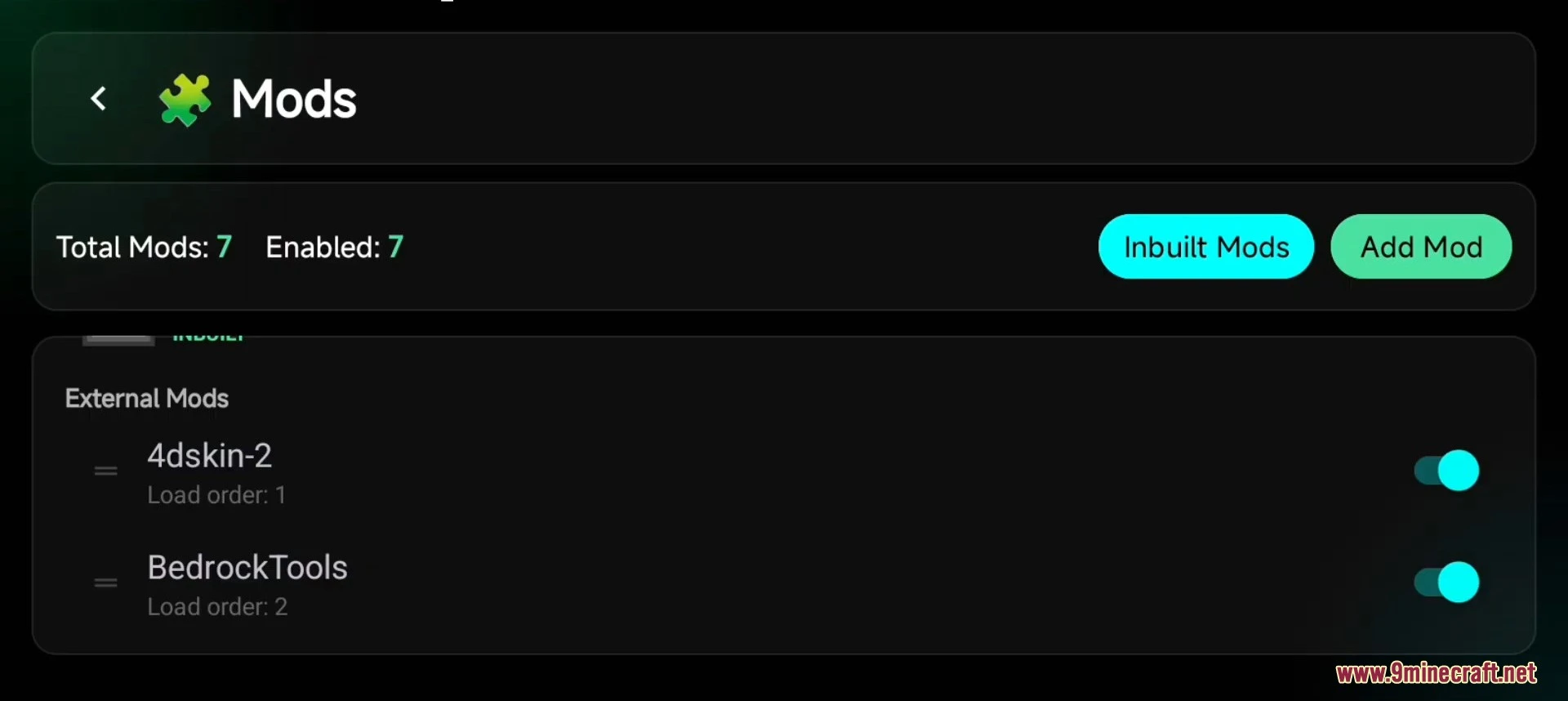
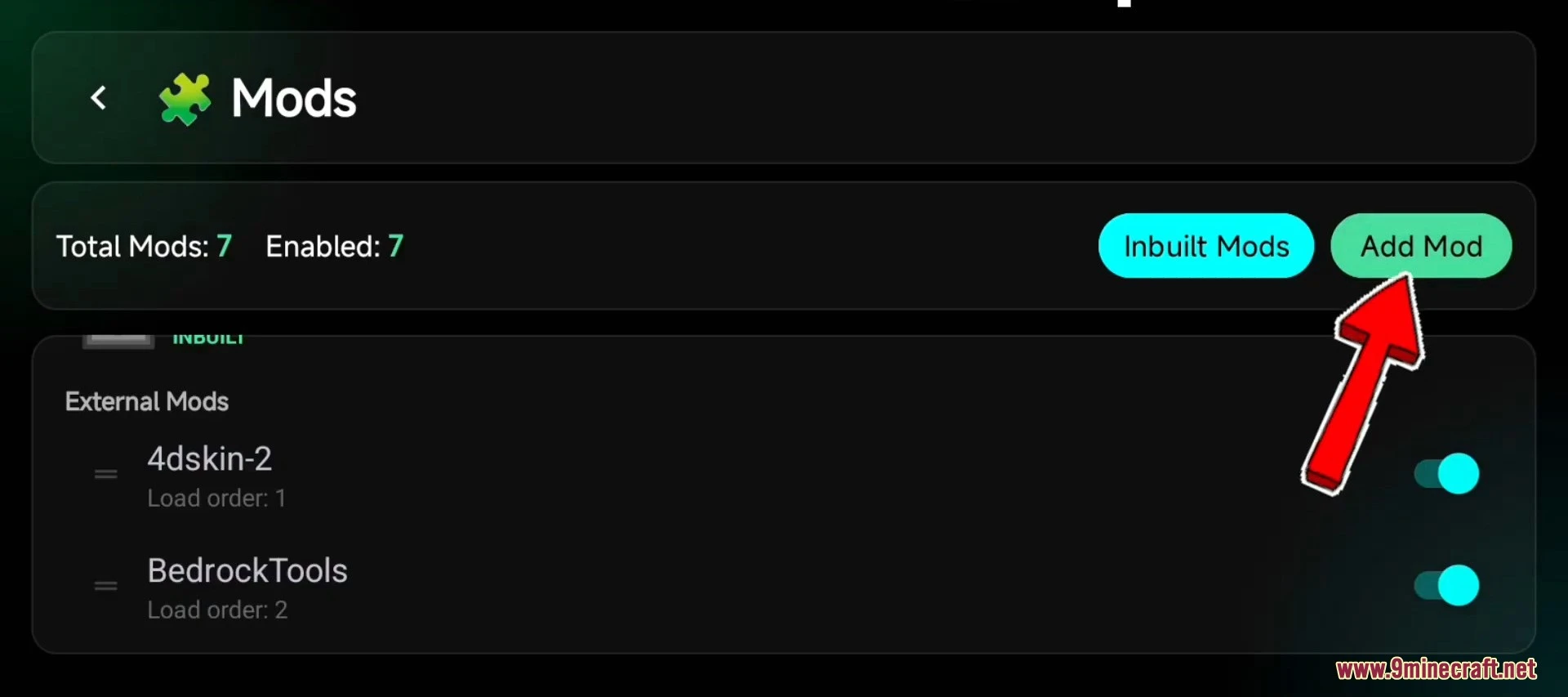
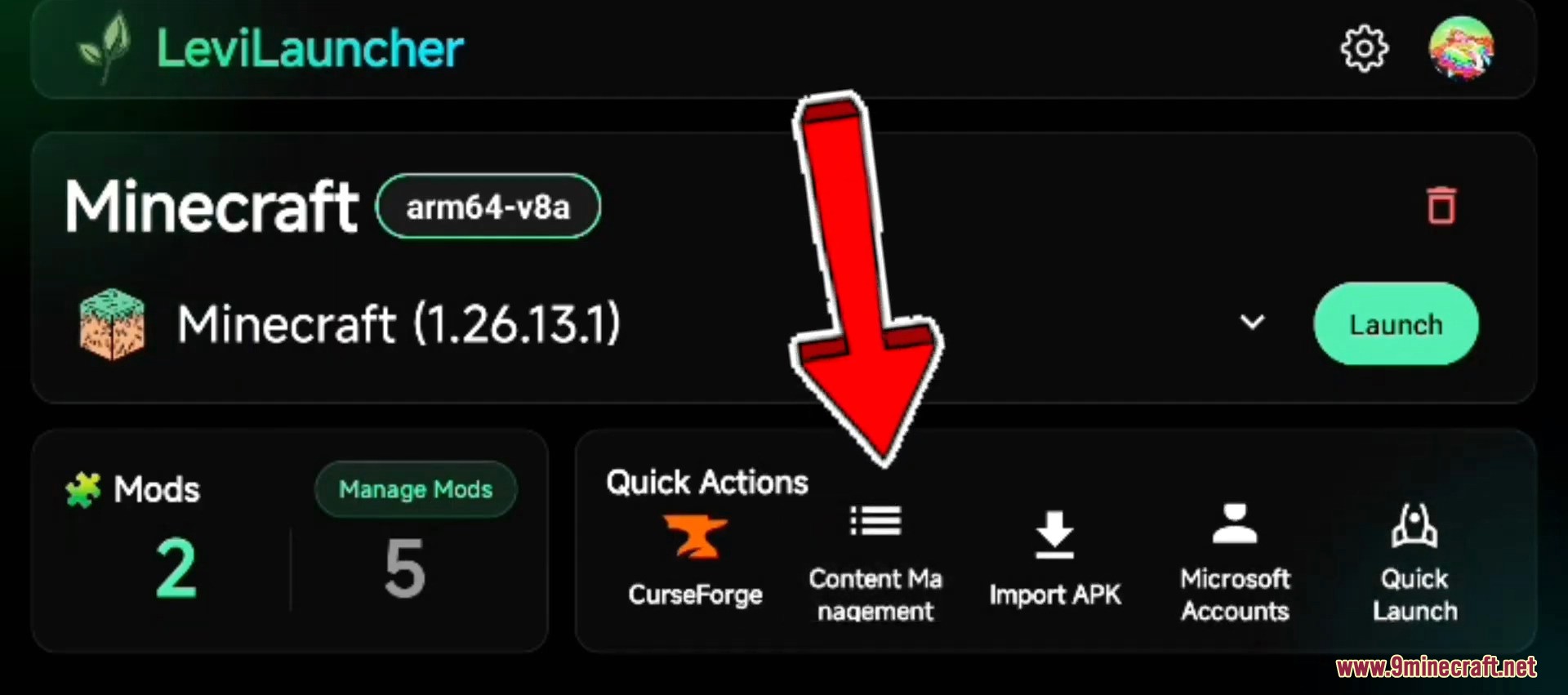
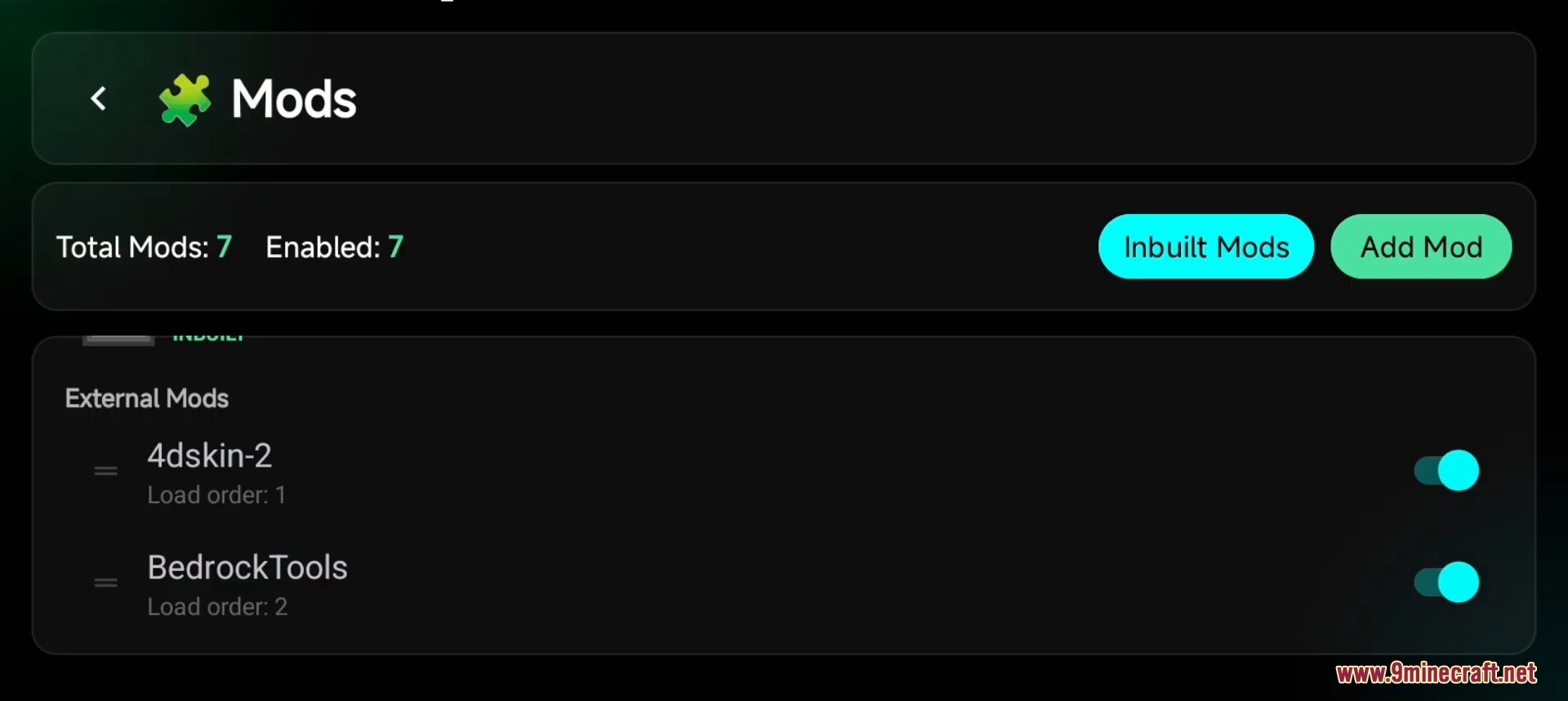
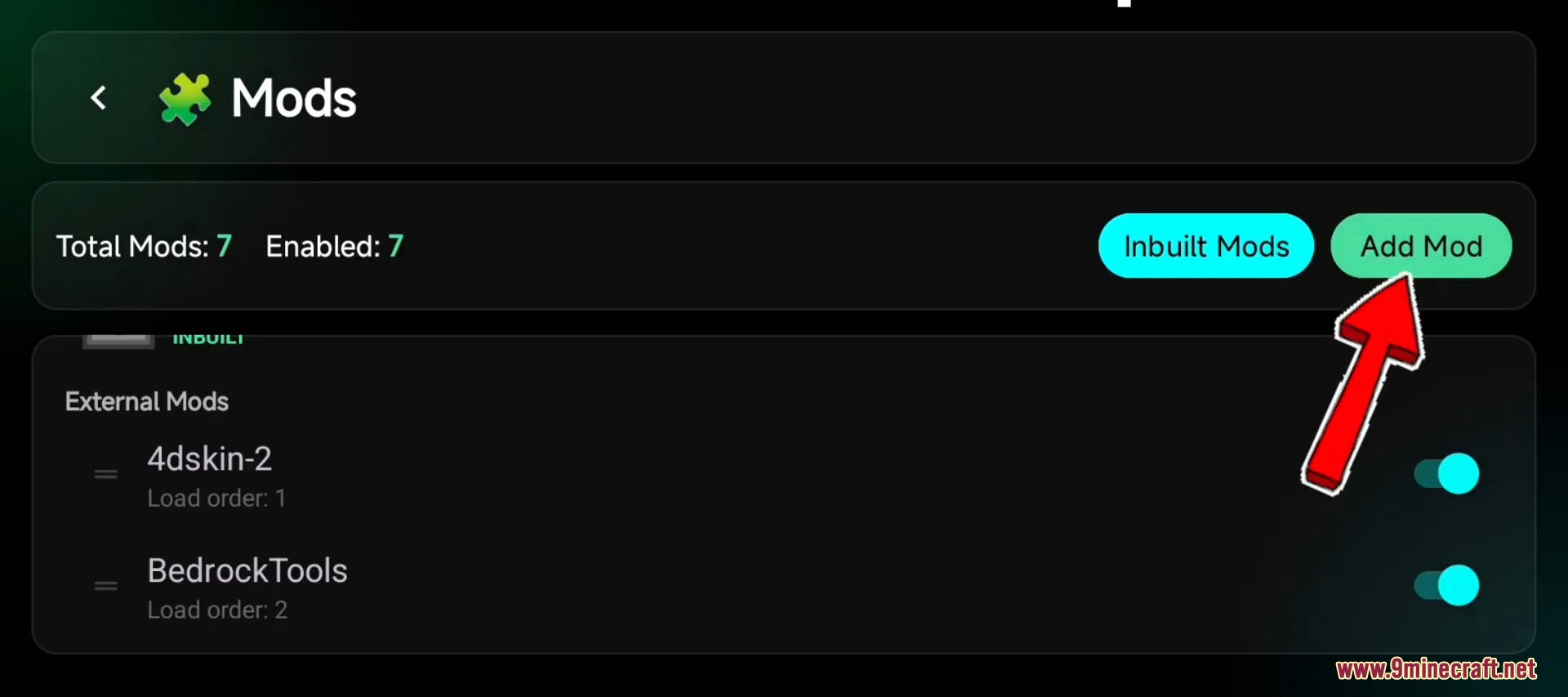
Inside the launcher, open the Manage Mods screen (LeviLauncher) or the Mods Manager tab (Ambient).
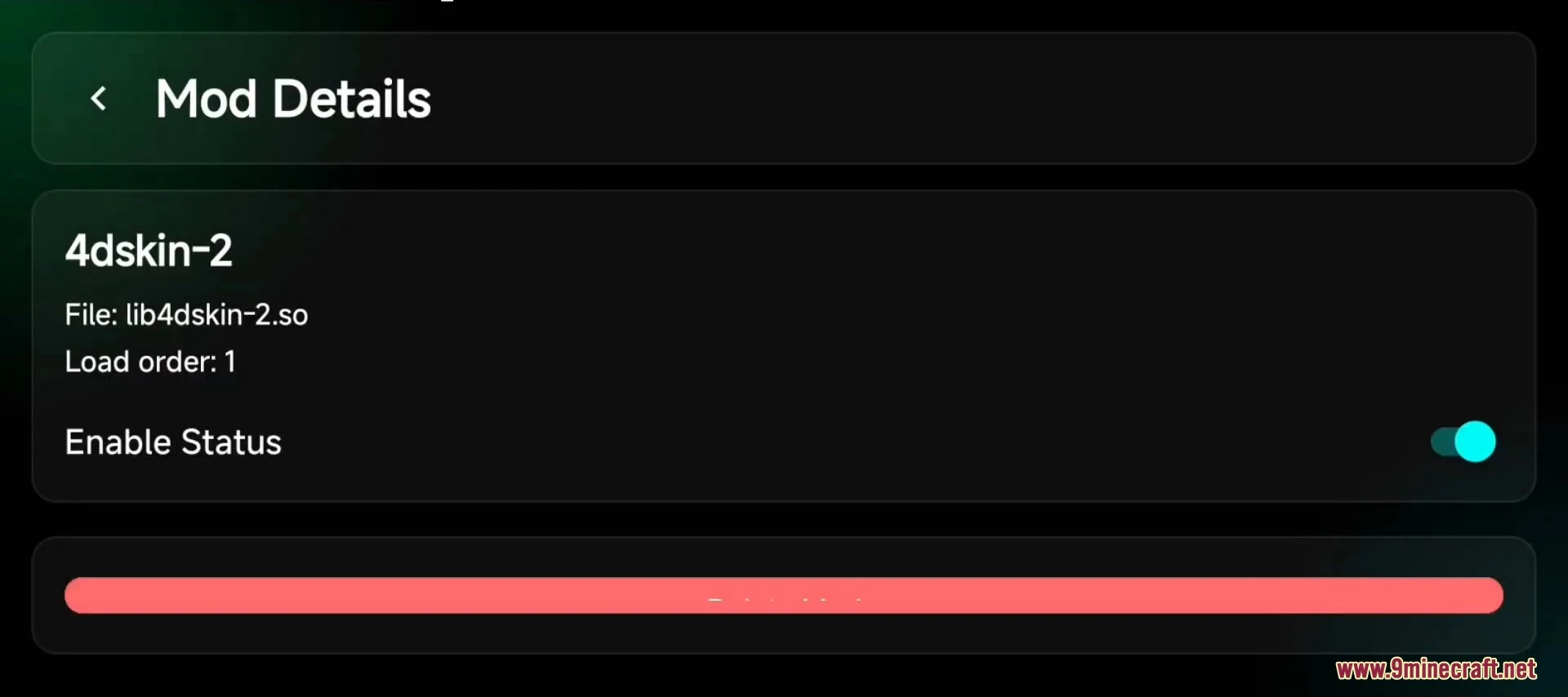
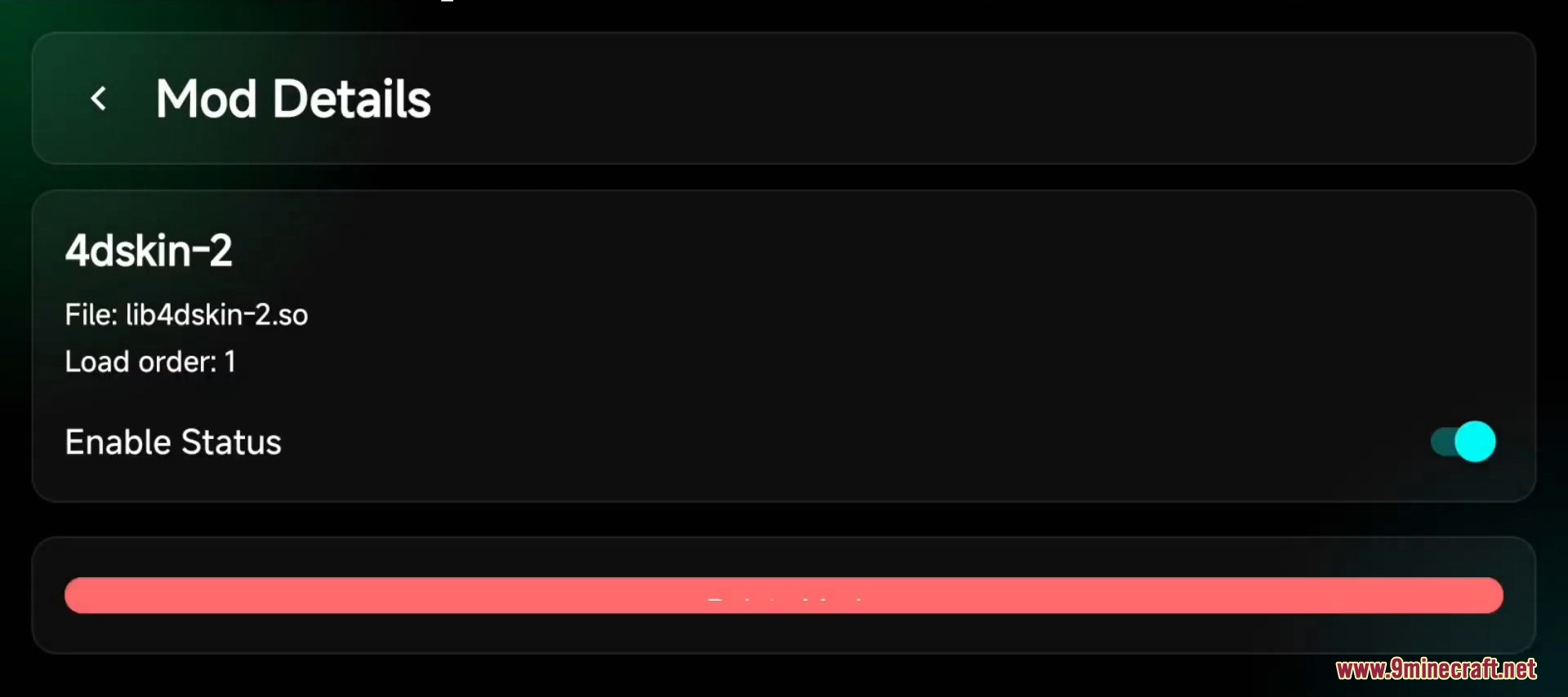
Add lib4dskin.so as a new mod and toggle its status to Enabled.
If your launcher prompts for mod priority or load order, place this mod near the top so it loads before the skin pack is parsed.
Restart Minecraft from inside the launcher.
Disable Trusted Skins in Settings → Profile → Trusted Skins if you have not already done so.
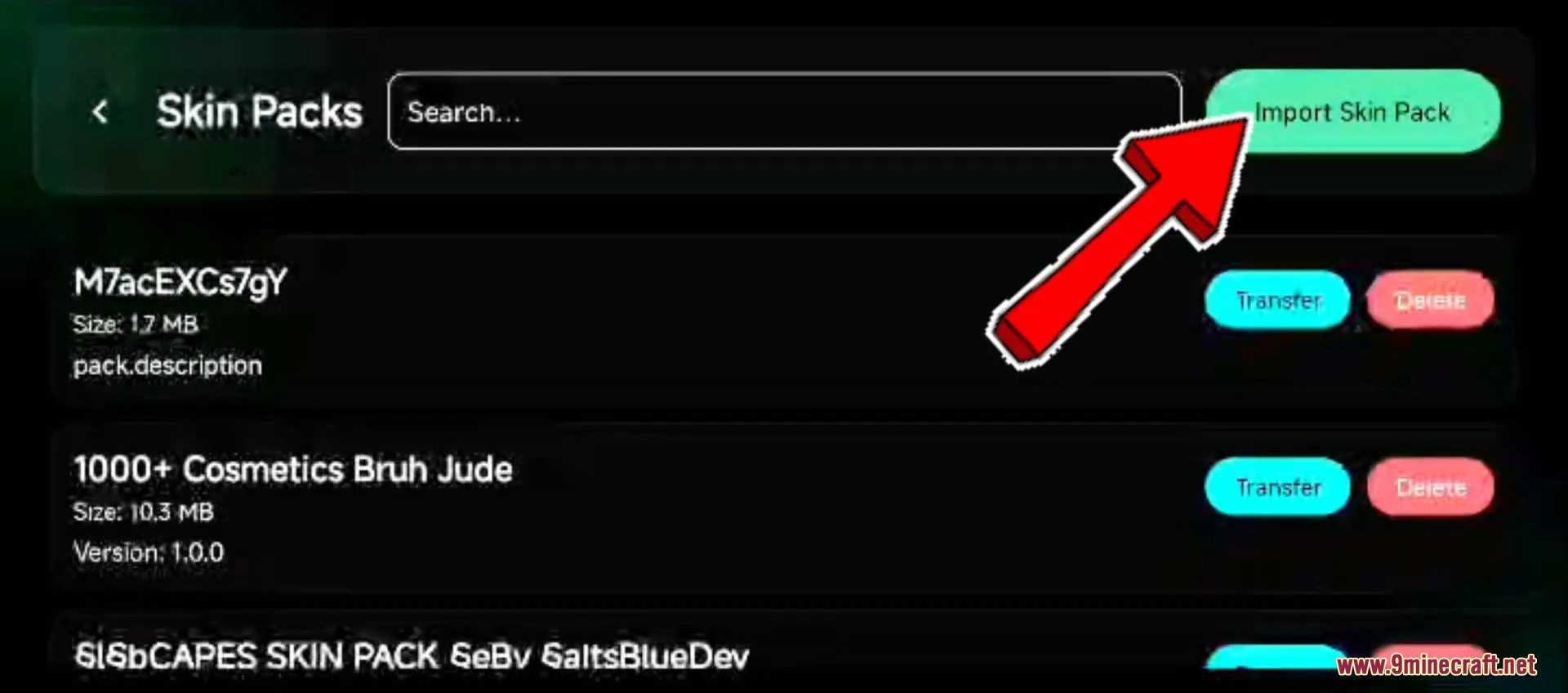
Import any custom geometry .mcpack file and equip the skin from the Dressing Room – the 4D geometry will now render correctly.
Screenshots:
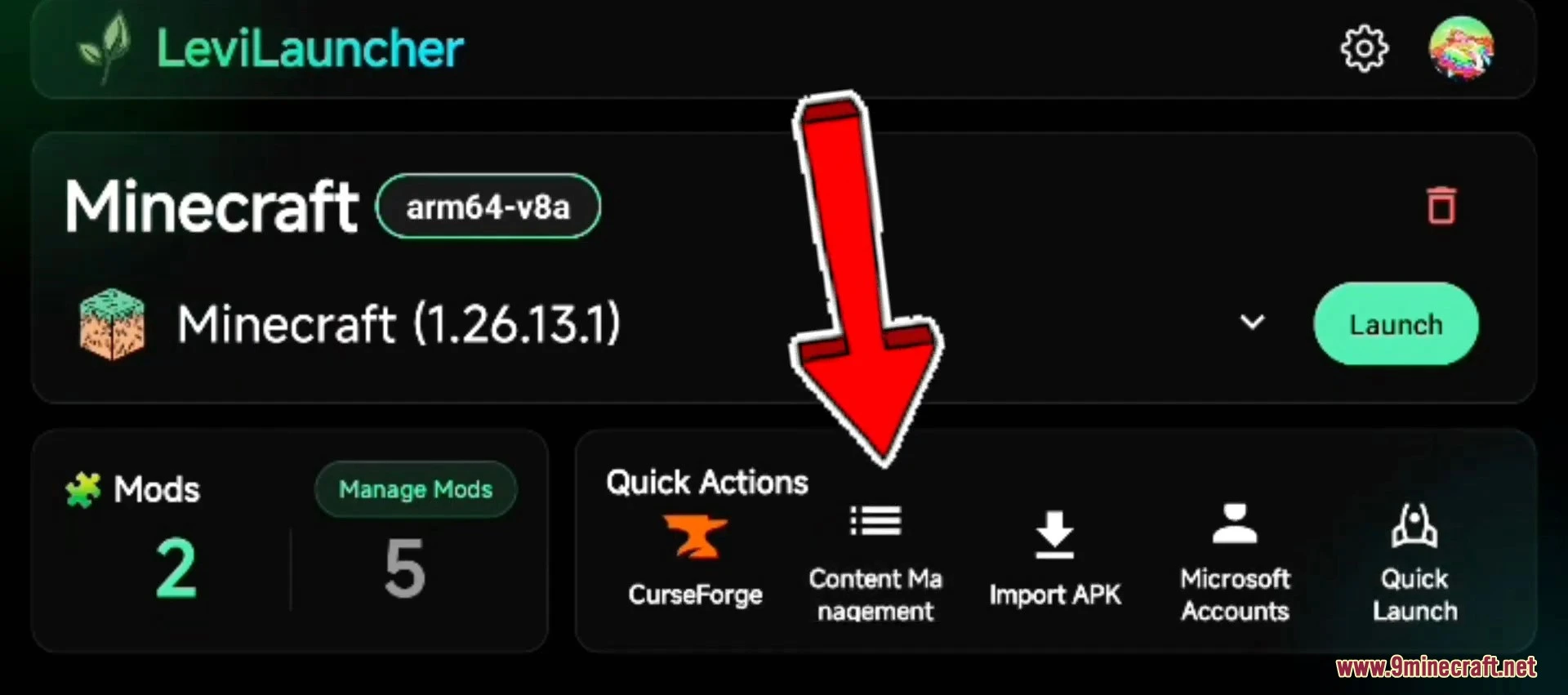
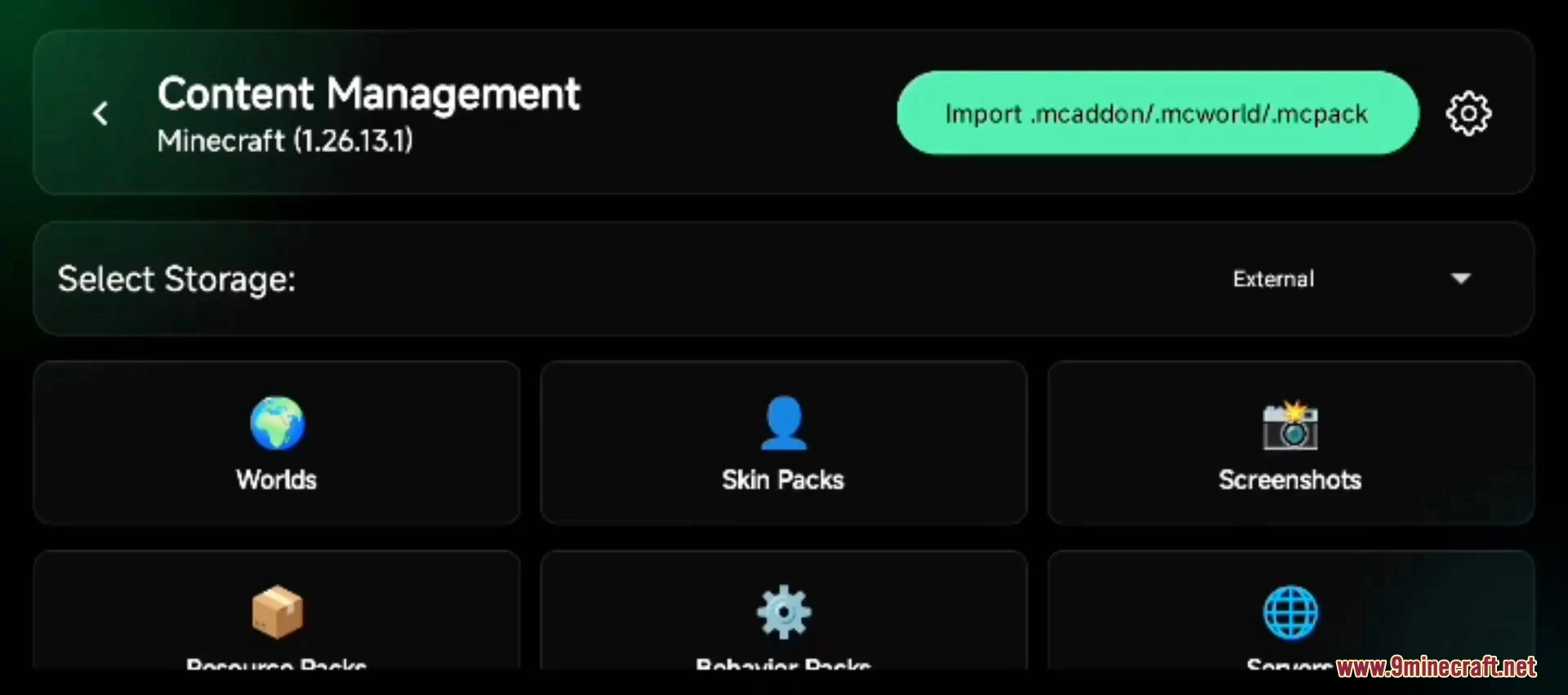
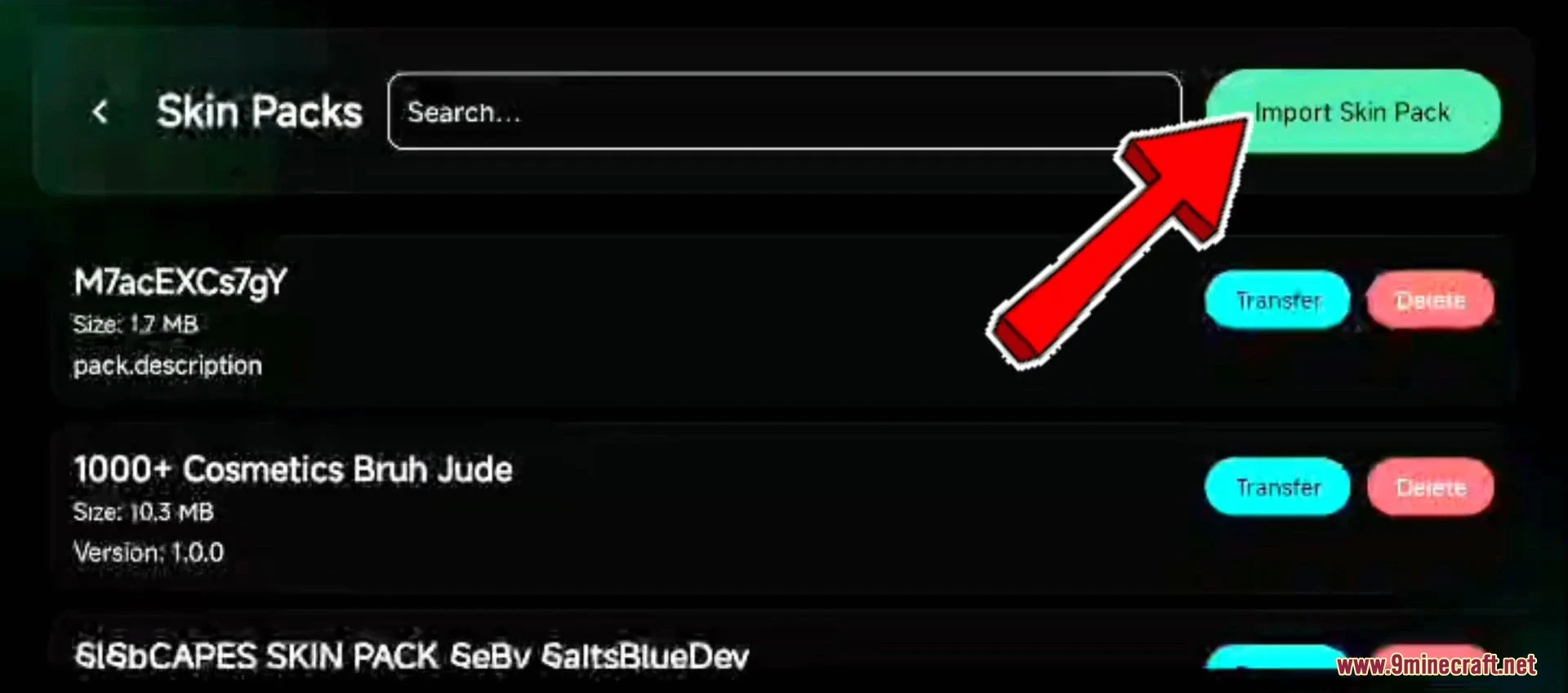
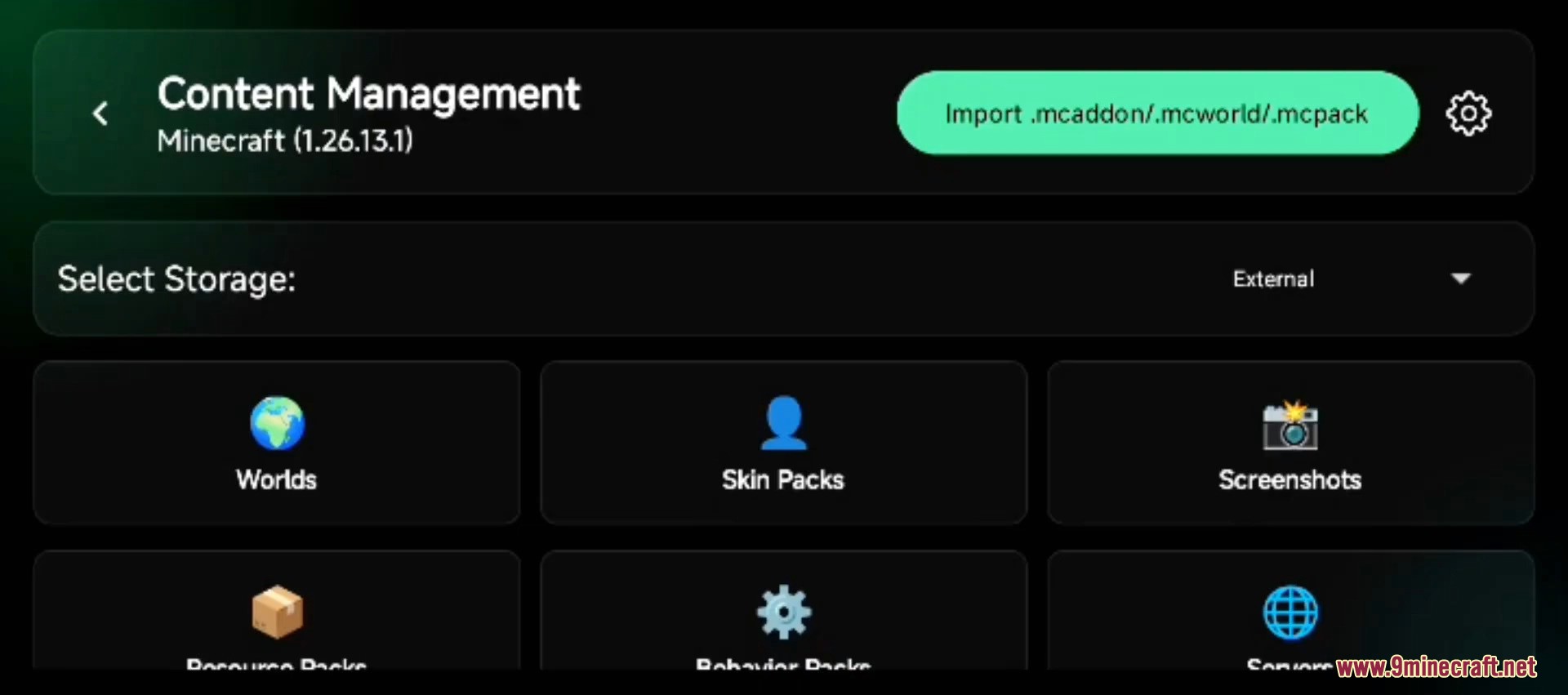
Launcher quick actions with an arrow pointing to the content management sectionContent management screen for importing worlds skin packs and other game filesA user interface for importing and managing custom Minecraft PE skin packsThe mods menu showing external mods like 4dskin and BedrockTools enabledThe details page for the 4dskin-2 mod showing it is currently enabledThe mods management screen with a red arrow pointing to the add mod button
System Requirements:
Operating system: Android 5.0 (Lollipop, API 21) or newer.
Architecture: ARM64 (arm64-v8a) – virtually all Android phones released after 2017. The mod does not work on 32-bit ARM (armeabi-v7a) or x86 devices.
Launcher: LeviLaunchroid 1.26.10+ or Ambient Launcher latest release.
Minecraft PE version: 1.21.x or 26.x. Older Minecraft versions are not supported by the current loader patches.
Important Notes:
This mod is for Android only. iOS users should use a launcher with built-in geometry rendering such as Popya, and Windows 10/11 Bedrock users can render custom geometry natively by simply disabling Trusted Skins – see Hidden Armor 4D Skin Pack for the Windows install method.
If you do not want to deal with launchers and a separate mod, our 4D Custom Skin Mod APK already bundles this geometry library directly inside a patched Minecraft PE client – single APK install, no launcher needed.
Some animation mods (emote and dance addons) can conflict with the geometry patches and may crash Minecraft when you switch skins. If you experience crashes, disable other animation mods.
The mod is rendered client-side. On strict anti-cheat servers (Hive, certain PvP realms) other players will see the standard Steve or Alex model on your character. Your own first-person view stays correct.
Once you have the loader installed, pair it with a custom skin pack – see Custom Geometry Skin Pack for a ready-to-import 80+ character collection.
4D Skin Geometry Loader Download Links
Quick facts
Edition: Minecraft Bedrock
File type: .mcpack or .mcaddon
How to install: Download the .mcpack or .mcaddon file. → Open it — Minecraft imports it. → In your world: Behavior Packs → Available → Activate, then the same under Resource Packs.
Where to get it: Opens on the file's original source — not every file is mirrored on our own servers.
4D Skin Geometry Loader Android – Lib4dskin for Custom Skin Pack Rendering on MCPE Bedrock is a free Minecraft Bedrock addon. Download it and open it directly in the game.