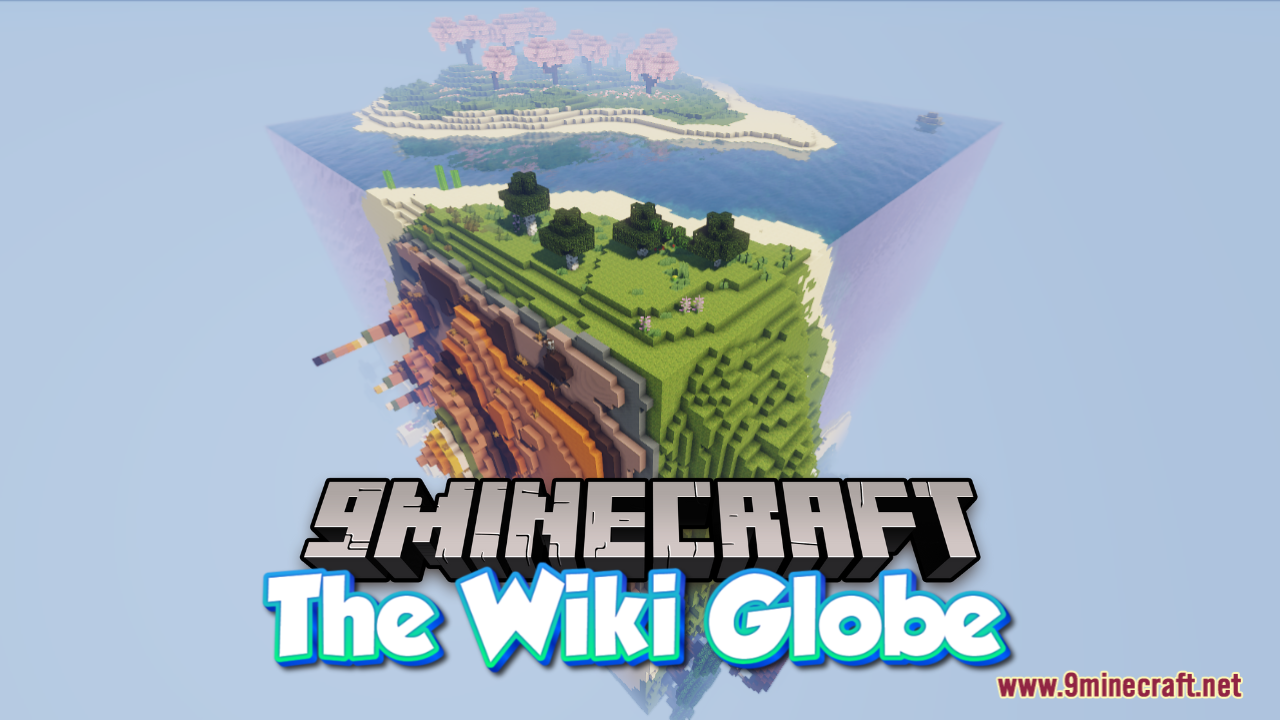
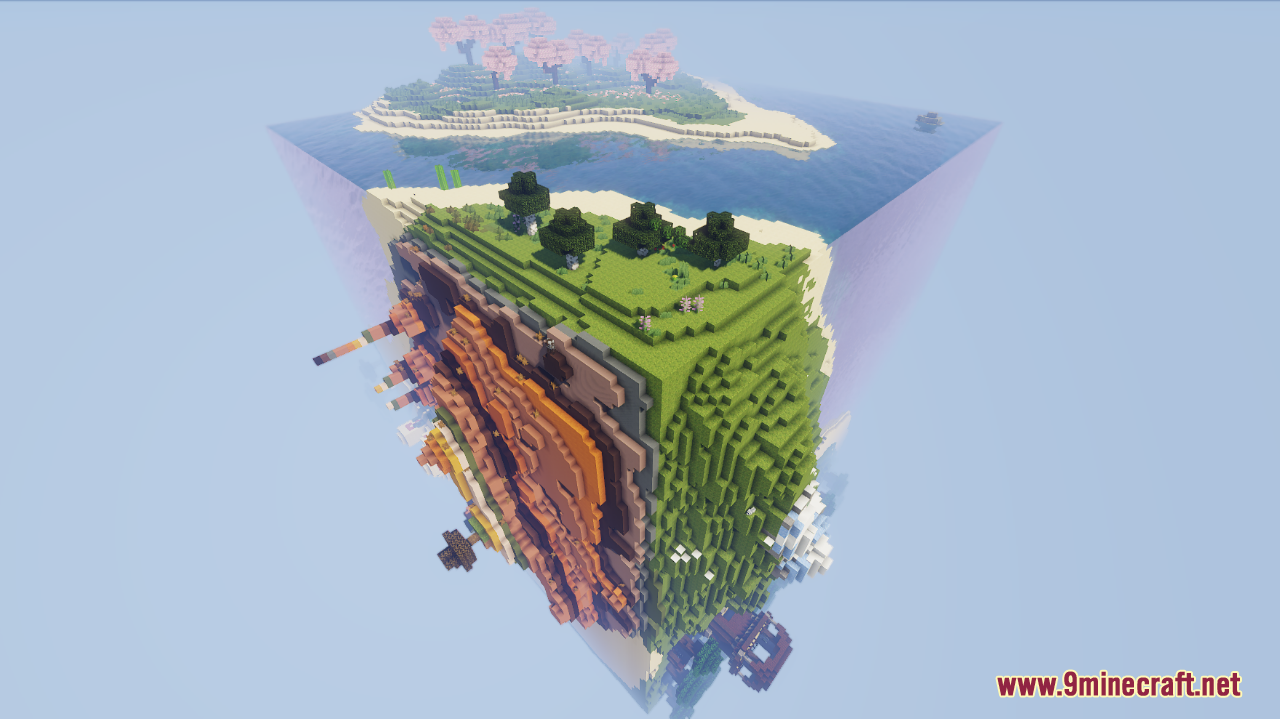
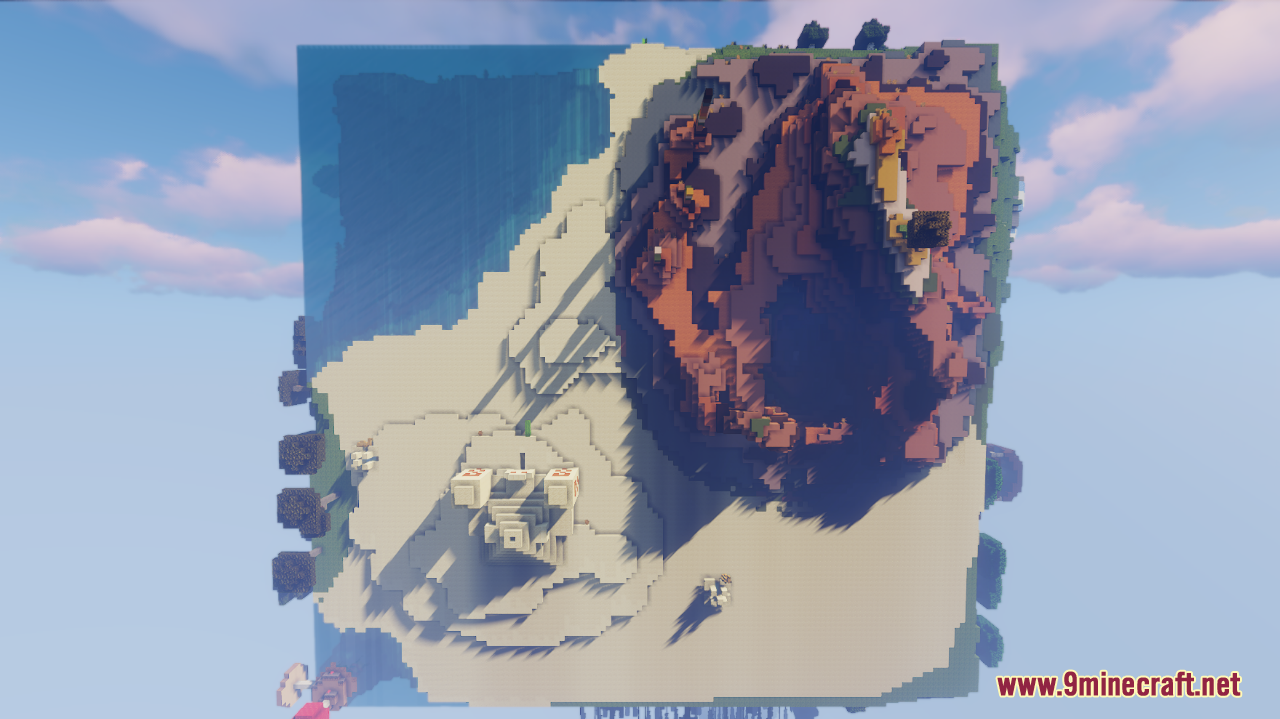
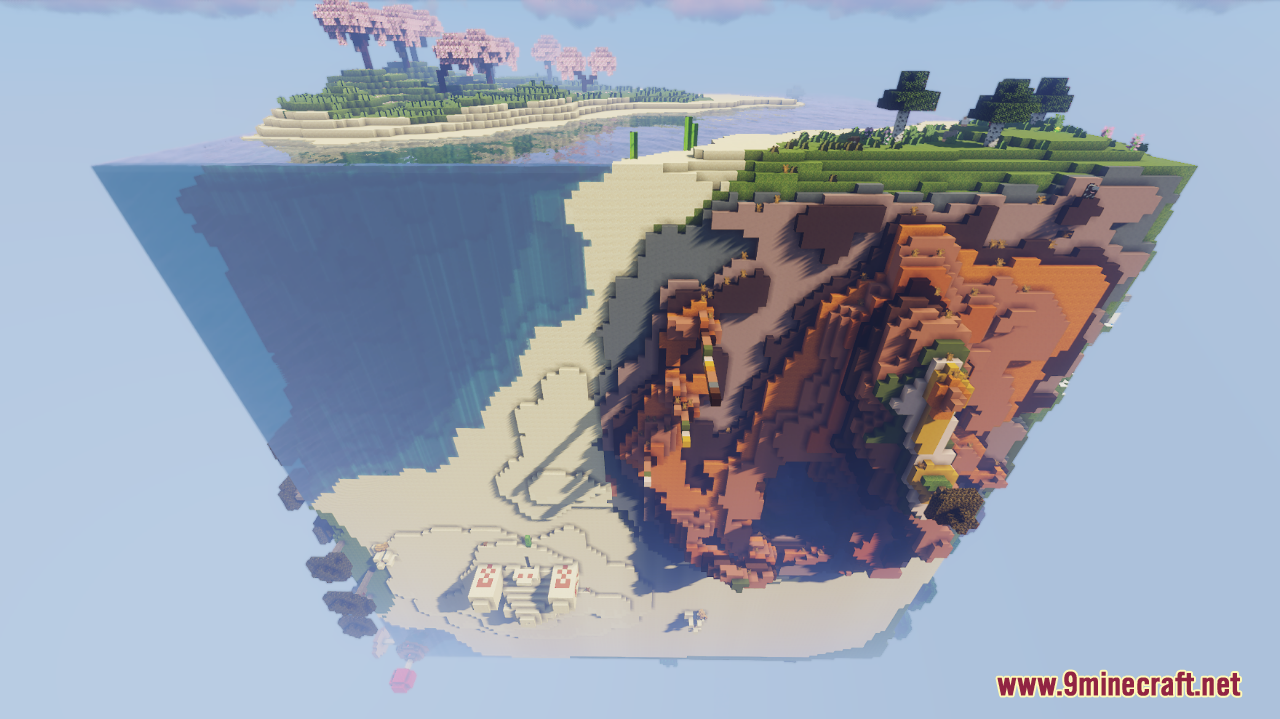
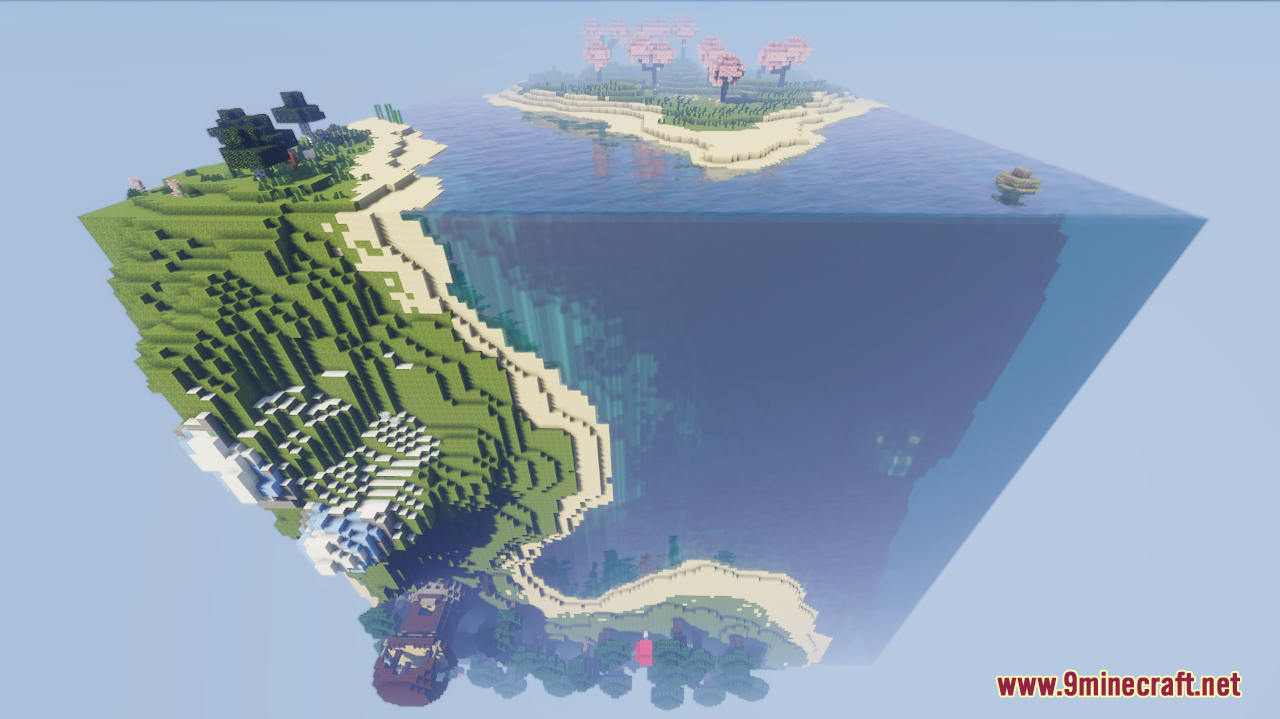
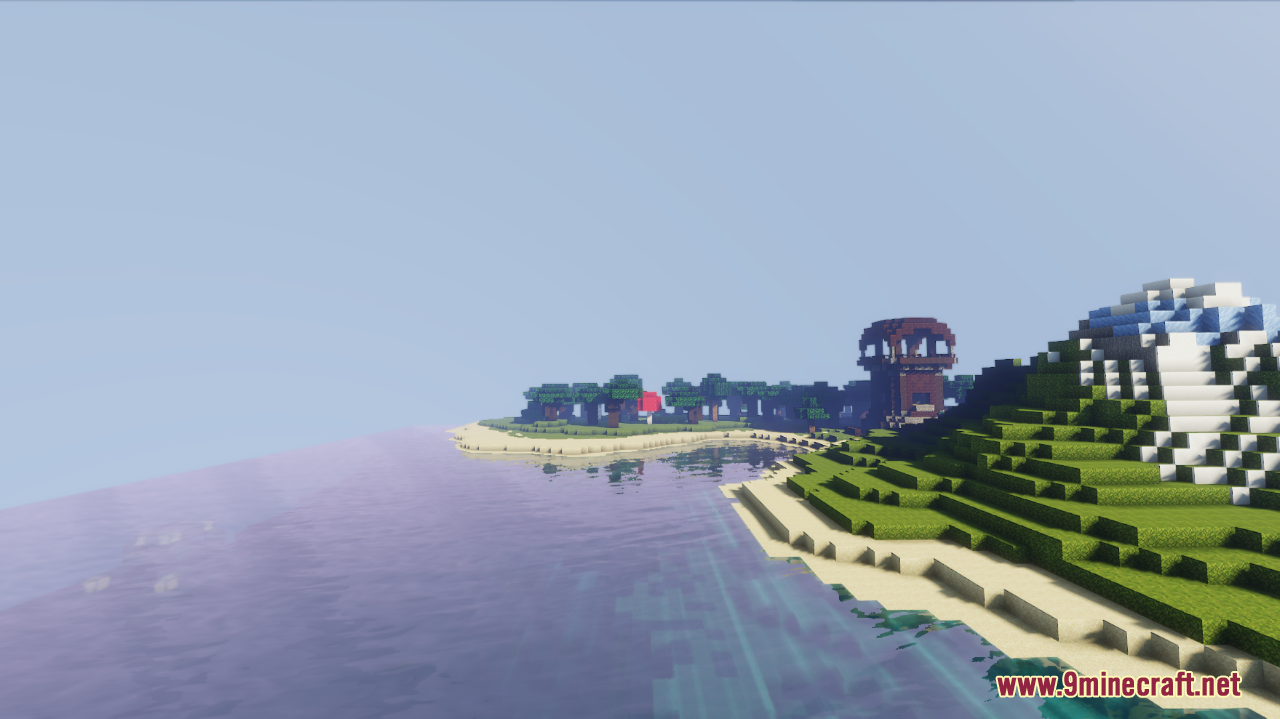
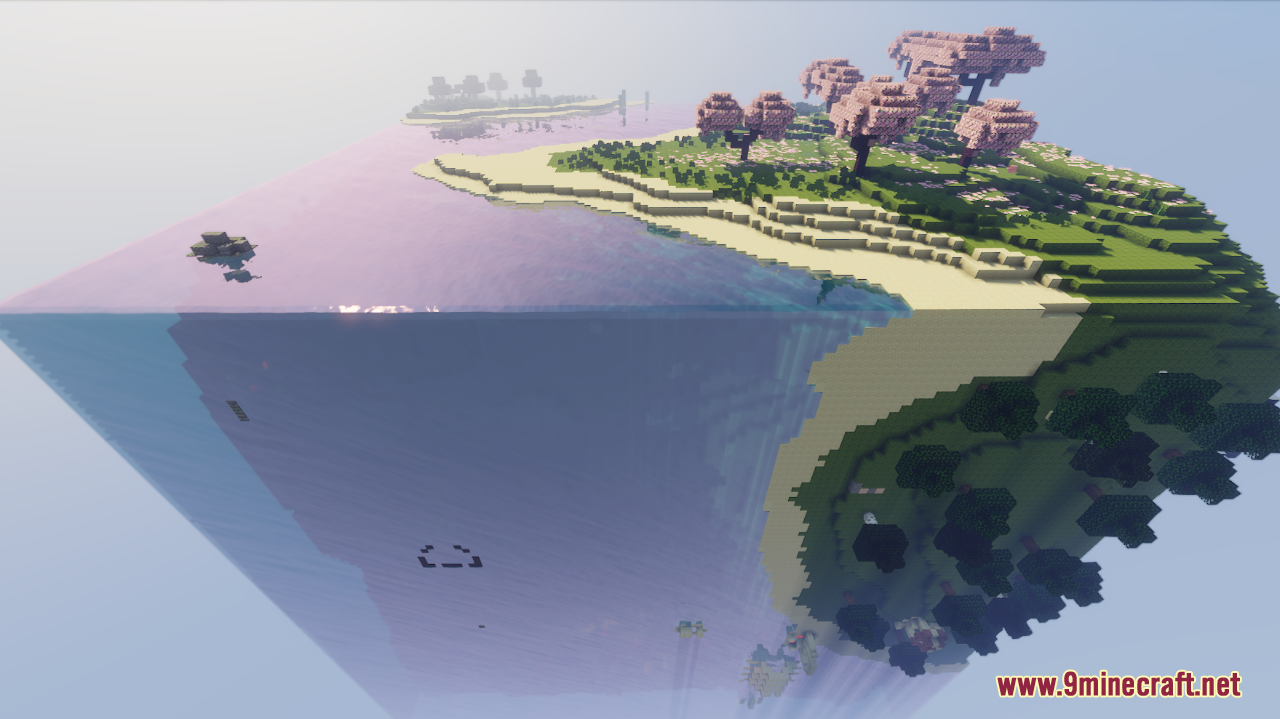
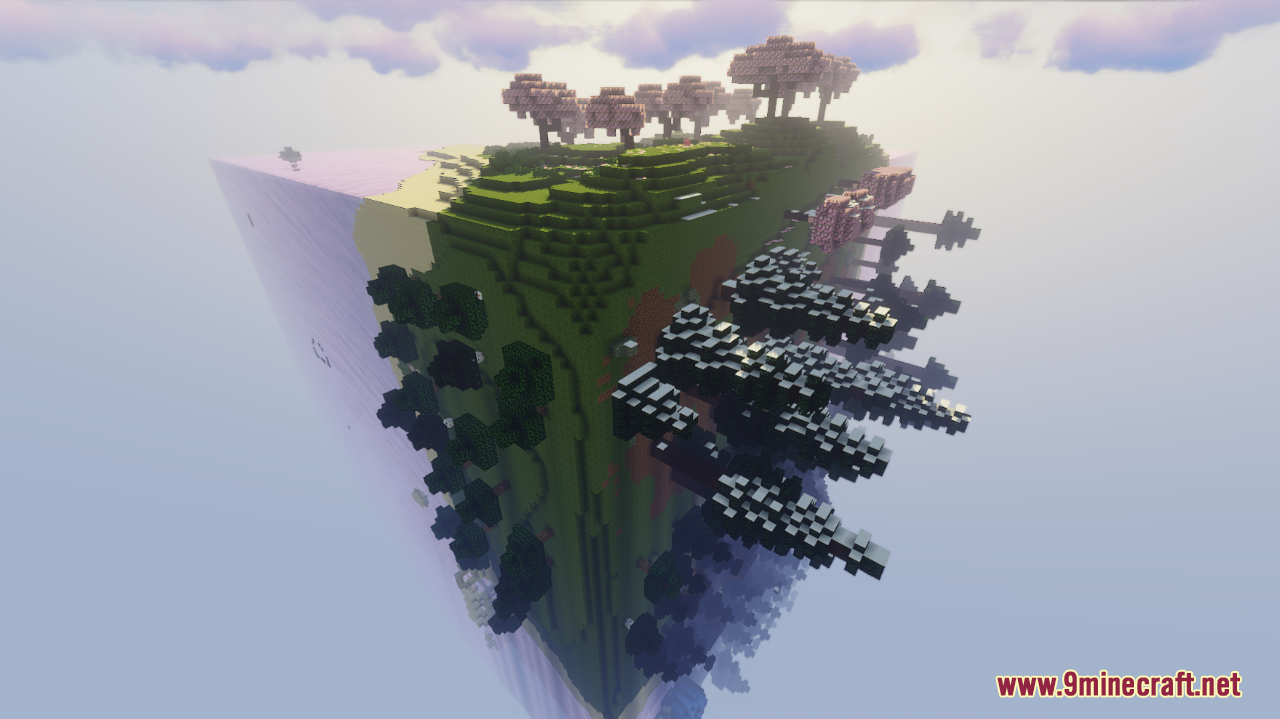
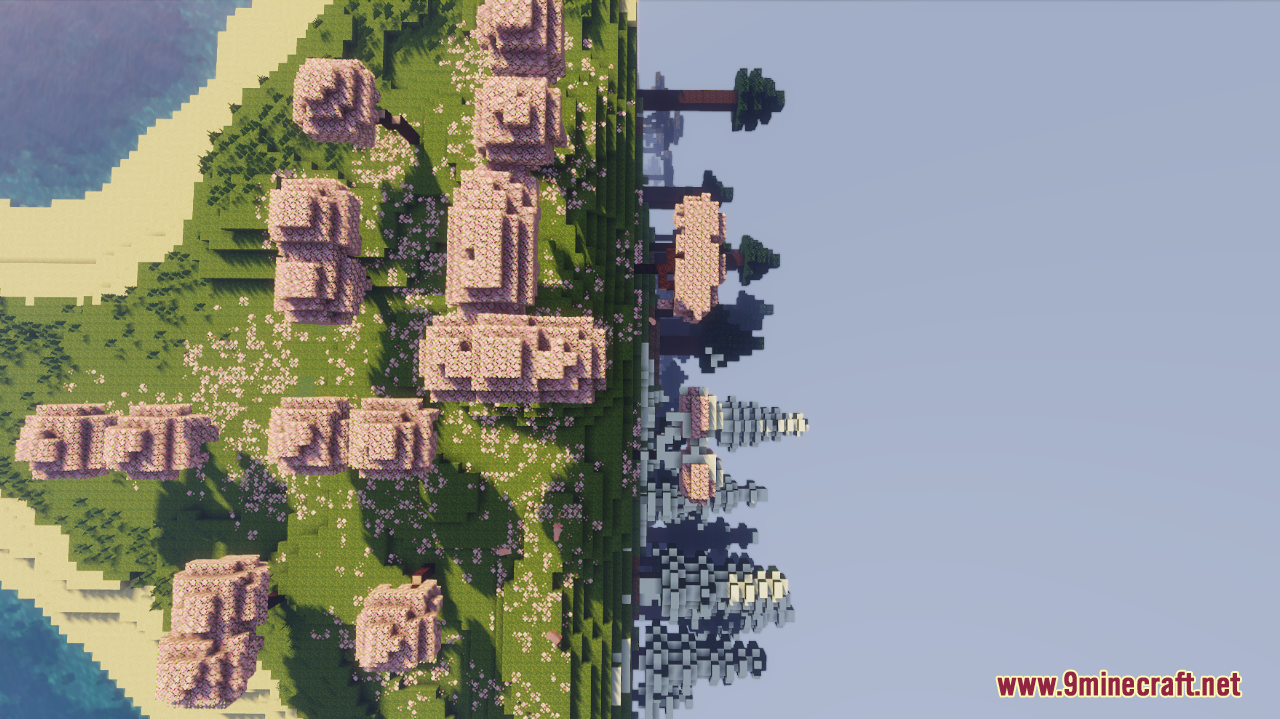
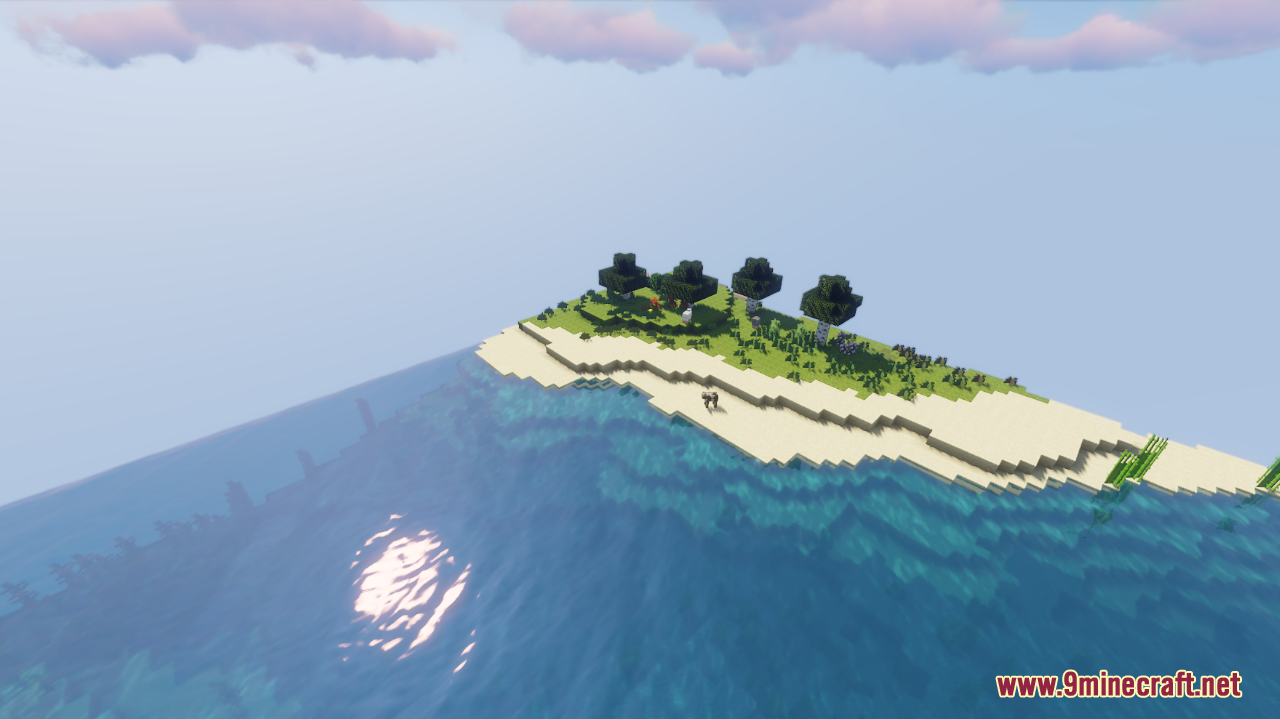
The Wiki Globe Map is a survival map created by Edwardthe1rst. The Wiki Globe is a fully playable survival map, creatively modeled after the iconic Minecraft Wiki globe icon. This unique map incorporates every structure, cave, ore, and biome found in the standard game, all within a compact and intricately designed environment. Despite its compact nature, the map ensures a complete survival experience by including every loot item, from the full set of armor trims to sherds and non-renewable discs. While some structures are scaled down due to size constraints and the mansion is omitted, the map offers an immersive and challenging survival adventure. Explore, create, and survive in this meticulously crafted world where gravity remains constant, no matter which side of the globe you find yourself on.
Screenshots:
The Wiki Globe Map Download Links
- Edition: Minecraft Java
- File type: .zip (world save)
- Minecraft version listed: 1.20.1
- How to install: Download the .zip world. → Unzip it. → Move the folder into .minecraft/saves.
- Where to get it: In MC Java Mods, or directly above on this page.
Install steps are the general flow for this file type — How to install Minecraft Java maps & worlds walks through it step by step.
The Wiki Globe Map (26.2, 1.20.1) – Fully Playable Survival Map is a free Minecraft Java map. Compatible with Minecraft 1.20.1. Download it and open it directly in the game.