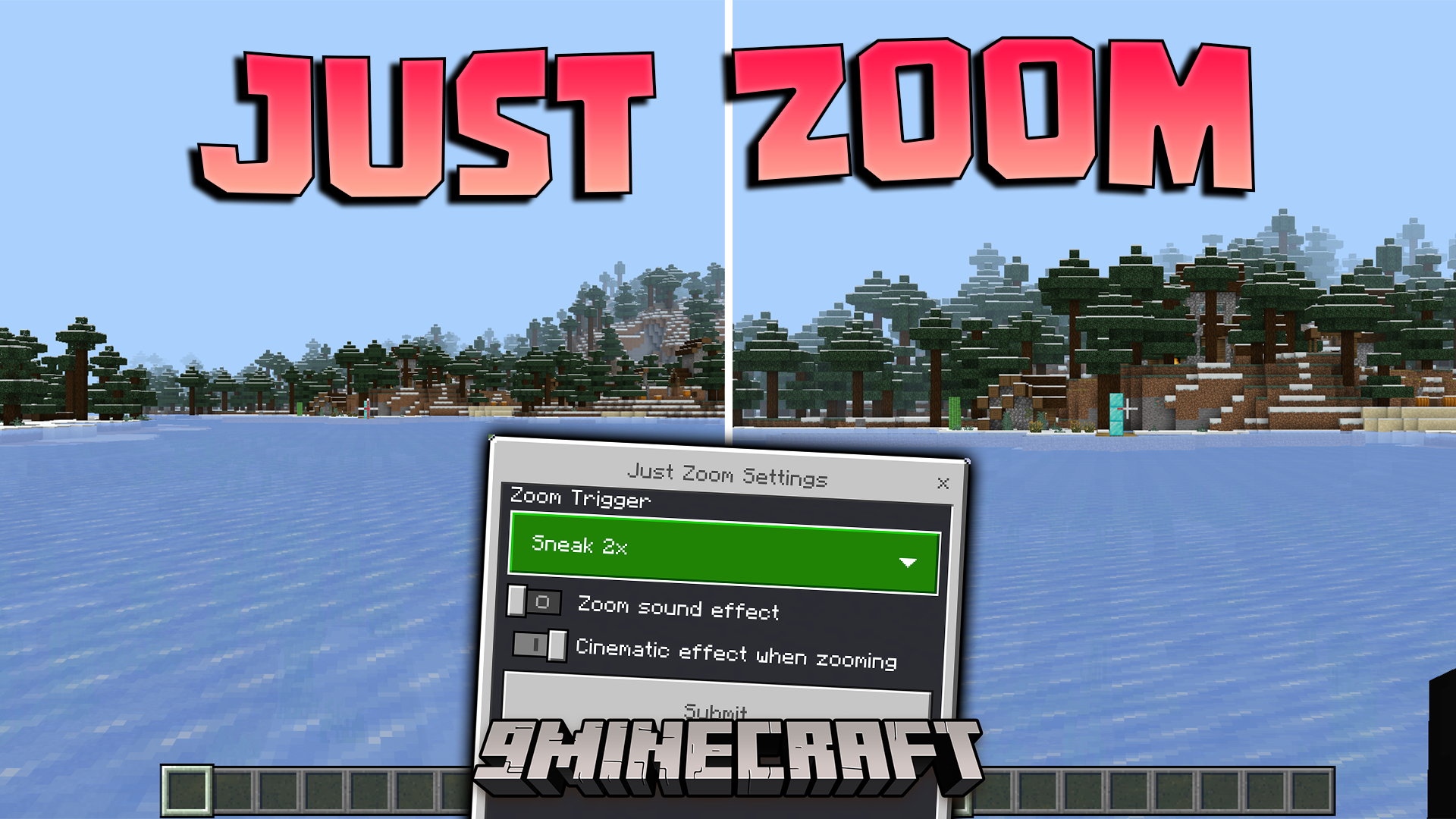
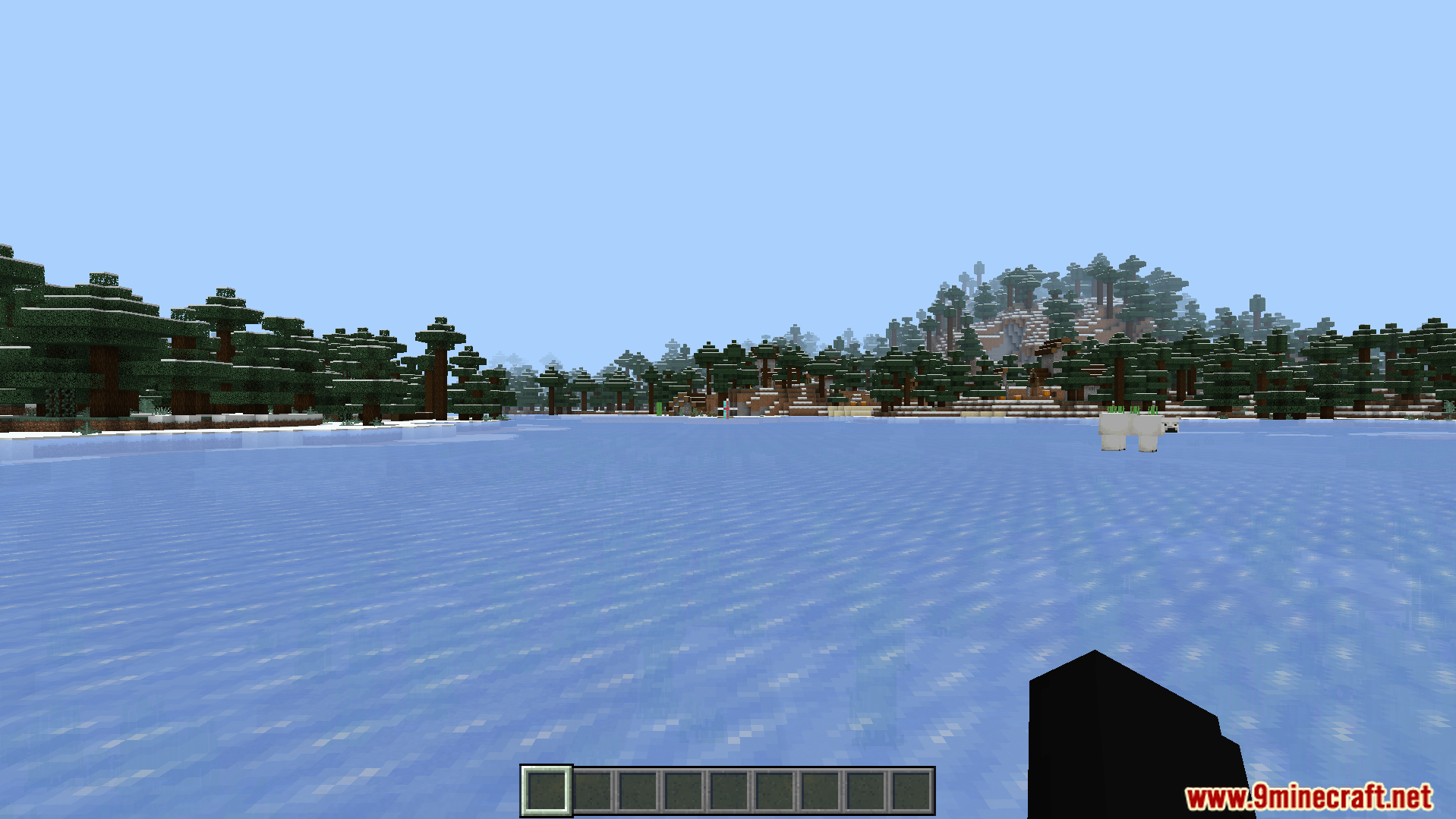
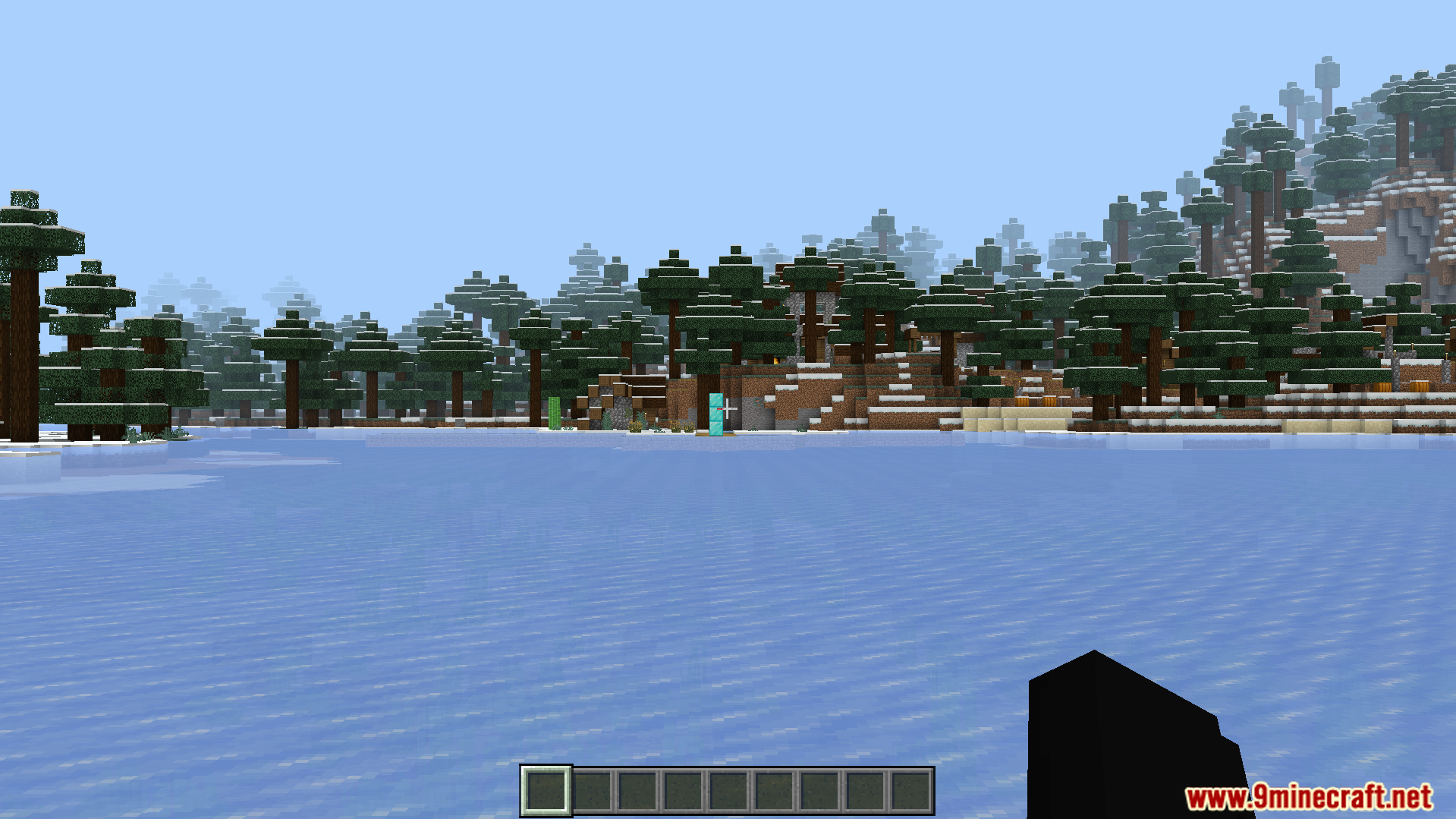
Just Zoom Addon lets you look far away without needing a spyglass in your survival world. It allows you to set custom keys or use simple actions to zoom in on your screen. You can change your zoom triggers easily through a simple chat command.
Features:
Zooms your view without requiring a spyglass item.
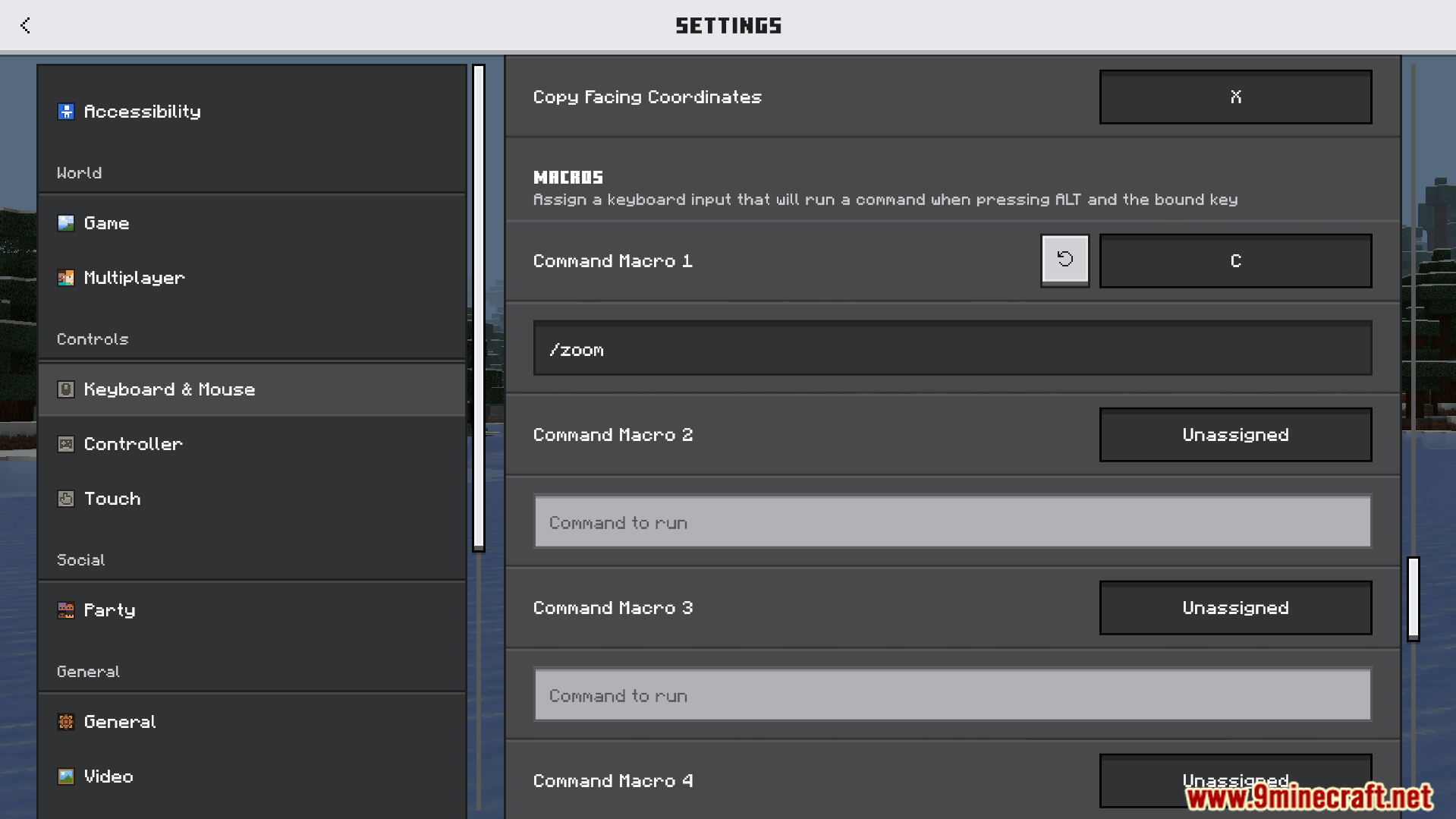
Supports macro commands for custom keyboard shortcuts.
Lets mobile players zoom by sneaking two times.
Allows zooming by holding sticks or custom items.
Includes settings to turn off sounds and cinematic effects.
Commands:
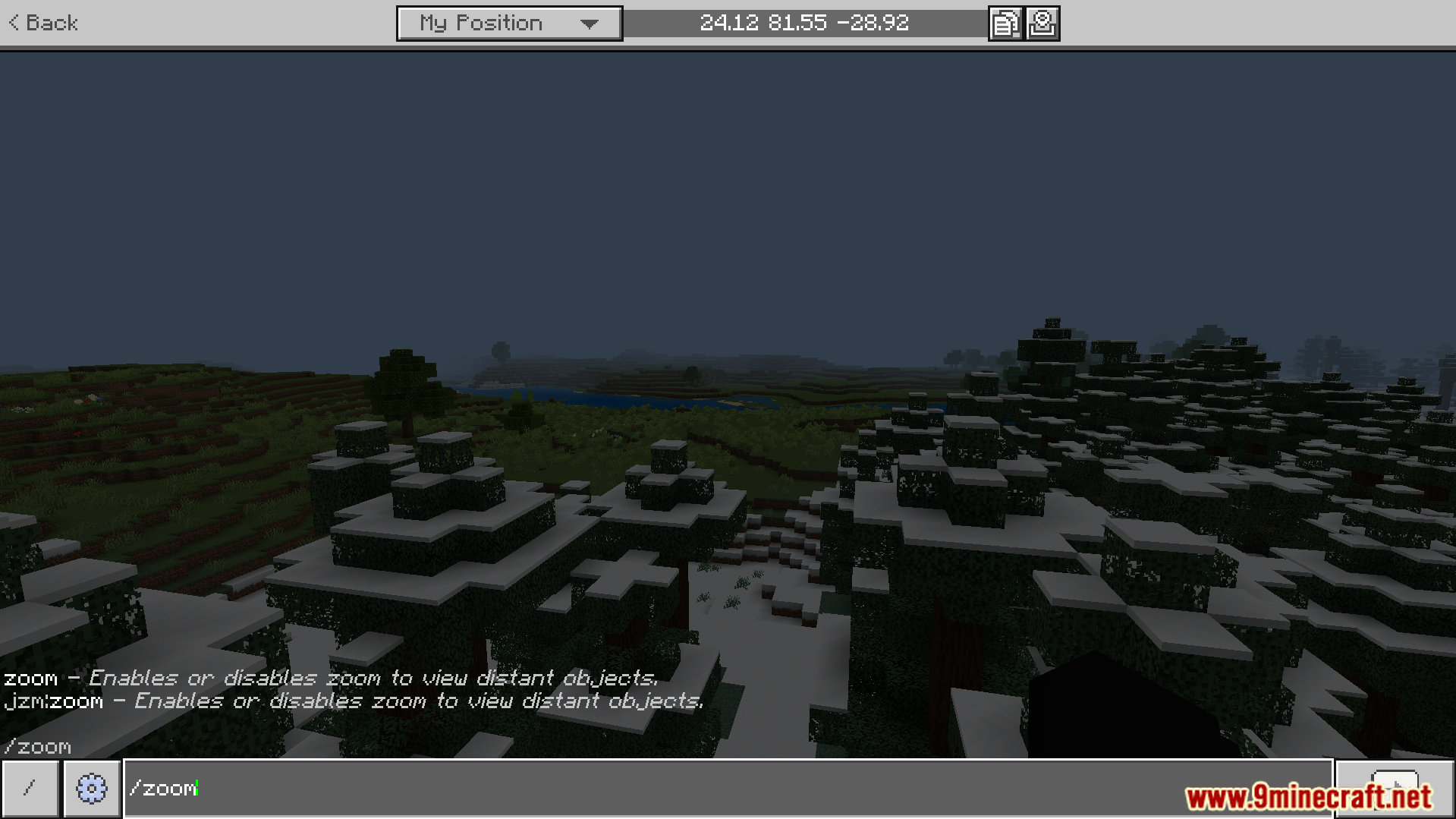
Type /zoom in the macro command menu to set your keyboard shortcut.
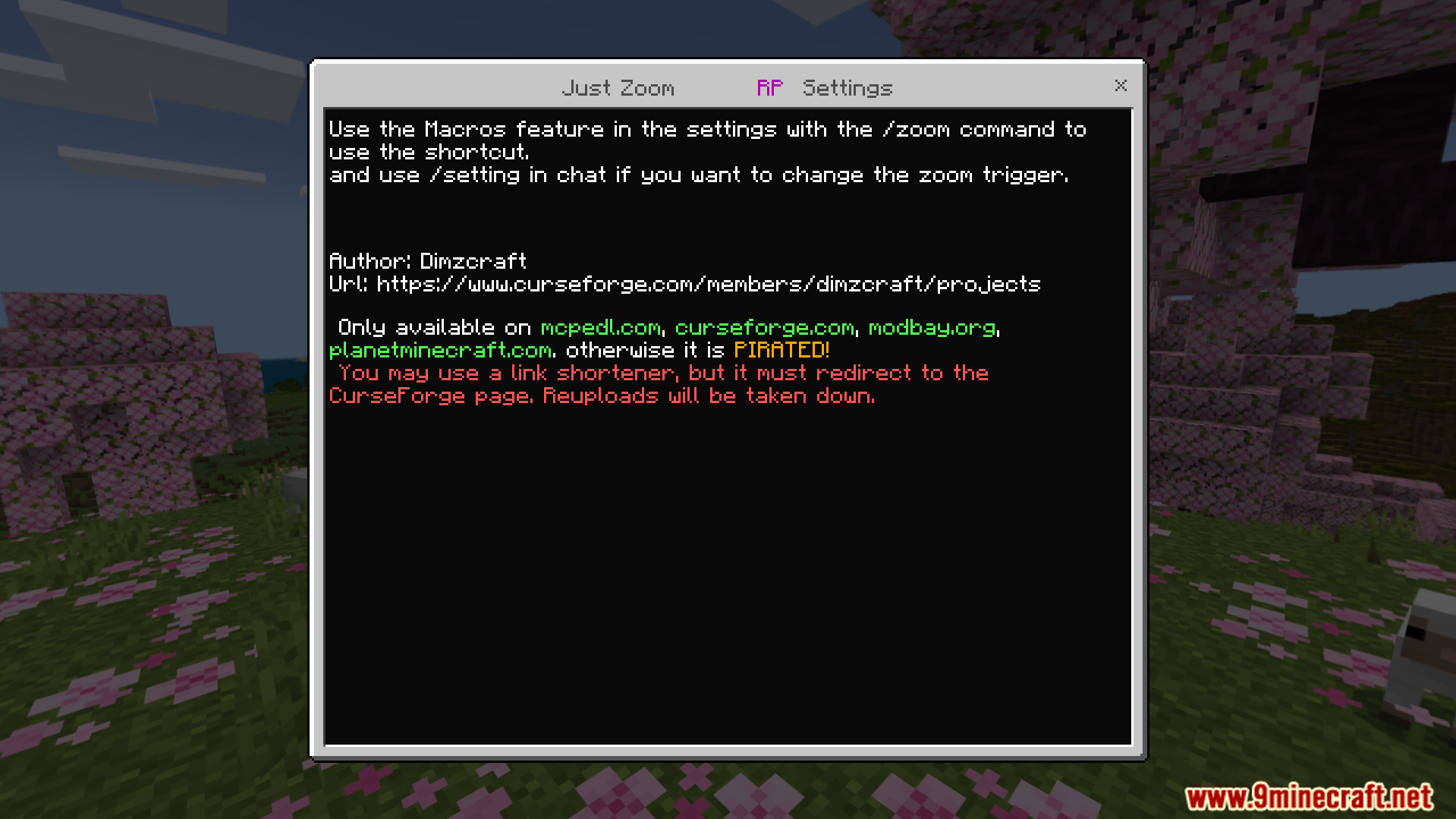
Use the /setting command in chat to open the options menu.
Screenshots:
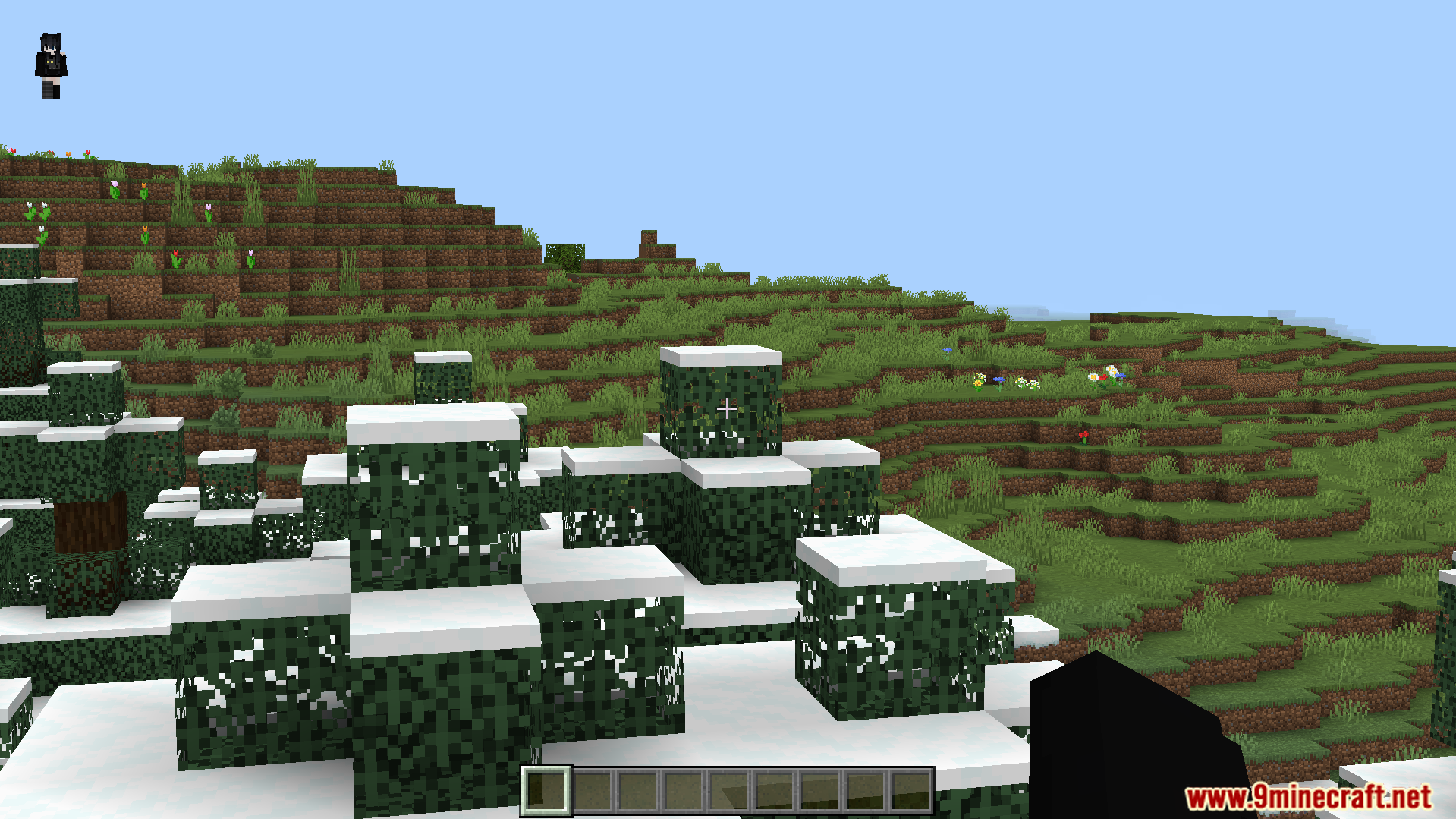
Settings menu for Just Zoom addon showing author and usage instructionsPlayer typing zoom command in chat to view distant objectsSnow covered leaves on a grassy hill in a Minecraft worldA frozen lake surrounded by snowy trees in a winter biomePlayer looking far away at a snowy landscape without a spyglassConfiguring a custom keyboard shortcut macro to run the zoom command
Just Zoom Addon Download Links
Quick facts
Edition: Minecraft Bedrock
File type: .mcpack or .mcaddon
How to install: Download the .mcpack or .mcaddon file. → Open it — Minecraft imports it. → In your world: Behavior Packs → Available → Activate, then the same under Resource Packs.
Where to get it: In MCModsHub, or directly above on this page.