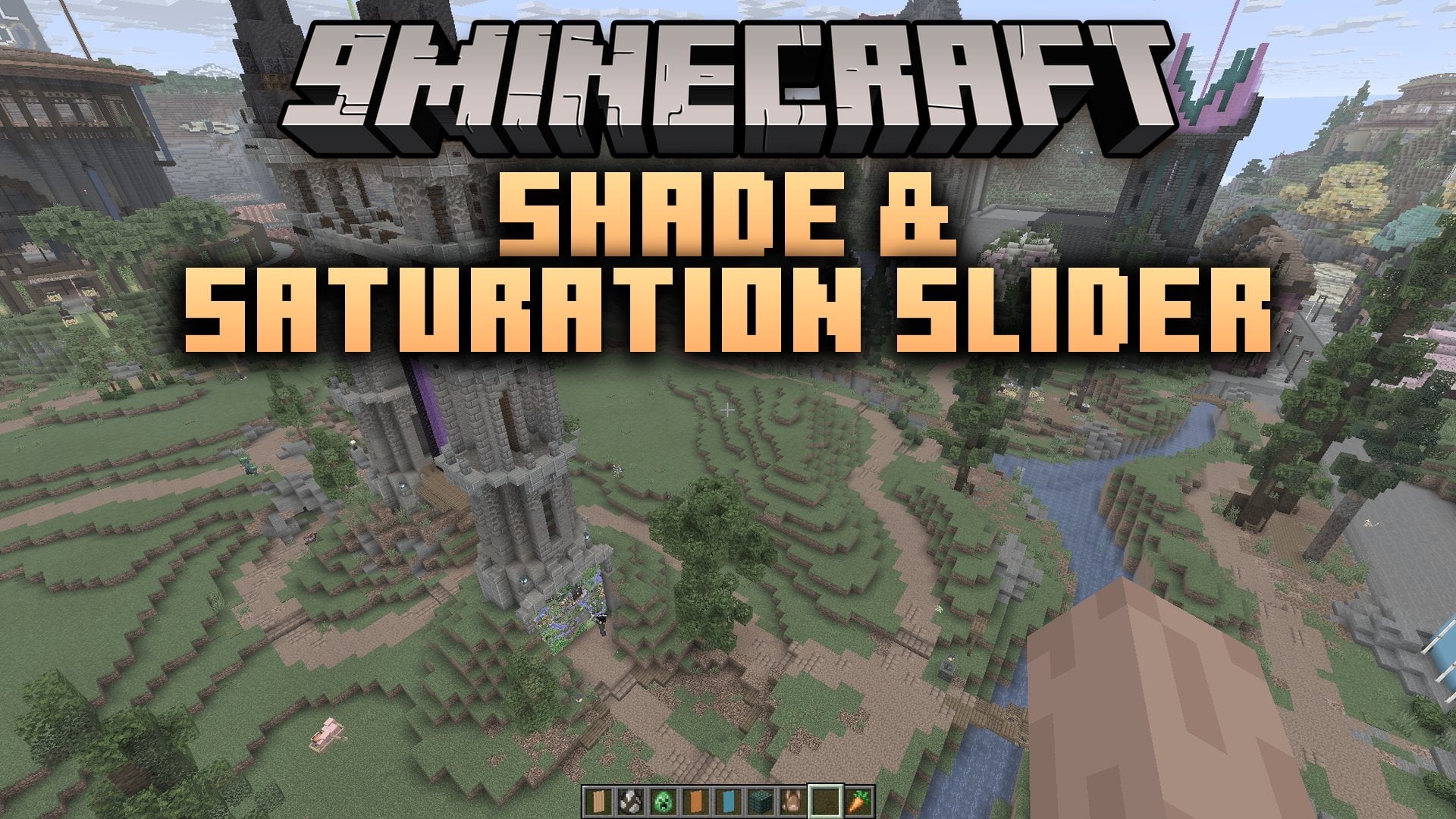
Shade & Saturation Slider Mod (26.2, 1.21.11) – Make Every Biome Vibrant
Java mod listed for Minecraft 1.21. Downloads from the MC Java Mods app on Android.
Shade & Saturation Slider Mod extends Sodium with new visual sliders for block shading and color levels. It gives you direct control over how dark block…
⬇ Download
Shade & Saturation Slider Mod extends Sodium with new visual sliders for block shading and color levels. It gives you direct control over how dark block sides look and how rich colors appear on your screen. The mod places its options directly inside your normal settings menu. You can quickly choose muted tones or colorful landscapes without messing with complex files.
Features:
- Adds a shade slider to adjust the darkness percentage on block faces.
- Adds a saturation slider to tweak the color intensity across the game.
- Sets default values to a 1x saturation multiplier and 75% block shading.
- Places both controls inside the Quality tab of Sodium video settings.
How to Use:
- Press Esc to open the game pause menu.
- Select Options and then click Video Settings to open Sodium.
- Click on the Quality tab near the top of the screen.
- Drag the shade slider or saturation slider to fit your visual preference.
Shade & Saturation Slider Mod Download Links
- Edition: Minecraft Java
- File type: .jar
- Minecraft version listed: 1.21.11
- How to install: Install the matching mod loader (Forge, Fabric or NeoForge) for your Minecraft version. → Download the .jar. → Put it in the .minecraft/mods folder and launch that loader profile.
- Where to get it: In MC Java Mods, or directly above on this page.
Install steps are the general flow for this file type — How to install Minecraft Java mods & modpacks walks through it step by step.
- Downloads as 536518.mcaddon
- Download size: 20 KB
- Download link checked 30 Oct 2026 — working
- Mirrored on our own servers — the download does not depend on the original host
These come from our own check of the pack file, not from the source page.