ModsJava
NovaUtils Mod (26.1.2) – Locate Buried Ores and Inspect Chests Through Walls
Java mod listed for Minecraft 26.x. Downloads from the MC Java Mods app on Android.
⬇ Download


NovaUtils Mod packs visual overlays, tracking tools, and interface tweaks into a single client menu. It runs entirely on the player side, so you can join worlds and multiplayer servers without needing special server files installed. The setup brings together navigation aids, cave lighting, and screen alerts that you can adjust on the fly.
Features:
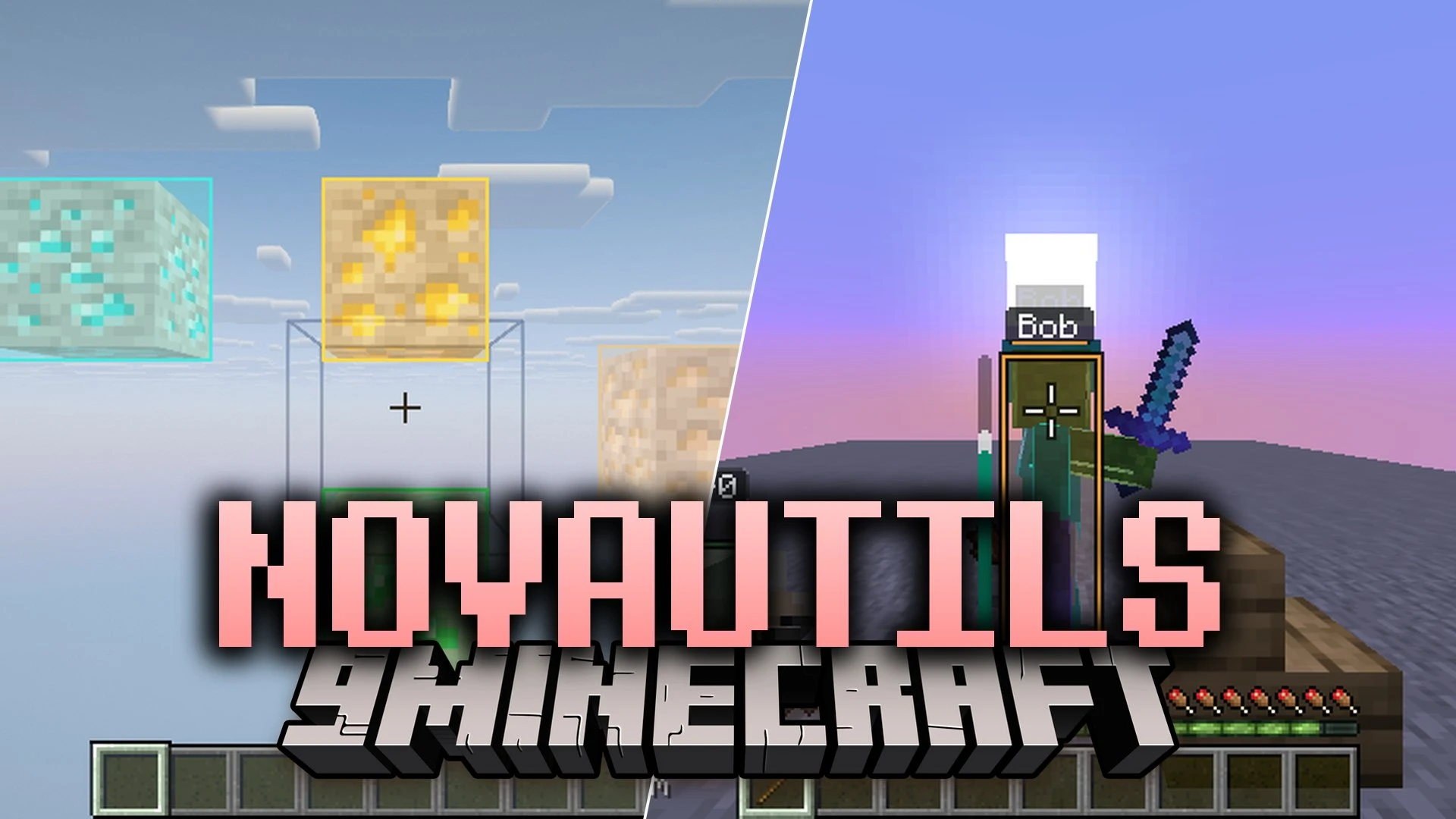
- Visual Overlays: Highlights buried ores, storage chests, dropped loot, and mob outlines using built-in Xray, ESP, and tracer lines.
- Safety Panic Key: Shuts down every active visual tool immediately when you press the Delete key.
- Custom HUD Layout: Lets you drag coordinates, current armor durability, and your minimap to any spot on your screen.
- Dual Menu Styles: Lets you pick between a single-window menu layout or classic draggable category panels.
- Shulker Box Peeking: Lets you look at the items inside shulker boxes directly from your inventory without placing them on the ground.
- Client-Side Dot Commands: Runs private chat shortcuts for sorting inventories, searching chests, and setting waypoints without broadcasting messages to the server.
- Works smoothly alongside shader packs like Iris and Oculus while keeping tracer lines and labels visible.
- Adds fullbright lighting options to brighten up dark caves without placing torches.
- Saves personal setups into profile files so you can swap control presets between different play sessions.
How to Use:
- Press Right Shift to open the main menu screen.
- Left-click any utility card to turn that module on or off.
- Right-click a module card to open its personal settings and sliders.
- Middle-click any tool to pin it directly into your Favorites tab for quicker access.
- Press Delete during gameplay if you need to shut off all active modules at once.
Screenshots:
NovaUtils Mod Download Links
Quick facts
- Edition: Minecraft Java
- File type: .jar
- Minecraft version listed: 26.1.2
- How to install: Install the matching mod loader (Forge, Fabric or NeoForge) for your Minecraft version. → Download the .jar. → Put it in the .minecraft/mods folder and launch that loader profile.
- Where to get it: In MC Java Mods, or directly above on this page.
Install steps are the general flow for this file type — How to install Minecraft Java mods & modpacks walks through it step by step.
File checked by MCModsHub
- Downloads as 537287.mcaddon
- Download size: 585 KB
- Download link checked 31 Oct 2026 — working
- Mirrored on our own servers — the download does not depend on the original host
These come from our own check of the pack file, not from the source page.