ModsJava
Chiseleded OG Mod (26.3, 1.20.1) – Carve Custom Building Patterns Directly
Java mod listed for Minecraft 1.20–26.x. Downloads from the MC Java Mods app on Android.
⬇ Download


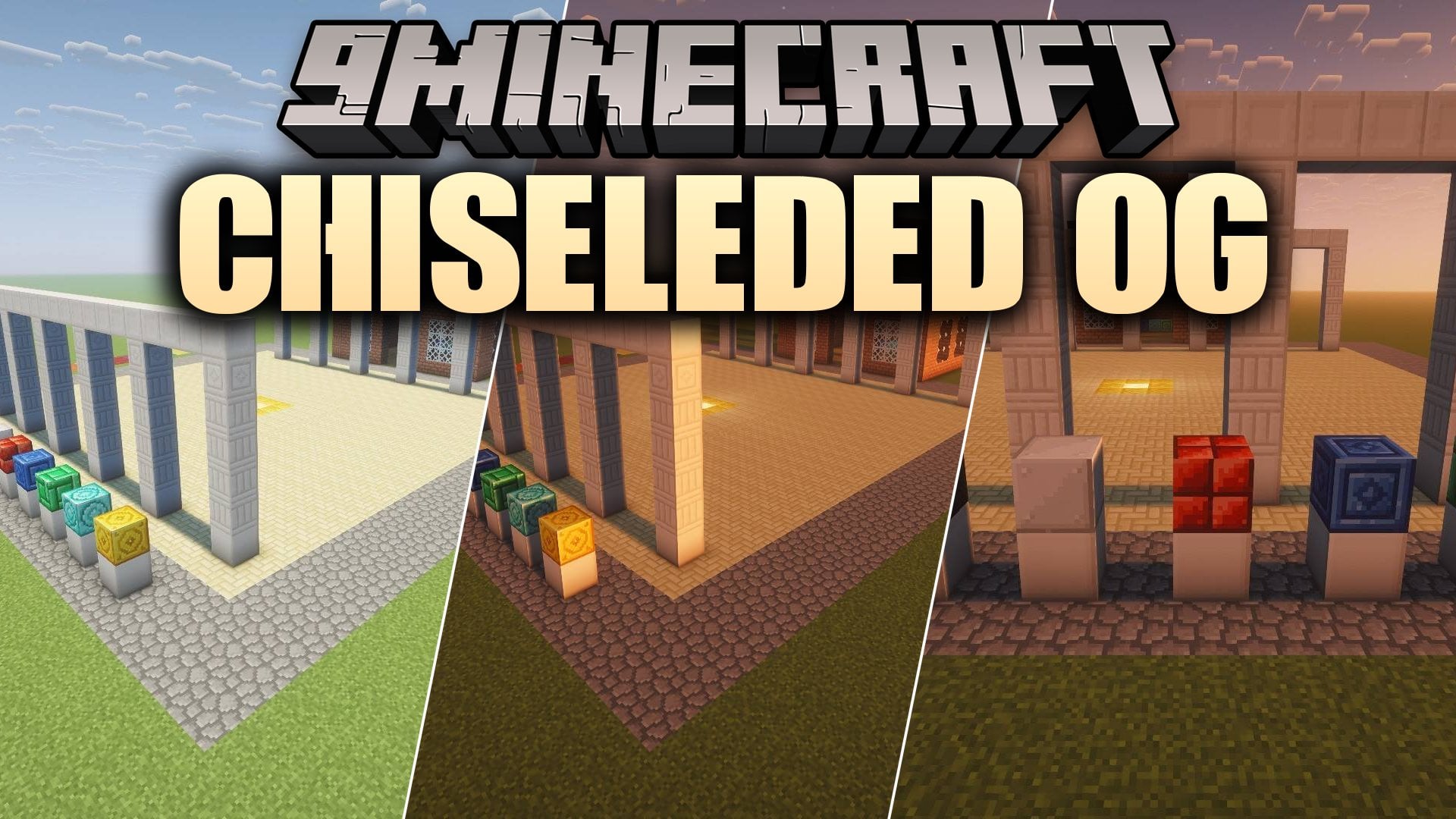
Chiseleded OG Mod transforms plain blocks into thousands of decorative building patterns. You can change basic stone, wood, metal, glass, and concrete blocks right where they stand without needing craft tables or fuel. The mod provides matching stairs, slabs, walls, and glass panes so you can shape clean building details. Every change remains reversible, so you can turn your blocks back into standard vanilla forms at any point.
Features:
- Massive Block Variety: Adds 2,264 decorative blocks spanning 66 common building materials.
- Shape Blocks: Includes matching stairs, slabs, walls, and glass panes for primary patterns.
- Three Tool Tiers: Offers Iron, Diamond, and Netherite chisels with distinct durability and area modes.
- In-Place Carving: Changes placed world blocks directly through a live three-dimensional selection menu.
- Batch Transformation: Shapes full stacks of blocks held in your off-hand in a single click.
- Reversible Designs: Turns any altered block back into its standard vanilla form without resource waste.
- Allows players to star preferred patterns so they appear at the top of the selection screen.
- Retains original block traits including tool requirements, sounds, flammability, light output, and transparency.
- Connects glass blocks and panes into large framed windows when paired with supported visual mods.
- Provides Stonecutter recipes for all pattern variants across supported modern game updates.
Chisel Types:
- Iron Chisel: Provides 512 uses for standard single-block carving.
- Diamond Chisel: Delivers 2,048 uses and unlocks 3×3 area and Connected carving modes.
- Netherite Chisel: Grants 4,096 fireproof uses with access to 5×5, Row, Column, and large Connected modes.
Carving Modes:
- Single Mode: Changes one target block directly under your crosshair.
- 3×3 and 5×5 Modes: Alters flat square surfaces of matching blocks at once.
- Row and Column Modes: Swaps straight lines of matching blocks across floors or pillars.
- Connected Mode: Spreads the selected pattern across up to 256 touching blocks of the same type.
How to Use:
- Hold an Iron, Diamond, or Netherite chisel in your main hand.
- Right-click any supported building block to open the carving screen.
- Select a pattern from the live preview grid to transform the block on the spot.
- Press Shift and right-click to repeat your last chosen pattern onto adjacent blocks quickly.
- Place a stack of blocks into your off-hand and right-click the air to change the entire stack at once.
Screenshots:
Chiseleded OG Mod Download Links
Quick facts
- Edition: Minecraft Java
- File type: .jar
- Minecraft versions listed: 26.3, 1.20.1
- How to install: Install the matching mod loader (Forge, Fabric or NeoForge) for your Minecraft version. → Download the .jar. → Put it in the .minecraft/mods folder and launch that loader profile.
- Where to get it: In MC Java Mods, or directly above on this page.
Install steps are the general flow for this file type — How to install Minecraft Java mods & modpacks walks through it step by step.
File checked by MCModsHub
- Downloads as 537337.mcaddon
- Download size: 4.9 MB
- Download link checked 31 Oct 2026 — working
- Mirrored on our own servers — the download does not depend on the original host
These come from our own check of the pack file, not from the source page.